Agent-Led Checkout Is Live: Shop MCP, shop.md and How to Monitor AI Orders During Cyber Week
In October, Shopify let AI agents search the catalog, build carts and pay with Shop Pay. This is the operations playbook for the first Cyber Week where agents can actually buy: what to lock down beforehand, what to watch during the weekend and how to measure it afterwards.
7 min read
From discoverable to purchasable
In July we wrote about getting your catalog ready for AI agents with UCP. That was about being found. October moved the line further: agents can now complete the purchase.
Three releases matter:
- Shop MCP (October 13). AI agents can search Shopify Catalog, build a cart and pay with Shop Pay through a single MCP server.
- UCP buyer consent in Checkout MCP and Cart MCP (October 16). Agent-built carts and checkouts now carry an explicit buyer consent step.
- shop.md (October 19). A skill any AI agent can install to act as a personal shopper using the buyer's Shop account.
Shopify's 2026 holiday research says 65% of shoppers plan to use AI for at least one shopping task this season. Not all of those tasks end in an agent checkout, but for the first time some of them can, and your store needs to be ready for that during its busiest week.
🧭
An agent never sees your theme, your banners or your countdown timers. It sees structured data: titles, variants, prices, compare-at prices, availability, shipping and policies. If an offer only exists in your design, it does not exist for an agent.
How an agent order flows
The path is short, which is why data quality matters so much:
- The shopper asks an assistant for a product, for example a waterproof jacket under a given budget in a specific size.
- The agent queries Shopify Catalog and compares structured product data across stores.
- It builds a cart on your store with the chosen variant and any applicable discount.
- The buyer confirms through the consent step and pays with Shop Pay.
- The order lands in your admin like any other, attributed to the channel it came from.
Every step depends on data you control. A stale inventory count breaks step 3. A vague variant name breaks step 2. A discount that only works through a theme hack breaks step 3 as well.
Before Black Friday: lock the data down
Make every offer a native Shopify discount
If a BFCM promotion relies on a theme script, a cart drawer trick or an app that rewrites prices on the page, an agent will not apply it. Rebuild each offer as a native automatic discount or discount code, ideally implemented with Shopify Functions when the logic is custom. This is also the safest path given the script tag freeze.
Clean up compare-at prices
Since October 9, compare-at prices are shared with agentic channels. Agents use them to explain savings, so an inflated or outdated compare-at price is now repeated to shoppers inside AI answers. Audit every product in the sale before the campaign goes live.
Check Catalog eligibility
The Fall '26 Edition added a view that shows whether you qualify for Shopify Catalog and what is blocking you. Clear every blocker on your BFCM products first: missing GTINs, weak product categories, missing variant attributes or incomplete policies.
Fill the knowledge base
Shopify added a knowledge base to the admin on October 26. Agents and assistants answer shipping, returns and sizing questions from what you publish there and in your policies. Write the BFCM-specific answers now: holiday shipping cutoffs, extended return windows and gift options.
Freeze inventory sync logic
Agents read availability at query time. If your ERP or 3PL sync runs every few hours, an agent can sell stock you no longer have. Shorten the sync interval for BFCM products, or add a low-stock buffer. Our NetSuite inventory sync with n8n shows the pattern.
- Every BFCM offer exists as a native discount
- Compare-at prices audited on all sale products
- No Catalog eligibility blockers on BFCM products
- Knowledge base updated with holiday shipping and returns
- Inventory sync interval shortened or buffered
- Structured data validated, see our JSON-LD guide for AI agents
During Cyber Week: what to watch
You will not need a new dashboard, but you do need to separate agent orders from the rest. The Admin GraphQL API exposes the channel each order came from. Run this query against a few recent orders to learn how agentic orders are labeled on your store before you build any alert on them:
{
  "query": "query RecentOrdersByChannel { orders(first: 50, reverse: true, query: \"created_at:>=2026-11-27\") { nodes { name createdAt sourceName totalPriceSet { shopMoney { amount currencyCode } } channelInformation { channelDefinition { handle channelName subChannelName } } discountCodes } } }"
}
Then group the results by channel in a small script. This version runs in Node and prints revenue, order count and discount usage per channel:
// group-orders-by-channel.mjs
// Expects the JSON response from the query above saved as orders.json
import { readFileSync } from "node:fs";

const { data } = JSON.parse(readFileSync("orders.json", "utf8"));
const rows = {};

for (const o of data.orders.nodes) {
  const ch = o.channelInformation?.channelDefinition;
  const key = ch ? `${ch.channelName}${ch.subChannelName ? " / " + ch.subChannelName : ""}` : o.sourceName ?? "unknown";
  const row = (rows[key] ||= { orders: 0, revenue: 0, withDiscount: 0 });
  row.orders += 1;
  row.revenue += Number(o.totalPriceSet.shopMoney.amount);
  if (o.discountCodes.length) row.withDiscount += 1;
}

console.table(
  Object.entries(rows)
    .map(([channel, r]) => ({
      channel,
      orders: r.orders,
      revenue: r.revenue.toFixed(2),
      aov: (r.revenue / r.orders).toFixed(2),
      discountRate: `${Math.round((r.withDiscount / r.orders) * 100)}%`,
    }))
    .sort((a, b) => b.revenue - a.revenue)
);
Watch four signals per channel during the weekend:
| Signal | What a problem looks like | Likely cause |
|---|---|---|
| Discount rate | Agent orders show far fewer discounts than web orders | Offer not built as a native discount |
| Average order value | Agent AOV much lower than web | Bundles or gifts only exist in the theme |
| Cancellations and refunds | Spike on agent orders | Oversold stock from slow inventory sync |
| Support tickets | Questions about price or shipping promised by an assistant | Knowledge base or policies out of date |
If you already run our n8n BFCM workflows, add an hourly job that runs the query, compares each channel to the previous hour and sends an alert when one of those signals moves sharply.
⚠️
Agent-channel volume will probably be small compared with web and email. Do not judge it on revenue alone over four days. The goal this year is a clean baseline you can compare against in 2027.
After Cyber Week: measure what happened
Agent orders are only part of the picture. Many shoppers will research in an assistant and then buy on your site. Combine three sources:
- Channel data from Shopify for orders completed by agents.
- Referral traffic in GA4 for shoppers who clicked through from AI assistants. Our guide on AI referral traffic attribution covers the setup, and Google has started adding UTM parameters to Gemini links, which makes part of this easier.
- Post-purchase surveys asking whether an AI assistant was used during research.
Bring all three into one report. Our Looker Studio and BigQuery setup already has a slot for a channel dimension, and Shopify added Shop Campaigns fields to ShopifyQL in API 2026-10 if you sell through Shop.
How Sentinu helps
We prepare catalogs for agentic channels, rebuild theme-dependent offers as Shopify Functions and build the monitoring workflows around them. If you want a review of your agent readiness before November 27, talk to us. For the strategic picture, see our ChatGPT discoverability audit and our data analytics and BI services.
FAQ
What is Shop MCP?
Shop MCP is a Model Context Protocol server from Shopify, launched on October 13, 2026. It lets AI agents search Shopify Catalog, build a cart and complete payment with Shop Pay.
What is shop.md?
shop.md is a skill, launched by Shopify on October 19, 2026, that any AI agent can install to act as a personal shopper using the buyer's Shop account.
Will AI agents apply my Black Friday discounts?
Agents work with structured commerce data, so offers built as native Shopify discounts are the ones they can use. Promotions that depend on theme code or price rewriting on the page are unlikely to be applied.
How do I see which orders came from AI agents?
Query the channelInformation field on orders in the Admin GraphQL API and inspect how agentic orders are labeled on your store. Then group revenue, AOV and discount usage by channel, as shown in this article.
Should I change my storefront design for AI agents?
No. Agents read data, not design. Spend your time on product data, discounts, policies and inventory accuracy instead.
From the journal
The next article, in your inbox.
Architecture, scaling, and the work behind the build. Occasional notes from Sentinu, and nothing else.
Related posts
View all articles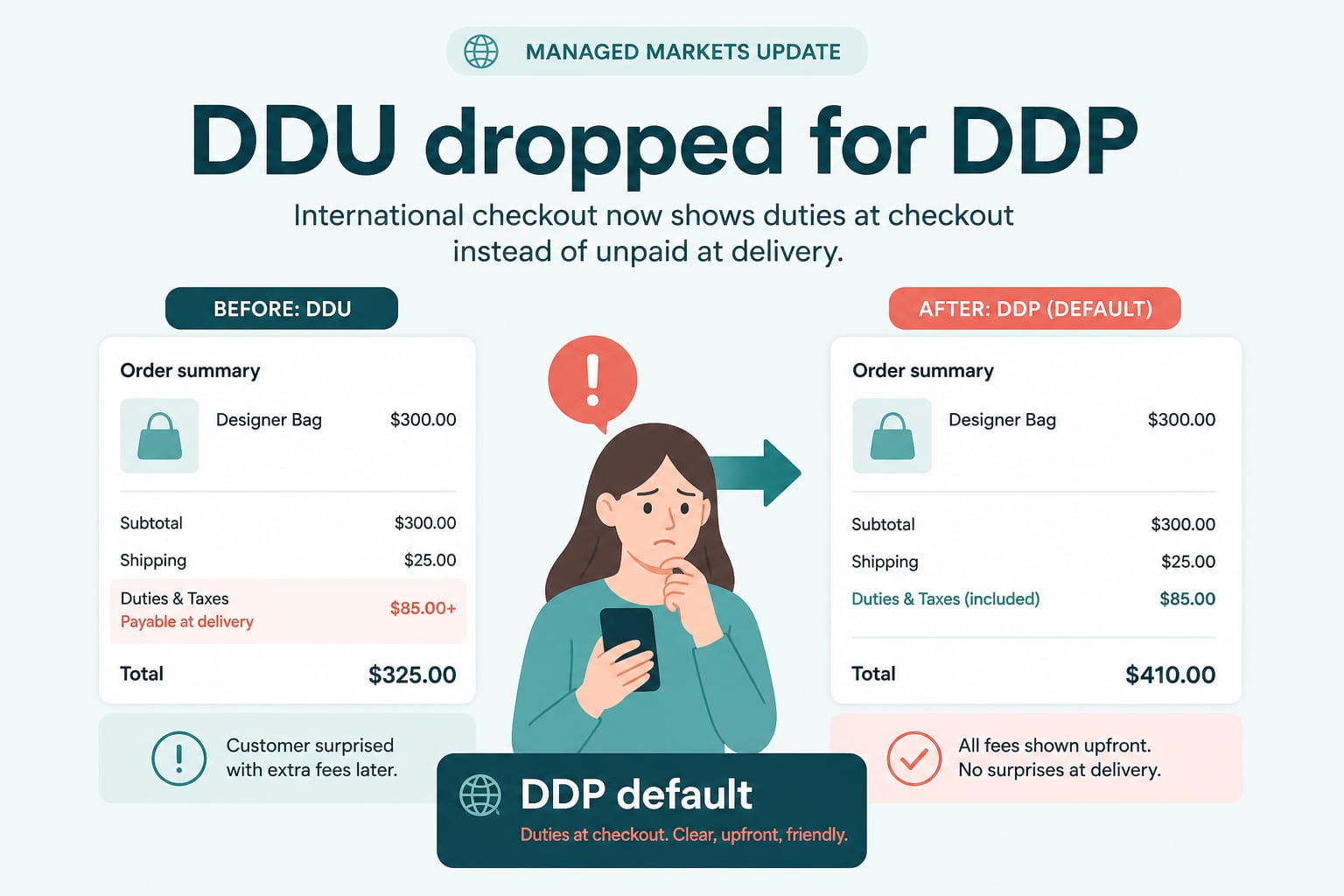
Ecommerce DevelopmentSep 15, 2026
DDP by Default: What Managed Markets Dropping DDU Means for Cross-Border Pricing
On 24 August, Shopify Managed Markets stopped supporting Delivered Duty Unpaid in regions where it supports DDP. Duties now land at checkout. Here is what that changes for landed cost, conversion and margin.
6 min read
Growth StrategyAug 4, 2026
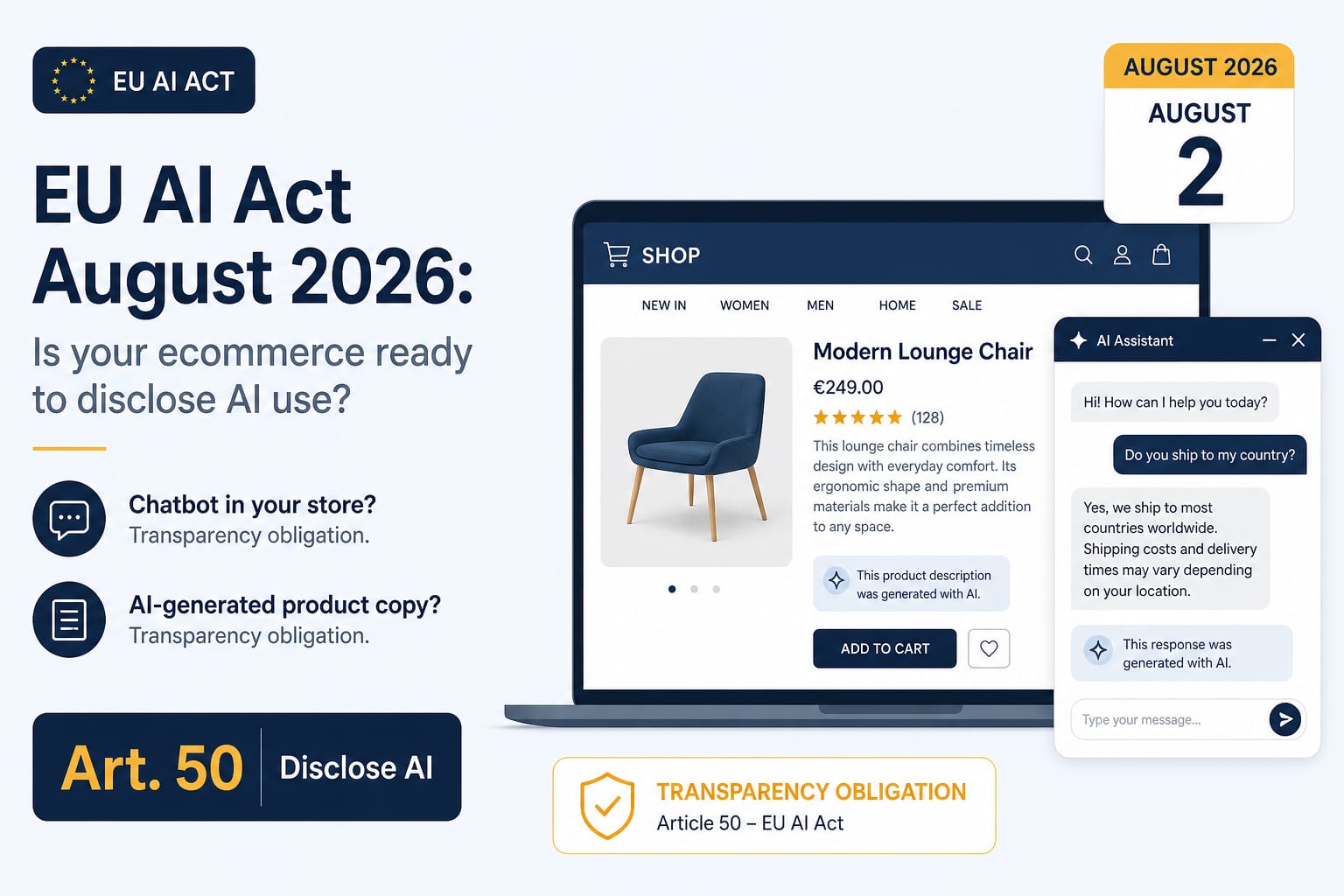
The EU AI Act on 2 August 2026: What Actually Applies to Ecommerce Now
Article 50 transparency obligations became enforceable on 2 August. High-risk duties were deferred to December 2027. Here is what that split means for stores running chatbots, AI merchandising and generated product content.
7 min read
Shopify DevelopmentNov 3, 2026
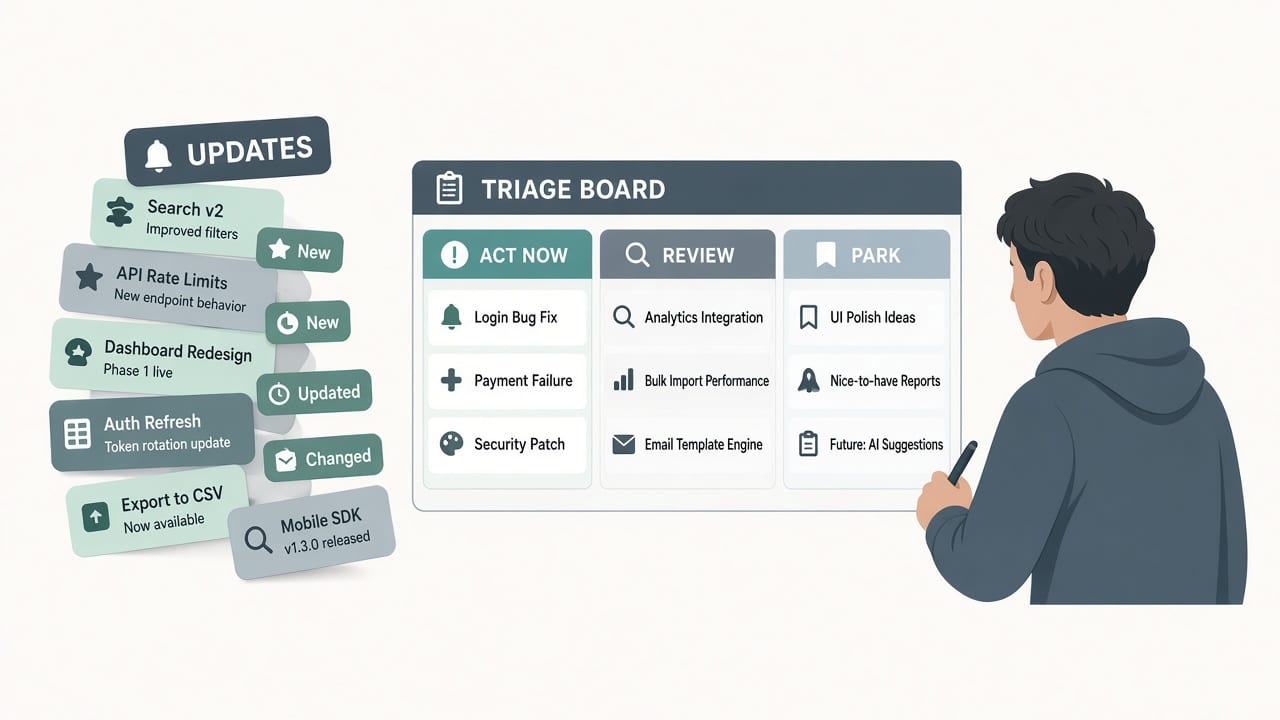
Shopify Fall '26 Edition: What to Ship Before BFCM and What to Park Until Q1
Shopify's Exponential Edition landed four weeks before Black Friday with 150+ updates and two hard API deadlines. Here is a developer triage: what to act on now, what to review carefully, and what to schedule for January.
8 min read