60 Days to BFCM: The n8n Workflows to Build in October, Not November
Peak season monitoring is not a dashboard, it is a set of workflows that notice things while you sleep. Five automations to build before the freeze, with the logic and the thresholds.
7 min read
Black Friday is on 27 November, which makes today roughly sixty days out and about forty working days before a sensible freeze. In August we published the BFCM engineering checklist and described a monitoring screen that needs to exist during peak. This is the follow-up on how to build it.
The reason it belongs in October is that automation built during an incident is automation nobody trusts. A workflow that has been running quietly since mid-October, producing no false alarms, is one your team will believe at two in the morning on the 28th. One deployed on the 26th is not.
Why workflows rather than dashboards
A dashboard requires someone to look at it. During peak, the person who would look at it is doing something else, and the failures that cost the most are the ones that produce no visible symptom. The Scripts sunset in June and the thank you page deadline in August were both this shape: revenue-affecting, entirely silent, discovered weeks later.
The distinction that matters is between reporting and noticing. A report tells you what happened when you ask. A workflow tells you something is wrong when it is wrong.
⚙️
Everything below runs comfortably on a self-hosted n8n instance. If you are setting one up, our guide to self-hosting n8n on AWS covers the deployment, and our comparison with Zapier and Make covers the choice if you have not made it yet.
The five workflows
1. Order rate deviation
The single most valuable alert you can run, because almost every serious failure upstream shows up here first. Checkout broken, payment gateway degraded, ad account suspended, DNS problem: all of them reduce orders per minute before they produce any other signal.
The logic is a rolling comparison rather than a fixed threshold, because a fixed threshold is either useless on a quiet Tuesday or screaming on Black Friday.
// Runs every 5 minutes. Compares the last 15 minutes against the same window
// on the previous 3 days, adjusted for expected peak uplift.
function evaluateOrderRate(current, baselineWindows, upliftFactor = 1) {
  const baseline =
    baselineWindows.reduce((sum, w) => sum + w, 0) / baselineWindows.length;

  const expected = baseline * upliftFactor;
  if (expected < 3) return { alert: false, reason: "volume too low to judge" };

  const ratio = current / expected;

  return {
    alert: ratio < 0.5,
    severity: ratio < 0.25 ? "critical" : "warning",
    current,
    expected: Math.round(expected * 10) / 10,
    ratio: Math.round(ratio * 100) / 100
  };
}
Set upliftFactor manually before peak week based on last year's traffic curve. Alert to a channel a human is actually in, not to email.
2. Discount reconciliation
June taught a lot of stores why this matters. Several rebuilt discount logic as Shopify Functions under time pressure, and peak is exactly when a rounding difference or a misapplied tier becomes expensive fastest.
Run hourly during peak. Compare discount value per order against a trailing baseline, and alert on deviation in either direction. Over-discounting costs you margin immediately. Under-discounting costs you the promotion you paid to advertise.
3. Integration queue depth
Order sync failures are invisible on the storefront. The customer completes checkout, sees a confirmation, and the order never reaches your ERP or 3PL. You find out when fulfilment asks why the queue is empty, which during peak is a very expensive question to answer late.
- Alert on sustained growth in queue depth rather than on a single absolute number, since absolute depth is meaningless without the drain rate.
- Alert separately on error rate, because a queue that is draining while throwing errors looks healthy by depth alone.
- Include the oldest item age in the alert. A queue of two hundred items that are all thirty seconds old is fine. A queue of five items that are two hours old is not.
The architecture patterns behind this are covered in our piece on Shopify and NetSuite integration, and the inventory-specific version in our inventory sync workflow.
4. Inventory and oversell guard
Two failure modes, both worse at peak. Overselling a product you cannot fulfil creates cancellations and refund work in December. Phantom stock, where inventory exists in the system but not physically, does the same thing more slowly.
Build a workflow that flags any product whose sell-through rate over the last hour implies stock exhaustion before your next sync cycle. That gives merchandising a chance to pull it from paid campaigns before it sells out, which is the actual purpose of the alert.
5. Checkout completion rate by step
More diagnostic than alerting. A drop in orders tells you something is wrong. Completion rate by step tells you where. If information and delivery steps hold and payment collapses, you are looking at a gateway problem rather than a site problem, and that changes who you wake up.
🔕
Tune for silence. A workflow that alerts twice a week in October will be muted by November, and a muted alert is worse than no alert because it creates false confidence. If any of these fires more than once a week during a normal period, the threshold is wrong.
Build order and timeline
- Week of 29 September. Order rate deviation, running in shadow mode with alerts going to a channel nobody acts on. You are calibrating thresholds, not responding yet.
- Week of 6 October. Integration queue depth and error rate. This is the one most likely to reveal an existing problem you did not know about.
- Week of 13 October. Discount reconciliation and inventory guard.
- Week of 20 October. Checkout completion by step, plus a review of every threshold set so far against three weeks of real data.
- Week of 27 October. Turn on real alerting. Then leave it running untouched for four weeks so the team learns what normal looks like.
- November. Change nothing. If a workflow has not proven itself by 10 November, disable it rather than shipping it into peak untested.
The runbook connection
Alerts without a runbook produce panic rather than response. Each of these five should have an entry answering three questions: what this alert means, what to check first, and who has permission to act.
Write the runbook by symptom, not by system. At two in the morning the person on call is reading "orders have stopped" and needs to know what to do, not which service owns the failure. That is a lesson most teams learn the expensive way exactly once.
🤖
We build peak season monitoring and automation on self-hosted n8n, including integration guards, reconciliation jobs and alert routing, scoped to be live and calibrated well before the freeze. See our workflow automation service or get in touch.
Frequently asked questions
Why n8n rather than a monitoring product?
Monitoring products watch infrastructure. These alerts are business logic: order rates, discount totals, queue depth against your own systems. A workflow tool that already has credentials to your commerce platform, your ERP and your alerting channel is the shorter path.
Should I self-host or use cloud?
Self-hosting gives you data residency control and predictable cost at volume, which matters if these workflows touch order and customer data. Cloud is faster to start. If you are deciding this in October, start with whichever gets the workflows running this week.
What if I already have alerting?
Check what it actually covers. Most stores have infrastructure alerting and no business-logic alerting, which means uptime is monitored and revenue is not.
Is it too late to start this?
No. Sixty days is comfortable for all five, and the first two alone deliver most of the value. It would be too late in the first week of November.
How many alerts should I expect during peak?
Ideally none. These exist for the case where something breaks silently, and a peak season where they stay quiet is the successful outcome, not evidence they were unnecessary.
Related Topics
Related posts
View all articles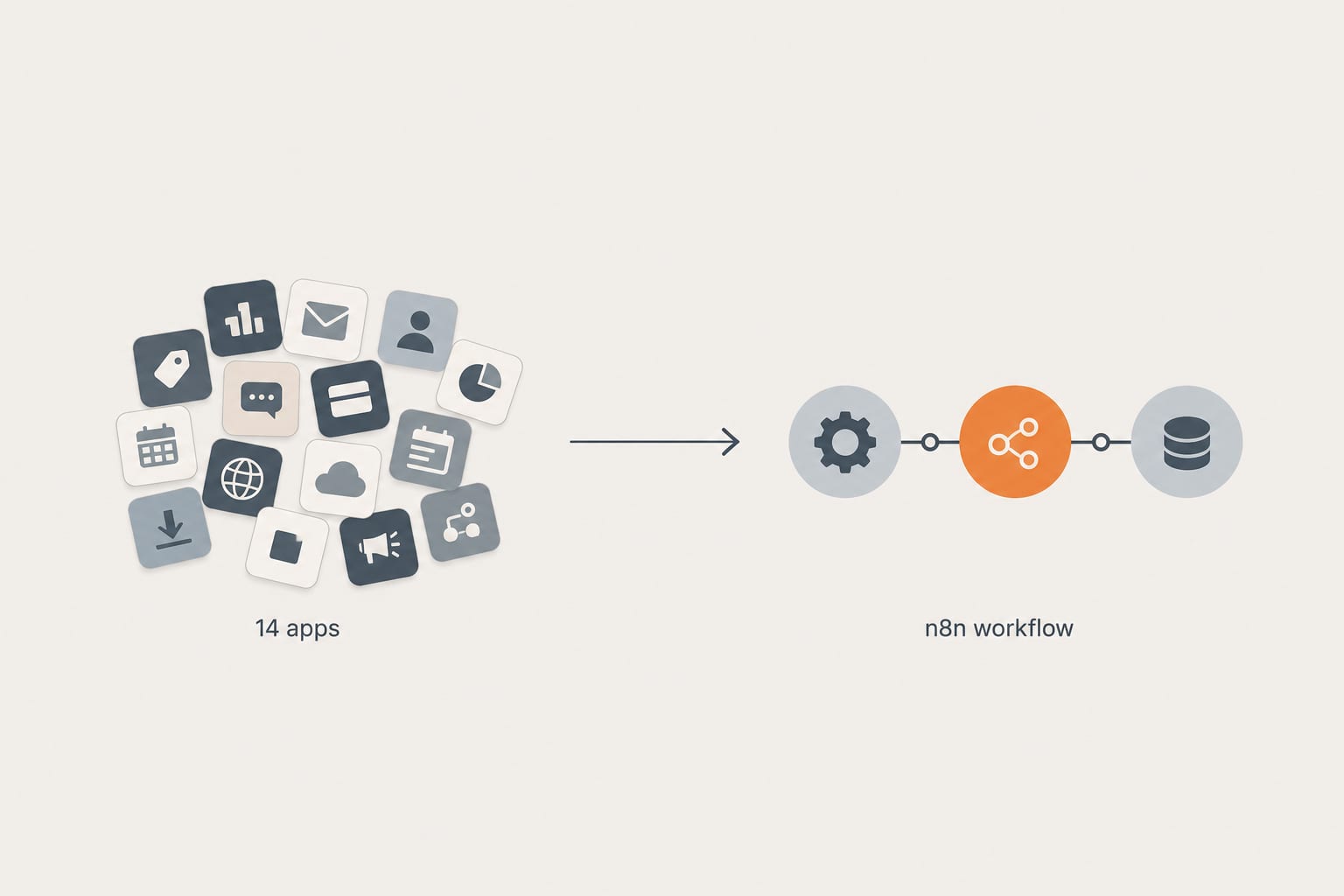
Workflow AutomationApr 28, 2026
How We Replaced a 14-App Shopify Stack With 3 n8n Workflows (And What It Cost)
A real client cleanup. Fourteen apps doing automation, abandoned cart, inventory sync, and review imports. Three n8n workflows replaced them in two weeks. Here is the architecture, the math, and what we would do differently next time.
12 min read
Workflow AutomationFeb 20, 2026
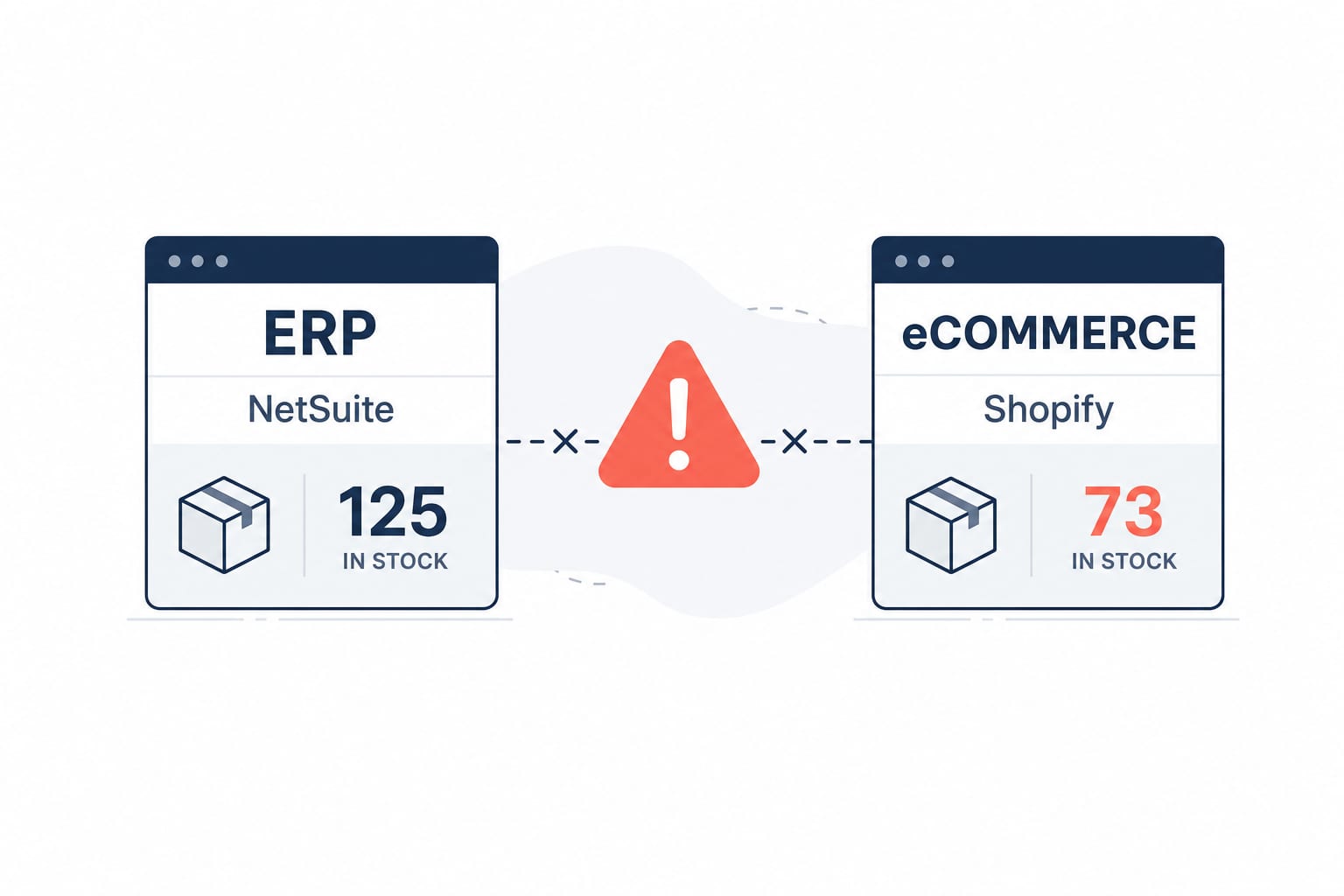
Building a Shopify and NetSuite Inventory Sync Workflow on n8n
A senior engineer's build-along guide to a production-ready inventory sync between Shopify and NetSuite on self-hosted n8n. Webhook architecture, GraphQL Admin API, rate-limit handling, and the deduplication pattern that keeps stocks accurate at scale.
15 min read
Workflow AutomationJan 20, 2026
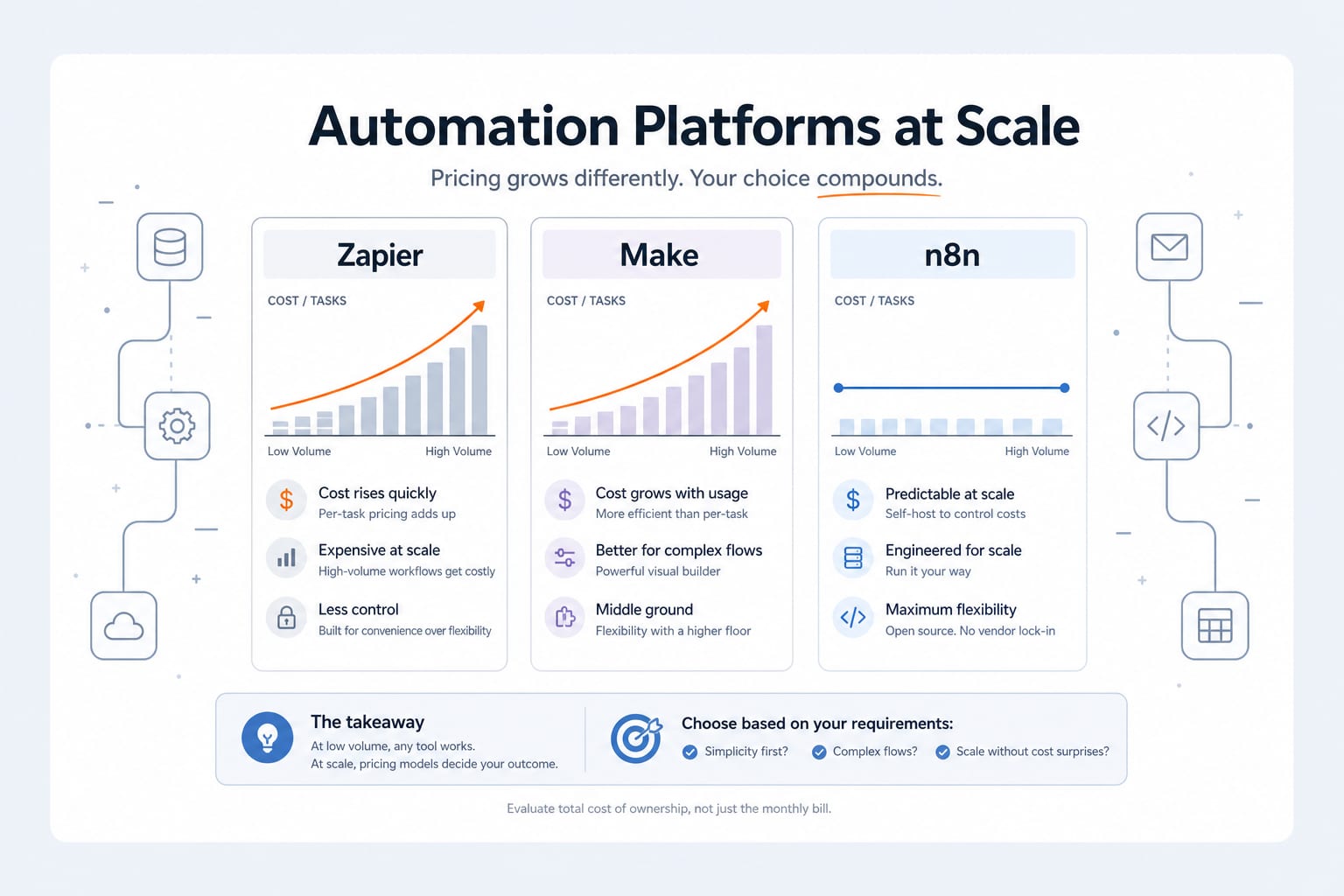
n8n vs Zapier vs Make: An Engineer's 2026 Comparison (And Why We Self-Host n8n)
An honest 2026 comparison of n8n, Zapier and Make. Pricing math at scale, integration depth, AI agent capabilities, data sovereignty, and the decision framework we use when scoping an automation project.
11 min read