Your AI Referral Traffic Is Being Misattributed: Fixing GA4 for Agent-Sent Buyers
AI referrals grew sharply through 2026 and convert above average, but most stores cannot see them because default analytics files them as direct. Here is how to build a channel group that actually reports them.
6 min read
AI referral traffic to retail sites grew sharply through the first half of 2026, and the visitors it sends convert better than average on most commercial metrics, because they arrive with intent already formed by a conversation. That should show up clearly in your reporting.
For most stores it does not. It sits inside Direct, or scattered across an Unassigned bucket, or split into a dozen referral sources nobody has grouped. The channel that everyone is writing strategy documents about is, in the average analytics property, invisible.
This is a fixable problem, and it takes an afternoon.
Why it disappears
Four mechanisms, each of which alone would be enough.
No referrer header. Some assistants strip or suppress the referrer when a user follows a link out. With no referrer and no campaign parameters, GA4 has nothing to work with and defaults to Direct.
Referrers that are not in any channel definition. When the referrer does survive, it arrives as a hostname GA4's default channel grouping has never heard of. It lands in Referral at best, Unassigned at worst, and never rolls up into anything you look at weekly.
Copy and paste behaviour. A meaningful share of assistant-influenced visits involve the user reading a recommendation and then typing your brand name into a search bar or the address bar. That visit is attributed to organic search or direct, and it is genuinely hard to catch. It is also the reason AI influence is larger than AI referral.
Consent and client-side loss. The same ad blocker and consent attrition that affects all client-side measurement applies here, and it is not evenly distributed across sources.
🧮
The practical consequence: a channel that may already be worth a low single-digit percentage of revenue looks like zero, so it gets no budget, no catalogue work and no attention. Measurement failure becomes strategy failure.
Building a channel group that works
GA4 lets you define custom channel groups against the source and medium of a session. That is the mechanism. The work is in the definition.
- Find what is actually arriving. Before defining anything, look at your existing referral report for the last ninety days and sort by sessions. Assistant hostnames will be in there, usually well down the list, often several per platform.
- Create a custom channel group. In Admin, under Data display, create a group and add a channel above the default ones. Order matters: channels are evaluated top down, so your AI channel must sit above Referral and above Direct.
- Define the match conditions on source. Use a regex against session source matching the assistant hostnames you found, plus the ones you expect. Keep it as a maintained pattern rather than a list of exact matches.
- Backfill nothing, and expect that. Custom channel groups apply retroactively in most reports but do not repair sessions that arrived with no referrer at all. Those are gone.
- Add a first-party parameter for the future. Where you control the link, such as links in your own product feed submissions, add a campaign parameter. This is the only fully reliable signal.
- Cross-check against orders. Compare against orders in your commerce backend, since a channel that only exists in GA4 will be argued with by finance and they will be right to argue.
A starting regex for the source condition, which you should extend as new assistants appear:
// Session source pattern for an AI Assistants channel in GA4.
// Keep this in version control and review it quarterly.
const aiSourcePattern = [
  "chatgpt\\.com",
  "chat\\.openai\\.com",
  "openai\\.com",
  "perplexity\\.ai",
  "claude\\.ai",
  "gemini\\.google\\.com",
  "copilot\\.microsoft\\.com",
  "bing\\.com/chat",
  "you\\.com",
  "poe\\.com"
].join("|");

// In GA4: Session source matches regex -> aiSourcePattern
// Place the channel ABOVE Referral and Direct in the ordering.
console.log(aiSourcePattern);
⚠️
Do not add plain google.com or bing.com to this pattern in an attempt to capture AI Overview traffic. You will absorb your entire organic channel and produce a number that is worse than the one you started with.
The part GA4 cannot solve
Custom channel groups fix classification. They do not fix collection. If the session never reached your analytics property, no grouping recovers it.
That is the argument for server-side collection. When events are constructed on your own infrastructure from the request that actually hit your server, you capture referrer and landing context before browser restrictions, extensions and consent tooling have a say. It also lets you retain the raw referrer string rather than only GA4's interpretation of it, which matters enormously in a category where new hostnames appear every quarter.
We covered the implementation in our server-side tracking guide for Shopify. The short version for this use case: log the raw referrer and landing URL for every session into your own store, then classify afterwards. Classification rules change. Historical raw data does not, which means you can reclassify last quarter when a new assistant appears rather than losing it.
For anything beyond a single channel report, this belongs in a warehouse. Joining session-level referrer data to order-level revenue in BigQuery gives you the one number that ends the argument, which is revenue per session by channel. Our Looker Studio and BigQuery guide covers that pipeline.
What to do with the number once you have it
Expect the volume to be small and the quality to be high. That combination is easy to misread in both directions.
The mistake in one direction is dismissing it because the session count is low. The mistake in the other is reallocating budget on the strength of a conversion rate calculated over two hundred sessions.
The useful reading is directional. Watch the trend month over month, watch revenue per session against your other channels, and watch which products appear. That last one is the most actionable output, because the products that surface through assistants tell you which parts of your catalogue are legible to machines, which connects directly to the structured data work we described in our piece on UCP and agentic catalogue readiness.
📊
We build attribution pipelines that keep raw referrer data in your own warehouse so classification can be corrected later rather than lost. See our data analytics and BI service.
Frequently asked questions
Why does my AI traffic show as Direct?
Usually because the referrer was stripped by the assistant, or because the referring hostname is not covered by any channel definition and fell through to Direct. Custom channel groups fix the second case, not the first.
Will a custom channel group change my historical data?
Custom channel groups apply to most historical reporting, so you will see reclassified past sessions. Sessions that arrived with no referrer at all cannot be recovered.
Should I add AI Overviews traffic to this channel?
No. AI Overview clicks come from google.com and are organic search. Separating them requires Search Console analysis, not a GA4 channel rule.
Is server-side tracking necessary for this?
Not for basic classification. It becomes necessary once you want reliable volumes, raw referrer retention and the ability to reclassify history when new assistants appear.
How much AI traffic should I expect?
For most merchants it is still a low share of sessions, though the growth rate through 2026 has been steep and the conversion quality above average. Measure your own rather than planning against a published benchmark.
Related Topics
Related posts
View all articles
Technical SEOFeb 17, 2026
Server-Side Tracking for Shopify: A GTM and GA4 Setup That Survives Ad Blockers and GDPR
A senior engineer's guide to server-side tracking for Shopify in 2026. Why ad blockers are eating your data, how to set up GTM server-side on AWS, GA4 configuration, GDPR controls, and what it actually costs.
12 min read
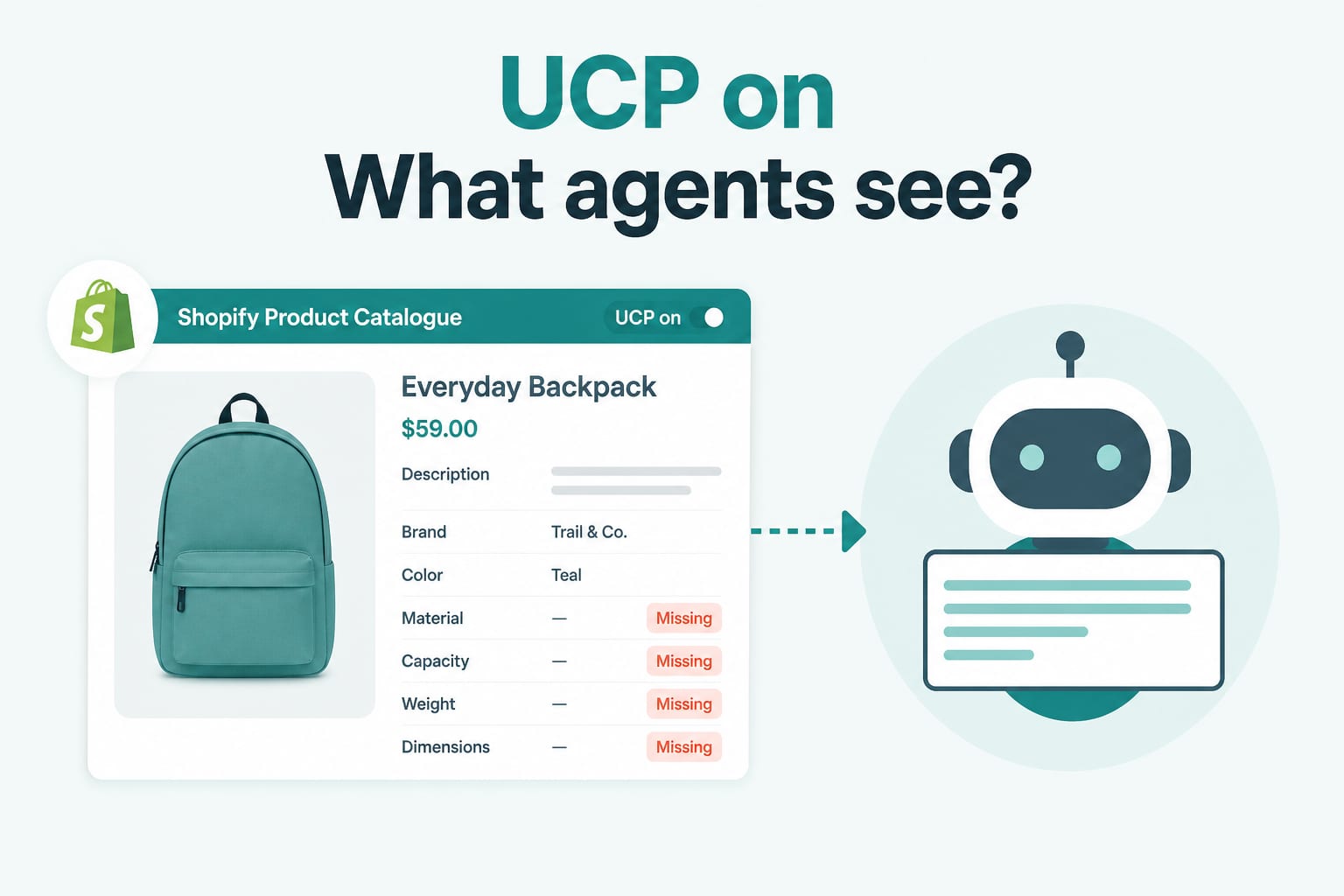
Technical SEOJul 21, 2026
UCP Is On by Default: Is Your Shopify Catalogue Ready for AI Agents?
Summer '26 turned on the Universal Commerce Protocol for every Shopify store and added an Agentic section to the admin. Your products are already exposed to AI shopping agents. Here is how to audit what they actually see.
7 min read
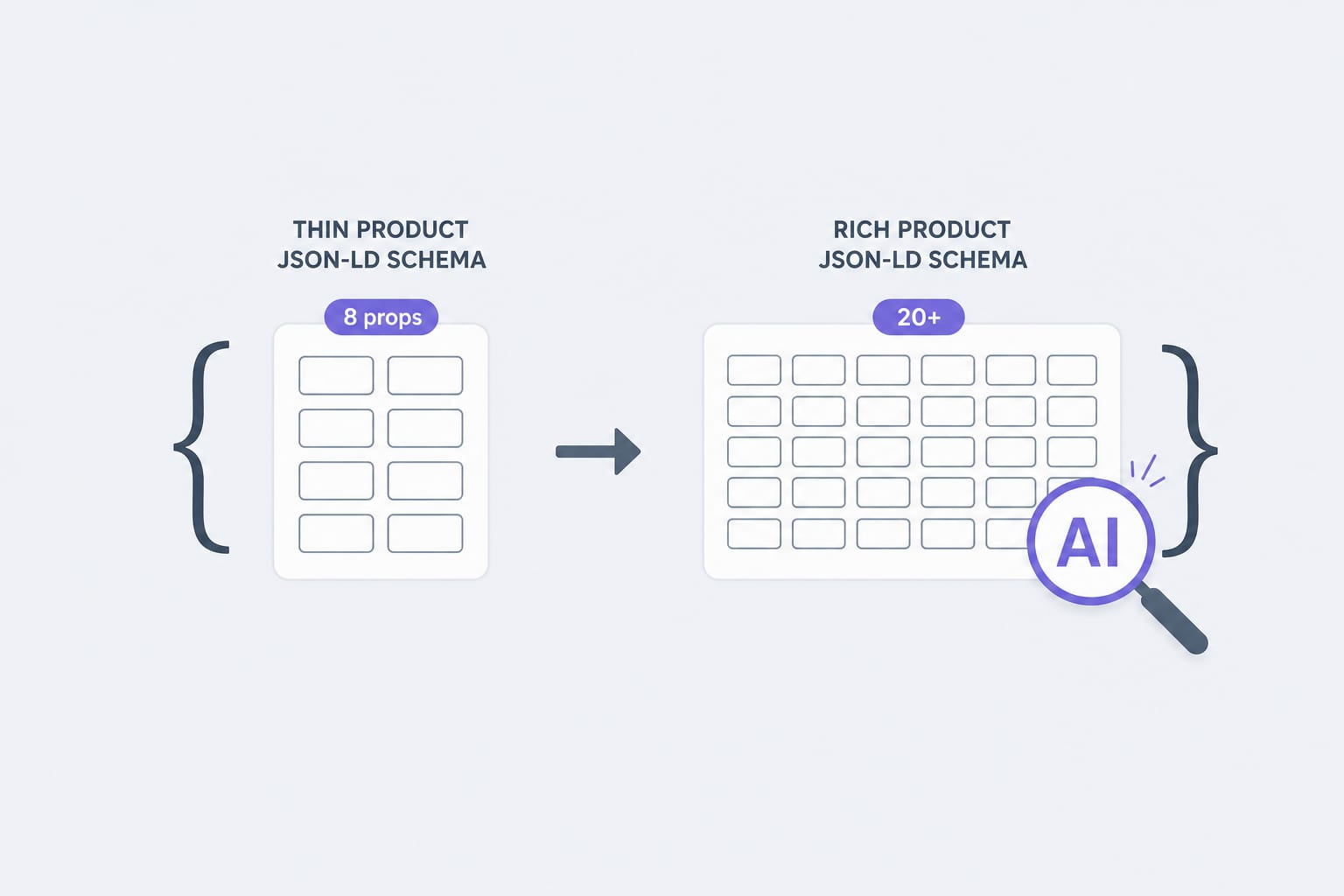
Technical SEOApr 14, 2026
Schema Markup for Shopify in 2026: The JSON-LD Properties AI Agents Actually Read
Traditional Product schema uses 8 to 12 properties. AI agents lean on 20 or more. Here is the property list, the validation rules, and the implementation pattern we use for Shopify stores in 2026.
12 min read