Shopify Checkout Hijack and the Script Tag Freeze: A Pre-Cyber Week Audit of Third-Party Scripts
In October, compromised storefront apps sent shoppers to a fake checkout that stole card details. With script tags frozen and set to stop loading in March 2027, here is how to audit every third-party script on your Shopify store before Black Friday.
7 min read
What happened in October
On October 10, 2026, developer Roman Zipp clicked Checkout on a well-known Shopify store and landed on a page that looked like Shopify checkout but was not. Researchers traced the redirect to code served through third-party storefront apps: a configuration endpoint for one app vendor returned a script that swapped the real checkout for a lookalike page on a domain reported as biliing[.]top, and a parallel case involving a second vendor surfaced the same week.
The fake page captured card details and then forwarded the shopper to the real checkout, so the order completed normally. From the merchant's point of view, nothing looked wrong. New activity was still being reported as late as October 18.
🚨
This attack did not break Shopify checkout itself. It abused JavaScript that merchants had voluntarily loaded on their storefront through apps. Any script that runs on your storefront can, in principle, intercept the Checkout button. That is the risk to audit.
Why it matters more than usual this month
Three things make this a priority in November rather than a January cleanup task:
- Peak traffic multiplies exposure. A compromised script running during Black Friday week touches more shoppers in a few days than it would in a normal quarter.
- The orders look legitimate. Because the stolen session ends on your real checkout, you will not see failed payments or abandoned carts. You may only learn about it from chargebacks or customer complaints weeks later.
- Script tags are frozen. Since October 1, apps can no longer create or update storefront script tags. An app that still depends on them cannot quickly ship a fix through that mechanism.
The script tag timeline, in one place
| Date | What changes | Who is affected |
|---|---|---|
| August 26, 2026 | Script tags stop running on the Order status / Thank you page | Non-Plus stores (Plus stores were earlier) |
| October 1, 2026 | scriptTagCreate and scriptTagUpdate return errors on every API version. Existing tags keep running | All stores and apps |
| March 1, 2027 | Shopify stops injecting script tags into storefronts | All stores |
The replacement is an app embed block delivered through a theme app extension, plus web pixels for tracking. Note that an app embed stays off until the merchant switches it on in the theme editor. Shopify had planned an install-time warning for apps still using script tags, but has paused it for now and says it will review usage again in January.
A four-step audit you can run this week
- Run the private-window checkout test. Open your store in a private window, add a product to the cart and click Checkout. Before entering anything, look at the address bar: it must be your domain or
checkout.shopify.com, never an unfamiliar host. Repeat on mobile and from a cart drawer, since scripts often hook only one entry point. - Inventory every script on the storefront. List every external script origin loading on your home, product, collection and cart pages. Anything you cannot map to an installed app or a known service is a red flag.
- Map scripts to apps and remove orphans. Uninstalled apps sometimes leave code behind in theme files. Search your theme for
<script src=andasset_urlreferences, and delete anything tied to an app you no longer use. - Ask every remaining vendor two questions. Have you migrated from script tags to an app embed or web pixel? And do you load any code from a remote configuration endpoint at runtime? Remote config is exactly the path abused in October.
Inventory scripts from the browser console
Paste this into the console on any storefront page. It groups every external script by origin, flags inline scripts that mention checkout, and checks where the cart form and checkout links actually point:
// Storefront script inventory: paste in DevTools console
(() => {
  const ownHost = location.hostname;
  const trusted = [ownHost, "cdn.shopify.com", "checkout.shopify.com", "shop.app"];

  const byOrigin = {};
  document.querySelectorAll("script[src]").forEach((s) => {
    const url = new URL(s.src, location.href);
    (byOrigin[url.hostname] ||= []).push(url.pathname);
  });

  console.group("External script origins");
  Object.entries(byOrigin)
    .sort((a, b) => b[1].length - a[1].length)
    .forEach(([host, paths]) => {
      const flag = trusted.some((t) => host.endsWith(t)) ? "" : "  <- review";
      console.log(`${host} (${paths.length})${flag}`);
    });
  console.groupEnd();

  const inlineCheckout = [...document.querySelectorAll("script:not([src])")]
    .filter((s) => /checkout/i.test(s.textContent)).length;
  console.log(`Inline scripts mentioning "checkout": ${inlineCheckout}`);

  const targets = [
    ...[...document.querySelectorAll('form[action*="cart"], form[action*="checkout"]')].map((f) => f.action),
    ...[...document.querySelectorAll('a[href*="checkout"]')].map((a) => a.href),
  ];
  console.group("Cart and checkout targets");
  targets.forEach((t) => {
    const host = new URL(t, location.href).hostname;
    console.log(`${t}${trusted.some((x) => host.endsWith(x)) ? "" : "  <- UNEXPECTED HOST"}`);
  });
  console.groupEnd();
})();
This is a snapshot, not a guarantee. A malicious script can rewrite the button only on click, or only for some visitors, so combine it with the manual checkout test and the monitoring below.
For app developers: find your own script tags
If you build or maintain a Shopify app, list the script tags your app still owns. The scriptTags query requires the read_script_tags scope and only returns tags created by the calling app:
{
  "query": "query { scriptTags(first: 50) { nodes { id src displayScope cache createdAt } } }"
}
For each result, ship the equivalent app embed block or web pixel, ask merchants to enable it in the theme editor, then remove the old tag with scriptTagDelete. Do not wait for March: a merchant who installs your app today gets no working script tag at all.
Keep watching after the audit
A one-off audit catches what is there today. To catch a change during Cyber Week, schedule a check:
- Fetch your key storefront pages every hour and diff the list of external script origins against an approved list.
- Alert on any new origin, and on any cart form or checkout link pointing outside your domain or Shopify's.
- Log the result so you have evidence if you later need to investigate a spike in chargebacks.
We usually build this as a small n8n workflow that posts to Slack or email. It costs almost nothing to run and pairs well with the operational alerts described in our post on Shopify ops email alerts.
⚡
Fewer scripts also means a faster storefront. Every app script you remove during this audit is one less request competing with your product images. See our Shopify Core Web Vitals audit checklist for the performance side.
Where Shopify Protect fits
The Fall '26 Edition introduced Shopify Protect, with backtestable fraud rules and AI-written chargeback responses. It helps with the payment fraud side, but it does not inspect the JavaScript running on your storefront. Script hygiene is still your responsibility. We cover Protect in our Fall '26 Edition triage.
How Sentinu can help
We audit storefront scripts as part of every Shopify speed optimization engagement, and we migrate custom apps from script tags to app embeds and web pixels as part of Shopify app development. If you want a second pair of eyes before Black Friday, contact us.
FAQ
Was Shopify itself hacked?
No public report says so. The reported campaign abused code loaded through third-party storefront apps. Shopify's own checkout was the final destination, which is why the orders looked normal.
How can I tell if my store was affected?
Run the private-window checkout test and the console inventory above. If you find an unexpected checkout host or an unknown script origin, remove the related app, contact the vendor and Shopify Support, and review recent chargebacks and customer complaints about card fraud.
Will my apps stop working on March 1, 2027?
Any app feature that still relies on storefront script tags will stop loading on that date. Apps that have moved to app embed blocks or web pixels keep working, but you must enable the app embed in the theme editor.
Does removing script tags make my store safe?
It reduces risk but does not remove it. App embeds also run JavaScript on your storefront. The real control is knowing exactly which scripts run, who owns them and whether they load code from remote endpoints.
Do headless storefronts have the same risk?
Yes, if third-party scripts are loaded in the headless frontend. Hydrogen and Next.js storefronts should apply the same inventory, approved-origin list and monitoring.
From the journal
The next article, in your inbox.
Architecture, scaling, and the work behind the build. Occasional notes from Sentinu, and nothing else.
Related posts
View all articles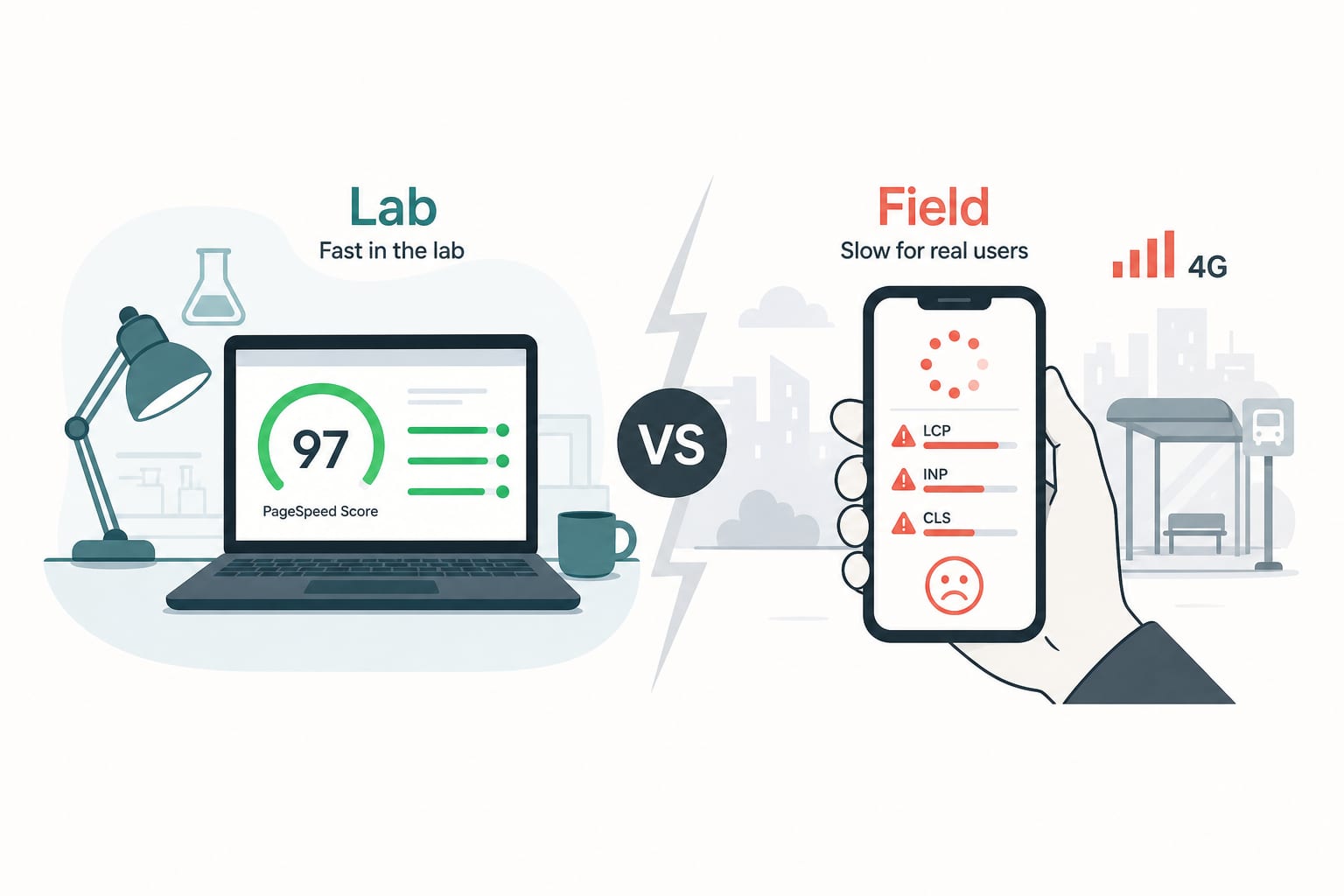
Shopify DevelopmentJan 13, 2026
Shopify Core Web Vitals in 2026: The Audit Checklist We Run Before Quoting a Project
A senior engineer's audit checklist for Shopify Core Web Vitals in 2026. How to diagnose INP, LCP and CLS issues, find the apps that are bleeding your performance, and fix them without breaking the store.
11 min read
Performance OptimizationAug 25, 2026
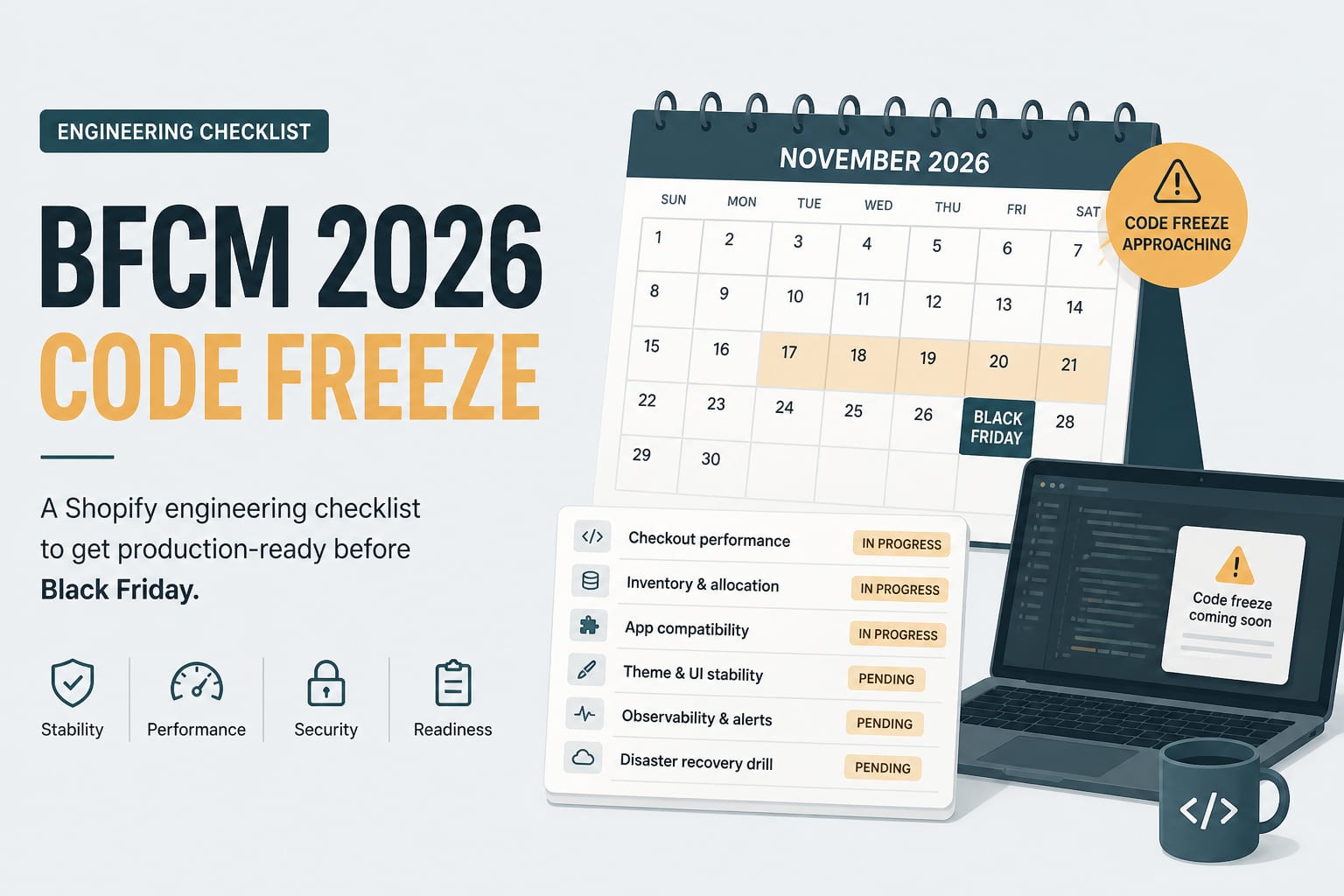
The BFCM 2026 Engineering Checklist for Shopify Stores
Black Friday is thirteen weeks out. This is the technical work that has to happen before the code freeze, sequenced so that nothing lands in the week it matters most.
7 min read
Shopify DevelopmentNov 3, 2026
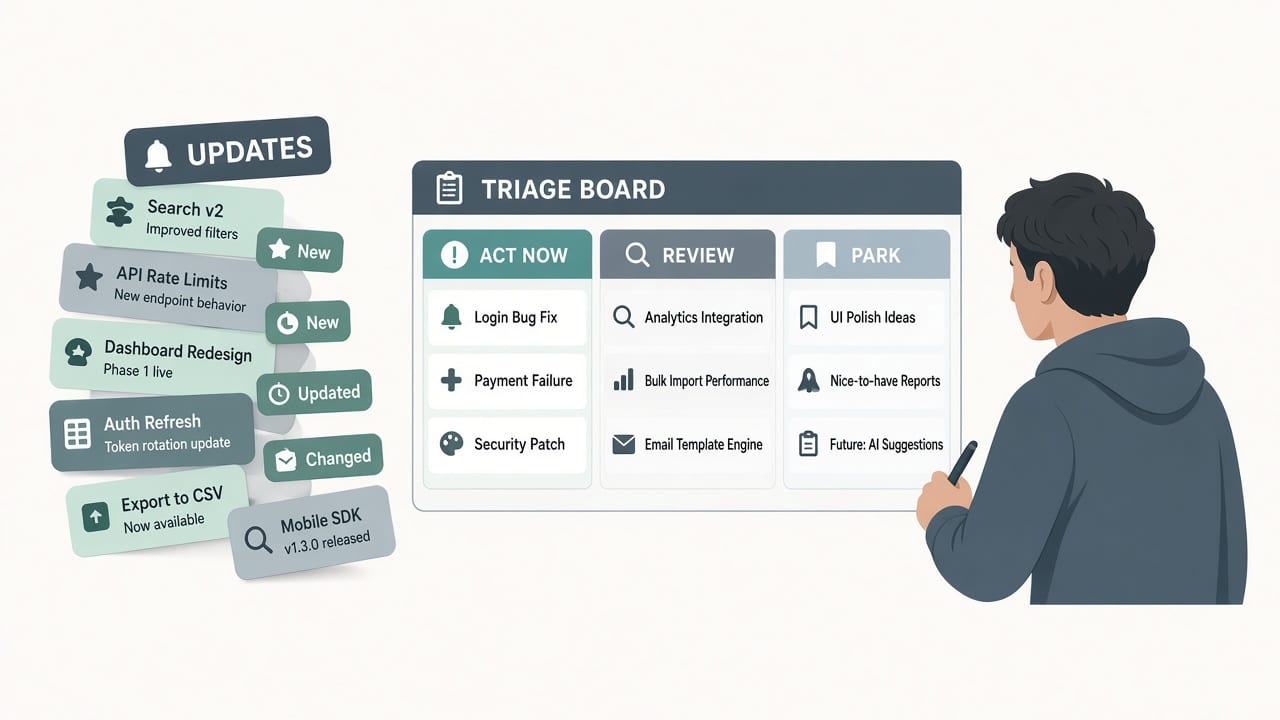
Shopify Fall '26 Edition: What to Ship Before BFCM and What to Park Until Q1
Shopify's Exponential Edition landed four weeks before Black Friday with 150+ updates and two hard API deadlines. Here is a developer triage: what to act on now, what to review carefully, and what to schedule for January.
8 min read