Shopify's Native A/B Testing: What Rollouts Replaces and What It Does Not
Summer '26 shipped native split testing for themes and checkout configurations. A developer's assessment of where it removes a tool from your stack, where it does not, and how to avoid drawing wrong conclusions from it.
7 min read
Native A/B testing arrived on Shopify in June 2026, under Rollouts in the Markets section. It covers themes and checkout configurations, with scheduling and gradual publishing built in. For a large number of merchants this is the first time split testing has been available without installing anything.
That is genuinely significant, and it is also where the risk sits. The barrier to running a test just dropped to nearly zero. The barrier to running a test that means something did not move at all.
What Rollouts actually gives you
Three capabilities, and it is worth being precise about each.
Theme split testing. Serve two theme versions to a split of traffic. This is the headline feature and the one that removes a third-party tool for stores that were only testing layout.
Checkout configuration testing. Split test checkout configurations, which matters a great deal now that Checkout Components are generally available on Plus. Testing a composed checkout against the existing one was previously awkward. It is now native.
Gradual publishing. Release a change to a growing share of traffic rather than all at once. Strictly speaking this is a deployment safety feature rather than an experiment, but it is arguably the most valuable of the three, because it turns a risky theme push into a recoverable one.
💡
If you take one thing from Rollouts, make it gradual publishing rather than testing. Shipping a theme change to five percent of traffic, watching error rates and conversion for a few hours, then widening, prevents a category of incident that costs far more than any test wins.
Where a dedicated tool is still required
Rollouts does not replace an experimentation platform. The gaps that matter:
- Price and offer testing. Rollouts splits themes and checkout configurations, not pricing, discount structures or shipping thresholds. Tools built for that remain necessary.
- Server-side and headless experiments. If your storefront is Hydrogen or Next.js, theme splitting has nothing to split. Experiments belong in your own edge or server layer.
- Deep segmentation. Testing a change for new visitors only, or for a single geography, or for customers above a lifetime value threshold, generally needs more targeting control than a native split provides.
- Statistical rigour. This is the significant one and it deserves its own section.
The statistics problem is now yours
A native tool that makes tests easy to start does not make them easy to interpret. Two failure modes will be extremely common over the next year.
Stopping when the number looks good. Conversion rate differences bounce around enormously in the first days of a test. If you check daily and stop the moment variant B is ahead, you will declare winners that are noise. The stopping rule has to be set before the test starts, in terms of sample size and duration, and then honoured.
Testing changes too small to detect. Most stores do not have the traffic to detect a one percent relative lift in a reasonable time frame. Before running anything, calculate the smallest effect you could actually detect given your traffic and baseline conversion rate. If that number is fifteen percent relative, then testing a button colour is a waste of four weeks.
A rough sizing calculation, which is worth doing before every test:
// Approximate sample size per variant for a two-sided test at 95% confidence, 80% power.
// baseline: current conversion rate, e.g. 0.024
// mde: minimum detectable effect as a relative lift, e.g. 0.10 for 10%
function samplePerVariant(baseline, mde) {
  const p1 = baseline;
  const p2 = baseline * (1 + mde);
  const pBar = (p1 + p2) / 2;
  const zAlpha = 1.96;
  const zBeta = 0.84;

  const numerator =
    Math.pow(zAlpha * Math.sqrt(2 * pBar * (1 - pBar)) +
             zBeta * Math.sqrt(p1 * (1 - p1) + p2 * (1 - p2)), 2);

  return Math.ceil(numerator / Math.pow(p2 - p1, 2));
}

const perVariant = samplePerVariant(0.024, 0.10);
const weeklySessions = 40000;
const weeks = (perVariant * 2) / weeklySessions;

console.log({ perVariant, weeks: Math.ceil(weeks * 10) / 10 });
Run that with your real numbers. For a store at two point four percent conversion and forty thousand weekly sessions, detecting a ten percent relative lift takes several weeks. That is not a reason to skip testing. It is a reason to test things large enough to matter and to stop scheduling four experiments a month.
📊
Run at least one full week, and preferably two, regardless of what the sample calculation says. Weekday and weekend buying behaviour differ enough that a test ending on a Thursday can be measuring the day of the week.
What is worth testing this year
Given the effect sizes most stores can actually detect, the candidates that clear the bar tend to be structural rather than cosmetic.
| Test | Typical effect size | Worth it? |
|---|---|---|
| Product page layout restructure | Medium to large | Yes |
| Composed checkout against existing checkout | Potentially large | Yes, and now natively supported |
| Adding or removing a checkout step | Large | Yes |
| Collection page filtering and sorting defaults | Medium | Yes, for large catalogues |
| Hero image or headline variation | Small | Rarely, unless traffic is very high |
| Button colour or microcopy | Very small | No |
The other thing worth testing, and which almost nobody does, is performance. A faster page is not a layout change, so it will not appear in a normal test backlog, but the relationship between load performance and conversion is one of the more reliable effects in ecommerce. We covered the evidence in our analysis of Core Web Vitals and conversion, and the diagnostic process in our Shopify Core Web Vitals audit checklist.
Measurement hygiene
One caution specific to native testing. Rollouts reports on Shopify's own measurement of the split. If your analytics stack reports different numbers, and it will, resist the urge to pick whichever source agrees with the result you wanted.
Decide before the test which source is authoritative, and make sure that source is not purely client side. Ad blockers, consent choices and browser restrictions remove a meaningful and non-random share of client-side events, which is enough to invert a close result. Our server-side tracking guide covers the setup, and if you want experiment results sitting alongside the rest of your commercial data rather than in a separate dashboard, our Looker Studio and BigQuery guide covers the warehouse side.
The summary
Rollouts is a real improvement, mostly because gradual publishing makes theme deployment safer and because checkout configuration testing arrived exactly when Plus stores need it. It does not replace an experimentation platform for price testing, headless storefronts or segmented experiments.
The more important shift is cultural. When tests were expensive to set up, the bar for running one was high. Now that they are free, the discipline has to come from somewhere else, which means a written hypothesis, a sizing calculation and a stopping rule before anything goes live.
🧪
We help teams build experimentation programmes that produce decisions rather than dashboards, including server-side measurement and warehouse reporting. See our data analytics and BI service.
Frequently asked questions
Does Rollouts work on headless storefronts?
Theme splitting does not, since there is no Shopify-rendered theme to split. Checkout configuration testing still applies. Storefront experiments need to run in your own rendering layer.
Can I test pricing with Rollouts?
No. It splits themes and checkout configurations. Price and offer testing still needs a dedicated tool.
How long should a test run?
Long enough to hit the sample size your baseline conversion rate requires, and never less than one full week. Two weeks is a safer default because it covers weekday and weekend behaviour twice.
Should I stop paying for my current testing tool?
Only if you were using it exclusively for theme layout tests. If you use segmentation, price testing or server-side experiments, the native feature does not cover you.
What is the most common mistake with native testing?
Stopping early. The ease of checking results daily makes it very tempting to call a winner as soon as one appears, which is how noise gets shipped as a finding.
Related Topics
Related posts
View all articles
Performance OptimizationFeb 27, 2026
Core Web Vitals and Conversion: The Ecommerce Data Nobody Wants to Hear
The business case for Core Web Vitals on ecommerce sites, in numbers. Real conversion impact data from Vodafone, NDTV, Carpe, Rakuten, and 30 other case studies. What 100ms of LCP actually costs you per month.
13 min read
Performance OptimizationAug 25, 2026
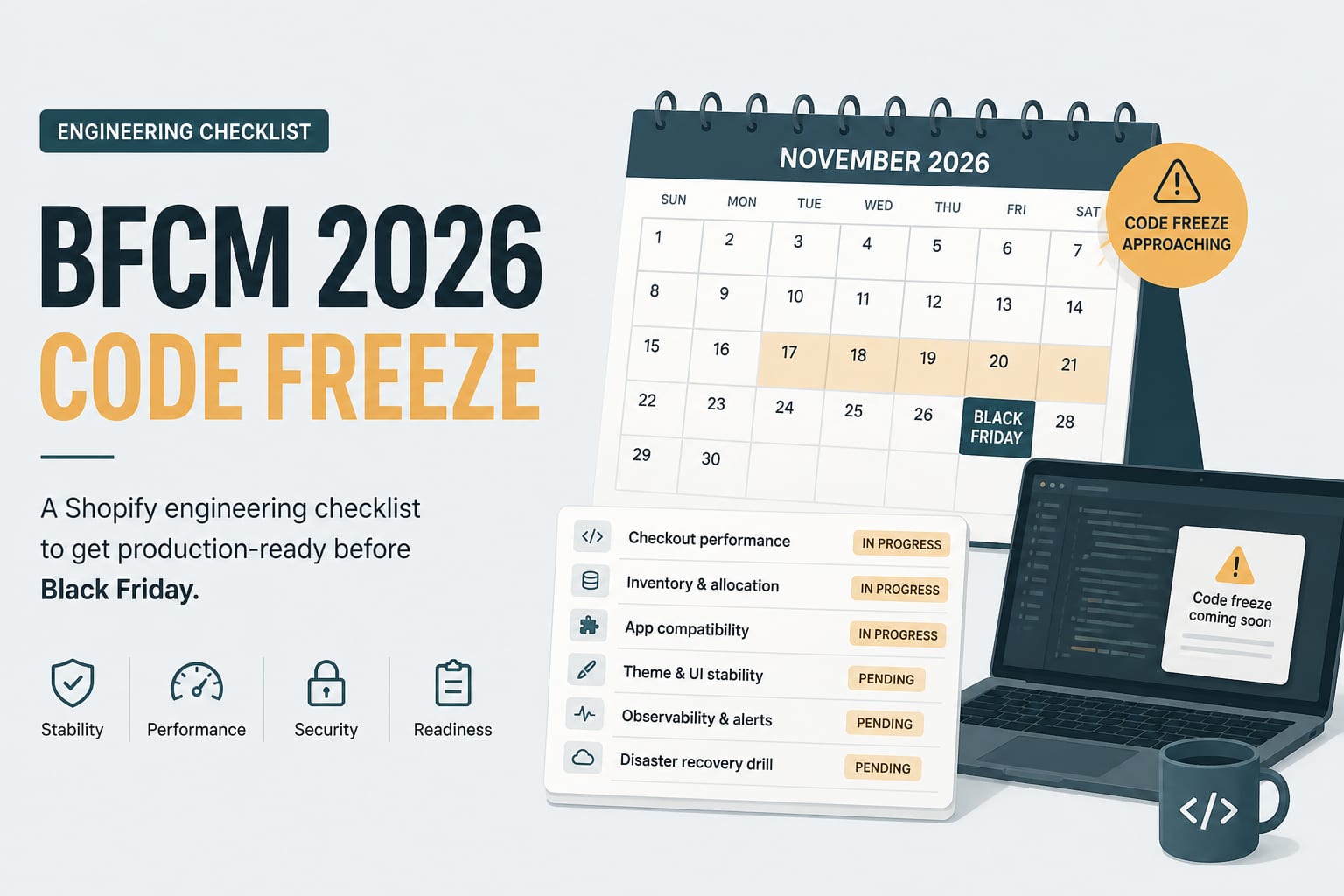
The BFCM 2026 Engineering Checklist for Shopify Stores
Black Friday is thirteen weeks out. This is the technical work that has to happen before the code freeze, sequenced so that nothing lands in the week it matters most.
7 min read
Ecommerce DevelopmentSep 15, 2026
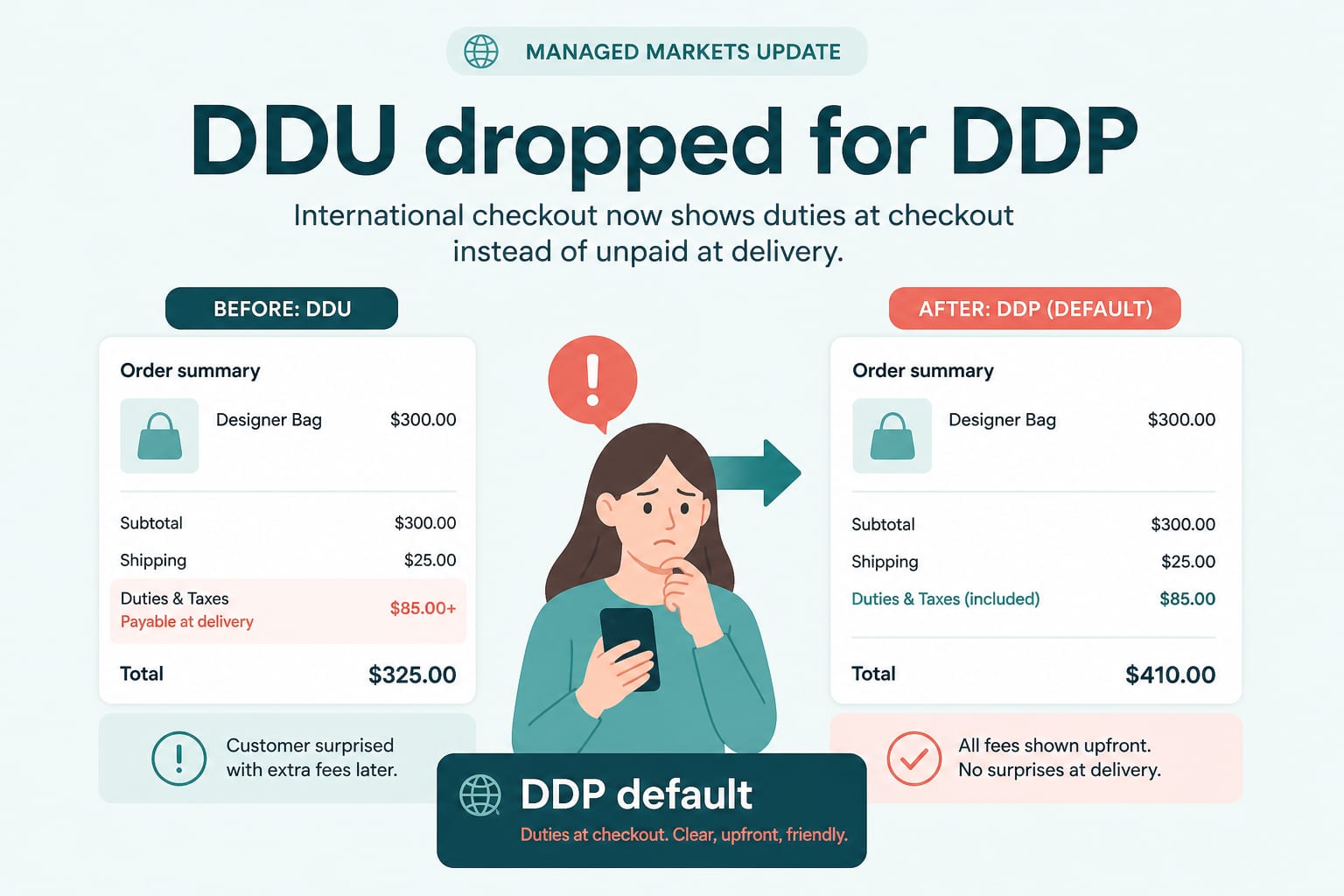
DDP by Default: What Managed Markets Dropping DDU Means for Cross-Border Pricing
On 24 August, Shopify Managed Markets stopped supporting Delivered Duty Unpaid in regions where it supports DDP. Duties now land at checkout. Here is what that changes for landed cost, conversion and margin.
6 min read