Server-Side Tracking for Shopify: A GTM and GA4 Setup That Survives Ad Blockers and GDPR
A senior engineer's guide to server-side tracking for Shopify in 2026. Why ad blockers are eating your data, how to set up GTM server-side on AWS, GA4 configuration, GDPR controls, and what it actually costs.
12 min read
If you run analytics on a Shopify store in 2026 with client-side tracking only, you are missing 20 to 40 percent of your conversion data. Browser-side ad blockers, Safari's Intelligent Tracking Prevention, Firefox's enhanced tracking protection, and increasingly aggressive cookie expiration policies have made the old "drop the GA4 snippet in the theme and trust the data" approach obsolete. Server-side tracking is how you get your data back.
This post is the production setup we deploy at Sentinu for Shopify Plus and enterprise Shopify clients who need reliable analytics for revenue decisions, ad spend optimization, and GDPR-compliant tracking. It is also the architecture that pairs with our self-hosted n8n on AWS post: same infrastructure principles, same data-sovereignty posture, different application layer.
Why client-side tracking is broken in 2026
The browser is now an adversary to client-side analytics. Every major browser ships some form of tracking protection by default, and the cumulative effect on data quality is severe.
Safari's Intelligent Tracking Prevention caps client-side cookies at 7 days. Any analytics tag using third-party cookies sees attribution windows collapse. Apple Mail Privacy Protection masks email open tracking. Chrome's third-party cookie deprecation (still in progress through 2026) hits programmatic ad attribution. Firefox Enhanced Tracking Protection blocks known trackers wholesale.
Ad blockers compound the damage. uBlock Origin and Brave's built-in shields actively block the Google Tag Manager script, the GA4 collect endpoint, and every other recognizable tracking domain. Estimates put global ad blocker usage at 30 to 45 percent of desktop users in technical-skewing markets, lower but rising on mobile.
The result for a typical Shopify store: you see 60 to 80 percent of your actual conversions in GA4, with the missing slice disproportionately concentrated in your highest-value, most-engaged customer segments (the ones running ad blockers). Your conversion rate looks lower than reality, your ad CPA looks higher, and your attribution model is making decisions on a sample biased away from your best users.
Server-side tracking solves this by moving the data collection off the browser and onto your infrastructure. The browser sends one request to a first-party endpoint on your domain. Your server processes the event, applies privacy rules, and forwards to GA4, Google Ads, Meta CAPI, and any other downstream destination. Ad blockers cannot easily block first-party endpoints. Tracking prevention cannot easily kill cookies set on your own domain. The data integrity recovers.
What server-side tracking actually is
The architecture is more straightforward than the marketing makes it sound:
Three things happen on the server side that cannot happen client-side:
You own the cookies. Cookies set by your server-side endpoint are first-party. Safari ITP treats them as first-party. Ad blockers do not flag them. They live as long as you say they live, not 7 days.
You control what data goes where. Server-side, you decide which events flow to GA4, which flow to Google Ads, which flow to Meta. You can strip PII before forwarding. You can hash email addresses for Enhanced Conversions. You can refuse to send data for users who have not consented.
You bypass the browser-side scripts. Even when an ad blocker blocks the Google Tag Manager web script, you can still fire events from your server (e.g., from a Shopify webhook on order completion) directly to GA4 via the Measurement Protocol. The server-side fallback recovers data the browser never could.
The Shopify-specific setup
Shopify has historically been awkward for server-side tracking because the platform owns the checkout. In 2026 the picture has improved substantially.
Customer Events API. Shopify exposes a web-pixels-manager API for tracking pixels that run sandboxed in the checkout and on storefront pages. You register a custom pixel via the Shopify admin or the API, and Shopify fires the events through it. The pixel can forward to your server-side GTM endpoint with proper consent handling.
Order webhooks for server-side fallback. Shopify fires a webhook on orders/create and orders/paid that hits your endpoint with the full order payload. This is the canonical server-side conversion source. Even if every client-side event was blocked, this webhook fires.
Checkout Extensibility for checkout-specific events. For Plus stores, you can extend the checkout with custom UI extensions that emit events through your tracking infrastructure with full control over consent and PII handling.
The combination: client-side events for behavior tracking (page views, add-to-cart, scroll depth) via the web-pixels-manager, server-side events for conversions (order created, refund, subscription) via webhooks. Both flow into the same GTM server container. The server-side path is the trusted source for revenue.
The infrastructure: where to run GTM server-side
Server-side GTM runs on a server you control. You have three credible options in 2026:
Google Cloud Platform (App Engine). The Google-official setup. One-click deploy from GTM, $40 to $80 per month for typical mid-market traffic, scales automatically. The default if you have no opinion.
AWS EC2 or ECS. Self-deploy via Docker. $20 to $40 per month for the same traffic on a t3.small or Fargate. More control, more EU region options, same architecture as our self-hosted n8n setup.
Stape or Cloudflare. Managed sGTM hosting. $20 to $200 per month depending on tier and traffic. Easiest to set up, less control over the underlying infrastructure. Good for teams without DevOps capacity.
For clients where data sovereignty matters (French companies under GDPR, regulated industries, anyone uncomfortable with US-based infrastructure), AWS in eu-west-3 (Paris) or Hetzner in Germany is the pick. The architecture mirrors our n8n-on-AWS setup: one EC2 instance, Caddy for SSL, Docker for the GTM image, S3 for backups, the same hardening.
# docker-compose.yml fragment for GTM server on AWS
services:
  gtm:
    image: gcr.io/cloud-tagging-10302018/gtm-cloud-image:stable
    restart: always
    environment:
      CONTAINER_CONFIG: ${GTM_CONTAINER_CONFIG}
      PORT: 8080
      PREVIEW_SERVER_URL: ${PREVIEW_SERVER_URL}
    networks:
      - gtm-network

  caddy:
    image: caddy:2-alpine
    restart: always
    ports:
      - "80:80"
      - "443:443"
    volumes:
      - ./Caddyfile:/etc/caddy/Caddyfile:ro
      - caddy_data:/data
    networks:
      - gtm-network
GTM_CONTAINER_CONFIG comes from the GTM admin when you provision a server container. The Caddyfile sits in front, terminates SSL via Let's Encrypt, and reverse-proxies to the GTM container on port 8080.
The custom domain matters. Set up your server container on a subdomain of your store domain (metrics.yourbrand.com, track.yourbrand.com, anything memorable). First-party domain plus first-party cookies plus first-party endpoint is the magic combination that bypasses ad blockers and tracking prevention.
GA4 configuration for the server side
Once the server container is up, the GA4 wiring is straightforward in concept and detailed in execution:
Step 1. Create a Google Tag in the GTM web container. Set the server_container_url to your custom subdomain. All events from the web container now route through your server.
Step 2. In the server container, set up the GA4 Client (under Clients). This receives the events. Add a GA4 tag (under Tags) that fires on every event the client claims and forwards to your GA4 property. Inherit measurement ID and event parameters from the client by default.
Step 3. Configure consent. The GA4 tag should respect a consent_state variable that you populate from your cookie consent manager. If the user has not consented, the tag does not forward to GA4.
Step 4. Add the Shopify-specific server-side events. Create an HTTP-triggered tag in the server container that fires on incoming webhook payloads from Shopify (orders/paid is the conversion event). Transform the payload into a GA4 purchase event with the right item array, transaction ID, and currency.
// Example purchase event payload from server-side GTM to GA4
{
  "event_name": "purchase",
  "client_id": "{{ client_id_from_first_party_cookie }}",
  "params": {
    "transaction_id": "{{ shopify_order_id }}",
    "value": 156.99,
    "currency": "EUR",
    "items": [
      {
        "item_id": "SKU-1234",
        "item_name": "Product Name",
        "price": 89.99,
        "quantity": 1
      }
    ]
  }
}
The client_id is critical. It must match the client_id GA4 used for the user's browsing session, or GA4 will treat the purchase as anonymous and break attribution. The standard pattern: read the _ga cookie set on your first-party domain, parse the client ID out of it, attach it to every server-side event.
GDPR and privacy controls
Server-side tracking is a gift to privacy compliance, not a way around it. The fact that data lands on your infrastructure means you can apply consent and data-minimization controls server-side rather than relying on the browser to honor them.
What we configure on every GDPR-relevant setup:
Consent gating at the GTM server. A consent_state variable populated from the user's consent record. Tags check consent before forwarding. If analytics_consent != granted, the GA4 tag does not fire. If marketing_consent != granted, the Google Ads tag does not fire. This works regardless of whether the user blocks scripts client-side, because the gate lives in your infrastructure.
PII stripping before forwarding. GA4's purchase event accepts an email parameter for Enhanced Conversions. Server-side, you hash the email with SHA-256 before forwarding. The raw email never leaves your infrastructure. The hashed version flows to GA4 and Google Ads as a privacy-safe identifier for cross-device measurement.
IP anonymization. GA4 anonymizes IPs by default, but the IP still hits Google's infrastructure. Server-side, you can drop the IP entirely before forwarding, or hash it with a daily-rotated salt for short-window deduplication without persistent identification.
Geographic data residency. Run the GTM server in your jurisdiction. EU customers' data hits an EU server. The server then forwards what you choose to forward to GA4 (which is US-hosted by default; the data crosses borders here but only the events you explicitly forward, after the consent and PII controls have applied). For strict GDPR cases, this is often acceptable; for stricter cases, you forward to a Piwik PRO or Plausible endpoint that stays in the EU and skip the GA4 transit entirely.
⚠️
"Server-side tracking" does not mean "tracking without consent." If you are tracking EU users, they still need to consent to non-essential cookies and analytics before any data is collected. The server-side architecture lets you enforce that consent reliably; it does not let you skip it. Coordinate the server-side setup with a real consent management platform (Cookiebot, OneTrust, Iubenda, or similar).
What this typically recovers
Across the Shopify Plus stores we have moved from client-only to dual client-plus-server tracking, the data recovery follows a consistent pattern:
| Metric | Client-only (typical) | Dual-tracked (typical) |
|---|---|---|
| Tracked conversions vs. actual Shopify orders | 65 to 80 percent | 95 to 99 percent |
| Attributed revenue vs. actual revenue | 60 to 75 percent | 92 to 98 percent |
| Google Ads conversion match rate | 45 to 60 percent | 80 to 92 percent |
| Meta CAPI match rate | 40 to 55 percent | 75 to 88 percent |
The percentage gap varies by audience (more technical audiences run more ad blockers, so the recovery is bigger). The qualitative shift is consistent: ad spend decisions become trustworthy again, attribution models work, and the gap between "what GA4 says we did" and "what Shopify says we did" closes.
What it costs
Infrastructure for a mid-market Shopify Plus store on the AWS-self-hosted path:
| Line item | Monthly cost |
|---|---|
| EC2 t3.small reserved 1y | ~$10 |
| EBS gp3 30GB | ~$3 |
| Elastic IP | $0 |
| Route 53 | ~$0.50 |
| Data transfer | ~$5 |
| Total infrastructure | ~$19/month |
Engineering setup time for a clean implementation: 16 to 32 hours depending on the depth of Shopify integration, the consent management platform in use, and the number of downstream destinations beyond GA4.
The payback math: if your client-only tracking is missing 25 percent of conversions and your ad spend is $20K per month, the misattribution alone is costing more than the entire server-side setup pays for in year one.
When server-side tracking is not worth it
The honest counter-cases:
Very small stores. If you have under 1,000 monthly orders, the absolute revenue at stake from misattribution is small. The engineering effort can outweigh the data quality gain.
Stores with no paid advertising. The biggest financial case for server-side is ad spend optimization. If you do not run ads, the case shrinks to "more accurate analytics," which is still real but less urgent.
Teams with no DevOps capacity and no budget for managed sGTM. Server-side adds an operational component (the server, the SSL, the monitoring). If nobody on the team can own that, Stape or Cloudflare managed hosting is the right answer, not a self-hosted setup.
FAQ
Does Shopify support server-side tracking natively?
Partially. Shopify provides the web-pixels-manager API for client-side custom pixels (which can forward to a server) and webhooks for order events. The full server-side GTM architecture is something you build on top of these primitives; Shopify does not run the server-side container for you.
Can I use Stape or Cloudflare instead of running my own GTM server?
Yes, and for many mid-market teams this is the right call. Stape's managed sGTM hosting handles the infrastructure for $20 to $200 per month depending on volume. Cloudflare offers similar via Cloudflare Workers. The architecture is identical; you give up some control over the underlying infrastructure for less operational burden.
How does this work with Shopify's checkout extensibility?
The checkout extensibility model exposes events through the web-pixels-manager. Custom pixels can subscribe to checkout events (started, contact info, shipping address, payment info, completed) and forward to your server-side endpoint. For Shopify Plus stores in 2026, this is the supported path.
What about Meta CAPI and Google Ads server-side conversions?
Both supported through the same architecture. The GTM server container has dedicated tags for Meta Conversions API and Google Ads enhanced conversions. The same first-party event stream that feeds GA4 also feeds Meta and Google Ads, with appropriate hashing and consent gating per destination.
Do I still need a cookie consent manager?
Yes. Server-side tracking does not bypass consent requirements; it makes consent enforcement more reliable. You need a consent management platform that records user choices, exposes them to your server (typically via a first-party cookie or a header), and lets your tag firing logic respect them.
How long does a server-side GTM setup take to implement?
For a Shopify Plus store with one consent management platform and one or two downstream destinations (GA4 plus Google Ads), expect 2 to 3 weeks from kickoff to validated production. The bulk of the time is in the testing: dual-running client-side and server-side, comparing event counts, and finding the gaps.
Will server-side tracking break my existing tags?
Done correctly, no. The standard implementation pattern is dual-tagging: you keep the client-side tags firing while the server-side ones come online, compare data for 2 to 4 weeks, then deprecate the client-side tags once you have parity. We have seen migrations break when teams switched overnight; the dual-running approach makes that impossible.
Where to take this next
If your Shopify store is losing data to ad blockers and your ad spend decisions are being made on biased samples, this is the kind of work our technical SEO audit and data analytics practices cover end to end. We scope the implementation, build the server-side infrastructure (often on the same AWS pattern as our n8n self-hosting setup), configure GA4, Google Ads, and Meta destinations, and validate the data parity before signoff. If the broader question is the analytics stack itself (Power BI versus Looker Studio, custom dashboards versus the GA4 UI), that is the next post in the series.
Related Topics
Related posts
View all articles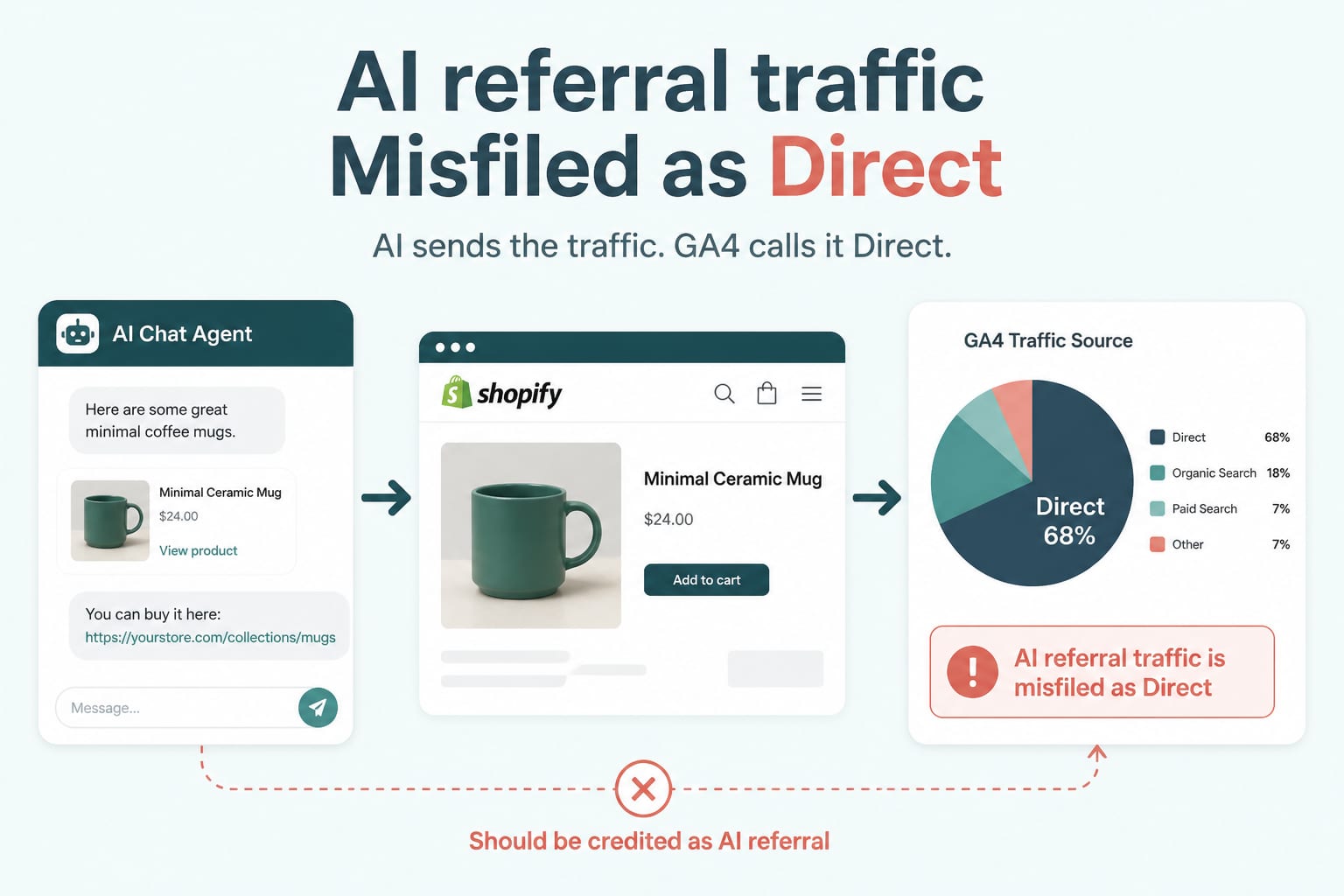
Data AnalyticsAug 18, 2026
Your AI Referral Traffic Is Being Misattributed: Fixing GA4 for Agent-Sent Buyers
AI referrals grew sharply through 2026 and convert above average, but most stores cannot see them because default analytics files them as direct. Here is how to build a channel group that actually reports them.
6 min read
Technical SEOAug 11, 2026
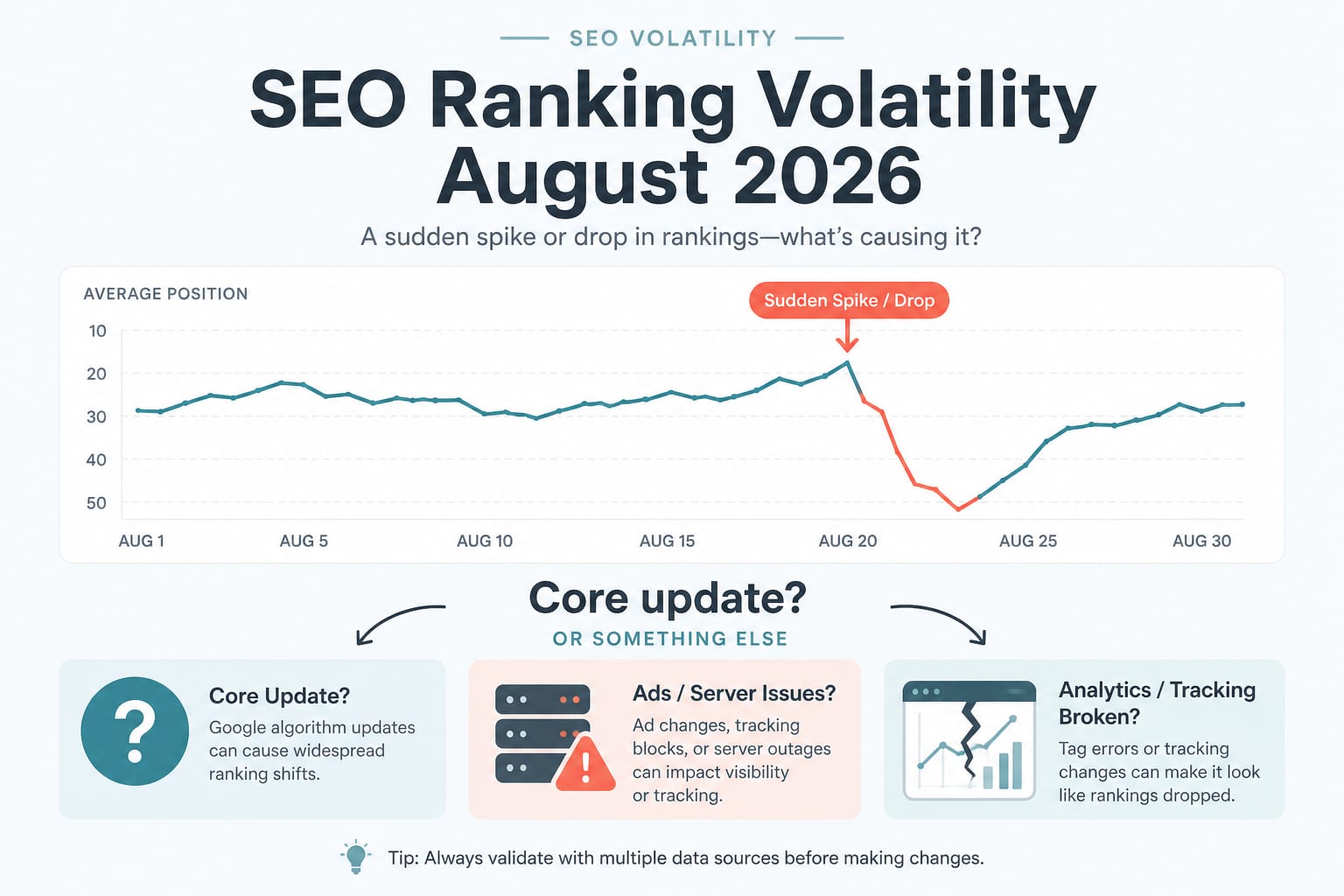
August 2026 Ranking Volatility: Core Update, or Something Else Entirely?
Trackers spiked on 1 August and the forums called it a core update. Google has confirmed nothing. Here is a diagnostic order of operations for separating a real ranking change from an ad server outage and a broken analytics pipeline.
7 min read
Technical SEOSep 22, 2026
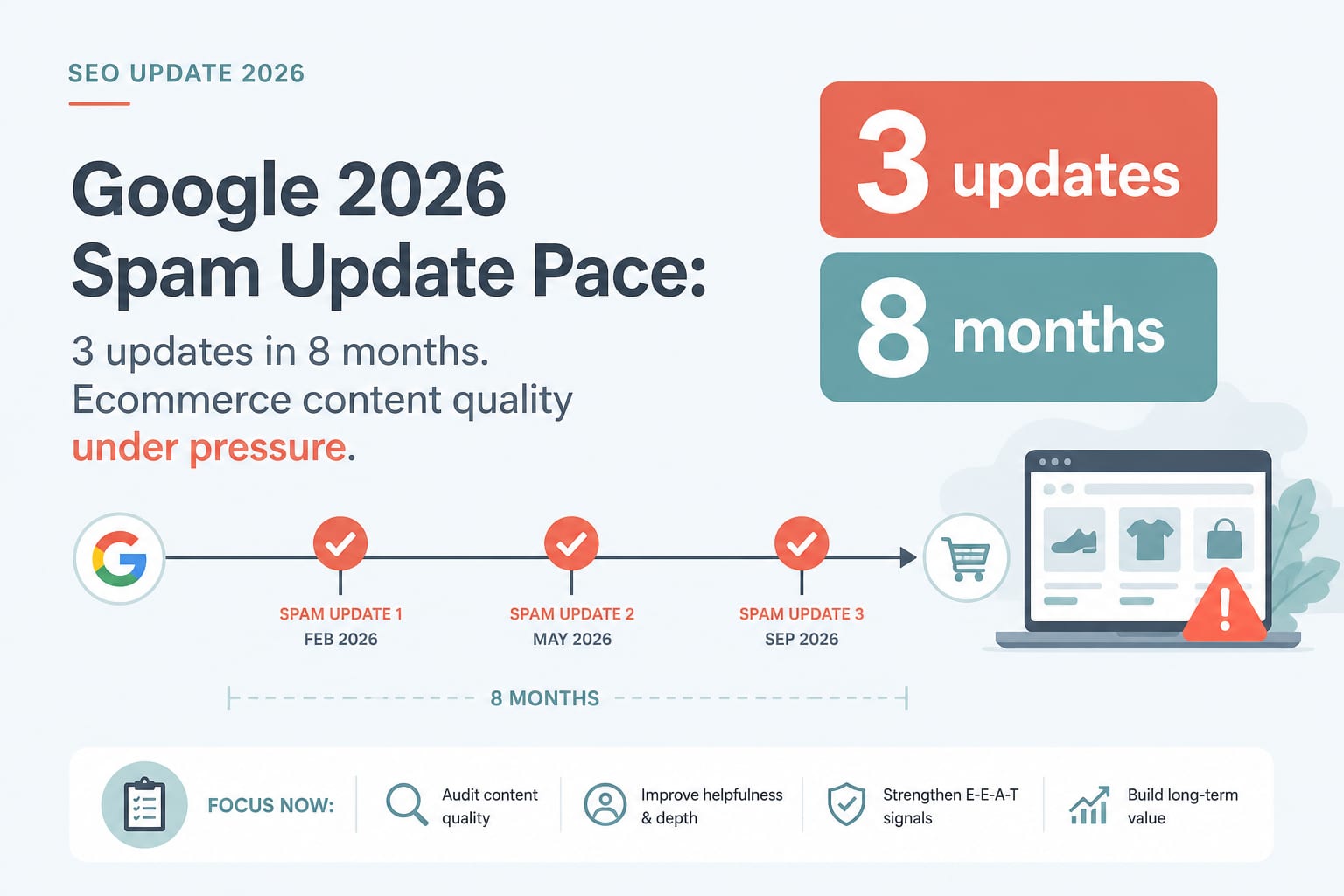
Three Spam Updates in Eight Months: Google's 2026 Enforcement Pace and What It Means for Ecommerce Content
The August 2026 spam update rolled out in under three days, the third this year. Faster rollouts and continuous background adjustments change how you diagnose a drop and how you should be producing content.
7 min read