The BFCM 2026 Engineering Checklist for Shopify Stores
Black Friday is thirteen weeks out. This is the technical work that has to happen before the code freeze, sequenced so that nothing lands in the week it matters most.
7 min read
Black Friday falls on 27 November 2026. From today that is thirteen weeks, and about ten once you subtract the freeze period that any store with real peak traffic should be running.
Ten weeks is comfortable if the work starts now and uncomfortable if it starts in October. The following is the sequence we use with clients, ordered by when it has to happen rather than by how interesting it is.
Now: the freeze date decision
Before any technical work, set two dates and write them somewhere the whole business can see.
The feature freeze is the last day new functionality ships. For most stores this should be the first week of November. Everything after that is bug fixes and content.
The full freeze is the last day anything ships at all except emergency fixes, usually the Monday of Black Friday week.
Setting these in August rather than in November is the entire point. A freeze date agreed under pressure in the third week of November is a negotiation. A freeze date agreed in August is a rule.
🗓️
This year the freeze conversation has an extra participant. Stores mid-way through a Checkout Components migration need to decide now whether it ships before the freeze or waits until January. Deciding in November guarantees the wrong answer.
Weeks 1 to 3: measure before you optimise
Peak season performance work fails most often because teams optimise the wrong page. Traffic mix during BFCM is different from the rest of the year, usually much heavier on collection pages and paid landing pages and lighter on informational content.
- Pull last year's BFCM traffic by template type, not by URL. Establish which templates carry peak load.
- Get field data, not lab scores. Core Web Vitals from real users on the templates that will actually take the traffic.
- Segment by device and connection. Peak traffic skews more mobile than your annual average, and mobile is where the headroom usually is.
- Record a baseline you can compare against in December. Without it you will not know whether the work helped.
Our Core Web Vitals audit checklist covers the diagnostic process, and the commercial case for the work is worth having on hand when you need budget.
Weeks 3 to 6: the work with the largest return
Three areas consistently give the most back on a Shopify store before peak.
App audit. This is the highest return activity available and almost nobody does it. Every app injecting script into the storefront costs main thread time on every page load. Count them, identify what each one does, and remove the ones nobody can justify. Stores we audit typically find between two and five apps that are installed, loading on every page, and used by no one. We have written about replacing app functionality with automation where the feature is genuinely needed but the app is not.
Image and media discipline. Oversized hero images on collection templates remain the most common largest contentful paint problem we find. Check the actual delivered dimensions against the rendered dimensions on mobile.
Third-party tag review. Marketing will add tags between now and November. Establish now that every new tag needs an owner and a removal date, and audit what is already there. A tag from a campaign that ended in March is still costing you load time in November.
Weeks 6 to 9: resilience and integrations
Performance work protects conversion. Integration work protects order fulfilment, and integration failures during peak are the ones that generate support tickets for six weeks afterwards.
- Load test your integrations, not your storefront. Shopify handles storefront traffic. Your ERP connector, your 3PL integration and your inventory sync are the parts that fall over, because they were sized for normal order volume and BFCM is not normal order volume.
- Check rate limits and queue behaviour. What happens to your order sync when volume is ten times normal for six hours? If the answer is that it silently drops requests, find out now. We covered the architecture patterns in our Shopify and NetSuite integration piece.
- Add idempotency where it is missing. Retries during peak are certain. Retries without idempotency create duplicate orders, duplicate fulfilments and duplicate charges.
- Verify webhook reliability. Confirm that failed webhook deliveries are queued and retried rather than lost, and that you can see the queue depth.
- Test inventory oversell behaviour. Know what happens when two customers buy the last unit within the same second, because during BFCM they will.
Whatever you find, the fix belongs in September rather than in a hotfix on the 27th.
Weeks 9 to 11: rehearse
The step teams skip. Run a peak rehearsal on a staging environment or a development store with production-like data.
Simulate the order volume you expect at peak hour and watch the integrations, not the storefront. Then run the operational rehearsal alongside it: who is on call, what the escalation path is, who has permission to disable an app or roll back a theme at three in the morning, and where the runbook lives.
📋
Write the runbook as a set of symptoms rather than systems. Checkout is slow, orders are not reaching the ERP, discounts are not applying. That is how the problem will present itself at two in the morning, and a runbook organised by system is useless to whoever is awake.
Weeks 11 to 13: freeze and watch
Once the freeze is in, the remaining work is monitoring. Three things need to be visible on one screen during peak:
| Signal | Why it matters | Alert threshold |
|---|---|---|
| Orders per minute against forecast | The only metric that matters, and the fastest indicator that something upstream broke | Deviation past a set band for more than five minutes |
| Checkout completion rate by step | Isolates a checkout fault from a traffic fault | Drop past a defined percentage against the trailing hour |
| Integration queue depth and error rate | Order sync failures are invisible on the storefront | Any sustained growth in queue depth |
The discount reconciliation job that the Scripts sunset taught many stores to build in July belongs on this screen too. Peak season is exactly when a mispriced promotion becomes expensive fastest, and this year several stores rebuilt discount logic as Functions in a hurry. Peak is not the time to discover a rounding difference.
One last note on gradual publishing. Rollouts landed in June, and the single best use of it during peak is not testing at all. If you have to ship an emergency change during BFCM week, ship it to a small share of traffic first and watch for ten minutes. That habit turns an emergency into an inconvenience.
🚀
We run pre-peak engineering reviews covering performance, app load, integration resilience and monitoring, delivered as a prioritised plan with a freeze schedule. See our Shopify speed optimization service or get in touch.
Frequently asked questions
When should the code freeze start?
Feature freeze in the first week of November, full freeze on the Monday of Black Friday week. Set both dates in August so they are rules rather than negotiations.
Do I need to load test Shopify itself?
No. Shopify handles storefront and checkout traffic at scale. Test the systems you own: integrations, middleware, custom apps and anything that processes orders after they are created.
Is it too late to start a performance project?
Not for app auditing, image work and tag cleanup, which can all deliver inside a few weeks. It is too late to start a theme rebuild or a headless migration for this peak.
What is the single highest return task?
Auditing installed apps and removing the ones nobody uses. It costs a day, requires no engineering, and is the most common cause of preventable slowness we find.
Should I ship a Checkout Components migration before BFCM?
Only if it is fully live and stable by mid-November. Otherwise hold it until January. The downside of a checkout fault during peak is far larger than the upside of shipping five weeks earlier.
Related Topics
Related posts
View all articles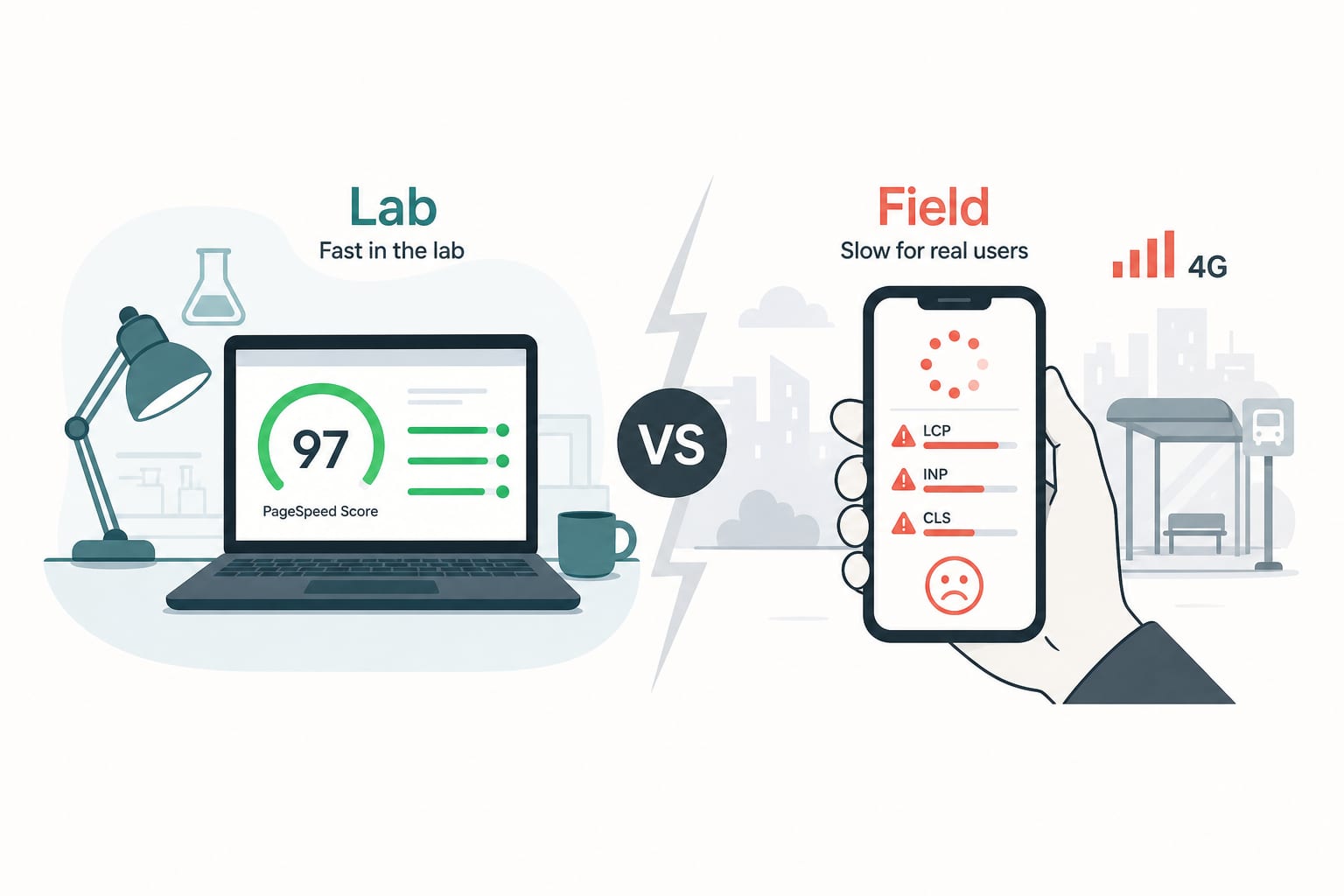
Shopify DevelopmentJan 13, 2026
Shopify Core Web Vitals in 2026: The Audit Checklist We Run Before Quoting a Project
A senior engineer's audit checklist for Shopify Core Web Vitals in 2026. How to diagnose INP, LCP and CLS issues, find the apps that are bleeding your performance, and fix them without breaking the store.
11 min read
Performance OptimizationJul 28, 2026
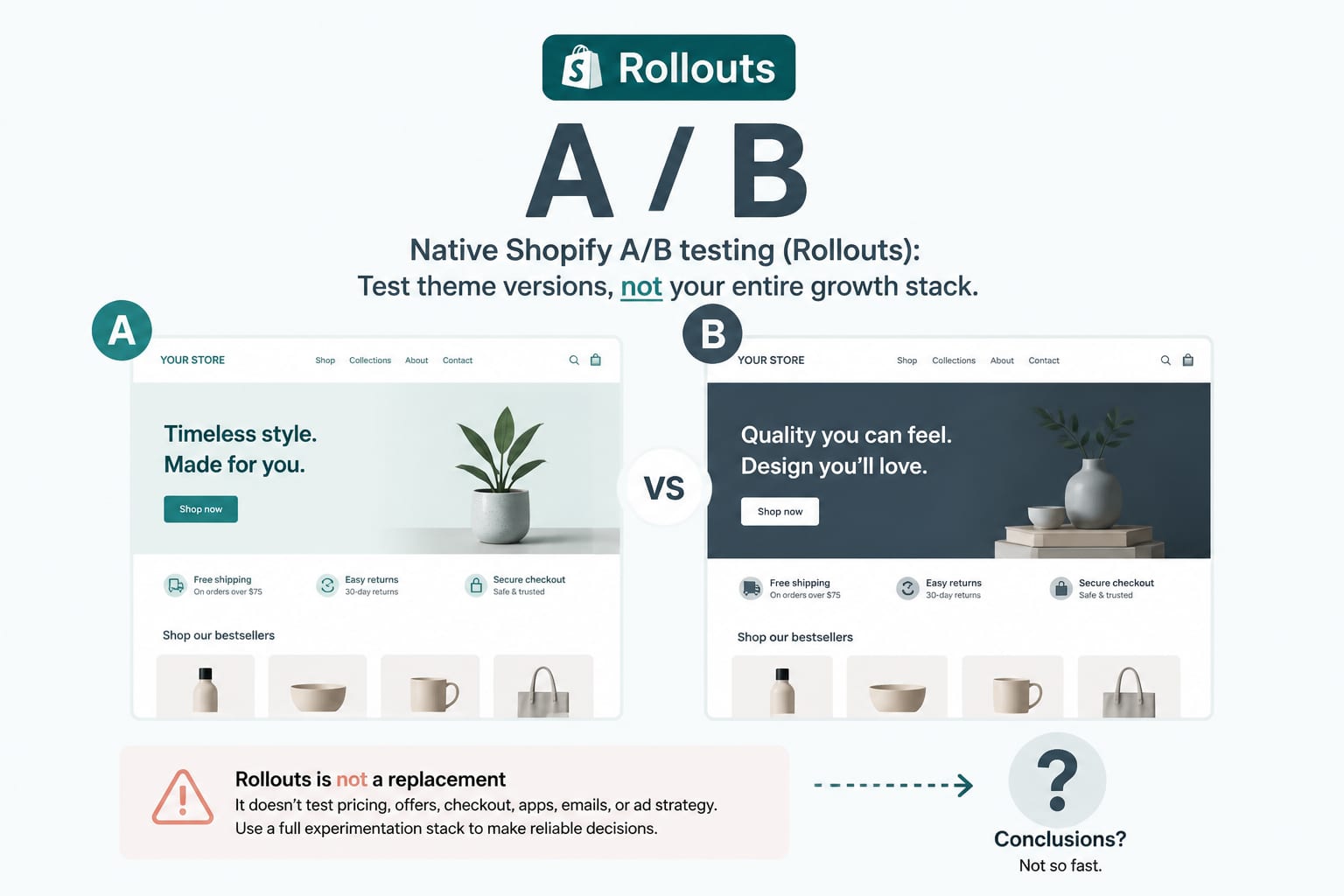
Shopify's Native A/B Testing: What Rollouts Replaces and What It Does Not
Summer '26 shipped native split testing for themes and checkout configurations. A developer's assessment of where it removes a tool from your stack, where it does not, and how to avoid drawing wrong conclusions from it.
7 min read
Performance OptimizationFeb 27, 2026
Core Web Vitals and Conversion: The Ecommerce Data Nobody Wants to Hear
The business case for Core Web Vitals on ecommerce sites, in numbers. Real conversion impact data from Vodafone, NDTV, Carpe, Rakuten, and 30 other case studies. What 100ms of LCP actually costs you per month.
13 min read