Shopify Core Web Vitals in 2026: The Audit Checklist We Run Before Quoting a Project
A senior engineer's audit checklist for Shopify Core Web Vitals in 2026. How to diagnose INP, LCP and CLS issues, find the apps that are bleeding your performance, and fix them without breaking the store.
11 min read
Every Shopify store we have ever been asked to audit had a Core Web Vitals problem. Some of them knew it. Most thought their site was "pretty fast" because the home page felt snappy on their MacBook on office Wi-Fi. Then we ran the same site through a real-user-monitoring tool on a mid-range Android over 4G, which is what most of their mobile traffic actually looks like, and the numbers told a different story.
This is the checklist we run on day one of a performance engagement. It is the same diagnostic process we use to write a proposal, and it is what we wish more merchants would run on themselves before assuming the next app install will fix anything.
What Core Web Vitals actually measure in 2026
Three metrics matter for ranking and conversion. The thresholds for "good" have not changed in 2026, but the relative weight of INP keeps growing as Google emphasizes real interaction quality.
| Metric | What it measures | "Good" threshold | What kills it on Shopify |
|---|---|---|---|
| LCP (Largest Contentful Paint) | Time to render the biggest above-the-fold element | under 2.5s | Unoptimized hero images, render-blocking app CSS, slow Liquid sections |
| INP (Interaction to Next Paint) | Worst-case responsiveness across the whole session | under 200ms | Heavy third-party JavaScript, app embeds that hijack the main thread |
| CLS (Cumulative Layout Shift) | How much content jumps around during load | under 0.1 | Late-loading apps, missing image dimensions, web font swap |
INP replaced FID in March 2024 and is now the metric that catches the most stores off guard. FID only measured the first click. INP measures every interaction, which means a review modal that takes 800ms to open at the end of the session counts against you the same as a slow add-to-cart.
⚠️
Lab data from PageSpeed Insights is a starting point, not a verdict. Google ranks against field data from real Chrome users (the CrUX dataset). If your lab score is green but your field data is red, the field data wins. Always check both tabs of PageSpeed Insights.
Step 1: Establish a real baseline before you touch anything
You cannot prove an improvement if you did not measure the starting point. We pull baseline data from three sources before writing a single line of code.
- CrUX field data: PageSpeed Insights "Origin Summary" plus per-URL data for the home page, top three collections, top five product pages, the cart, and any high-traffic blog post.
- Google Search Console Core Web Vitals report: tells you which page templates are failing and how many URLs are affected. This is the report Google itself uses to assess your site.
- Real-user monitoring: if the store has more than 10k monthly sessions, install a RUM tool (CrUX Vis, SpeedCurve, or DebugBear) for at least 7 days before optimization. Lab numbers lie. Field numbers do not.
Save these numbers in a spreadsheet. Every fix you make over the next 30 days should be measurable against this baseline.
Step 2: Find the JavaScript bleed
This is where almost every Shopify performance problem actually lives. Not in the theme, not in the images, in the third-party scripts apps inject into every page.
Open Chrome DevTools on a product page in incognito mode (disable extensions), and follow this sequence:
// In the DevTools Console on any product page:
performance.getEntriesByType('resource')
  .filter(r => r.initiatorType === 'script')
  .sort((a, b) => b.transferSize - a.transferSize)
  .slice(0, 15)
  .forEach(r => console.log(
    `${Math.round(r.transferSize/1024)}KB  ${r.duration.toFixed(0)}ms  ${r.name}`
  ));
That dumps your fifteen largest JavaScript files by transfer size, with their load duration. On a bloated store you will see things like a 280KB review widget, a 190KB upsell app, a 140KB chat bundle, and a 90KB analytics replay tool, all on a page where 80% of visitors will never scroll past the fold.
Now go to the Coverage tab in DevTools, reload the page, and look at the "Unused Bytes" column. On a typical Shopify store, 60% to 80% of loaded JavaScript is unused on any given page view. That is the entire ranking opportunity.
What to do with the bleed list
Three buckets. Be honest about which bucket each script belongs to.
- Keep, defer: scripts that earn their place but do not need to run before LCP. Reviews widgets, chat, exit-intent. Defer or lazy-load these.
- Keep, optimize: scripts that have to run early but are loaded badly. Analytics, A/B testing. Use server-side tracking or async load.
- Remove: scripts from apps you no longer use, "free" apps with no measurable contribution, redundant analytics. The graveyard is bigger than you think.
💡
Test removal in a duplicate theme, not in production. Disable the app embed, push to a preview theme, run PageSpeed Insights against the preview URL. If LCP and INP improve and nothing visible breaks, uninstall the app entirely so the leftover script files get removed too.
Step 3: Audit the LCP element
For every key template (home, collection, product), identify what the LCP element actually is. Usually it is the hero image. Sometimes, awkwardly, it is a paragraph of text because the hero image is so slow that Chrome picks the next-biggest element instead.
Use DevTools Performance Insights panel or the Lighthouse "Largest Contentful Paint element" diagnostic. Then check these in order:
| Check | What to look for | Fix |
|---|---|---|
| Image format | Is the LCP image WebP or AVIF? | Convert to WebP via Shopify's image_url: format: 'webp' Liquid filter |
| Image dimensions | Is the served image bigger than the rendered size? | Use responsive srcset with Shopify's image_url width parameter |
| Preload | Is the LCP image preloaded? | Add <link rel="preload" as="image" imagesrcset="..." fetchpriority="high"> in theme.liquid |
| Render-blocking CSS | How much CSS is loaded before the LCP element? | Inline critical CSS, defer the rest |
| Server response time (TTFB) | Is the document itself slow? | Likely a heavy Liquid loop or a slow third-party API call in a section |
The single highest-impact change on most Shopify stores is preloading the hero image with fetchpriority="high". We have seen LCP drop from 4.2s to 1.8s on a single deploy with that one change plus dropping render-blocking CSS for above-the-fold content.
Step 4: Hunt the INP killers
INP is the metric most stores fail in 2026 because Shopify apps do not optimize for it. To find the offenders, open DevTools Performance panel, start recording, do the things real users do (open a product variant picker, add to cart, open the cart drawer, click a promo banner), and stop recording.
Look at the flame chart. Any "long task" over 50ms is a candidate. Long tasks during user interactions are INP killers. The common culprits on Shopify:
- A review app re-rendering the entire star widget on every variant change
- A currency converter mutating prices in a 200-line synchronous loop
- A live-chat bundle eagerly initializing on first scroll
- A cart drawer that fetches all upsell products synchronously before opening
For each, the fix is the same pattern: defer non-critical work, break long tasks into requestIdleCallback chunks, and avoid synchronous DOM mutations during interactions.
Step 5: Eliminate CLS during font and image load
CLS is the easiest of the three to fix because the causes are mechanical.
- Every
<img>has explicitwidthandheightattributes (not just CSS). Shopify themes built before OS 2.0 often miss this. - Web fonts use
font-display: optionalorswapwith a metrically-matched fallback so the swap is invisible. - Apps that inject content above the fold (cookie banners, promo bars, currency selectors) reserve space before their content paints, using a min-height placeholder.
- Ads or third-party embeds (video, social) sit inside a fixed-aspect-ratio container.
- The cart drawer uses
transform: translateX()to slide in, not a layout-affecting animation.
Most Shopify stores can get CLS under 0.05 with these five changes alone. The remaining stores have a custom theme problem that needs surgical refactoring.
Step 6: Validate on real devices, not just on your laptop
Run final validation on:
- A mid-range Android (Pixel 6a or similar) over a throttled 4G connection
- An iPhone over Wi-Fi (your highest-spending traffic segment)
- PageSpeed Insights mobile (this is what Google sees)
- The "Origin Summary" CrUX report 28 days after deployment
If field data lags lab data by more than 30 days post-deploy, you have a regression somewhere, usually a new app install or a marketing team-pushed embed. This is why we set up a performance budget in CI for every Sentinu client after launch: any pull request that pushes LCP, INP, or CLS past defined thresholds fails the build before it ships.
What we found in our last ten audits
We pulled the diagnostics from the last ten Shopify audits we ran in Q4 2025. The patterns are remarkably consistent.
| Issue | Stores affected (out of 10) |
|---|---|
| LCP image not preloaded or in wrong format | 9 |
| At least one app injecting more than 100KB of unused JS | 10 |
| INP failures driven by review or upsell apps | 7 |
| CLS issues from missing image dimensions | 6 |
| Render-blocking CSS over 80KB before LCP | 8 |
Web fonts loading without font-display strategy | 5 |
| Synchronous third-party requests in cart drawer | 4 |
The point is not that Shopify is slow. The point is that Shopify is fast and most merchants are slow because of what they have stacked on top of it.
When to bring in engineering versus when to DIY
You can do the first three steps of this checklist yourself with a free PageSpeed Insights account and an afternoon. Removing dead apps and preloading your hero image is genuinely a DIY job for most merchants.
You should bring in an engineering partner when:
- Your app uninstall list has more than 5 entries and you are not sure which ones are safe to remove
- INP failures are coming from apps you cannot live without (you need refactoring, not removal)
- You have already done the easy wins and you are still red in CrUX
- You need a performance budget in CI so the gains do not regress next time marketing installs something new
That last point is what we mean by "fixing it permanently". A one-time audit boosts your score for a quarter. A performance budget keeps it green forever.
FAQ
Are Core Web Vitals still a ranking factor in 2026?
Yes. Core Web Vitals are part of Google's page experience signals and remain a confirmed ranking factor, particularly on mobile and for queries where multiple results have similar topical relevance. The effect is rarely the difference between page one and page five, but it is regularly the difference between position three and position seven.
What is a realistic Core Web Vitals improvement timeline?
For most Shopify stores, the easy wins (image preload, format conversion, removing dead apps) ship in week one and show up in CrUX field data 28 days later. Deeper INP work and theme refactoring take 3 to 6 weeks. The full cycle from audit to durable green field data is typically 60 to 90 days.
Does Shopify's built-in CDN already optimize Core Web Vitals?
It handles asset delivery, image resizing via image_url, and HTTP/2 push. It does not protect you from app bloat, render-blocking CSS, or theme code that does too much work synchronously. Those are your responsibility.
Should I switch to headless if my Core Web Vitals are bad?
Not necessarily. Most stores can hit green Core Web Vitals on a well-built Liquid theme. Headless is the right answer when you need rendering features Liquid cannot deliver (real-time personalization, advanced caching, sub-second TTI on complex templates), not when you simply want a faster site. See our Hydrogen vs Next.js comparison for the full breakdown.
How do I know if an app is hurting my Core Web Vitals?
Disable the app embed in your theme customizer (or use the app's own settings to remove its script injection), publish to a preview theme, and run that preview URL through PageSpeed Insights. If LCP or INP improve by 200ms or more, that app is a measurable performance cost. Whether it earns that cost depends on the revenue it drives.
What is a good Core Web Vitals target for a Shopify Plus store?
We aim for LCP under 2.0s, INP under 150ms, CLS under 0.05 on field data across the top five templates. That is comfortably inside Google's "good" threshold and gives you margin for the inevitable app addition without falling below the line.
Where to go next
If you want a deeper look at the engineering approach we use for performance work, see our Shopify speed optimization service overview. If you are considering a bigger architectural change rather than incremental fixes, the headless commerce page covers the trade-offs.
If you would rather just send us a URL and get an audit report back, that is what the first conversation usually looks like.
Related Topics
Related posts
View all articles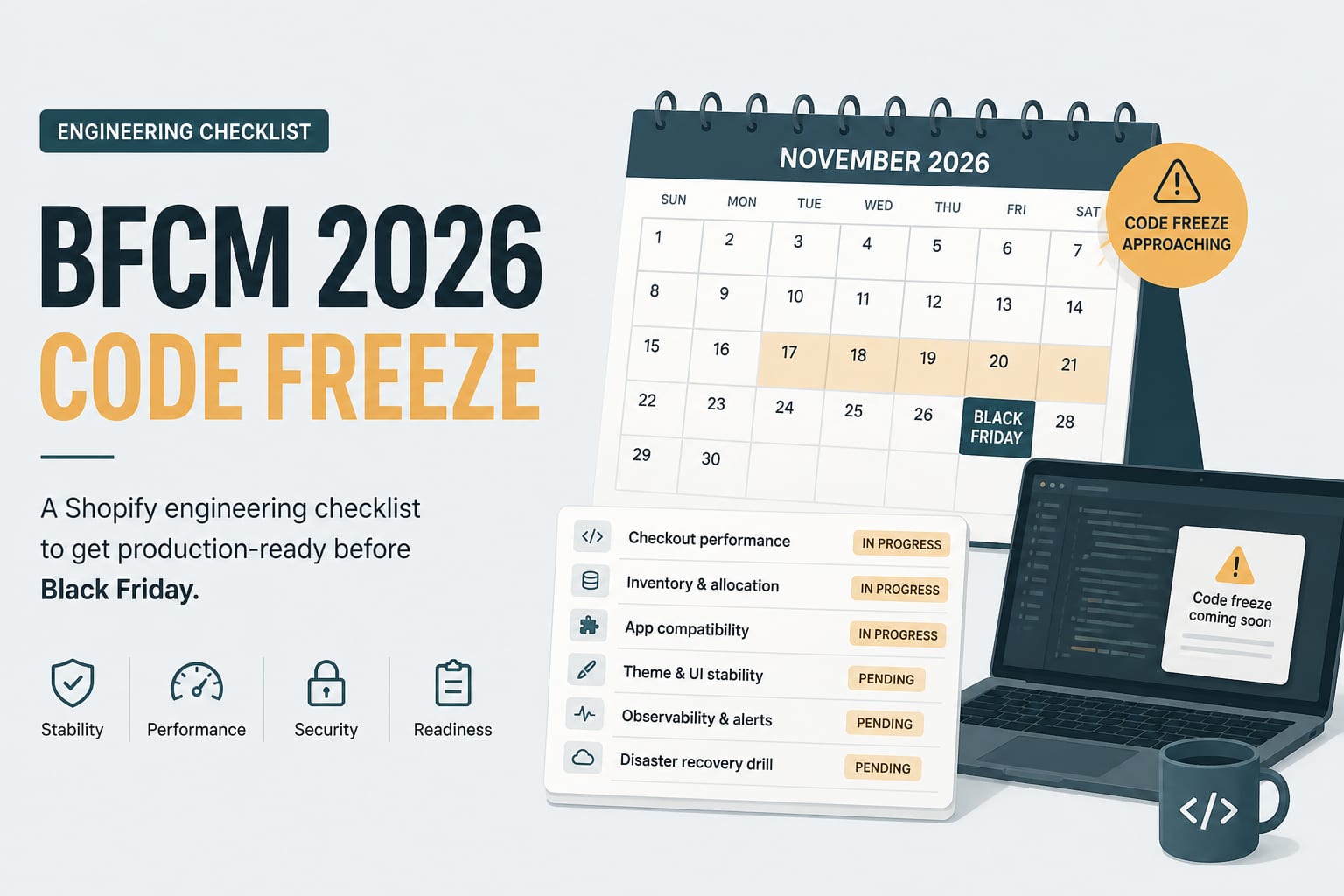
Performance OptimizationAug 25, 2026
The BFCM 2026 Engineering Checklist for Shopify Stores
Black Friday is thirteen weeks out. This is the technical work that has to happen before the code freeze, sequenced so that nothing lands in the week it matters most.
7 min read
Performance OptimizationFeb 27, 2026
Core Web Vitals and Conversion: The Ecommerce Data Nobody Wants to Hear
The business case for Core Web Vitals on ecommerce sites, in numbers. Real conversion impact data from Vodafone, NDTV, Carpe, Rakuten, and 30 other case studies. What 100ms of LCP actually costs you per month.
13 min read
Shopify DevelopmentJun 3, 2026
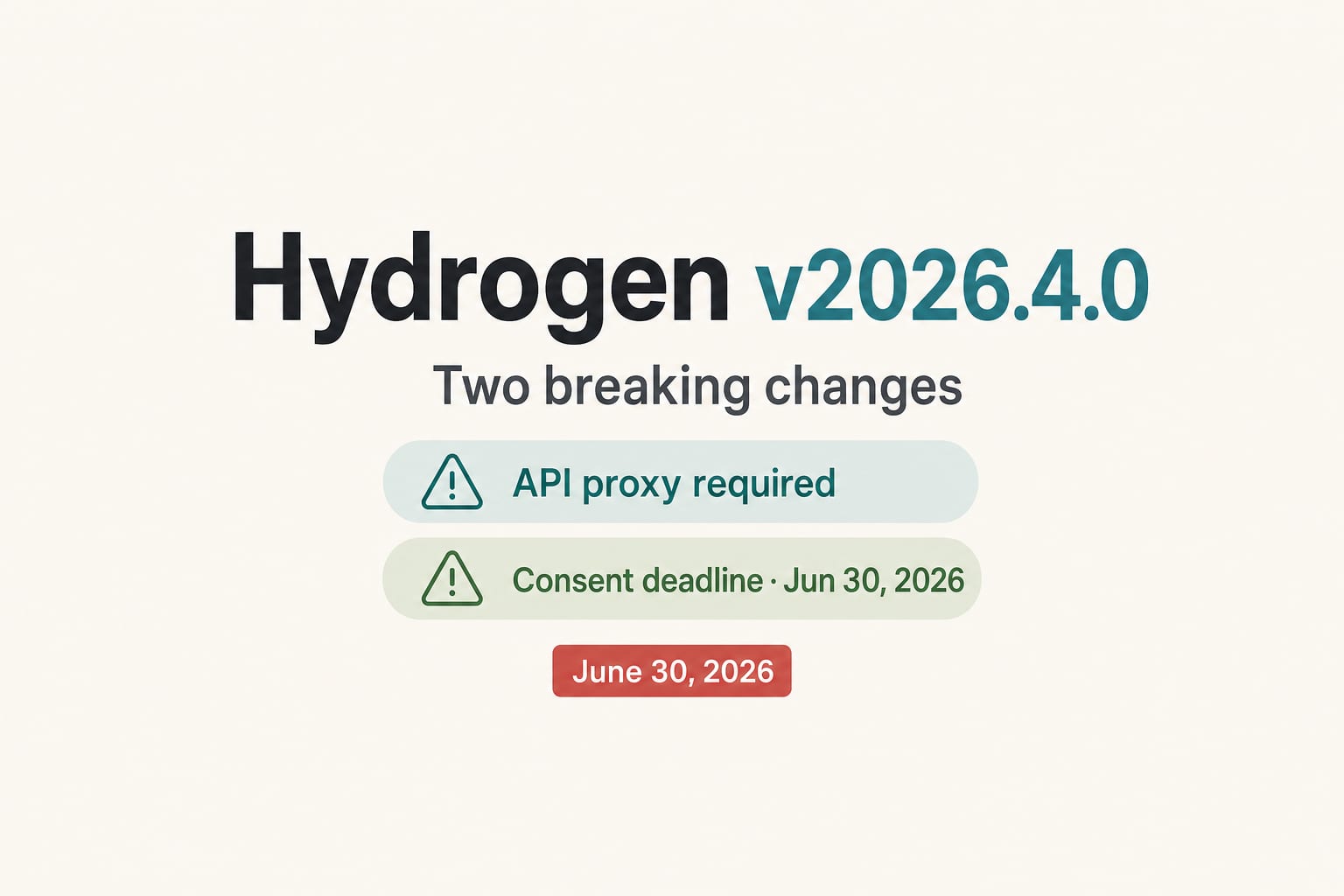
Hydrogen v2026.4.0: The Two Breaking Changes You Cannot Ignore Before June 30
Shopify's April Hydrogen release made the Storefront API proxy mandatory and moved consent tracking server-side. Here is what breaks, what to migrate, and how to ship the fix before the June 30, 2026 deadline.
10 min read