How to Self-Host n8n on AWS for GDPR-Compliant Workflow Automation
A production-grade guide to deploying n8n on AWS EC2 with PostgreSQL, SSL, automated backups and GDPR data residency. The actual setup we use for European clients, not a hello-world tutorial.
11 min read
Every n8n tutorial on the internet stops at "and now you can access the UI on port 5678". That is fine for tinkering. It is not fine when the workflows you are about to build will move customer data, sync orders to your ERP, and live inside a GDPR scope.
This guide is the production setup we deploy for European clients who need self-hosted automation with real data residency. It covers what most tutorials skip: PostgreSQL backend, automated backups, SSL with auto-renewal, environment hardening, and a deployment that actually survives a reboot.
If you have not yet decided that self-hosted n8n is the right call versus n8n Cloud, Zapier or Make, start with our n8n vs Zapier vs Make comparison first.
Why AWS and not just any VPS
Honest answer: for most clients, a Hetzner or Scaleway VPS works fine and costs less. We pick AWS when:
- The client already runs other infrastructure on AWS and wants unified billing, IAM, and logging
- Compliance requires specific certifications (HIPAA, SOC 2, ISO 27001) that AWS publishes for specific regions
- The automation needs tight integration with other AWS services (S3, Lambda, RDS)
- Predictable scaling matters more than rock-bottom monthly cost
If those criteria do not apply, the same setup works on any Docker-capable VPS with very minor changes. The pattern is what matters, not the cloud.
The architecture we deploy
The setup is intentionally boring. Boring scales, boring fails predictably, boring is what you want at 2am.
| Component | Choice | Why |
|---|---|---|
| Compute | EC2 t3.small (2 vCPU, 2GB RAM) | Handles 50k+ executions/month, room for growth |
| Database | PostgreSQL on RDS or in-Docker | RDS for production, in-Docker for cost-conscious starts |
| Reverse proxy | Caddy | Automatic SSL via Let's Encrypt, single config file |
| Container orchestration | Docker Compose | Boring, well-understood, easy to back up |
| Backups | S3 + cron | Database dump nightly, retained 30 days |
| Region | eu-west-3 (Paris) | EU data residency for our French client default |
For larger clients we move PostgreSQL to RDS and add an Application Load Balancer in front. For most clients starting out, everything below runs on one t3.small with PostgreSQL in a sibling container. The migration to RDS later is straightforward.
Step 1: provision the EC2 instance
In the AWS Console, EC2 dashboard, launch a new instance with these settings:
- AMI: Ubuntu Server 24.04 LTS (latest LTS, security updates supported until 2029).
- Instance type: t3.small for production starts. Avoid t3.micro for anything serious because the 1GB RAM ceiling will hit you under load.
- Region: eu-west-3 (Paris) for French clients, eu-central-1 (Frankfurt) for German, ca-central-1 (Montreal) for Canadian PHIPA cases.
- Storage: 30GB gp3 EBS volume. Plenty for n8n's PostgreSQL and Docker images, room for execution logs.
- Key pair: create new, download the
.pem, store it in a password manager. Never email it. - Security group: allow inbound TCP 22 (SSH, restricted to your IP), 80 (HTTP, for Caddy SSL provisioning), 443 (HTTPS). Do not expose 5678 publicly.
- Elastic IP: allocate one and associate it with the instance. Without this, the public IP changes on every restart and breaks your DNS.
Once the instance is running, point a DNS A record (something like automation.yourcompany.com) at the Elastic IP. Wait for DNS propagation before continuing. Caddy needs the domain to resolve correctly before it can provision SSL.
Step 2: install Docker and prepare the environment
SSH in and install Docker plus Docker Compose:
# Update packages
sudo apt update && sudo apt upgrade -y

# Install Docker
curl -fsSL https://get.docker.com | sudo sh

# Add your user to the docker group (so you don't need sudo for every command)
sudo usermod -aG docker $USER
newgrp docker

# Install Docker Compose plugin
sudo apt install -y docker-compose-plugin

# Verify
docker --version && docker compose version
Create the working directory and basic structure:
mkdir -p ~/n8n/{data,db,caddy/data,caddy/config,backups}
cd ~/n8n
Step 3: write the Docker Compose configuration
This is the production compose file we use. PostgreSQL is in-Docker for the starter setup. SSL is automatic via Caddy.
# ~/n8n/docker-compose.yml
services:
  postgres:
    image: postgres:16-alpine
    restart: always
    environment:
      POSTGRES_USER: n8n
      POSTGRES_PASSWORD: ${POSTGRES_PASSWORD}
      POSTGRES_DB: n8n
    volumes:
      - ./db:/var/lib/postgresql/data
    healthcheck:
      test: ["CMD-SHELL", "pg_isready -U n8n -d n8n"]
      interval: 10s
      timeout: 5s
      retries: 5
    networks:
      - n8n-net

  n8n:
    image: n8nio/n8n:latest
    restart: always
    depends_on:
      postgres:
        condition: service_healthy
    environment:
      DB_TYPE: postgresdb
      DB_POSTGRESDB_HOST: postgres
      DB_POSTGRESDB_PORT: 5432
      DB_POSTGRESDB_DATABASE: n8n
      DB_POSTGRESDB_USER: n8n
      DB_POSTGRESDB_PASSWORD: ${POSTGRES_PASSWORD}
      N8N_HOST: ${N8N_HOST}
      N8N_PORT: 5678
      N8N_PROTOCOL: https
      WEBHOOK_URL: https://${N8N_HOST}/
      N8N_ENCRYPTION_KEY: ${N8N_ENCRYPTION_KEY}
      GENERIC_TIMEZONE: Europe/Paris
      N8N_DEFAULT_BINARY_DATA_MODE: filesystem
      N8N_RUNNERS_ENABLED: true
      N8N_BLOCK_ENV_ACCESS_IN_NODE: true
      N8N_DIAGNOSTICS_ENABLED: false
    volumes:
      - ./data:/home/node/.n8n
    networks:
      - n8n-net

  caddy:
    image: caddy:2-alpine
    restart: always
    ports:
      - "80:80"
      - "443:443"
    volumes:
      - ./Caddyfile:/etc/caddy/Caddyfile
      - ./caddy/data:/data
      - ./caddy/config:/config
    depends_on:
      - n8n
    networks:
      - n8n-net

networks:
  n8n-net:
    driver: bridge
The Caddyfile is intentionally tiny:
# ~/n8n/Caddyfile
{$N8N_HOST} {
    reverse_proxy n8n:5678
    encode gzip
}
And the secrets in .env:
# ~/n8n/.env (NEVER commit this file)
POSTGRES_PASSWORD=$(openssl rand -base64 32)
N8N_ENCRYPTION_KEY=$(openssl rand -hex 32)
N8N_HOST=automation.yourcompany.com
Generate strong values for the password and encryption key (those openssl calls produce real secrets, replace the lines with the output). Lock the file down:
chmod 600 ~/n8n/.env⚠️
The N8N_ENCRYPTION_KEY encrypts every credential stored in n8n (API keys, OAuth tokens, database passwords for connected services). If you lose it, every credential in n8n becomes unreadable and you have to re-enter them all. Store it in your password manager the moment you generate it.
Step 4: launch and verify
Bring everything up:
cd ~/n8n
docker compose up -d
docker compose ps
All three containers should be Up within about 60 seconds. Caddy will request the SSL certificate from Let's Encrypt the first time someone hits port 443 with your hostname. Watch the logs:
docker compose logs -f caddyYou should see a successful certificate provisioning message. Browse to https://automation.yourcompany.com, complete the n8n setup wizard with your admin account, and you have a working instance.
Step 5: set up automated backups
This is the step most "self-host n8n" guides skip and most clients regret skipping. Two things need to be backed up:
- The PostgreSQL database (workflows, credentials, execution history)
- The
~/n8n/datadirectory (binary data files, node-specific state)
Write a backup script:
# ~/n8n/backup.sh
#!/usr/bin/env bash
set -euo pipefail

BACKUP_DIR=~/n8n/backups
TIMESTAMP=$(date -u +%Y%m%d-%H%M%S)
S3_BUCKET=s3://your-backup-bucket/n8n

# Database dump
docker compose -f ~/n8n/docker-compose.yml exec -T postgres \
  pg_dump -U n8n n8n | gzip > "${BACKUP_DIR}/db-${TIMESTAMP}.sql.gz"

# Files
tar -czf "${BACKUP_DIR}/data-${TIMESTAMP}.tar.gz" -C ~/n8n data

# Upload to S3 (server-side encrypted)
aws s3 cp "${BACKUP_DIR}/db-${TIMESTAMP}.sql.gz" "${S3_BUCKET}/" \
  --sse AES256
aws s3 cp "${BACKUP_DIR}/data-${TIMESTAMP}.tar.gz" "${S3_BUCKET}/" \
  --sse AES256

# Retain 30 days locally, S3 handles its own lifecycle policy
find "${BACKUP_DIR}" -name "db-*.sql.gz" -mtime +30 -delete
find "${BACKUP_DIR}" -name "data-*.tar.gz" -mtime +30 -delete

echo "Backup ${TIMESTAMP} complete"
Make it executable and schedule it nightly via cron:
chmod +x ~/n8n/backup.sh
crontab -e
# Add the line:
# 30 2 * * * /home/ubuntu/n8n/backup.sh >> /home/ubuntu/n8n/backup.log 2>&1
For S3, the EC2 instance needs an IAM role with write access to your backup bucket. Set up a lifecycle policy on the bucket to expire backups older than 90 days unless you have a compliance requirement to retain longer.
💡
A backup you have never restored is not a backup. Once a quarter, restore the latest backup to a separate test environment and verify a workflow runs. We have seen production backups fail silently for months because nobody tested them.
Step 6: harden the security posture
The minimum we ship to every client:
- SSH: disable password authentication entirely, key-only access. Edit
/etc/ssh/sshd_config, setPasswordAuthentication no, restartsshd. - Firewall: configure UFW to allow only 22 (from your office IP), 80, 443. Drop everything else.
sudo ufw enable. - Fail2ban: install and configure to block SSH brute-force attempts.
sudo apt install fail2ban. - Automatic security updates:
sudo apt install unattended-upgradesand enable for security patches only. - n8n authentication: enable 2FA on every user account, not just admin. Set a strong password policy in the n8n settings.
- Database: PostgreSQL is only reachable from the internal Docker network. Confirm with
docker compose port postgres 5432returns nothing public. - Logs: configure CloudWatch agent or simply ship Docker logs to S3 with a rotating policy. Retain 90 days for incident response.
Step 7: GDPR-specific considerations
This is the part you cannot find in the n8n docs and the part European clients ask about most.
Data residency: choose an EU region (eu-west-3 Paris, eu-central-1 Frankfurt) for the EC2 instance, the EBS volume, the S3 backup bucket, and any RDS database. Document this in your DPA. Every byte of customer data processed by n8n stays inside the EU.
Sub-processors: by self-hosting, you have eliminated n8n the company as a sub-processor for your automation. The only sub-processor in this setup is AWS itself, which is straightforward to list and which has a published DPA you can reference.
Right to erasure: build a workflow in n8n that, given a customer ID, deletes that customer's data across all your connected systems. Test it. This is no longer optional under GDPR Article 17 enforcement patterns.
Data Processing Agreement: when n8n is processing personal data on behalf of clients (for example, in a B2B SaaS context), your customers may require a DPA from you. The setup above gives you the technical foundation; the legal text is a separate exercise but much simpler when the data flow is clear.
Audit logging: enable n8n's audit log feature (paid tier) or layer your own via CloudWatch. You need to be able to answer "who accessed this credential, when" if regulators ask.
What this looks like running
After everything is in place, you have:
- A single URL (
https://automation.yourcompany.com) where the team logs in - An EC2 instance costing roughly $20 to $30/month including storage and bandwidth
- Encrypted nightly backups in S3 with a documented 30-day retention
- Full data residency in the EU
- No per-execution costs, no surprise bills, no vendor lock-in
We have run this exact setup for clients across France, Germany, and Canada for over 18 months. Total unplanned downtime across all instances has been under 4 hours, caused once by a botched manual upgrade we did to ourselves. The setup itself is dull and that is the highest compliment a piece of infrastructure can receive.
FAQ
How much engineering effort does this realistically take?
A first deployment from scratch is a half-day to a full day of work for an engineer comfortable with Docker and AWS. We do it for clients in about 4 hours including DNS, SSL provisioning, the first round of test workflows, and security hardening. The ongoing maintenance is roughly 1 to 2 hours per month if you stay current on n8n versions.
Do I need RDS or is PostgreSQL in Docker fine?
In-Docker PostgreSQL is genuinely fine up to about 100k executions per month, provided you have the backup script running and tested. We move clients to RDS when execution volume crosses ~200k/month, when they need point-in-time recovery, or when their security team wants the operational separation between application and database. The migration takes 2 to 4 hours including data import and Docker Compose changes.
What happens when n8n releases an update?
Pull the new image and recreate the container. The recommended cadence is to update monthly during a low-traffic window:
cd ~/n8n
docker compose pull
docker compose up -d
Before the upgrade, take a fresh backup. Read the n8n changelog for breaking changes. We have hit breakage maybe twice in 18 months across all client instances and both were rollback-able in under 10 minutes.
Can I use this setup outside the EU?
Yes. The architecture is region-agnostic. For Canadian clients we deploy to ca-central-1 (Montreal) for PIPEDA / PHIPA. For US clients we use us-east-1 or us-west-2. The Docker Compose file does not change, only the AWS region.
What about scaling beyond one EC2 instance?
n8n supports a queue-mode deployment with multiple worker containers reading from a Redis queue, which lets you scale horizontally. We deploy this for clients running over 500k executions/month or with latency-sensitive workflows. For most clients, a single t3.small or t3.medium handles the volume for years.
Why Caddy and not Nginx?
Both work. We pick Caddy because the configuration is a four-line file and SSL provisioning is fully automatic with no certbot scripts to maintain. Nginx is a fine choice if your team already knows it and has standard configs. The end result is the same.
Is this overkill for a small team automating a few workflows?
For under 5,000 monthly executions, n8n Cloud at $20-25/month is probably the better trade-off. Self-hosting earns its keep when execution volume, compliance requirements, or workflow count push you past that bar. We move clients to self-hosted when their Cloud bill crosses $80/month, when they need data residency, or when they need to integrate with on-prem systems Cloud can't reach.
Where to go next
If you want help deploying this setup for your team without going through the YAML yourself, see our workflow automation services page. We deploy this exact architecture as a fixed-scope engagement for European clients on a regular basis.
If you are still deciding between n8n, Zapier, and Make, the n8n vs Zapier vs Make comparison is the previous post in this series and covers the trade-off in depth.
Related posts
View all articles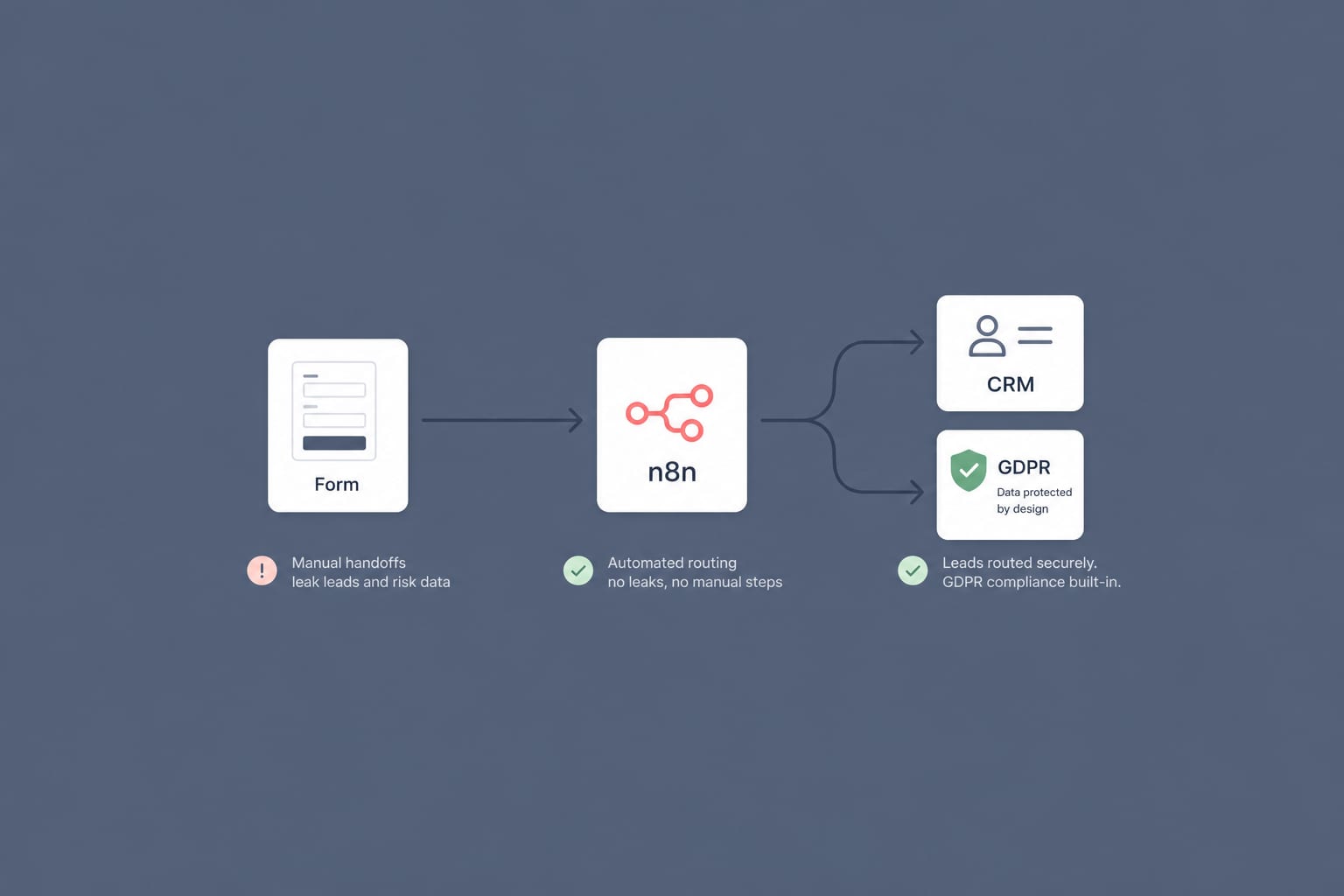
Workflow AutomationMay 30, 2026
A GDPR-Compliant n8n Workflow for B2B Lead Routing: From Web Form to CRM in 60 Seconds
Most B2B lead routing is a leaky relay of manual steps. Here is a self-hosted n8n workflow that takes a form submission to the right salesperson's CRM in under a minute, with GDPR built in rather than bolted on.
12 min read
Workflow AutomationJan 20, 2026
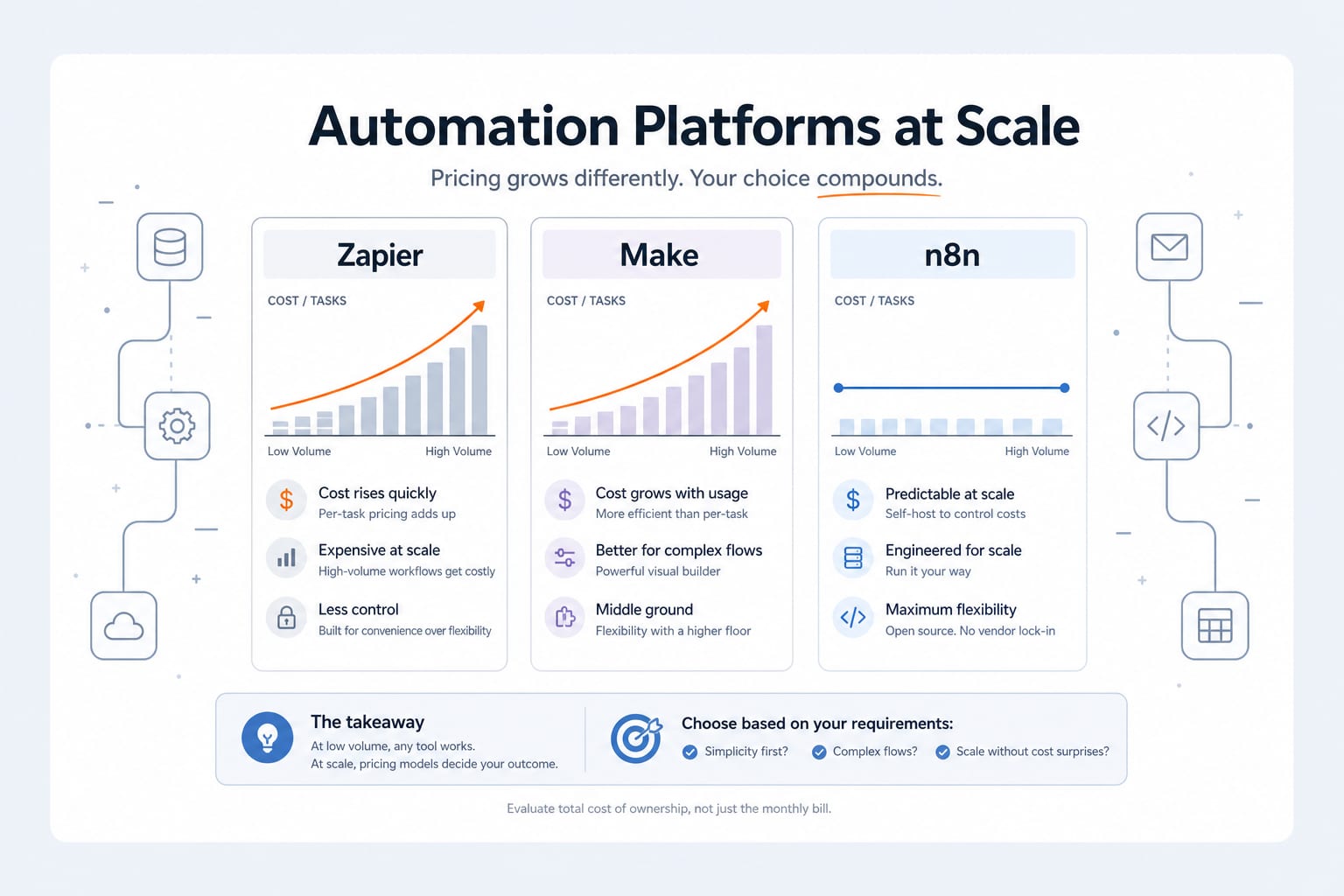
n8n vs Zapier vs Make: An Engineer's 2026 Comparison (And Why We Self-Host n8n)
An honest 2026 comparison of n8n, Zapier and Make. Pricing math at scale, integration depth, AI agent capabilities, data sovereignty, and the decision framework we use when scoping an automation project.
11 min read
Workflow AutomationApr 28, 2026
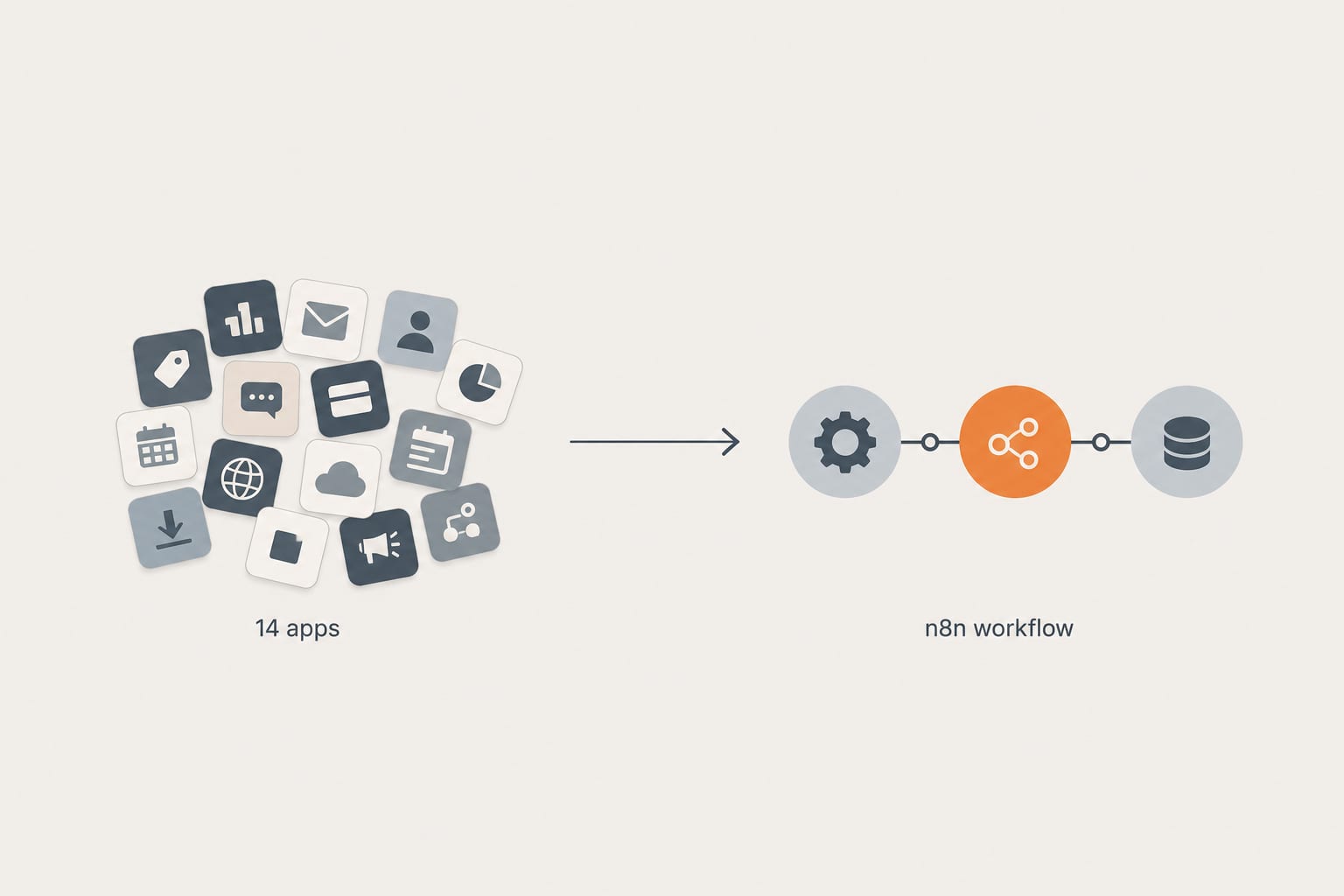
How We Replaced a 14-App Shopify Stack With 3 n8n Workflows (And What It Cost)
A real client cleanup. Fourteen apps doing automation, abandoned cart, inventory sync, and review imports. Three n8n workflows replaced them in two weeks. Here is the architecture, the math, and what we would do differently next time.
12 min read