Shopify + NetSuite Integration: A Vendor-Neutral Architecture Guide
A senior engineer's vendor-neutral comparison of Shopify NetSuite integration approaches. Native Connector vs Celigo vs Boomi vs custom RESTlets. Real failure modes, field mapping logic, and the architecture decisions that decide whether the integration scales.
13 min read
Every guide to Shopify NetSuite integration is written by someone selling you the answer. Celigo's blog says Celigo. Boomi's says Boomi. The NetSuite Connector page says NetSuite Connector. Anchor Group sells implementations of one specific path. The merchant scoping the integration ends up reading five guides that each conclude with "and that is why our tool is right for you", and never gets the honest comparison they came for.
This post is the vendor-neutral one. We have shipped Shopify NetSuite integrations on the native NetSuite Connector, on Celigo, on Boomi, and on custom RESTlets with middleware we built ourselves. The right answer depends on a small number of axes the marketing pages do not foreground. The wrong answer locks a mid-market wholesaler into a $129K-per-year iPaaS contract for a flow that a SuiteScript and a Lambda could have handled, or pushes a $50M brand onto a connector that breaks under their order volume.
What you are actually integrating
Before the tool choice, the data model. A Shopify NetSuite integration synchronizes seven entity types in some combination of one-way and two-way flow:
| Entity | Common direction | Source of truth |
|---|---|---|
| Products (items) | NetSuite → Shopify | NetSuite |
| Inventory | NetSuite → Shopify | NetSuite |
| Pricing (price lists, B2B catalogs) | NetSuite → Shopify | NetSuite |
| Customers (accounts) | Shopify → NetSuite (DTC), bidirectional (B2B) | Mixed |
| Orders (sales orders, cash sales) | Shopify → NetSuite | Shopify |
| Fulfillments (shipments, tracking) | NetSuite → Shopify | NetSuite |
| Refunds / returns | Bidirectional | Shopify (initiated), NetSuite (financial) |
The direction matters because it dictates which system has the authoritative version of each field. The most common architectural error is unclear source-of-truth designation. If both systems can edit a product price, neither is correct, and one of them will overwrite the other at unpredictable intervals.
For each entity above, document explicitly: which system owns the master record, what fields are read-only on the other side, and what happens when both sides edit the same record before sync completes. This is the design phase that no tool replaces.
The four integration paths
Path 1: NetSuite Connector (the native SuiteApp)
Oracle ships a NetSuite Connector SuiteApp, originally built by FarApp before NetSuite acquired them. It handles Shopify (B2C and B2B), Shopify POS, and other marketplaces from the NetSuite admin.
Architecture: SuiteApp installed in NetSuite. Configuration done in the FarApp dashboard inside the NetSuite UI. The connector polls Shopify (and is pushed via webhooks for orders) and runs SuiteScripts on the NetSuite side to create and update records.
Strengths:
- Direct vendor support from Oracle
- Handles Shopify B2B, POS, multi-location inventory natively
- Pricing is part of the NetSuite license (no additional per-month iPaaS fee in most contracts)
- Fast to deploy for stores that fit the standard data model
Weaknesses:
- Fixed field mappings; customization is limited to what the connector exposes
- No AI-driven error remediation; failures route to email or NetSuite saved searches
- Sync direction is sometimes opinionated in ways you cannot override (the connector decides what "should" happen on a field conflict)
- Performance can degrade on stores with very high order volume (anecdotally above ~50K orders per month)
Use this when: the store's data model fits the connector's defaults, you do not need bespoke field mappings, the integration scope is order/inventory/customer/product sync without exotic flows.
Path 2: Celigo Integration Platform
iPaaS connector tuned for Shopify and NetSuite among many supported endpoints. Pre-built flows for the common entities, with a visual builder for customization.
Architecture: Cloud-hosted Celigo platform. Pre-built flows for each entity, configurable with field mappings, transformations, and routing logic. Real-time order sync via webhooks; scheduled sync for entities that do not need immediacy.
Strengths:
- Most flexible visual field mapping of the off-the-shelf options
- AI-assisted error resolution (Celigo claims 95 percent auto-fix on recurring errors)
- Handles multi-subsidiary and multi-currency cleanly
- Strong handling of NetSuite concurrency limits (a real concern at volume)
- Pricing typically flat-rate rather than per-transaction (better for high-volume stores)
Weaknesses:
- Annual licensing cost (typically $15K to $40K depending on tier and flows)
- Lock-in to the Celigo platform for the integration logic
- The visual builder is approachable but the underlying complexity does not disappear; non-trivial integrations still need someone who understands the data flow
Use this when: you need real customization in field mappings, you have multi-subsidiary or multi-currency complexity, you want vendor support without the engineering overhead of a fully custom build.
Path 3: Dell Boomi (or MuleSoft, Workato, Jitterbit)
Enterprise iPaaS, broader scope than Celigo, designed for organizations integrating many systems at once.
Architecture: Cloud-native platform with a drag-and-drop process designer. Pre-built connectors for Shopify and NetSuite alongside hundreds of other endpoints. Supports both event-driven and batch processing, with API gateway and DevOps tooling.
Strengths:
- Best fit for enterprises integrating Shopify and NetSuite alongside ERP-adjacent systems (CRM, MDM, EDI, warehouse management)
- Strong governance and observability features
- Multi-system orchestration where Shopify and NetSuite are two of many
- Used by organizations that have internal integration teams
Weaknesses:
- Most expensive option, often $50K to $150K+ annually for enterprise use cases
- Setup complexity that overshoots most mid-market needs
- Requires in-house Boomi expertise to be cost-effective long-term
Use this when: Shopify and NetSuite are part of a larger integration estate (5+ systems), you have or are building an in-house integration team, governance and compliance requirements drive the platform choice.
Path 4: Custom integration on RESTlets, webhooks, and middleware
A custom middleware that you (or your agency) build. The middleware receives Shopify webhooks, calls NetSuite RESTlets (or SuiteTalk REST), and handles the transformation, retry, and error logic explicitly.
Architecture: Typically a small service on AWS Lambda, Cloud Run, or a similar serverless platform. Receives Shopify webhooks on order/create, product/update, inventory_level/update. Calls NetSuite RESTlets (custom SuiteScripts you write) for each operation. Logs to CloudWatch or equivalent. Optionally a small Postgres or DynamoDB table for deduplication and retry state.
Strengths:
- Maximum flexibility on field mapping, transformation, and error handling
- No licensing cost beyond your AWS bill (typically $50 to $300 per month)
- You own the code, the integration evolves with your business
- Same architecture pattern as our self-hosted n8n setup
Weaknesses:
- Initial build cost is real (typically $30K to $80K for a clean implementation)
- You own the maintenance, including NetSuite SuiteTalk version upgrades and Shopify API deprecations
- Requires engineering capacity that mid-market merchants may not have in-house
Use this when: the integration requirements are specific enough that off-the-shelf tools cannot handle them cleanly, you have engineering capacity, or the cost of the alternatives is approaching the build cost of the custom path.
The decision framework
For any Shopify NetSuite integration, we score four axes from 0 to 3:
- Field-mapping complexity: bespoke mappings on every entity (3), some custom logic (1), defaults work fine (0)?
- Order volume: 100K+ orders per month (3), 10K to 100K (1), under 10K (0)?
- Integration estate: Shopify + NetSuite + 3 to 5 other systems (3), Shopify + NetSuite plus one CRM (1), Shopify + NetSuite only (0)?
- In-house engineering: dedicated team for 3 years (3), agency partner (1), no plan (0)?
Score 0 to 3: NetSuite Connector. Native, supported, cheap. The defaults work for the majority of mid-market wholesalers.
Score 4 to 6: Celigo. The customization flexibility justifies the annual license, and the AI-assisted error handling is real value at this scale.
Score 7 to 9: Custom build on RESTlets and middleware. The off-the-shelf tools cost approaches the custom build cost at this complexity, and the custom path gives you control.
Score 10 to 12: Boomi or a comparable enterprise iPaaS. The Shopify NetSuite integration is one of many; the platform investment pays back across the estate.
These are starting points, not verdicts. We have built custom integrations for clients scoring 5 because they had a specific reason (data sovereignty, an unusual ERP customization, a need to integrate with a French-only fulfillment provider) that no off-the-shelf tool handled. The framework is a triage, not a decision.
The failure modes nobody warns you about
After dozens of Shopify NetSuite integrations, the recurring failure modes are predictable. None of them is fundamentally about the tool choice; all of them are about the design phase.
SKU drift. Shopify variant SKUs do not match NetSuite item SKUs. We have seen integrations where 30 percent of initial order syncs failed because a brand had cleaned up SKU naming on Shopify after NetSuite was set up. Fix: SKU reconciliation as a pre-integration project. Use a single SKU as the unique key across both systems. Either system can rename for display purposes, but the SKU is the cross-system contract.
Location mapping. A store has three warehouses on Shopify, two subsidiaries in NetSuite, and an additional 3PL inventory feed. The integration needs to know which Shopify location maps to which NetSuite location, and how the 3PL inventory rolls up. Fix: explicit location mapping table, documented and version-controlled, before the integration goes live.
Tax variance. Shopify calculates tax on the order. NetSuite calculates tax on the sales order. The two often disagree by a few cents on edge cases (multi-state shipping, mixed taxable/non-taxable items). Fix: decide who is the source of truth for tax (usually Shopify, since the customer paid that amount), and configure NetSuite to accept the Shopify-calculated tax rather than recalculate.
Currency rounding. Multi-currency stores hit this within the first week. Shopify rounds at line item, NetSuite rounds at total. The order total can drift by pennies. Over thousands of orders this becomes a real reconciliation problem. Fix: explicit rounding rules at the integration boundary, applied consistently in one direction.
Refund propagation. A customer requests a refund on Shopify. The refund needs to flow to NetSuite as a customer return, a credit memo, or both. The integration's refund logic is the most common place we see custom code that should have been part of the original scope. Fix: design the refund flow before launching the integration, not after the first customer return reveals the gap.
⚠️
The single biggest determinant of integration success is the data hygiene of the source systems before integration starts. A NetSuite instance with duplicate customer records, a Shopify store with inconsistent variant SKUs, or a product catalog with conflicting unit-of-measure definitions cannot be salvaged by a perfect integration. Budget 20 to 40 percent of the integration timeline for data reconciliation work that happens before the first webhook fires.
Real-time vs scheduled sync
A subtle decision that affects the architecture. Not every entity needs to sync in real time.
Real-time (sub-minute): Orders. The customer expects their order in NetSuite for fulfillment. Inventory updates that affect availability on the storefront (sold-out, low-stock thresholds).
Near-real-time (5 to 15 minutes): Inventory adjustments from warehouse receipts. Customer profile updates. Product price changes.
Scheduled (hourly or daily): Product catalog refreshes. Historical fulfillment data. Refund reconciliation. Bulk price list updates.
Trying to sync everything in real time burns through NetSuite SuiteTalk governance units (NetSuite's API rate limit) and creates failure modes that scheduled syncs do not have. Trying to sync everything on a schedule creates customer-facing problems (someone ordered an out-of-stock item because inventory was 6 hours stale).
The right answer is per-entity, documented, and consistent across the integration.
What this typically costs
Honest ranges from our recent engagements:
| Integration shape | Total cost year 1 | Annual cost year 2+ |
|---|---|---|
| NetSuite Connector, standard flows | $10K to $25K (config + training) | $0 to $5K (NetSuite license includes connector) |
| Celigo, customized flows for mid-market | $25K to $50K (license + setup) | $15K to $40K (license + maintenance) |
| Boomi, enterprise estate | $80K to $200K+ (license + implementation) | $50K to $150K+ (license + dedicated team) |
| Custom build (Lambda + RESTlets) | $40K to $100K (engineering) | $5K to $15K (maintenance + AWS bill) |
The right answer depends on the framework above. The wrong answer is usually "whoever's salesperson got to us first."
What we ship at Sentinu
Recent engagements across the four paths:
- A French D2C brand, NetSuite Connector, 12K orders per month, standard B2C flows. Live in 6 weeks, no customization needed beyond field mappings.
- A UK industrial supplier, Celigo, multi-subsidiary, B2B price lists, $3M in annual order value through the integration. Live in 12 weeks with custom flows for tier pricing.
- A Canadian enterprise wholesaler, custom build on AWS Lambda + NetSuite RESTlets, 50K orders per month, integrated with a custom WMS and a freight aggregator. 16-week build, $300/month AWS bill, no licensing cost.
- A French multi-brand parent company, Boomi, integrating Shopify Plus, NetSuite, Salesforce, and a custom PIM across four brand stores. 24-week implementation, ongoing internal integration team.
The pattern across these: the right tool was rarely the cheapest one in the abstract, but it was always the right one for the specific business shape. Tool selection is the second decision. The first is data model design.
FAQ
Can I switch from one integration path to another later?
Yes, with effort. The cleanest migration path is to keep the source-of-truth data model stable and swap the middleware layer. Going from NetSuite Connector to Celigo is straightforward (both use similar field-mapping concepts). Going from Celigo to a custom build is harder because you are taking on engineering ownership. Plan for the migration at the data layer first, the tool layer second.
How does Shopify B2B affect the integration?
Substantially. Shopify B2B introduces company accounts, custom catalogs, and B2B pricing that the integration needs to map to NetSuite customer accounts, subsidiaries, and price lists. The native NetSuite Connector handles Shopify B2B; Celigo handles it with some configuration. We covered the B2B layer in our Shopify Plus B2B post.
What about NetSuite OneWorld and multi-subsidiary?
OneWorld (NetSuite's multi-subsidiary, multi-currency, multi-tax module) is one of the better filters for tool choice. The NetSuite Connector handles single-subsidiary cleanly and OneWorld with some friction. Celigo handles OneWorld well. Boomi handles OneWorld at scale. Custom builds handle OneWorld as well as you design them to.
Can I do real-time inventory sync at high volume?
Real-time inventory sync at 100K+ orders per month bumps into NetSuite SuiteTalk governance limits. The mitigation is batching (group inventory updates by SKU and push in batches every 60 seconds), filtering (only push the SKUs that actually changed), and queue-based architecture (Lambda or a queue worker that respects backoff). All four paths can do this; the custom path gives you the most control.
What is the cost of getting the integration wrong?
In our worst-case observation, a mid-market wholesaler ran for 18 months on a misconfigured integration that double-counted refunds. The reconciliation work to clean up was $80K of accounting time plus a written-off receivables balance of $200K. The cost of getting the integration right at the start would have been a quarter of that.
Do I need a NetSuite Alliance Partner for the integration?
For NetSuite Connector and Celigo, an Alliance Partner is the standard implementation path and usually correct. For Boomi, you typically work with a Boomi-certified partner. For a custom build, you want an agency or in-house team with both NetSuite SuiteScript experience and Shopify Admin API experience. The agency we recommend depends on the path; we partner with Alliance Partners for Connector and Celigo work, and we build the custom path in-house.
How do I keep the integration working through Shopify API updates?
Shopify deprecates older API versions on a 12-month cycle, with a sunset typically 12 months after deprecation. Maintenance budget should include one annual version upgrade. The NetSuite Connector and iPaaS tools handle the upgrade for you (vendor responsibility). Custom builds make the upgrade your responsibility, which is one of the costs to factor into the build-vs-buy decision.
Where to take this next
If you are scoping a Shopify NetSuite integration and the framework above narrowed the path but you want validation against your specific business shape, that is what our API and system integration services practice covers. We have shipped on all four paths and we will tell you honestly which one fits, including when the answer is "neither of the paths we sell, hire an Alliance Partner for the NetSuite Connector." If the integration is part of a larger build that includes custom Shopify app development, our Custom App vs Public App post is the companion read.
Related Topics
Related posts
View all articles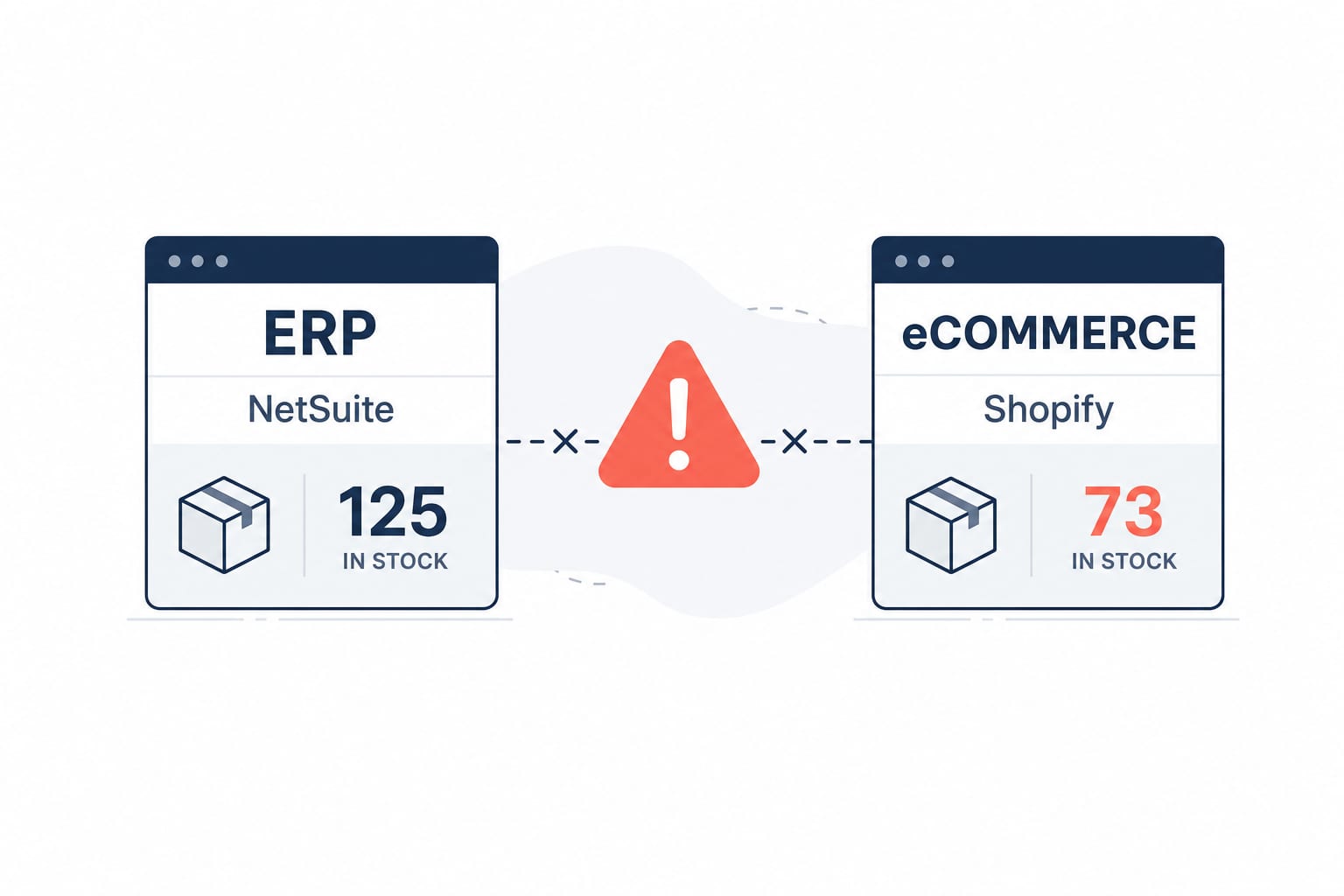
Workflow AutomationFeb 20, 2026
Building a Shopify and NetSuite Inventory Sync Workflow on n8n
A senior engineer's build-along guide to a production-ready inventory sync between Shopify and NetSuite on self-hosted n8n. Webhook architecture, GraphQL Admin API, rate-limit handling, and the deduplication pattern that keeps stocks accurate at scale.
15 min read

Shopify DevelopmentMay 12, 2026
Shopify Scripts Are Dead in 48 Days: The Functions Migration Playbook for Plus Stores
June 30, 2026 is a hard wall. Scripts editing is already locked. If your checkout discounts, shipping rules, or payment logic still run on Scripts, here is the migration playbook, the failure modes, and what it costs.
13 min read
Shopify DevelopmentApr 21, 2026
Shopify Metaobjects and Metafields: A Developer's Guide to Structured Content in 2026
Metafields attach data to existing resources. Metaobjects are standalone records you can reference anywhere. Here is when to use which, how to model them, and the API patterns that scale across thousands of products.
12 min read