n8n vs Zapier vs Make: An Engineer's 2026 Comparison (And Why We Self-Host n8n)
An honest 2026 comparison of n8n, Zapier and Make. Pricing math at scale, integration depth, AI agent capabilities, data sovereignty, and the decision framework we use when scoping an automation project.
11 min read
We have shipped automation projects on all three platforms. We default to n8n for almost every engagement now, and not because we have a religious attachment to open-source. It is because the math on price, control, and AI capabilities in 2026 stopped being a debate.
This is the comparison we wish more operations leaders would actually run before signing another Zapier renewal. No vendor allegiance, no affiliate links, just the trade-offs as we see them after building production automations across all three.
The short answer
Pick Zapier if your team is non-technical, you connect mainstream SaaS apps, and your monthly task volume stays under 10,000. You will pay a premium for the easiest onboarding in the market.
Pick Make if you need visual workflow logic with conditionals, iterators, and routers, and your team can handle a moderate learning curve. It is the best mid-market value of the three.
Pick n8n if you have engineering resources, regulatory or data-residency requirements, AI agent ambitions, or monthly task volume that breaks Zapier's pricing. The learning curve pays back at scale, on every axis.
Everything below is the reasoning. Where the answer is not obvious, we say so.
What each platform actually is in 2026
Surface-level, all three connect apps and automate workflows. The philosophies are different.
| Platform | Origin | Hosting | Pricing model | License |
|---|---|---|---|---|
| Zapier | 2011, Columbia MO | Cloud only | Per-task | Proprietary SaaS |
| Make (ex-Integromat) | 2012, Prague | Cloud only | Per-operation | Proprietary SaaS |
| n8n | 2019, Berlin | Cloud or self-hosted | Per-execution (cloud) or free (self-hosted infra cost only) | Fair-code (Sustainable Use License) |
The pricing model difference is the most important line in that table, and most comparison posts skim over it. Read it again.
Pricing at scale, not at the trial tier
Free tiers look similar. Sticker prices look similar. The reality at production volume is not.
A "task" or "operation" or "execution" is not the same unit across platforms. This is where the math gets ugly for Zapier.
- Zapier: counts every action step within a Zap. A workflow with 1 trigger and 8 actions running 1,000 times costs you 8,000 tasks.
- Make: counts every "operation", roughly each module run. Slightly cheaper per unit and significantly cheaper at scale because of better routing efficiency.
- n8n (cloud): counts each workflow execution, regardless of how many nodes are inside. A 20-node workflow costs the same as a 2-node workflow. One unit per run.
- n8n (self-hosted): no per-execution cost. You pay for the server. A $20/month VPS runs millions of workflow executions if you size it right.
We modeled the real cost for a recurring use case from one of our clients: a Shopify abandoned cart workflow that runs ~50,000 times per month and has 12 steps including conditional logic, an HTTP call, two CRM updates, and an email.
| Platform | Monthly cost for this workflow alone |
|---|---|
| Zapier Professional (per-task) | ~$199 to $349 depending on plan tier |
| Make Pro (per-operation) | ~$59 to $99 |
| n8n Cloud (per-execution) | ~$50 |
| n8n self-hosted (VPS only) | ~$15 to $30 fixed, regardless of how many other workflows you add |
That gap compounds. A growing business adds workflows monthly. On Zapier, that means recurring price step-ups. On self-hosted n8n, you pay the same $30 whether you run 1 workflow or 50.
⚠️
Zapier's pricing is fine if you have a handful of low-volume Zaps. It punishes you for complexity and volume, exactly the conditions every successful automation program runs into within 12 months. Plan for the cost in month 18, not month 1.
Integration depth: who actually has what you need
Raw integration counts are a useful but lazy metric. The real question is whether the platform supports the specific apps and the specific actions your workflows need.
| Platform | Pre-built integrations | Quality of each | "Anything API" via HTTP |
|---|---|---|---|
| Zapier | 8,000+ | Broad but often shallow per app | Limited webhooks, painful for custom APIs |
| Make | 2,000+ | Deeper than Zapier, more configurable | Strong HTTP module, custom apps possible |
| n8n | 1,500+ native | Deep, with full action and credential support | Best-in-class HTTP node, import cURL directly |
For mainstream apps (Slack, Gmail, HubSpot, Notion, Stripe), all three handle the obvious workflows. For anything off the beaten path, n8n's HTTP node beats both competitors because you can paste a cURL command and it builds the integration for you. We have connected n8n to legacy ERPs over SOAP, to private GraphQL endpoints with custom OAuth flows, and to obscure French ERPs that Zapier has never heard of. That is the difference between "we connect to 8,000 apps" and "we connect to anything with an API".
AI and agent capabilities: where 2026 actually changed things
This is where the gap widened the most over the past 12 months. All three platforms ship AI features in 2026, but they are not equivalent.
n8n leads on agentic workflows. n8n 2.0 (January 2026) added a native AI Agent Tool Node, LangChain integration, persistent agent memory, and support for self-hosted LLMs. For teams building autonomous agents that can plan and execute multi-step tasks, n8n is the only one with the primitives to do it without bolting on third-party tools.
Zapier went the opposite direction with Zapier Agents and Copilot. The focus is making AI accessible to non-technical users with natural-language workflow creation. It is the fastest way to ship a simple AI-augmented automation. It is the slowest way to ship anything complex or to keep your data in your own infrastructure.
Make sits in the middle with Maia (its AI assistant) and Make AI Agents. Good visual integration of OpenAI, Anthropic, and Google models into workflows. Less flexible than n8n's primitives if you need to orchestrate multi-agent systems.
If "AI agent" is in your 2026 roadmap and you have anything more ambitious than "summarize incoming support tickets", n8n is the choice.
Data sovereignty and compliance: the part most posts skip
For European companies, regulated industries, or anyone subject to data-localization rules, this is not a footnote. It is the entire decision.
- Zapier: cloud only, primarily US infrastructure. Has compliance certifications, but your data sits on their servers and is processed in their regions.
- Make: cloud only, EU and US data center options. Better than Zapier for EU customers but still SaaS hosted.
- n8n self-hosted: your data never leaves your infrastructure. You control the region, the encryption, the access logs, the retention policies.
For a French SaaS handling personal data of EU residents, self-hosted n8n on an EU AWS region (or OVH, or Scaleway) lets you write "data does not leave EU jurisdiction" in your DPA and mean it. For a Canadian healthcare client subject to PHIPA, self-hosted n8n on a Canadian region is the only one of the three that meets the bar without negotiating special enterprise contracts.
💡
GDPR compliance is not "we are hosted in the EU". It is "we control the processing, the sub-processors, the residency, and the deletion". Self-hosted automation is the only configuration where you can answer all four questions yourself. With Zapier or Make, you are trusting a third-party sub-processor and writing them into every privacy notice.
For a deeper engineering walkthrough of how we deploy this in practice, see our self-host n8n on AWS guide.
Learning curve and team fit
This is the honest part. n8n is not the right tool for every team.
- Zapier onboarding: a non-technical operator is productive in an hour. The linear "trigger then action" model is genuinely intuitive.
- Make onboarding: a moderately technical user is productive in a few days. Iterators, routers, and aggregators take a real moment to internalize. Worth it once you click on the visual flow model.
- n8n onboarding: a developer or an automation-fluent operator is productive in a week. A pure non-technical user is overwhelmed. The platform exposes JSON, expressions, and node-based logic from the first workflow.
If your team's automation lead is a marketing operator with no engineering support, Zapier is the right answer regardless of price. If you have an in-house engineer or an automation partner, n8n's learning curve becomes a non-issue and the benefits stack up.
A decision framework we actually use
When scoping an automation engagement at Sentinu, we score four axes from 0 to 3 and let the total decide:
- Volume sensitivity: monthly executions over 50k (3), 10k to 50k (1), under 10k (0)?
- Data residency / compliance pressure: regulated industry or EU PII (3), some sensitivity (1), none (0)?
- Workflow complexity: multi-branch with custom APIs or AI agents (3), conditional logic (1), simple linear flows (0)?
- Engineering availability: in-house dev or partner (3), some technical fluency (1), non-technical only (0)?
Score 8 or higher: self-hosted n8n. Score 5 to 7: n8n Cloud or Make. Score under 5: Zapier.
The middle band is where the conversation happens. Often it ends with n8n Cloud as the bridge: same product as self-hosted, run by n8n the company, so you skip the infrastructure work but keep the option to migrate to self-hosted later when volume justifies it.
What we ship at Sentinu
Mostly self-hosted n8n, with the occasional Zapier carve-out for departments that need to move fast without engineering involvement. Recent engagements:
- A French DTC brand replacing $14k/year of Zapier spend with self-hosted n8n on a $40/month Hetzner box. Payback period: about 5 weeks including our build time.
- A Shopify Plus merchant running 80+ workflows across order routing, inventory sync to a NetSuite instance, abandoned cart escalation, and review collection. Single self-hosted n8n instance handles all of it.
- A French SaaS subject to GDPR strict-mode requirements. Self-hosted n8n on Scaleway Paris, full data residency, zero third-party sub-processors in the automation pipeline.
We do not get paid extra for choosing one platform over another. We choose n8n because it is the one that does not become a tax on the business as it grows.
FAQ
Is n8n really free if self-hosted?
The software is free under n8n's fair-code license. You pay only for infrastructure (typically $15 to $60/month for most use cases) and for the engineering effort to set up and maintain it. There is no per-execution charge. The total cost is fixed and predictable, which is the point.
Can I migrate workflows from Zapier or Make to n8n?
Manually, yes, with some translation work. There is no perfect one-click import because the underlying models differ. We typically rebuild the most important workflows from scratch in n8n during a migration, because it is faster than translating and the n8n version usually ends up cleaner. Most of our migrations finish in 2 to 4 weeks for a portfolio of 20 to 40 workflows.
What about reliability of self-hosted n8n versus managed Zapier?
Zapier and Make have very good uptime as managed services. Self-hosted n8n's reliability is whatever your infrastructure setup is. With a properly configured production deployment (PostgreSQL backend, automated backups, monitoring, SSL via Let's Encrypt), we have run client n8n instances for over 18 months with no unplanned downtime. The bar for "production-grade self-hosted" is real, but it is also entirely achievable.
Does Zapier have any advantages I am underweighting?
The integration catalog is genuinely larger, and for some niche SaaS tools, Zapier has the only pre-built connection. The natural-language workflow creation is excellent for non-technical users. If your automation portfolio is dominated by light-touch workflows across many obscure apps and you have no engineering resources, Zapier is the correct choice. We do not see that profile often in our client base.
What is n8n Cloud and when does it make sense?
n8n Cloud is the managed version, run by n8n the company. You get the same product as self-hosted without the infrastructure setup. It makes sense as a starting point when you want n8n's capabilities and pricing model but you do not yet have the engineering bandwidth to self-host. Most of our clients start on Cloud and migrate to self-hosted around month 6 to 12 when volume makes the math obvious.
How does n8n 2.0 change the picture?
n8n 2.0 (January 2026) added native AI Agent Tool Nodes, persistent agent memory, LangChain integration, self-hosted LLM support, and the long-requested autosave. For teams using n8n as an AI orchestration layer (rather than just a workflow engine), 2.0 is the version that makes the platform genuinely competitive with custom-built agent frameworks. For pure workflow automation, the differences from 1.x are smaller but still worth the upgrade.
Where to go next
If you are evaluating workflow automation for your team, the next read is our workflow automation services page for the engineering approach we take on every n8n engagement. If you are convinced n8n is the answer and want to understand the deployment specifics, the self-host n8n on AWS guide covers the full production setup.
If you would rather skip the reading and have a thirty-minute conversation about your current automation stack and what it would look like on n8n, that is where most of these projects start.
Related Topics
Related posts
View all articles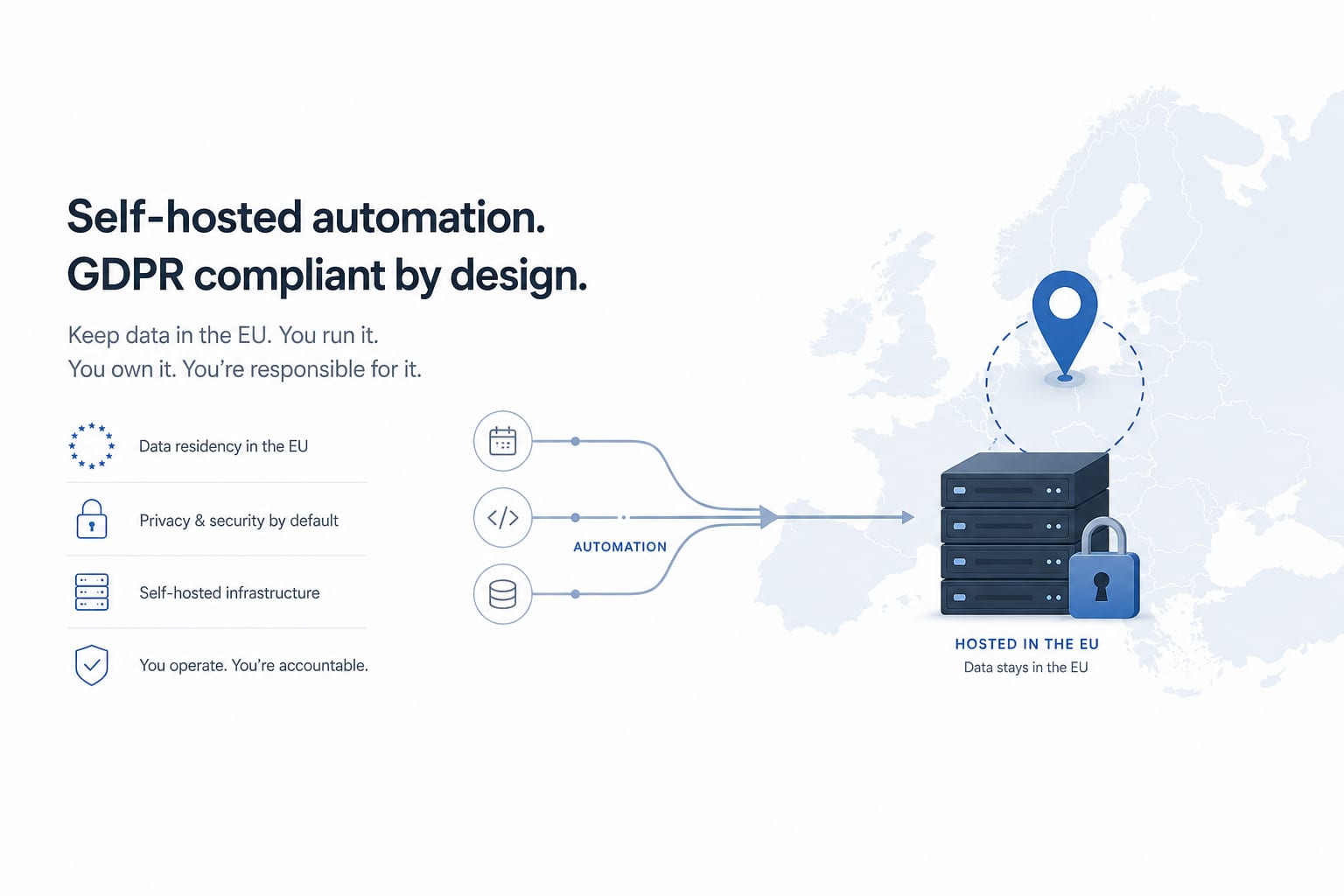
Workflow AutomationJan 23, 2026
How to Self-Host n8n on AWS for GDPR-Compliant Workflow Automation
A production-grade guide to deploying n8n on AWS EC2 with PostgreSQL, SSL, automated backups and GDPR data residency. The actual setup we use for European clients, not a hello-world tutorial.
11 min read
Workflow AutomationMay 30, 2026
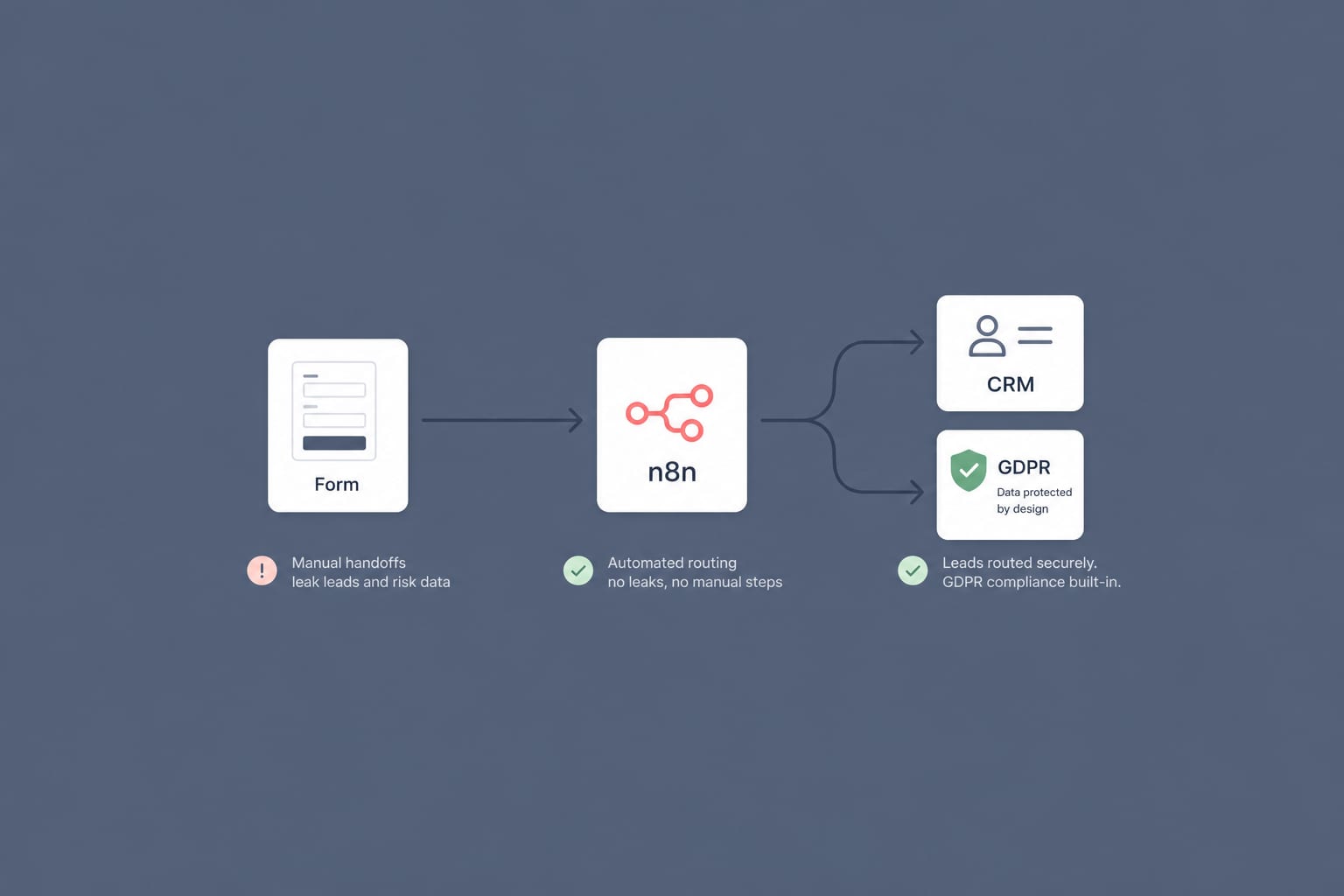
A GDPR-Compliant n8n Workflow for B2B Lead Routing: From Web Form to CRM in 60 Seconds
Most B2B lead routing is a leaky relay of manual steps. Here is a self-hosted n8n workflow that takes a form submission to the right salesperson's CRM in under a minute, with GDPR built in rather than bolted on.
12 min read
Workflow AutomationApr 28, 2026
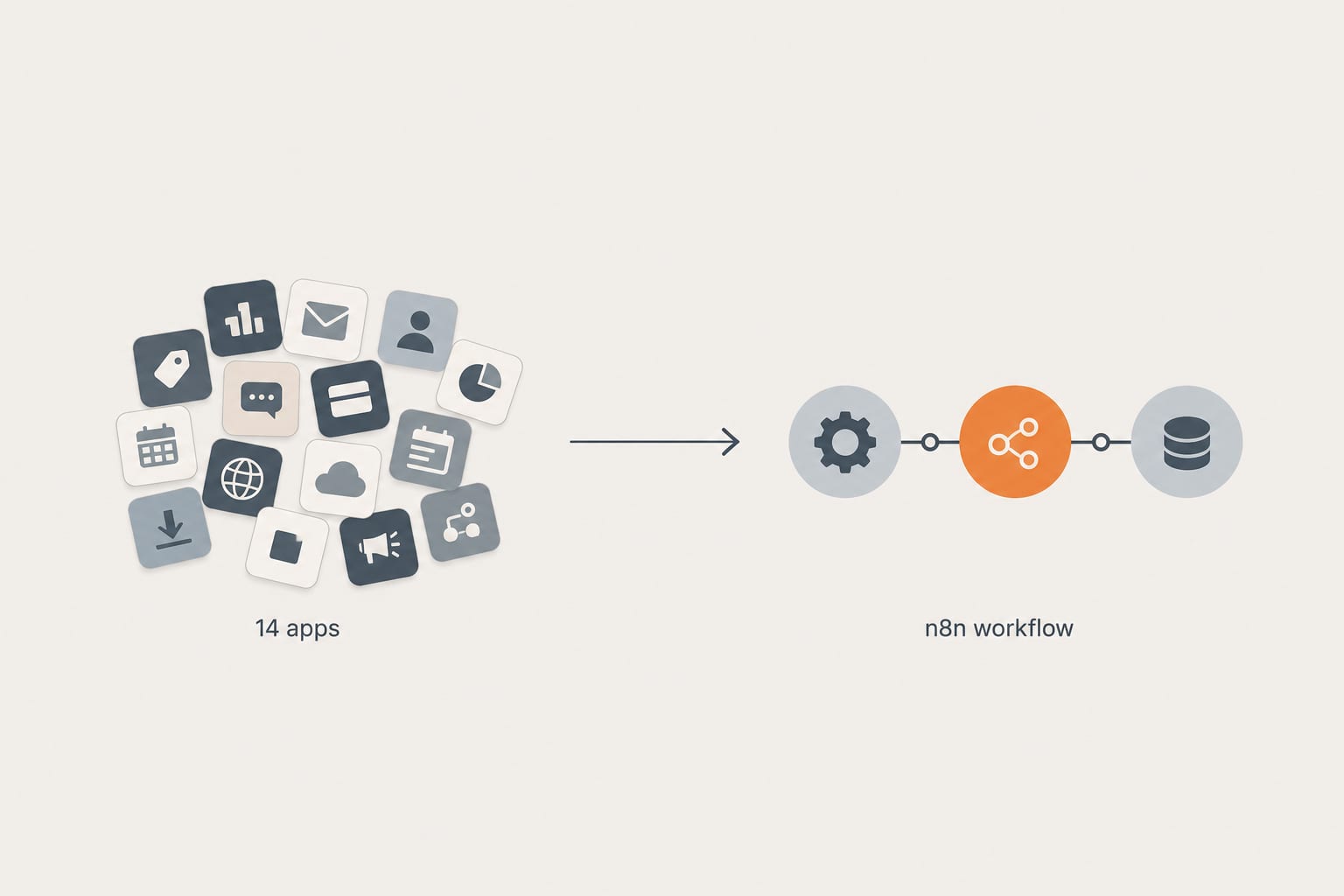
How We Replaced a 14-App Shopify Stack With 3 n8n Workflows (And What It Cost)
A real client cleanup. Fourteen apps doing automation, abandoned cart, inventory sync, and review imports. Three n8n workflows replaced them in two weeks. Here is the architecture, the math, and what we would do differently next time.
12 min read