How We Replaced a 14-App Shopify Stack With 3 n8n Workflows (And What It Cost)
A real client cleanup. Fourteen apps doing automation, abandoned cart, inventory sync, and review imports. Three n8n workflows replaced them in two weeks. Here is the architecture, the math, and what we would do differently next time.
12 min read
This post is the audit, the architecture, the math, and the honest list of what we would do differently. It is not a sales pitch for n8n; n8n is wrong for plenty of automation work. But for the specific category of "an app that runs once an hour and costs 30 euros a month," self-hosted n8n is usually the right answer, and most stores have a stack full of exactly that.
If you have not read our n8n vs Zapier vs Make comparison or the self-hosted n8n on AWS guide, they pair well with this post. We will keep this one focused on the case study and the decision framework.
What was in the stack
We started with a full inventory. The merchant did not know what most of these apps did anymore.
| Category | App | Monthly cost | Purpose |
|---|---|---|---|
| Reviews | A review platform | 49 € | Collecting and displaying reviews |
| Loyalty | A loyalty app | 79 € | Points and rewards |
| Wishlist | A wishlist app | 19 € | Save for later |
| Cross-sell | A recommendation app | 29 € | Upsell and cross-sell widgets |
| Inventory sync | A sync app | 39 € | Sync Shopify to NetSuite |
| Abandoned cart | A separate cart app | 29 € | Specifically for cart recovery |
| Order tagging | A tagging app | 15 € | Auto-tag orders by attributes |
| Customer tagging | Another tagging app | 15 € | Tag customers by behavior |
| PDF invoices | A PDF app | 12 € | Generate invoices with VAT |
| Stock notifications | A back-in-stock app | 19 € | Email when item restocked |
| Form builder | A form app | 25 € | Custom contact and B2B forms |
| Image optimizer | An image app | 19 € | Compress and serve images |
| Currency converter | A currency app | 9 € | Display prices in local currency |
| Shipping rules | A shipping rules app | 35 € | Conditional shipping logic |
| Total | 392 € |
Keep (1 app). The review platform stayed. Collecting verified reviews requires integrations with order systems that are not trivial to replicate, and the cost relative to the value was reasonable.
Built into Shopify already (3 apps). Image optimization, currency display, and one of the tagging apps duplicated functionality Shopify ships natively. The merchant did not know. We removed them.
Replace with n8n (8 apps). Inventory sync, abandoned cart recovery, order tagging, back-in-stock notifications, PDF invoice generation, customer tagging, form-to-CRM routing, conditional shipping rules. All of these are scheduled or event-driven workflows that do not need their own SaaS infrastructure.
Replace with a Shopify Function (3 apps). Cross-sell logic, loyalty point calculations, wishlist behavior. These needed to run on every cart page or checkout, so a function or a small custom theme block was the right answer, not n8n.
After the audit the picture was clear: we needed three n8n workflows and a small set of native Shopify features. That is what we built.
The three workflows
Workflow 1: Order pipeline
Triggered on every new order webhook from Shopify. Runs once per order. Replaces six apps.
What it does, in sequence:
- Receives the
orders/createwebhook from Shopify. - Pulls the full order data through the Admin GraphQL API.
- Looks at order attributes (total value, country, product types, customer tags) and applies tags to the order in Shopify.
- Looks at customer attributes (lifetime value, order count, geography) and applies tags to the customer in Shopify.
- Generates a PDF invoice using a template, attaches it to the order, and emails it to the customer (B2B customers only, B2C uses the standard Shopify confirmation).
- If the order contains items from suppliers using NetSuite, pushes the order to NetSuite via the REST API.
- If the order is from a B2B customer, sends a Slack notification to the sales team.
The whole workflow runs in about 4 seconds per order. The merchant sees the tagged orders in Shopify admin within 10 seconds of checkout completion.
Six apps were doing roughly this work in fragments, each with its own webhook listener, its own retry logic, its own admin UI, and its own monthly bill. Consolidating in one workflow killed the fragmentation overhead.
Workflow 2: Inventory and stock alerts
Runs every 5 minutes on a schedule. Replaces one app (sync) and partially replaces another (back-in-stock).
What it does:
- Pulls the current inventory levels from Shopify for products flagged with
custom.netsuite_sku. - Pulls the corresponding NetSuite stock levels.
- For any SKU where the levels diverge by more than the configured tolerance, writes the NetSuite level back to Shopify as the source of truth.
- For any SKU that just transitioned from out-of-stock to in-stock, looks up the back-in-stock subscriber list (stored in a metaobject) and queues an email.
The merchant's previous setup had two apps fighting each other: one syncing Shopify to NetSuite hourly, another listening for stock changes to fire back-in-stock emails. They occasionally disagreed about the true stock level and a fix in one place would not propagate to the other for an hour. The single workflow eliminates the race condition entirely.
Workflow 3: Abandoned cart and behavioral nudges
Runs every 10 minutes. Replaces two apps.
What it does:
- Queries Shopify for checkouts created in the last 24 hours that have not completed.
- For each abandoned checkout, checks the customer's history: have they completed a checkout in the last 60 days? Is this their first cart? What is in the cart?
- Routes to one of three message templates: first-time abandoner, returning customer, high-value cart.
- Schedules sends at 1 hour, 24 hours, and 72 hours after abandonment, with each subsequent send conditional on the cart still being abandoned.
- If a back-in-stock subscriber added the item to cart but did not purchase within 12 hours, sends a one-off nudge.
The reason this is one workflow and not three is that all three flows share the same underlying state ("is this cart still abandoned?") and they should not contradict each other. A customer who comes back through the back-in-stock nudge should not also get the generic abandonment email.
The math
The honest numbers from this project.
Before: 392 euros per month in app subscriptions. Roughly 18 hours per month of merchant time spent reconciling data across apps that disagreed. Checkout TTI 4.2 seconds, partly attributable to app scripts loading on every page.
After: 47 euros per month, broken down as 20 for the VPS hosting n8n, 12 for the kept review app, 9 for the kept currency display (we kept the paid one because it integrated with the merchant's tax setup), and 6 for incidental cloud storage. Roughly 2 hours per month of merchant time on automation-related issues. Checkout TTI 1.8 seconds.
Implementation cost: 2 weeks of our time, billed at our standard rate. The merchant broke even on the recurring savings at roughly month 6.
Risks we took on: hosting and maintaining the n8n instance. We set the merchant up with a managed hosting arrangement so they are not on the hook for ops. If they ever want to bring it in-house, we wrote runbooks for backup, monitoring, and update procedures.
This is not a universal result. The savings here were exaggerated by the specific situation: too many apps, low utilization of each, a B2B-heavy catalog that benefits from custom logic. A purely B2C store with 4 well-chosen apps would see less dramatic numbers. We have done this exercise on stores where the conclusion was "your stack is correct, keep what you have." It depends entirely on what the audit reveals.
🧮
A rough decision rule: if you are spending more than 200 euros a month on apps that each do less than 30 minutes of actual work per day, the math probably favors n8n. Below that threshold, the cost of building, hosting, and maintaining n8n workflows is hard to recover.
What we would do differently next time
Three honest mistakes from this project.
We underestimated the data migration. Five of the apps held data inside their own database that the merchant did not own. Back-in-stock subscriber lists, customer loyalty point balances, review moderation queues. Getting that data out before uninstalling required custom exports, support ticket waits, and in one case rebuilding a list from email logs. We now front-load this in the audit phase and quote it separately.
We started with the order workflow. It was the most complex and the most visible if it broke. We should have started with the inventory sync, which had a smaller blast radius if something went wrong. Now we always sequence: simplest workflow first, behavior-affecting workflow second, customer-facing workflow last.
We did not build observability early enough. For the first two weeks the merchant could not see what the workflows were doing. We added Slack notifications for failures and a Looker Studio dashboard for daily volume only in the third week, after the merchant asked. It should have been week one.
When n8n is the wrong answer
We say this in every automation post we publish but it is worth repeating in a case study. n8n is not always right.
High-frequency, low-latency automation. If your automation needs to run within 200 milliseconds of an event (real-time fraud scoring, dynamic pricing on every cart load), n8n's polling and queue architecture is not the right fit. Use a Shopify Function or a custom app with direct webhook handling.
Automation that needs to be embedded in the storefront. If the logic needs to render on a product page or in checkout, it is theme code or a Shopify Function, not an external workflow. Cross-sells, loyalty point displays, wishlist UI all fall here.
Cases where the SaaS app does meaningful product work, not just plumbing. Email's deliverability infrastructure, a review platform's fraud detection, a shipping app's carrier negotiation rates, these are not plumbing. They are product work that would be a one-year project to replicate. Keep them.
When the team cannot maintain the workflow. A workflow that the merchant cannot debug when it breaks is a liability. If there is no technical resource at the merchant and no budget for ongoing maintenance, a paid app with vendor support is sometimes the more honest answer.
The decision is rarely "n8n or app." It is "this specific automation is better in n8n, this other one is better as an app or function." A clean stack mixes both.
The audit framework we use
We run this for every Shopify store that asks us about automation or app bloat. It takes a half day with the merchant.
Inventory. List every installed app, monthly cost, install date, last used date (where we can determine it), and the merchant's understanding of what it does. About a third of apps come back as "I have no idea, it was the previous developer."
Function map. For each app, write one sentence on what business function it actually performs. Many apps cover the same function with different UIs.
Native check. Has Shopify shipped this functionality natively since the app was installed? Image optimization, basic currency display, several tagging operations, and a few shipping rule cases are all now native and frequently apps from 2022 to 2024 are still doing redundant work.
Frequency and latency requirements. How often does this need to run? How fast does it need to respond? Anything that runs less than once an hour at minute-or-better latency is an n8n candidate.
Data ownership. Does the app hold data the merchant needs to keep? Is it exportable? Some apps lock customer data, loyalty balances, or review content in ways that make migration painful.
Risk and complexity. What is the worst case if this workflow breaks? Checkout-critical workflows have a different bar than back-office automation.
At the end you have a four-column table: keep, replace with native Shopify, replace with n8n, replace with a custom app or Shopify Function. The plan writes itself from there.
FAQ
Is self-hosted n8n GDPR compliant for EU stores?
It can be, if you control the hosting region and the data flows. We covered the EU-specific setup in self-host n8n on AWS. The summary: host in an EU region, encrypt at rest, set retention on the n8n execution data, document the data processing in your privacy notice.
What happens if the n8n server goes down?
For event-driven workflows (the order pipeline), Shopify retries webhooks for up to 48 hours, so a short outage is invisible to the business. For scheduled workflows (inventory sync, abandoned cart), the next run catches up. We add Slack alerting on workflow failures and on server-level health so the team knows immediately rather than discovering it days later.
How do you handle versioning of n8n workflows?
We export workflows as JSON and commit them to a Git repository alongside the rest of the project. Changes go through pull request review. For larger setups we run a staging n8n instance for testing before promotion to production.
Could we have used Zapier or Make instead of n8n for this?
Zapier or Make would have worked for some of these workflows. The economics flip at scale: Zapier task counts on a stack like this would have been around 800 euros a month for the same volume, more than what we replaced. Make is cheaper than Zapier but still in the 100-to-150 euros range per month for this volume. Self-hosted n8n at 20 euros per month wins on cost as soon as you are running more than a few workflows.
How long does the migration usually take?
For a stack like the one above, two to three weeks of focused work. The audit is half a day. Building the three workflows took us about eight working days. The remaining time was data migration, testing, monitoring setup, and removing the old apps cleanly.
Where to go from here
If you suspect your Shopify stack has app bloat, the audit framework above is a free way to find out. If you want us to run it on your store and write the remediation plan, get in touch. We typically deliver the audit in a half-day workshop with your team and the recommended changes in a one-page plan you can execute yourself or with us.
For the wider series, see n8n vs Zapier vs Make for the platform comparison and Shopify and NetSuite inventory sync for the specific workflow architecture used in workflow 2 of this case study.
Related Topics
Related posts
View all articles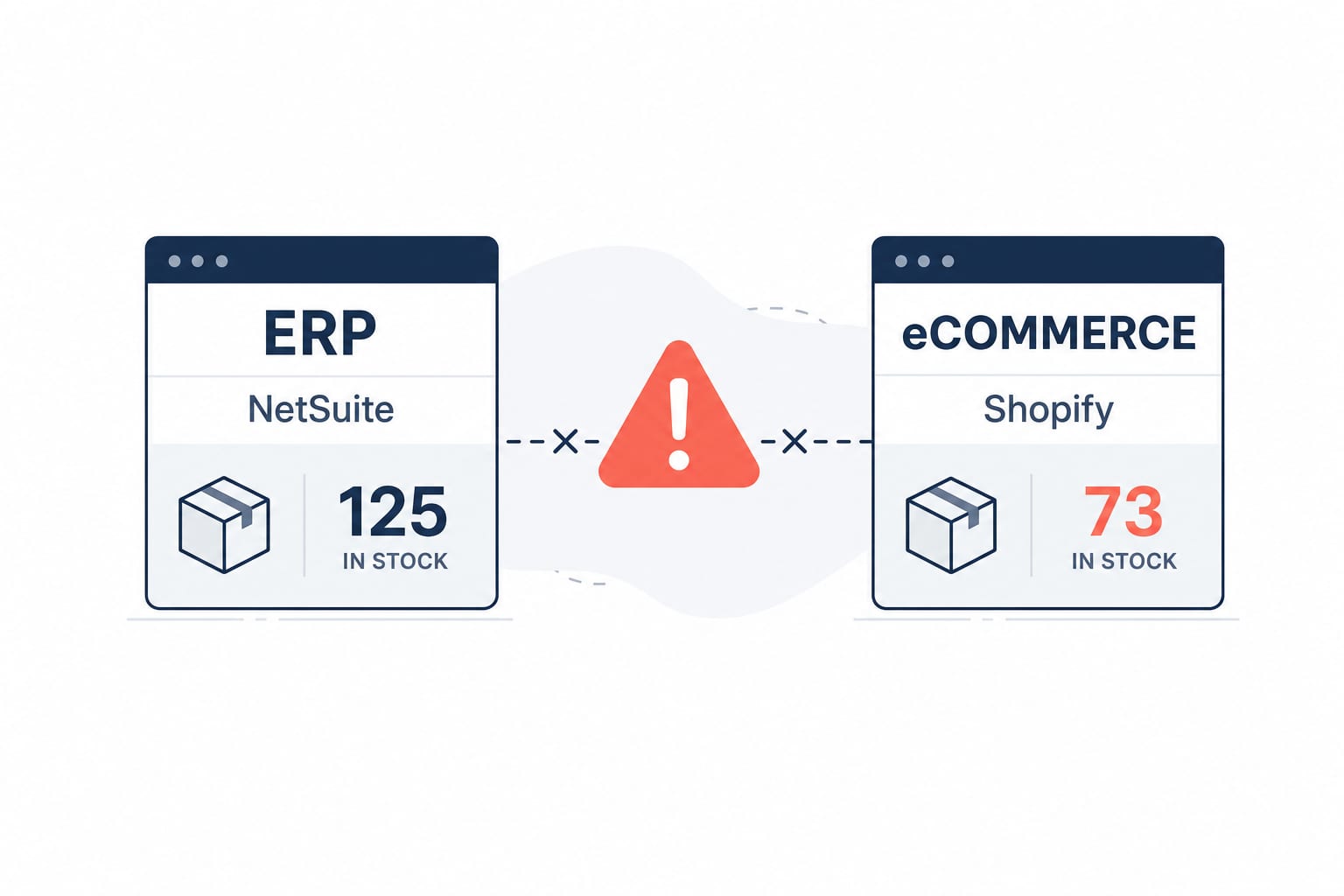
Workflow AutomationFeb 20, 2026
Building a Shopify and NetSuite Inventory Sync Workflow on n8n
A senior engineer's build-along guide to a production-ready inventory sync between Shopify and NetSuite on self-hosted n8n. Webhook architecture, GraphQL Admin API, rate-limit handling, and the deduplication pattern that keeps stocks accurate at scale.
15 min read
Workflow AutomationJan 20, 2026
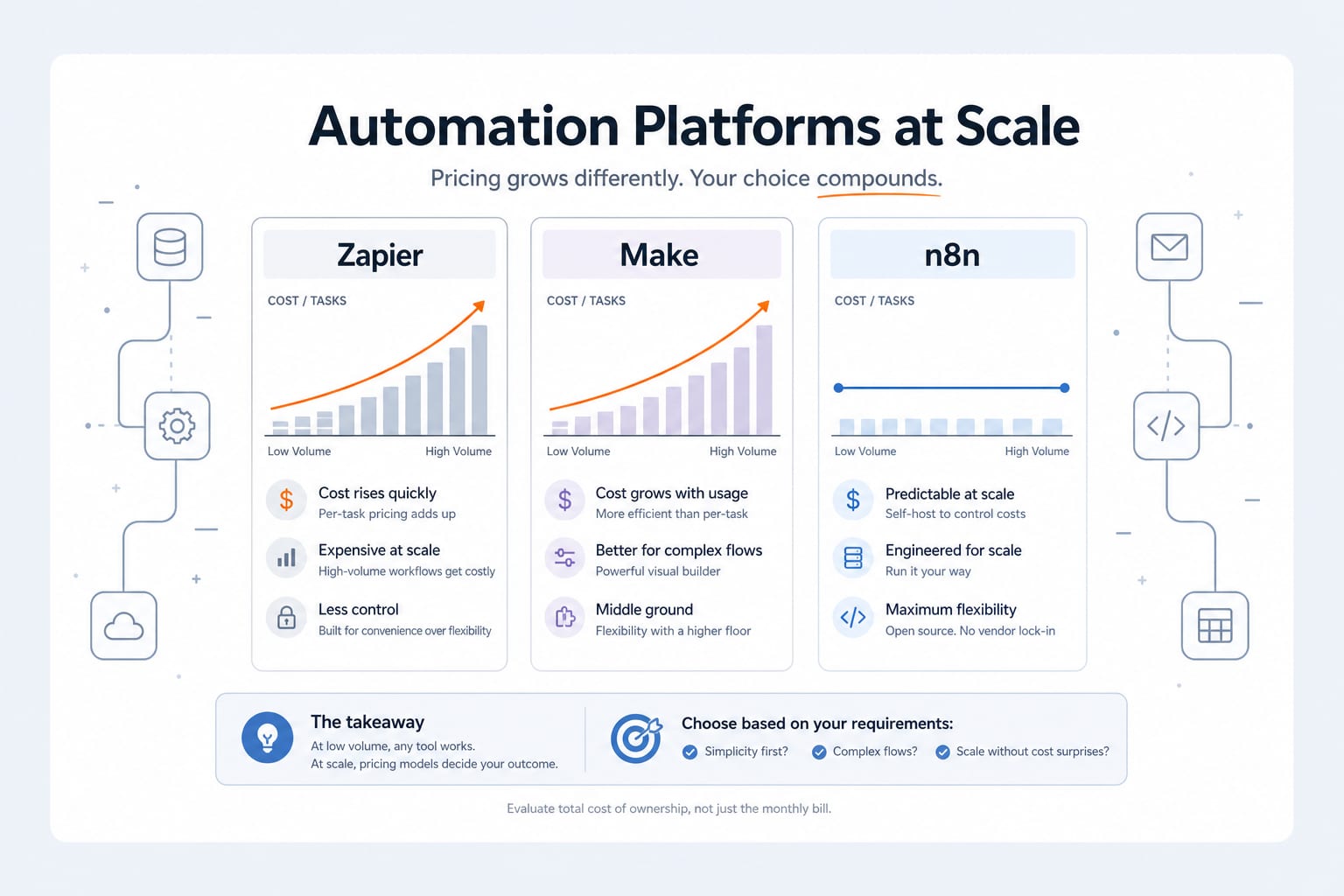
n8n vs Zapier vs Make: An Engineer's 2026 Comparison (And Why We Self-Host n8n)
An honest 2026 comparison of n8n, Zapier and Make. Pricing math at scale, integration depth, AI agent capabilities, data sovereignty, and the decision framework we use when scoping an automation project.
11 min read
Workflow AutomationMay 30, 2026
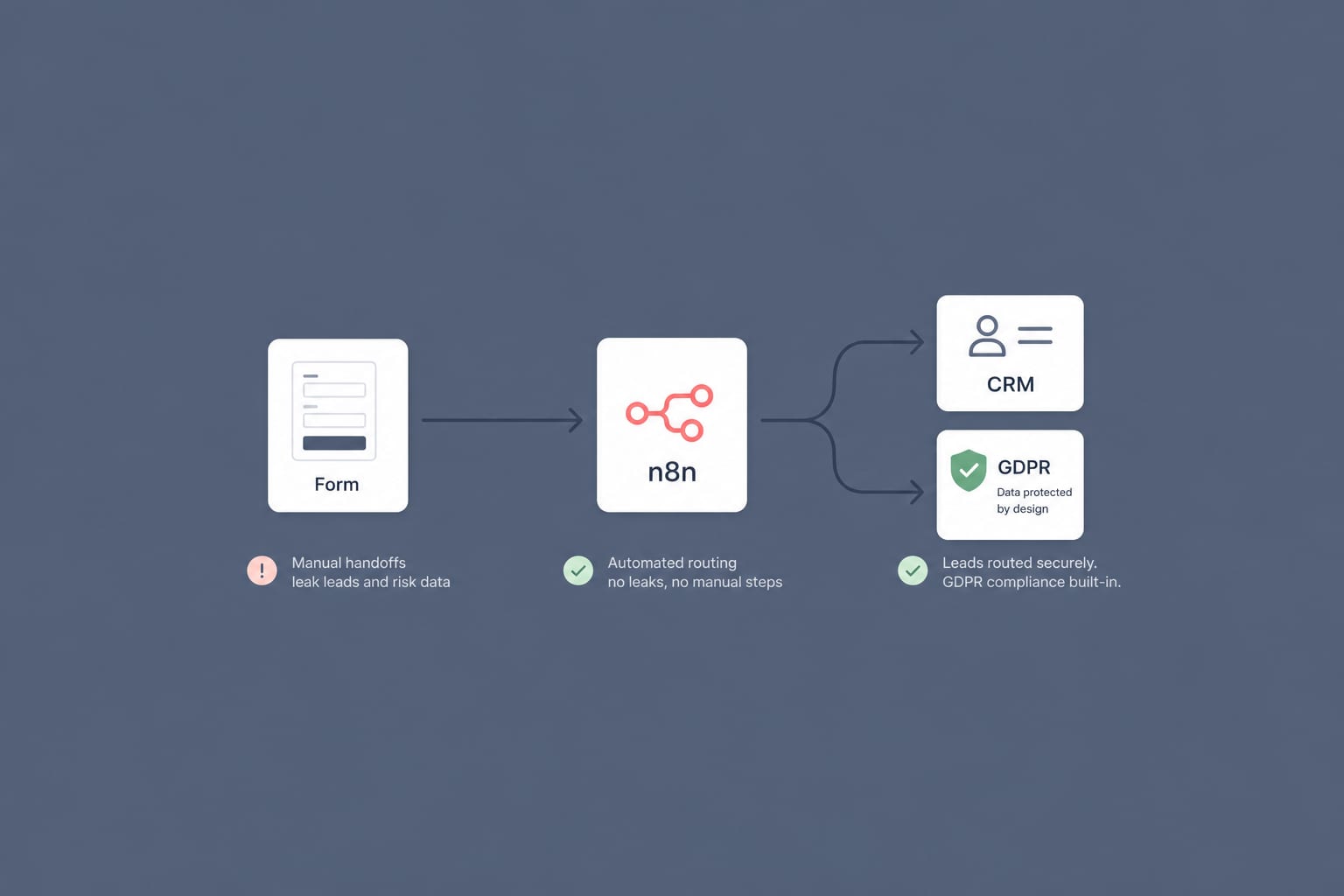
A GDPR-Compliant n8n Workflow for B2B Lead Routing: From Web Form to CRM in 60 Seconds
Most B2B lead routing is a leaky relay of manual steps. Here is a self-hosted n8n workflow that takes a form submission to the right salesperson's CRM in under a minute, with GDPR built in rather than bolted on.
12 min read