If a Google Core Update Lands During BFCM: A Triage Playbook for Ecommerce Sites
Google has not run a broad core update since May, and forecasters expect one in late 2026. Here is how to tell a real ranking loss from holiday seasonality, what to change and what to leave alone, plus how to track Gemini and AI Mode traffic after Google's October changes.
7 min read
Where things stand
Google's confirmed broad core updates in 2026 were in March and May. Since then, the only confirmed ranking update has been the September 2026 spam update, which ran from September 24 and completed on October 8. On October 1, Google also refreshed its guidance on generative AI content and people-first content, including fake author profiles.
Several SEO forecasters expect the next core update between late October and mid-November, and one model trained on years of update history put the probability of an update within 30 days at roughly 97%. That is a forecast, not an announcement. Whether or not it has landed by the time you read this, the risk is the same: a ranking shift that overlaps the most distorted traffic period of the year.
📌
Do not react to a single day of data during Black Friday week. Holiday demand, promotions and email campaigns move organic traffic far more than most algorithm changes. Triage first, change later.
Why BFCM makes diagnosis harder
In a normal month, a sudden drop in organic clicks after a confirmed update is a strong signal. In late November, it is noisy:
- Demand shifts by query type. Gift and deal queries spike, while evergreen informational queries often dip.
- Paid and email crowd out organic. Brand searches may move to paid ads or direct traffic from email.
- Click-through rates change. Shopping features, deal labels and AI answers take more space on the results page in peak season.
- AI features changed in October. On October 15, Google announced more prominent inline links in AI Mode and AI Overviews, a test of official-site destinations for task-based queries and wider news carousels. That can move clicks between your pages without any ranking change.
A week-over-week comparison will almost always look wrong in this period. You need a different baseline.
The five-question triage
- Is there a confirmed update, and is it finished? Check the Google Search Status Dashboard. If a rollout is still in progress, document what you see but avoid structural changes until it completes. The March update took about 12 days.
- Does the drop survive a year-over-year comparison? Compare the same Monday-to-Sunday window aligned to Black Friday last year, not the previous week.
- Is it brand or non-brand? A brand drop usually points to campaigns, paid search or seasonality. A non-brand drop concentrated on specific templates is more likely algorithmic.
- Is it impressions or clicks? Stable impressions with falling clicks suggest a results-page layout change, often AI features or shopping units. Falling impressions mean lost visibility.
- Which page group moved? Product pages, collection pages, blog content and programmatic pages behave differently. Losses concentrated in thin or templated content match the type of content these updates usually target.
Pull a year-over-year comparison from Search Console
Use the Search Console API (or two exports from the interface) to compare the same aligned windows. Here is a request body for the searchAnalytics.query method, grouping by page and excluding brand queries. Run it once for this year and once for the aligned dates last year:
{
  "startDate": "2026-11-23",
  "endDate": "2026-11-29",
  "dimensions": ["page"],
  "type": "web",
  "dimensionFilterGroups": [
    {
      "filters": [
        { "dimension": "query", "operator": "excludingRegex", "expression": "yourbrand|your brand" }
      ]
    }
  ],
  "rowLimit": 5000
}
Then group pages by template and compare the two periods with a short Node script:
// yoy-by-template.mjs
// Usage: node yoy-by-template.mjs current.json previous.json
import { readFileSync } from "node:fs";

const [current, previous] = process.argv.slice(2).map((f) => JSON.parse(readFileSync(f, "utf8")).rows ?? []);

const template = (url) => {
  const path = new URL(url).pathname;
  if (path.includes("/products/")) return "product";
  if (path.includes("/collections/")) return "collection";
  if (path.includes("/blogs/") || path.includes("/blog/")) return "blog";
  if (path === "/" || path === "/fr/") return "home";
  return "other";
};

const sum = (rows) =>
  rows.reduce((acc, r) => {
    const t = template(r.keys[0]);
    acc[t] ||= { clicks: 0, impressions: 0 };
    acc[t].clicks += r.clicks;
    acc[t].impressions += r.impressions;
    return acc;
  }, {});

const now = sum(current);
const before = sum(previous);
const pct = (a, b) => (b ? `${(((a - b) / b) * 100).toFixed(1)}%` : "n/a");

console.table(
  Object.keys({ ...now, ...before }).map((t) => ({
    template: t,
    clicks: now[t]?.clicks ?? 0,
    clicksYoY: pct(now[t]?.clicks ?? 0, before[t]?.clicks ?? 0),
    impressions: now[t]?.impressions ?? 0,
    impressionsYoY: pct(now[t]?.impressions ?? 0, before[t]?.impressions ?? 0),
  }))
);
Adapt the template function to your URL structure. The output tells you quickly whether a loss is site-wide (more likely seasonality or demand) or concentrated in one template (more likely algorithmic).
Reading the result
| Pattern | Most likely explanation | What to do |
|---|---|---|
| All templates down roughly the same, brand down too | Seasonality, campaigns, demand | Nothing in SEO. Review paid and email mix |
| Impressions stable, clicks down on informational pages | AI Overviews or AI Mode taking clicks | Check AI features in Search Console, improve titles and opening lines |
| One template down sharply, others stable | Algorithmic reassessment of that template | Audit content quality and uniqueness on that template after the rollout |
| Programmatic or scaled pages down | Scaled content targeted | Prune or consolidate weak pages, strengthen the rest |
| Drop began September 24 to October 8 | Spam update, not a core update | Review link and content practices covered in our spam update article |
What to change, and what to leave alone
During the rollout and during BFCM week:
- Keep product availability, prices and structured data accurate. This matters for shoppers and for AI features
- Fix clear technical breakages: errors on key pages, accidental
noindex, broken canonicals - Annotate the timeline in your analytics so the team does not misread the data later
Leave these until the rollout is complete and the holiday period is over:
- Mass rewrites or deletion of content
- URL structure changes or migrations
- Large internal linking overhauls
- Bulk AI-generated content to "recover" traffic, which is exactly what Google's October 1 guidance warns against
If the evidence points to a template problem, our guides on when programmatic SEO works and diagnosing ranking volatility describe how we approach the recovery work in January.
Tracking Gemini and AI Mode traffic after October
Two changes make AI traffic easier to see, but not complete:
- Gemini referrals now carry UTM parameters. Google quietly started adding UTM parameters to outgoing Gemini links. In GA4, check the source and medium values those visits actually carry on your property, then add them to your AI traffic channel group rather than guessing the values.
- Search Console counts AI impressions, not clicks. The generative AI performance reports launched on June 3, 2026 show impressions in AI Overviews and AI Mode only. Save a baseline now so you can compare after any update.
Our GA4 AI referral attribution guide has the channel group setup. Add the Gemini values to it before Black Friday so the data is clean when you review it in December.
📊
Build the year-over-year comparison and the AI channel group into one report and you will not need to rebuild it for every update. We usually set this up in Looker Studio on top of BigQuery, as described in our Shopify analytics dashboard guide.
How Sentinu helps
When a client sees a drop during peak season, we run this triage first and only then recommend changes, usually in January. If you want a structured review, our technical SEO audit includes the year-over-year template analysis and an AI visibility baseline. Contact us if you need help reading your data this week.
FAQ
Has Google released a core update in November 2026?
At the time of writing, Google had not announced one, and its confirmed 2026 core updates were in March and May. Check the Google Search Status Dashboard for the current status.
My organic traffic dropped on Black Friday. Is it an algorithm update?
Not necessarily. Compare the same aligned week with last year, separate brand from non-brand queries and look at which page templates moved. A site-wide drop including brand queries usually reflects seasonality or campaign mix.
Should I change my content during a core update rollout?
Avoid structural changes until the rollout is complete. Fix clear technical problems and keep product data accurate, but leave rewrites, deletions and migrations until you can analyze the full impact.
Do I need special markup to appear in AI Overviews or AI Mode?
Google says there are no extra requirements specifically for AI features. Standard SEO best practices and accurate structured data still apply.
How can I see traffic from Gemini in GA4?
Google has started adding UTM parameters to outgoing Gemini links. Check the source and medium values in your GA4 property, then include them in a custom AI traffic channel group.
From the journal
The next article, in your inbox.
Architecture, scaling, and the work behind the build. Occasional notes from Sentinu, and nothing else.
Related posts
View all articles
Technical SEOFeb 17, 2026
Server-Side Tracking for Shopify: A GTM and GA4 Setup That Survives Ad Blockers and GDPR
A senior engineer's guide to server-side tracking for Shopify in 2026. Why ad blockers are eating your data, how to set up GTM server-side on AWS, GA4 configuration, GDPR controls, and what it actually costs.
12 min read
Data AnalyticsAug 18, 2026
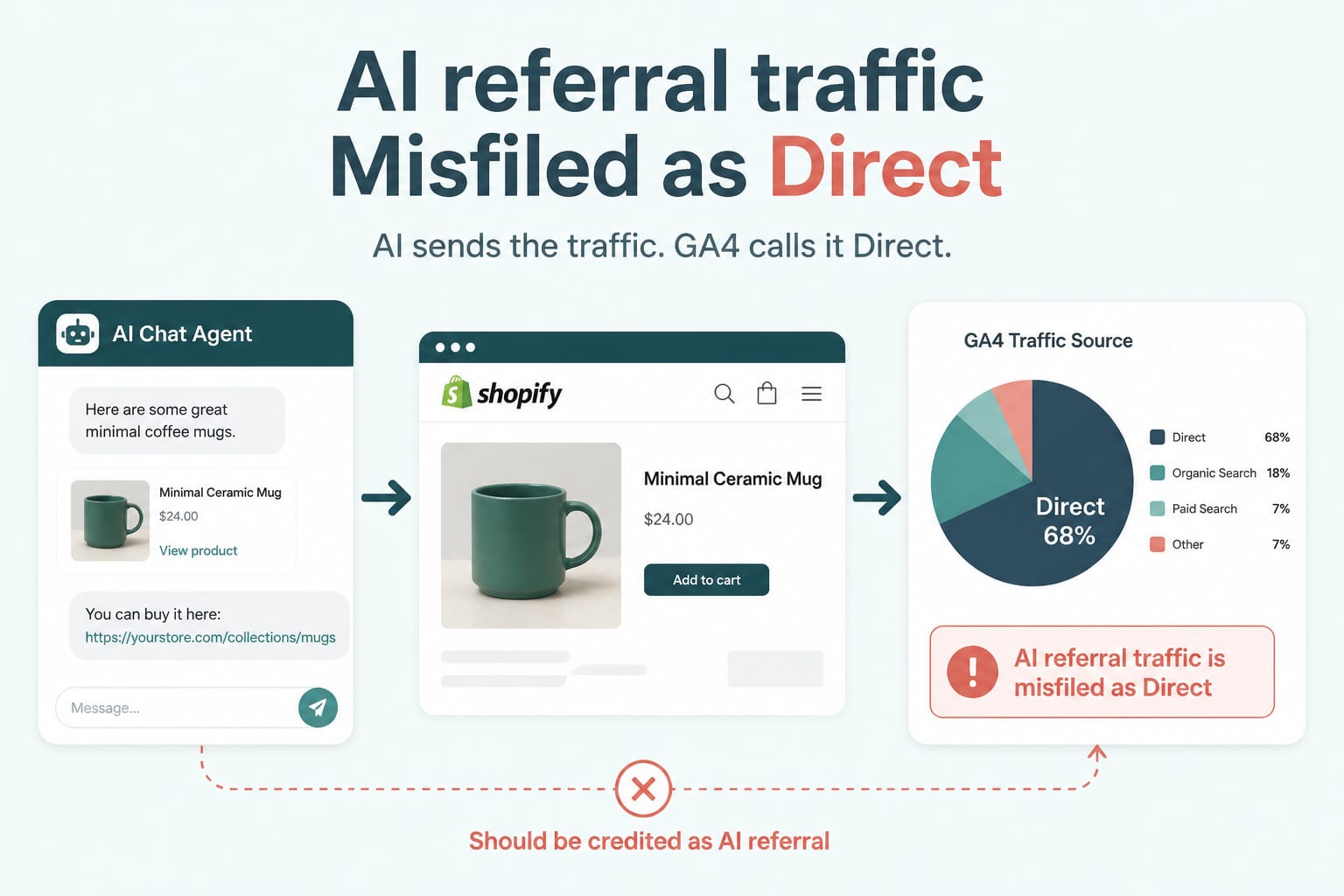
Your AI Referral Traffic Is Being Misattributed: Fixing GA4 for Agent-Sent Buyers
AI referrals grew sharply through 2026 and convert above average, but most stores cannot see them because default analytics files them as direct. Here is how to build a channel group that actually reports them.
6 min read
Technical SEOSep 22, 2026
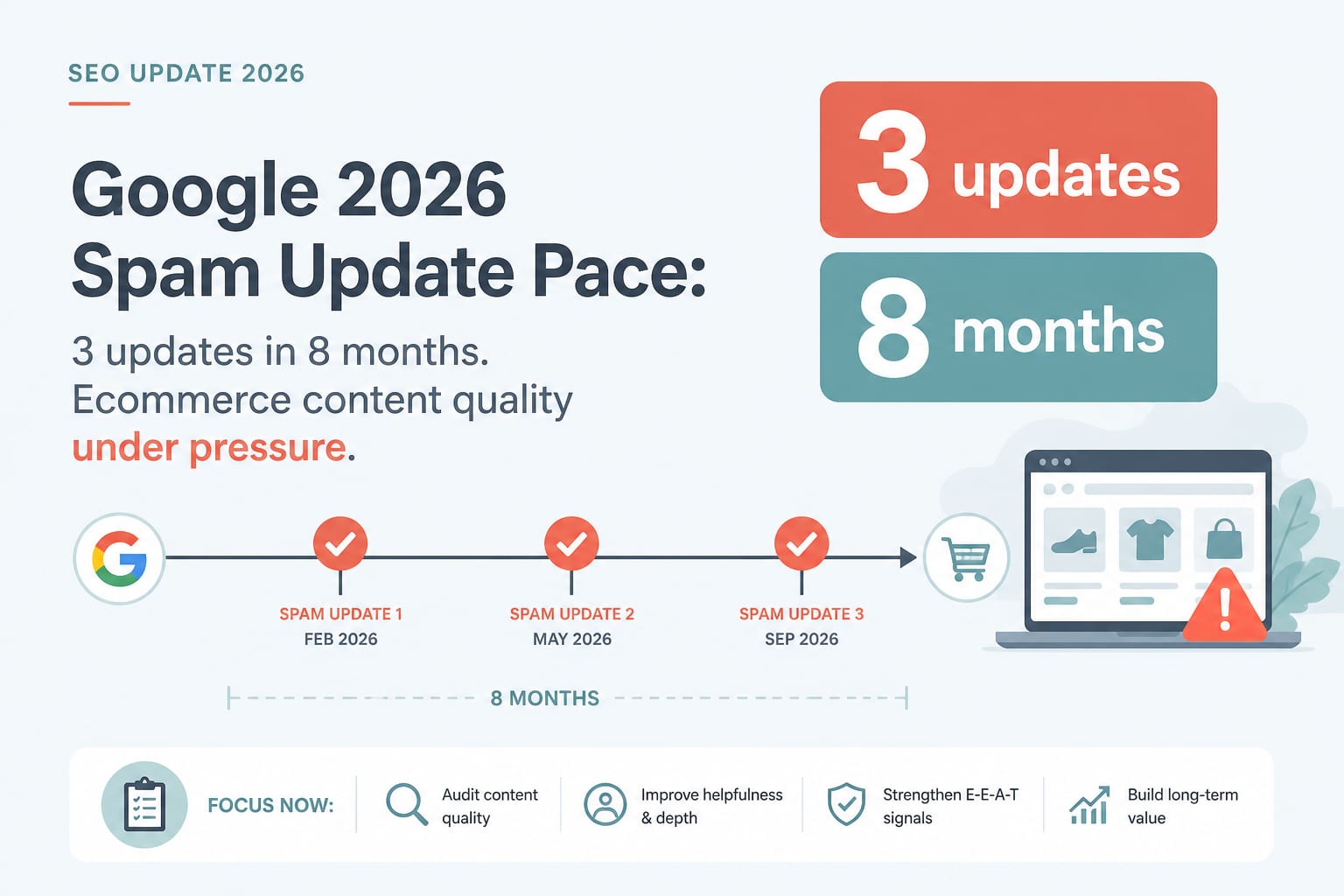
Three Spam Updates in Eight Months: Google's 2026 Enforcement Pace and What It Means for Ecommerce Content
The August 2026 spam update rolled out in under three days, the third this year. Faster rollouts and continuous background adjustments change how you diagnose a drop and how you should be producing content.
7 min read