Why We Built EmailOS: Lifecycle and Ops Email Inside Shopify Admin
The engineering story behind EmailOS, our new Shopify app that runs welcome series, cart recovery, winback and staff alerts from the same flows, without leaving the Shopify admin.
9 min read
One month ago we published our first Shopify app on the Shopify App Store: EmailOS. This post is not a feature tour. It explains the problem we kept running into on client stores, the engineering decisions behind the app, and how to get it running before Black Friday if it fits your store.
The problem we kept seeing on client stores
Almost every Shopify store we audit runs email through three disconnected systems:
- Transactional notifications come from Shopify itself.
- Marketing journeys such as welcome series and cart recovery live in a separate email service provider, with its own login, its own copy of the customer list and its own invoice.
- Operational emails, the ones that tell a supplier to ship a dropship order or warn the warehouse about a backorder, are still written by hand from someone's inbox.
Each piece works on its own. Together they create the problems we were hired to fix:
- Customer data drifts between Shopify and the external platform, so segments are always slightly out of date.
- Cart recovery emails go out after the customer already checked out, because the stop condition depends on a sync that runs late.
- Staff copy order details into emails during the busiest weeks of the year, which is exactly when mistakes happen.
- Growing stores pay for a full marketing suite when what they actually use is five or six automated flows.
We solved versions of this with custom apps and n8n workflows for years. EmailOS is what happened when we turned that recurring pattern into a product.
What EmailOS is, and what it is not
EmailOS is an embedded Shopify app that runs automated email flows inside the Shopify admin. Customer journeys and internal notifications share the same triggers, filters and send log.
| EmailOS is a fit | Look elsewhere | |
|---|---|---|
| Channels | Email flows for customers and staff | SMS, popups, review collection |
| Workspace | Everything inside Shopify admin | A standalone ESP dashboard |
| Use cases | Welcome, cart recovery, browse abandonment, post-purchase, winback, ops alerts | List-growth forms and quizzes |
| Team | Growing stores without a dedicated lifecycle team | Brands running heavy multi-channel programs |
💡
We list what EmailOS does not do on the product page too. A tool that claims to do everything usually does several things badly, and the right stack depends on how you sell.
How it works under the hood
Shopify events in, emails out
Every flow follows the same shape: trigger, wait, send. Triggers come from Shopify events (cart abandoned, order created, shipment) and from the storefront pixel for product views, which powers browse abandonment. A flow can also run on a schedule.
Filters decide who enters a flow: marketing consent, customer tags, total spend, cart contents, location and discount codes. Because the app listens to purchase events directly, a recovery sequence stops when the customer completes checkout, so nobody gets reminded about a cart they already paid for.
Conceptually, a two-step cart recovery flow looks like this:
{
  "trigger": "cart_abandoned",
  "filters": { "marketing_consent": true, "cart_value_min": 40 },
  "steps": [
    { "wait": "1h" },
    { "send": "cart-reminder-1" },
    { "wait": "24h" },
    { "send": "cart-reminder-2-with-discount" }
  ],
  "exit_on": ["order_created"]
}
This is a simplified mental model, not the internal format. In the app you build the same thing visually, and you can pause, archive or filter a flow at any time.
One flow model for customers and staff
A step can email up to three staff or supplier addresses instead of the customer. Product tags handle the routing, so a backorder item or a dropship product triggers the right notification without anyone tagging each order by hand. This is the part of EmailOS that came most directly from client work: ops teams were the ones asking for it.
Post-send actions
After an email sends, an optional step can update Shopify or call another system:
- tag a customer, order or product
- append a note
- set a metafield
- remove someone from a segment
- POST a webhook to an external endpoint
That turns an email into an event other tools can react to: your ERP, a Slack channel or an automation platform such as n8n.
A visual builder fed by live store data
The builder is drag-and-drop, with header, text, image, button and layout blocks. Product cards, cart lists and order line items come straight from Shopify, and pickers let you insert products, collections, files from the store library and discount codes. Messages can be personalized with customer, order, cart and tracking data, and you can add countdown timers or raw HTML when a design needs it.
Measurement you can act on
The dashboard shows sends, opens, clicks and usage against your plan quota, with per-flow filters and date ranges. Revenue is attributed by last touch: an email click in the 7 days before an order is credited to that email. A searchable send log with export lets you answer support questions such as "did this customer get the shipping email?" in seconds.
📉
Apple Mail Privacy Protection inflates open rates across every email platform. Treat clicks and attributed revenue as your primary signals, and opens as a rough trend only.
Built for consent and deliverability
Marketing emails include one-click unsubscribe and respect Shopify marketing consent. The free trial sends from the shared EmailOS domain. On Plus and Pro you verify your own sending domain through DNS and set a branded From name and reply-to address.
That last point matters more this year than ever. Gmail, Yahoo and Outlook now reject non-compliant bulk mail instead of just filtering it, and a store sending from its own authenticated domain builds reputation that belongs to the brand.
Pricing that follows email volume
Billing runs through Shopify. Plans are based on how many emails you send and how many flows you run, not on how many customer profiles you store.
| Plan | Price | Active flows | Emails per month | Sending domain |
|---|---|---|---|---|
| Free trial | $0 | Up to 3 | Up to 1,000 | Shared EmailOS domain |
| Plus | $49/month | Up to 10 | Up to 10,000 | Your own domain |
| Pro | $99/month | Up to 50 | Up to 50,000 | Your own domain |
What merchants switch on first
- A welcome series that introduces the brand after signup.
- Abandoned cart recovery that stops automatically after purchase.
- Browse abandonment from the storefront pixel, with the viewed product in the message.
- Post-purchase thanks and shipping updates with tracking.
- Winback for buyers inactive for around 90 days, plus one-time buyer reactivation.
- Staff alerts for backorders, dropship and wholesale orders.
Getting ready for Black Friday
🗓️
Black Friday falls on November 27, 2026. If you plan to run EmailOS during BFCM, install it in early October. That leaves time to verify your sending domain, run flows on normal traffic, and fix templates before peak volume. Changing email tools during Black Friday week is a risk we would not take on a client store.
A sensible October sequence:
- Install EmailOS and start with the welcome and cart recovery presets.
- Move to Plus or Pro and verify your sending domain so volume builds on your own reputation.
- Send real traffic through the flows for at least two to three weeks and read the send log.
- Add product tags for backorder, preorder and dropship items before peak orders arrive.
- Lock templates and discount logic by mid-November and avoid edits during BFCM week.
For the rest of your store, our BFCM 2026 Shopify engineering checklist covers performance, checkout and code freeze planning.
Why an engineering agency ships its own app
Most of our work is custom: we build private apps, integrations and automations for specific stores, and we have written about when a custom app beats a public one. EmailOS is the opposite case. The problem is shared by thousands of stores, the solution is stable, and a public app with a monthly plan is cheaper for merchants than a custom build.
Shipping a product also keeps us honest. We now deal with App Store review, API version upgrades, deliverability monitoring and support tickets from merchants who are not our clients. That experience feeds back into every custom Shopify app we build.
FAQ
Is EmailOS a Klaviyo alternative?
For Shopify-native email automation, yes: flows, a visual builder, segments and ops alerts inside the admin. It does not replace a multi-channel platform with SMS, popups and list-growth tools.
Do I need to leave the Shopify admin to use it?
No. You install it from the Shopify App Store and manage flows, segments, analytics, activity and settings inside the admin, with no separate login.
Can I send from my own domain?
Yes, on Plus and Pro after DNS verification. The free trial sends from the shared EmailOS domain.
What happens if a customer buys while a cart email is queued?
Purchase events stop the recovery sequence, so the customer does not receive reminders for a cart they already checked out.
Can I email my warehouse or supplier instead of the customer?
Yes. A flow step can send to up to three staff or supplier addresses, routed by product or customer tags.
What if I need something EmailOS does not do?
Tell us. Some requests become features. Others are better solved with a custom integration or automation, which is what our agency team does every day.
Try EmailOS on your store
Start on the free trial with three flows and 1,000 emails per month, then move to Plus when you are ready to send from your own domain.
Start free trial
Related posts
View all articles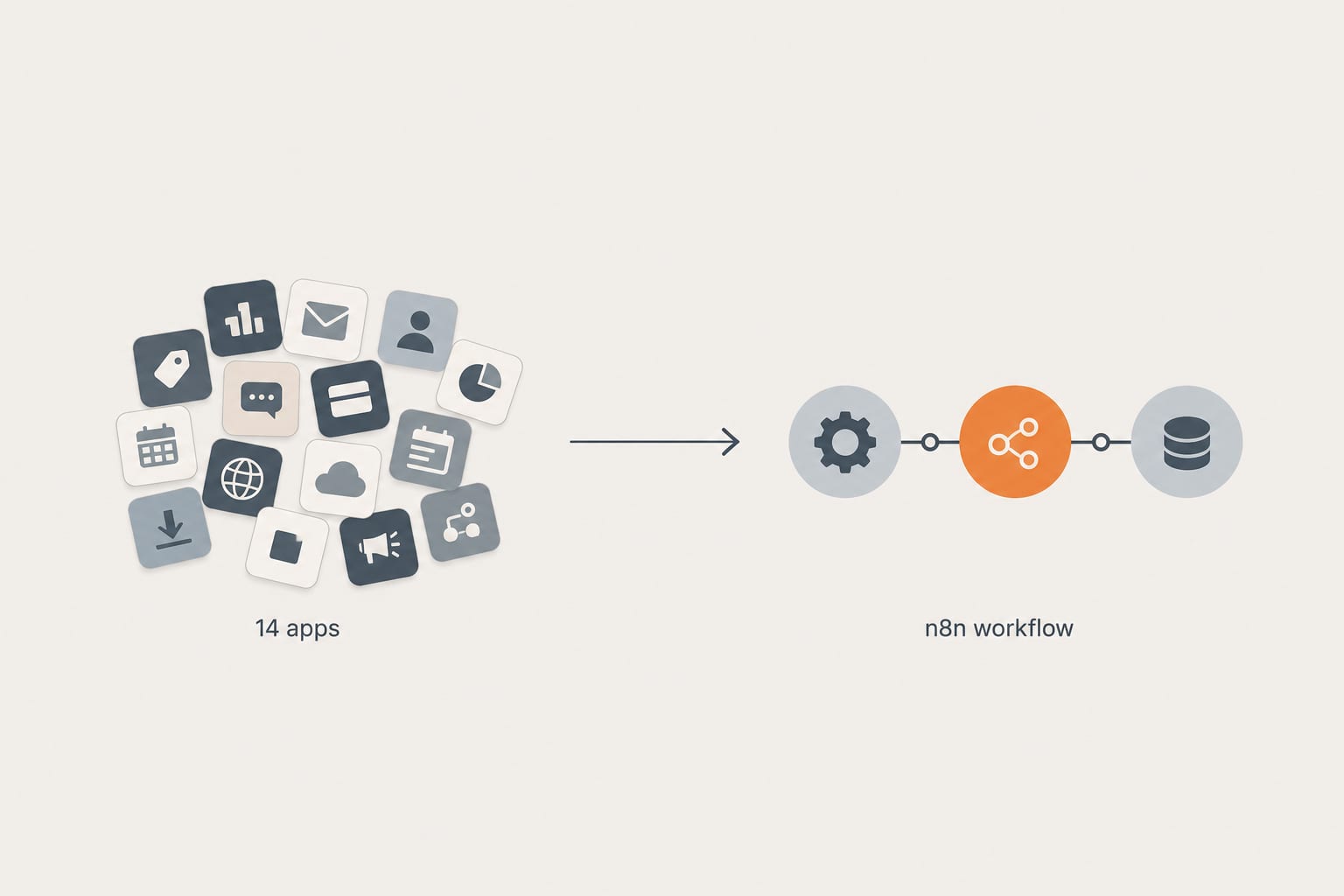
Workflow AutomationApr 28, 2026
How We Replaced a 14-App Shopify Stack With 3 n8n Workflows (And What It Cost)
A real client cleanup. Fourteen apps doing automation, abandoned cart, inventory sync, and review imports. Three n8n workflows replaced them in two weeks. Here is the architecture, the math, and what we would do differently next time.
12 min read
Workflow AutomationSep 29, 2026
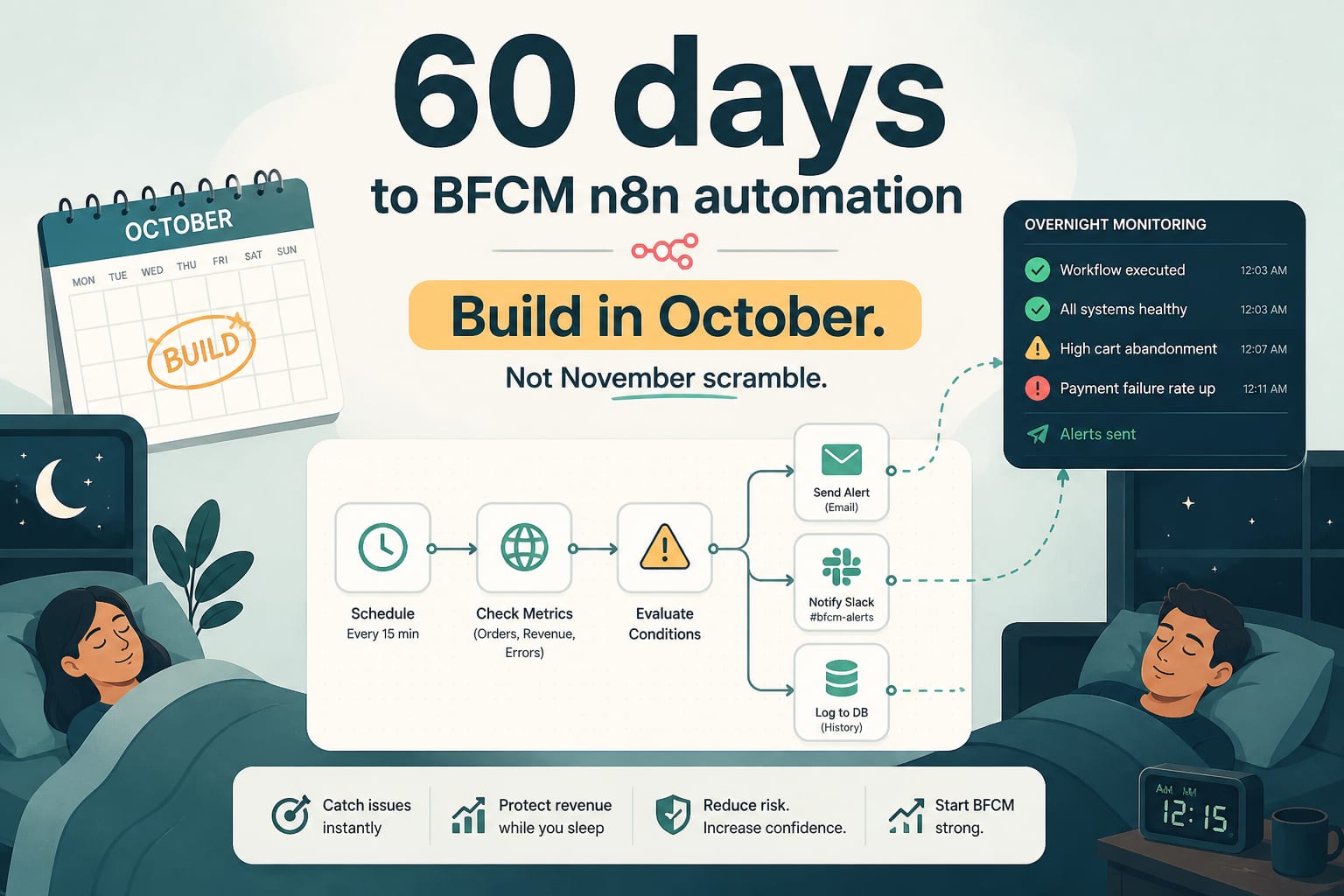
60 Days to BFCM: The n8n Workflows to Build in October, Not November
Peak season monitoring is not a dashboard, it is a set of workflows that notice things while you sleep. Five automations to build before the freeze, with the logic and the thresholds.
7 min read
Shopify DevelopmentSep 8, 2026
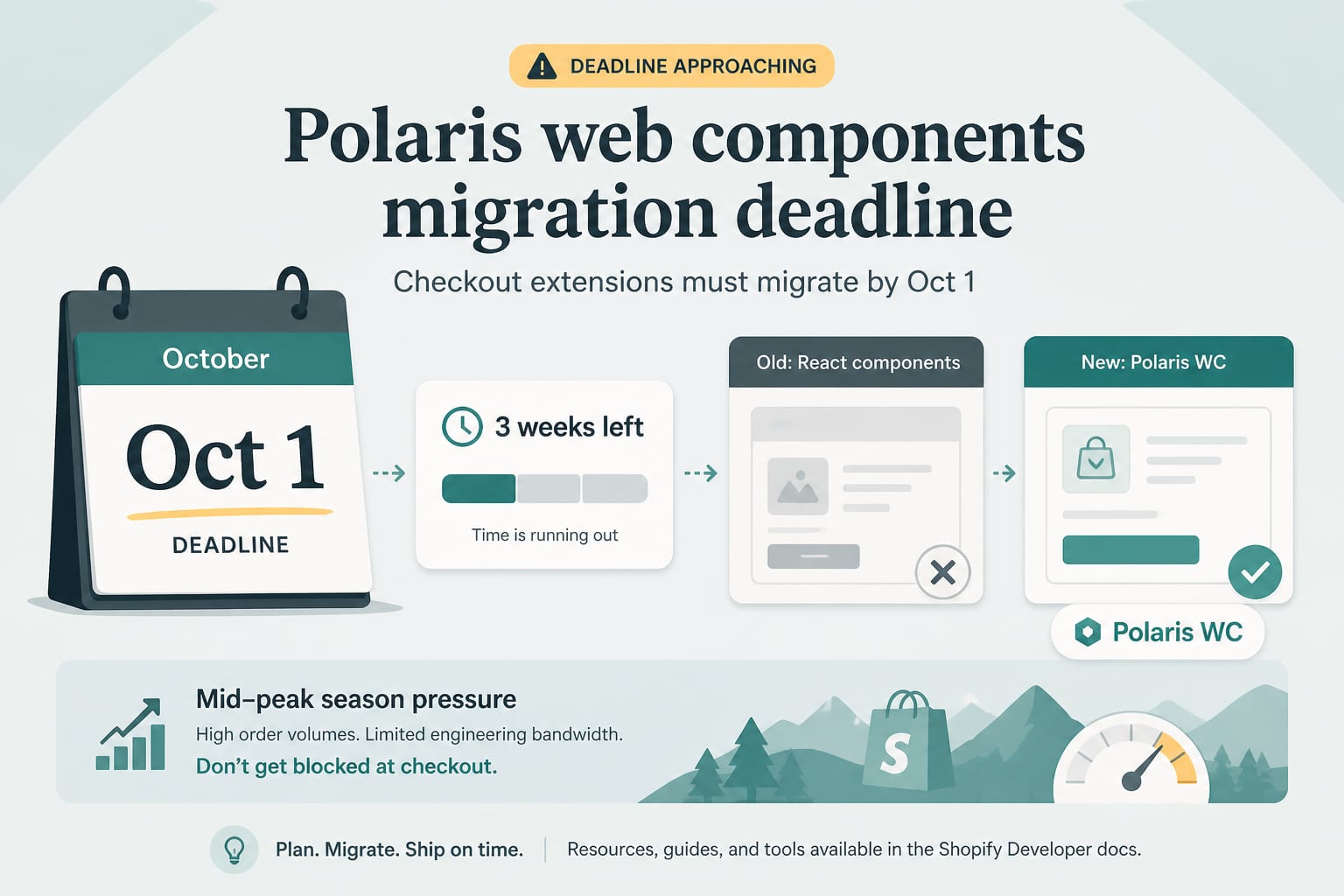
1 October Is Real: The Polaris Web Components Deadline for Checkout Extensions
From 1 October, Shopify blocks updates to any app that still has a checkout or customer account extension on API version 2025-07 or earlier. Three weeks of runway, a mid-peak-season deadline, and a migration most teams have not started.
8 min read