Custom Shopify App vs Public App: When to Build, When to Install, When to Extend
A senior engineer's decision framework for Shopify app strategy in 2026. When to build a custom app, when to install from the App Store, when to extend an existing app, and the real cost math behind each path.
14 min read
Every Shopify merchant past a certain size hits the same wall. The App Store has 8,000 options. None of them does exactly what the business needs. There is always a $79-per-month app that does 80 percent of the job, and the remaining 20 percent is the part the business actually cares about. The question becomes: install the public app and live with the gap, install three apps and stack them, build a custom app from scratch, or extend an existing app with custom development. The wrong answer can cost six figures and a year. The right one is usually obvious if you ask the question correctly.
This post is the build-vs-buy framework we run at Sentinu for every Shopify Plus client scoping app strategy. It is also the post that should have existed before half of our custom app engagements, because the merchants who arrived after spending a year on the wrong path arrived poorer and angrier than the ones who got the architecture right at the start.
The terminology that confuses everyone
Shopify renamed and deprecated app categories in 2022, and the legacy terms still show up in vendor pages and Stack Overflow answers, so let us settle the vocabulary first.
Public app. Listed in the Shopify App Store. Available to all merchants. Built on the OAuth flow. Subscription pricing the developer sets. This is the category that includes Recharge, Loox, and most of the catalog.
Custom app. Built for a single merchant (or a small group of merchants known to the developer). Not listed in the App Store. Installed via a direct link from the Shopify Partner Dashboard, or created directly in the merchant's admin under Apps and sales channels. This is what used to be called "private app" before Shopify deprecated that term in January 2022.
Private app. Deprecated. If you read content about Shopify apps written before 2022 that uses "private app," substitute "custom app" mentally. Old private apps were automatically migrated to custom apps in 2023.
Theme app extension. A block of code that injects into a Shopify theme via App Embeds. Used by apps that need to render UI on the storefront (reviews widgets, popups, currency switchers). Subject to size limits (100 KB by default).
Shopify Functions. A specific category of custom logic that runs inside Shopify's checkout and cart (cart transform, discount, delivery customization, payment customization, fulfillment constraints). Deployed as WebAssembly modules. Available on all plans for some Function types, Plus-only for others.
The decision tree below assumes you understand these distinctions. The wrong terminology question is "public vs private". The right one is "is the answer Functions, an existing public app, a stack of apps, an extended app, or a custom app from scratch?"
The five paths and when each is correct
Path 1: Install a public app and accept the gap
The default. Cheapest in cash, fastest in time. The right answer for most stores, most of the time, for most needs.
Use this when:
- The need is generic enough that a good public app covers 80 percent or more
- The 20 percent gap is annoyance, not revenue
- Your team is non-technical and cannot maintain custom code
- You expect the need to change in 12 months (custom code becomes legacy fast)
Stop this when:
- The app's monthly fee starts looking material against the value it delivers
- The 20 percent gap is the part driving revenue (custom bundle logic, B2B-specific flows, ERP integration)
- You have installed two competing apps because no single one covers the case
- You are paying for features you do not use because the pricing tier requires them
Path 2: Stack multiple public apps
The path most stores end up on without intending to. Loox for reviews plus a custom-pricing app plus a wholesale-portal app plus a shipping-rules app.
Use this when:
- Each app handles a distinct, non-overlapping concern
- The apps do not need to share state or trigger each other
- The total monthly cost is under $1,500 and not climbing
Stop this when:
- The monthly app bill exceeds $2,000 to $3,000 and is growing
- You need cross-app workflows that none of them coordinate
- Two apps need to know about the same customer state and they do not synchronize
- The store is genuinely slow because of app-injected JavaScript (we covered this in our Core Web Vitals audit)
A monthly app bill of $1,500 is $18,000 per year. A custom app replacing the most expensive three of them can be built and amortized in 12 to 18 months and you own the logic.
Path 3: Extend a public app with custom code
A less-recognized path. Some apps expose webhooks, APIs, and theme app extensions that let you build on top of them rather than against them. Recharge has webhooks for every subscription event. Custom code that listens to those events and does additional work is often cheaper than replacing the app.
Use this when:
- The public app's core functionality is solid but missing one specific behavior
- That behavior can be triggered by an event the app emits (order, subscription, customer)
- The custom logic lives in your infrastructure, the app keeps doing its job
Stop this when:
- You find yourself rebuilding most of the app's logic externally
- The app's API rate limits choke your custom workflow
- The vendor changes their API and your extension breaks (a real risk on cheaper apps)
Path 4: Shopify Functions
The newest path, and the most underused. Shopify Functions let you inject custom logic at specific extension points in checkout, cart, and fulfillment, deployed as WebAssembly. They run in Shopify's runtime, not yours.
Use this when:
- The custom logic affects pricing, discounts, shipping, or payment
- You need the logic to run in checkout (not just on the storefront)
- The behavior is narrow and well-defined (a Function does one thing)
- You want the deployment surface to be a single artifact, not a hosted app
Examples that fit Functions naturally:
- B2B volume pricing that depends on the customer's company tier
- A "buy X get Y" promotion that the public discount system cannot model
- Shipping rate calculation that pulls from a custom service
- Payment method gating based on the order contents
Stop this when:
- The logic needs to render UI (Functions are headless; for UI use a theme app extension or custom app)
- The logic needs persistent state across sessions (Functions are stateless; state lives in metafields or your own backend)
- The logic is too broad for a single Function (multiple Functions can stack, but the architecture gets fragile)
We will cover Functions in depth in our next post; this post treats them as one of five paths, not the central focus.
Path 5: Build a custom app from scratch
The path that should be the last resort and is often the first. A custom app is your code, your hosting, your maintenance, your liability. Done right, it is also your competitive moat and your largest cost saving.
Use this when:
- The functionality is genuinely unique to your business (no public app does it, no Function fits)
- The store is large enough to amortize the cost (typically $10M+ annual GMV)
- You have an engineering team or a partner to maintain it
- The logic is core to your operations, not a peripheral feature
Examples that justify a custom app:
- Deep ERP integration with NetSuite or SAP and custom field mapping (we will cover this in next week's Shopify + NetSuite integration post)
- A B2B approval workflow with multi-step routing
- Custom catalog logic where products and prices come from an external pricing engine
- Industry-specific compliance (pharma, regulated goods) that no public app handles
Stop this when:
- You are building it because a public app annoys you, not because the public app cannot do the job
- The functionality is generic enough that a public app will appear in 6 months
- You do not have a clear maintenance plan for the next 3 years
⚠️
The single most common reason custom Shopify app projects fail is scope drift. The merchant starts with "we need a custom inventory sync" and ends with "we are building a custom ERP." Every custom app needs a written scope document with explicit non-goals. The non-goals are more important than the goals.
The decision framework
For any "do we build or buy" question on Shopify, we score four axes from 0 to 3:
- Uniqueness: is this logic specific to our business (3), partly shared with our segment (1), fully generic (0)?
- Revenue dependency: does this directly drive revenue (3), support revenue indirectly (1), operational only (0)?
- Scale of usage: does the store have $10M+ annual GMV (3), $1M to $10M (1), under $1M (0)?
- Maintenance capacity: do we have a dev team for 3 years (3), an agency partner (1), no plan (0)?
Score 0 to 3: Install a public app. The custom path will not pay back. Even if a public app is imperfect, the cost of building is materially worse.
Score 4 to 6: Stack public apps or extend one. The custom path is overkill for the scale.
Score 7 to 9: Shopify Functions or extend with custom code. The functionality is narrow enough that a full custom app is excessive.
Score 10 to 12: Build a custom app. The investment will pay back and you have the capacity to maintain it.
This is a heuristic, not a verdict. We have shipped custom apps for clients scoring 8 because they had specific architectural reasons (data sovereignty, ERP coupling) that the framework does not capture.
The cost math nobody publishes
The hardest question to answer for merchants evaluating the custom path is "what does this actually cost?" The honest range:
| Project shape | Initial build | Annual maintenance |
|---|---|---|
| Single Shopify Function (discount logic, delivery customization) | $3K to $8K | ~$500 |
| Theme app extension (UI widget on storefront) | $5K to $15K | ~$1,500 |
| Custom app, single-merchant, mid complexity | $15K to $40K | $2K to $5K |
| Custom app with ERP integration, B2B logic, headless portal | $50K to $150K | $8K to $20K |
| Enterprise custom app (multi-store, multi-region, custom commerce logic) | $150K to $500K+ | $20K to $60K |
The maintenance figure is what most cost discussions miss. A custom app needs API version upgrades twice a year (Shopify deprecates older API versions on a known schedule), security patches, dependency updates, and the occasional debugging when Shopify changes a behavior. Skipping the maintenance budget is how custom apps become unmaintainable in 18 months.
Compared to the public-app subscription path: an app that costs $200 per month is $7,200 over three years. An app stack at $1,500 per month is $54,000 over three years. A custom build at $40K with $5K annual maintenance is $55K over three years. The point at which custom becomes cheaper than subscription is around the $1,500/month app stack mark, assuming you have the maintenance capacity. Below that, the public app stack is almost always better economically.
The "no monthly fees" question
A subset of merchants come to us specifically because they want to escape recurring app subscriptions. This is a real motivation but not always a good one.
The arithmetic to do honestly: total annual subscription cost of the apps you would replace, minus annual maintenance cost of the custom replacement, equals annual savings. Divide the custom build cost by annual savings to get payback period. Payback under 18 months is a clear yes. Payback between 18 and 36 months is a maybe (depends on whether the apps are genuinely fit-for-purpose). Payback over 36 months is almost always no.
What this calculation misses, and what often justifies the build anyway:
- The custom app does the job better, which lifts revenue
- The custom app removes the JavaScript bloat the public apps inject, which improves Core Web Vitals and ad spend efficiency
- The merchant owns the data instead of routing it through a third party
- The custom app handles the edge case that was costing manual operations time
These are real value drivers but they are hard to quantify in advance. We typically scope custom builds against the cash savings first, then treat the secondary benefits as upside.
What we ship at Sentinu
Patterns from recent app engagements:
- A French B2B parts catalog on Shopify Plus, custom app for SKU-level access control by company, single Shopify Function for B2B volume pricing, Hydrogen-based buyer portal. The custom app handles what no public app could (company-tier access logic), the Function handles the pricing rule, the portal extends the native B2B experience. Three tools, one architecture.
- A UK D2C brand replacing a stack of six apps ($1,800 per month) with a custom n8n workflow plus a single custom app for order routing. 14-month payback, 30 percent Core Web Vitals improvement as a side effect of removing the app-injected JavaScript.
- A Canadian industrial supplier whose first instinct was "build everything custom" and whom we instead pushed onto NetSuite Connector plus two Shopify Functions. Same operational outcome, 70 percent lower cost, faster to ship.
The pattern across these: we say "yes, build custom" less often than clients expect, and "use the right combination of public, Function, and custom" more often. The right answer is usually a stack, not a single tool.
FAQ
Can I switch from a public app to a custom app without losing data?
In most cases, yes. The migration path depends on the app. Apps that store data in your Shopify metafields (the good ones) keep their data accessible after uninstall. Apps that store data only in their own backend (the bad ones) lose the data when you cancel. Audit data ownership before you commit to a public app for any logic that matters.
How long does a custom Shopify app take to build?
A focused single-function custom app (one workflow, one integration, no UI) ships in 4 to 6 weeks. A mid-complexity custom app with admin UI, multiple data flows, and a storefront component ships in 10 to 16 weeks. Enterprise builds with ERP integration and multi-region logic run 4 to 6 months. The variability is in scope, not in the platform.
Does my custom app need to be in the Shopify App Store?
No, and usually no. If the app is for one merchant, custom distribution via direct install link is correct. App Store submission is only relevant if you want to sell the app to other merchants, which is a separate business decision (productizing what was built bespoke).
What about hiring a freelancer to build the custom app?
Possible but risky. A freelancer can build a custom Shopify app. The risk is the 3-year maintenance window. If the freelancer becomes unavailable, the app accumulates technical debt, the Shopify API version deprecates, and the merchant is stuck. Either pick a freelancer with a documented track record and a written maintenance contract, or use an agency with succession capacity.
How do Shopify Functions affect this decision?
They lower the bar to "custom logic without a full app." Many things that used to need a custom app in 2022 are a Function in 2026. If the custom logic fits within a Function extension point (discount, cart transform, delivery customization, payment customization), reach for the Function first. Custom apps are still right for everything else, and we will cover the Functions decision in detail in our Shopify Functions post.
Will Shopify deprecate custom apps the way they deprecated private apps?
The "private app" deprecation was a security move (the API token model was weak) and migrated everyone to a better foundation (OAuth, scoped access). The custom app category is now stable. The bigger risk is API version deprecation, which affects all apps (custom and public) on a 12-month cycle. Plan for it as a maintenance cost, not a one-time event.
Does Shopify Plus change the calculation?
Plus stores have more options (custom Shopify Functions across all extension points, full Storefront and Admin API access, dedicated support). It does not change the build-vs-buy framework, but it widens the range of things you can do without leaving the platform. For Plus stores, the threshold to "build custom" is higher because more is achievable with native features.
Where to take this next
If you are evaluating a custom Shopify app build and the framework above pointed you toward the custom path, that is where our Shopify app development practice picks up. We scope, architect, and ship custom apps where the math supports it, and we push back when the math says it does not. If the project also involves API integration with an ERP or CRM, our API integration services is the companion. And if you are weighing the custom app path against Shopify Functions for the same business problem, the next post in this series walks through the Function-specific decision in depth.
Related posts
View all articles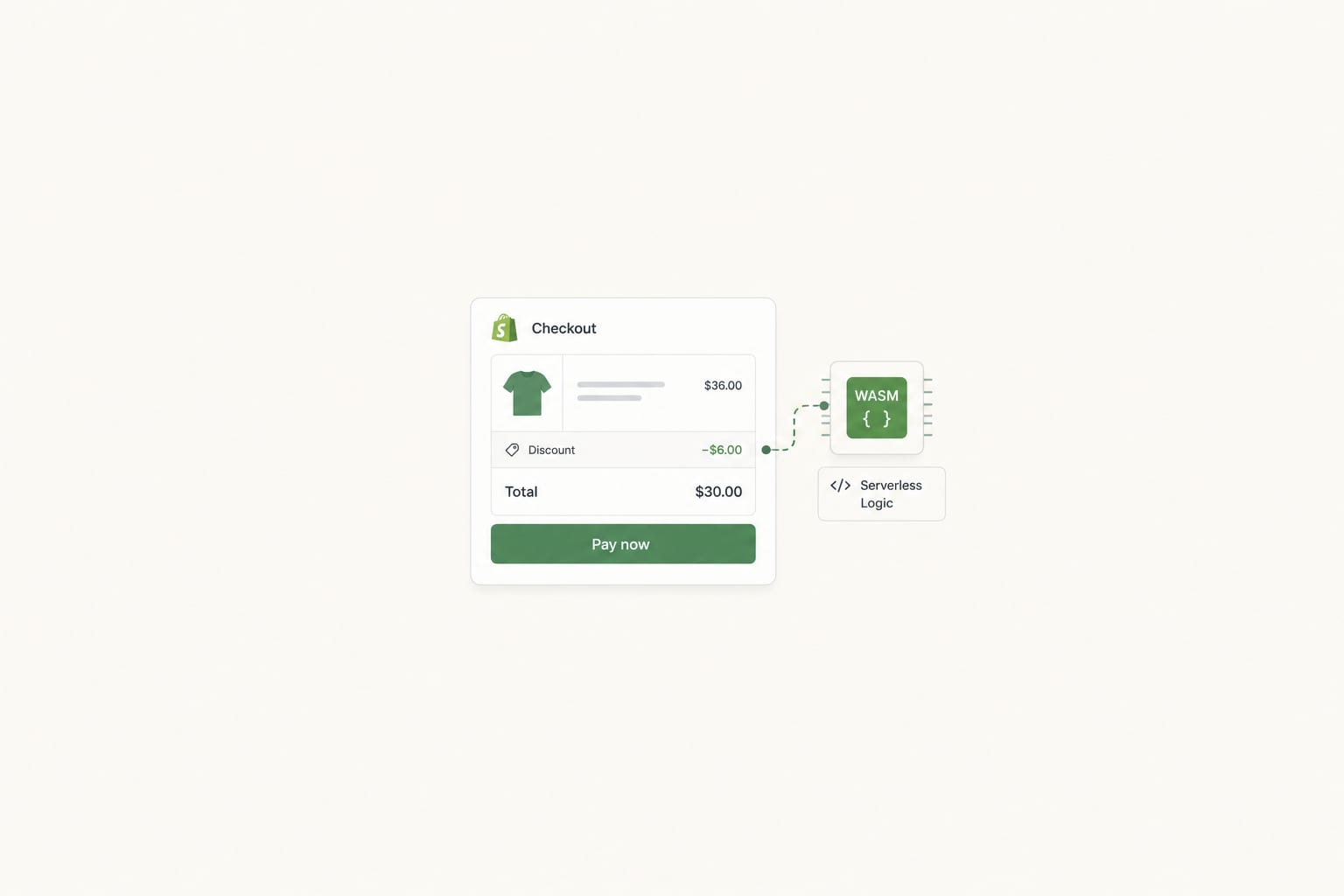
Shopify DevelopmentMar 27, 2026
Shopify Functions: When to Reach for Them, When to Stay in Apps, When to Go Headless
A senior engineer's deep dive into Shopify Functions in 2026. The five extension points, what each one solves, when Functions beat apps, when apps beat Functions, and how Functions fit alongside headless storefronts.
14 min read
Shopify DevelopmentMay 12, 2026
Shopify Scripts Are Dead in 48 Days: The Functions Migration Playbook for Plus Stores
June 30, 2026 is a hard wall. Scripts editing is already locked. If your checkout discounts, shipping rules, or payment logic still run on Scripts, here is the migration playbook, the failure modes, and what it costs.
13 min read
Shopify DevelopmentJun 17, 2026
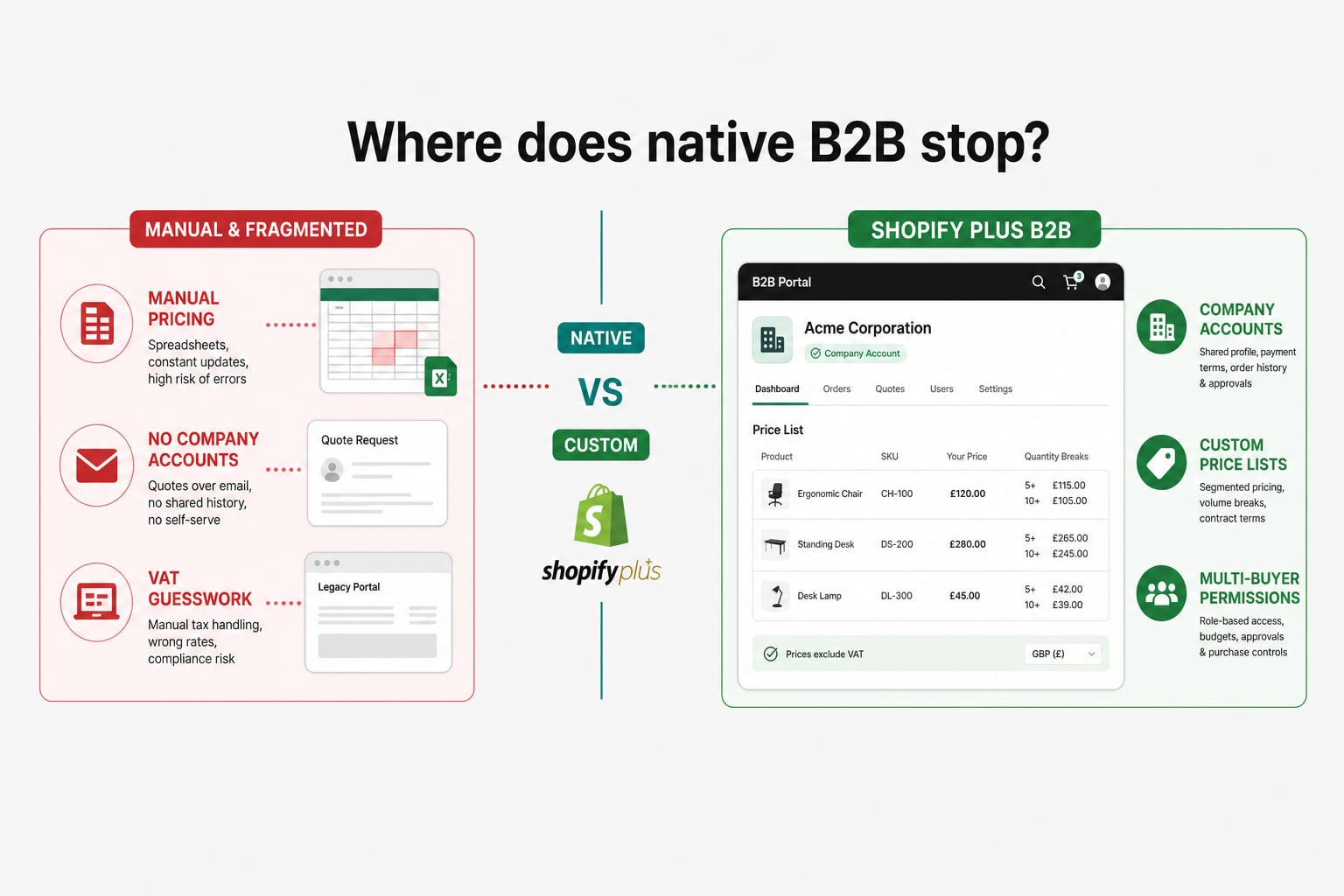
Building a B2B Wholesale Portal on Shopify Plus in 2026: Native Features, the Limits, and Where Custom Development Starts
Shopify B2B has grown up. For most wholesale operations, the native Plus features cover the basics. For VAT exemption logic, ERP-synced pricing, multi-buyer accounts, and credit terms, the line between native and custom is where most stores get stuck. Here is how to draw it.
12 min read