Backorder, Dropship and 3PL Alerts: Automating Ops Emails in Shopify Before BFCM
How to replace copy-paste order emails to warehouses, suppliers and 3PLs with automated Shopify flows, and why this matters most during Black Friday peak volume.
7 min read
Most email automation content is about customers: welcome series, cart recovery, winback. But on many stores the emails that cause the most trouble during Black Friday are the ones customers never see. A supplier who did not get the dropship order. A warehouse that did not know a backordered item was sold. A wholesale order that sat unnoticed for two days.
This post covers the operational emails Shopify stores still send by hand, how to automate them, and how to have them ready before peak volume on November 27.
Why ops emails still run on copy-paste
Shopify handles customer notifications well and sends staff a basic new order email. Everything between those two is usually manual:
- Someone filters orders, copies line items and addresses, and emails the supplier.
- A backordered product sells, and the purchasing team finds out from a support ticket.
- A preorder ships late because nobody connected the sale to the production schedule.
- A large or unusual order needs approval, but the alert goes to a shared inbox nobody watches.
On a normal Tuesday this costs an hour. During BFCM, with five to ten times the order volume, it causes missed shipments, refunds and angry reviews.
The ops alerts worth automating first
| Alert | Trigger | Recipient | Why it matters at peak |
|---|---|---|---|
| Dropship order | Order with a dropship-tagged product | Supplier | Suppliers need complete details fast, with no copy errors |
| Backorder | Order containing a backorder-tagged item | Purchasing, warehouse | Avoids selling stock you cannot replenish in time |
| Preorder or made-to-order | Order with a preorder or MTO product | Production team | Starts the production clock on the day of sale |
| 3PL exception | Order needing special handling, gift wrap or a specific carrier | 3PL account manager | Exceptions get lost when the 3PL processes thousands of orders |
| Wholesale order | Order from a B2B-tagged customer | Sales rep | Fast follow-up keeps trade accounts loyal |
| Large order | Order total above a threshold | Owner, fraud review | Flags high-value orders for review before fulfillment |
Three ways to automate them
Shopify Flow plus a notification action
Shopify Flow can trigger on order created, check conditions and send an internal email. It works well for one or two simple alerts. It gets harder to maintain when you need formatted line items, product images, routing by several tags and a log of what was sent to whom.
An external automation platform
Tools such as n8n receive a Shopify webhook, apply logic and send email or Slack messages. This is the right choice when the alert also needs to update an ERP, a WMS or a spreadsheet. We have written about replacing Shopify apps with n8n for exactly these cases. The trade-off is that someone has to host, monitor and maintain the workflow.
Ops flows inside your email app
EmailOS treats staff alerts as normal flow steps. The same trigger, filter and delay logic you use for customer emails can send to up to three staff or supplier addresses instead. Ops presets cover backorder, dropship, wholesale and large-order alerts, and every send appears in the same searchable log as customer emails.
🧩
The deciding question is where the alert ends. If it ends with a person reading an email, keep it in your email flows. If it must write to another system, use an automation platform, or combine both with a webhook.
Route by product tags, not by order tags
The common mistake is building ops alerts on order tags that someone has to add manually or with another automation. Tag the products once instead:
dropship-supplier-a,dropship-supplier-bbackorderpreorder,made-to-order3pl-special-handling
Each flow then filters on the products in the order. A new order with a dropship-supplier-a item routes itself, with no per-order work. When a product changes supplier, you change one tag.
A dropship alert flow, described as a simplified model:
{
  "trigger": "order_created",
  "filters": { "line_items.product_tags": "dropship-supplier-a" },
  "steps": [
    {
      "send_to_staff": ["orders@supplier-a.com", "ops@yourbrand.com"],
      "template": "dropship-order-supplier-a"
    },
    { "tag_order": "dropship-sent-supplier-a" }
  ]
}
The final step tags the order after the email sends. Your team can filter in Shopify for orders where the supplier was notified, and any order with a dropship product but no tag is an exception to check.
Make the email useful to the person receiving it
An ops email is a work order, not a marketing message. A supplier should be able to fulfill from it without opening anything else.
- Order number and date in the subject line, for example "Dropship order #10482, 2 items".
- Only the line items that belong to this recipient, with SKU, variant and quantity.
- Full shipping address and requested shipping method.
- Customer notes and gift messages, if any.
- A reply-to address that reaches your ops team, not a noreply inbox.
- No promotional blocks, discount codes or unsubscribe footer.
🔒
Ops emails contain customer names and addresses. Send them only to addresses covered by your data processing agreements, keep the recipient list short, and include only the data the recipient needs to fulfill the order. This is part of GDPR and PIPEDA compliance, not a nice extra.
Close the loop with post-send actions
Sending the alert is half the job. The other half is recording that it happened:
- Tag the order after the supplier email sends, so fulfillment status is visible in Shopify.
- Add an order note with the time and recipient.
- Set a metafield such as
ops.supplier_notified_atfor reporting. - POST a webhook to your ERP, WMS or Slack when a backorder is sold, so purchasing can react the same day.
In EmailOS these are optional steps after a send. In n8n they are additional nodes. Either way, the goal is that nobody has to ask whether the supplier was told.
BFCM readiness checklist for ops alerts
- Early October: list every manual ops email your team sends and how often.
- Mid October: tag products by supplier, backorder, preorder and special handling.
- Late October: build the alert flows and send them to an internal address only.
- Early November: switch recipients to real suppliers and the 3PL, and confirm each one receives and understands the format.
- Mid November: run a test order for each route, then freeze tags and flows until after Cyber Monday.
- BFCM week: check daily for orders with an ops product but no "notified" tag.
Ops automation is one piece of peak readiness. The BFCM 2026 engineering checklist covers performance and checkout, and our deliverability guide covers the customer-facing side of email.
When you need more than email alerts
If your operations need two-way synchronization, such as stock levels flowing back from a supplier feed or orders created directly in an ERP, email alone is not enough. That is where an API and system integration project takes over, with email alerts kept as the human-readable layer on top.
FAQ
Can Shopify Flow send emails to suppliers?
Shopify Flow can send internal email notifications from a workflow. It suits simple alerts. For formatted line items, routing to several suppliers and a send log, a dedicated email flow tool or automation platform is easier to maintain.
How many recipients can an EmailOS staff step have?
Up to three staff or supplier addresses per step, routed by product or customer tags.
What if one order contains products from two suppliers?
Use one flow per supplier, each filtered on that supplier's product tag and template showing only that supplier's items. Both flows fire on the same order, and each supplier sees only their part.
Will ops emails count against my email quota?
In most email apps, yes, including EmailOS. Ops alerts are usually a small share of total volume, but include them when choosing a plan for peak season.
Should ops alerts go to email or Slack?
Use email for external recipients like suppliers and 3PLs, who need a record they can file. Use Slack or Teams for your internal team when fast reaction matters. A webhook step can do both from the same trigger.
Related posts
View all articles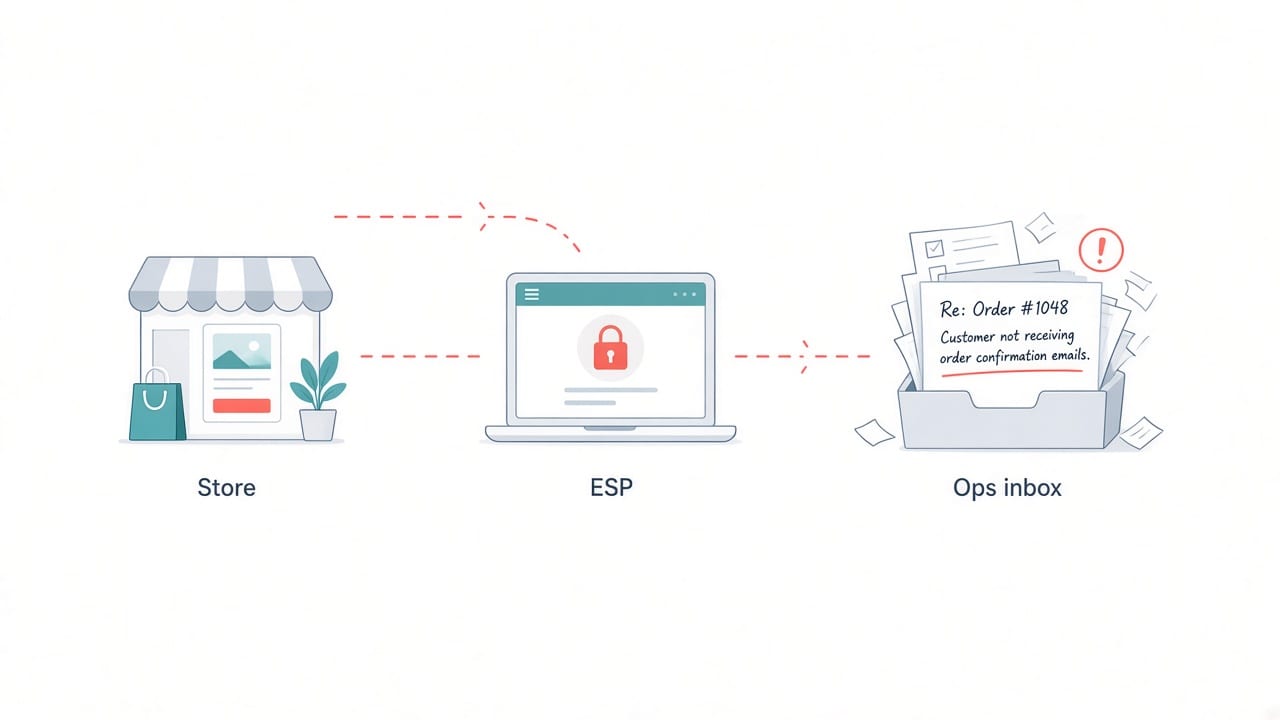
Shopify DevelopmentOct 6, 2026
Why We Built EmailOS: Lifecycle and Ops Email Inside Shopify Admin
The engineering story behind EmailOS, our new Shopify app that runs welcome series, cart recovery, winback and staff alerts from the same flows, without leaving the Shopify admin.
9 min read
Ecommerce DevelopmentOct 13, 2026
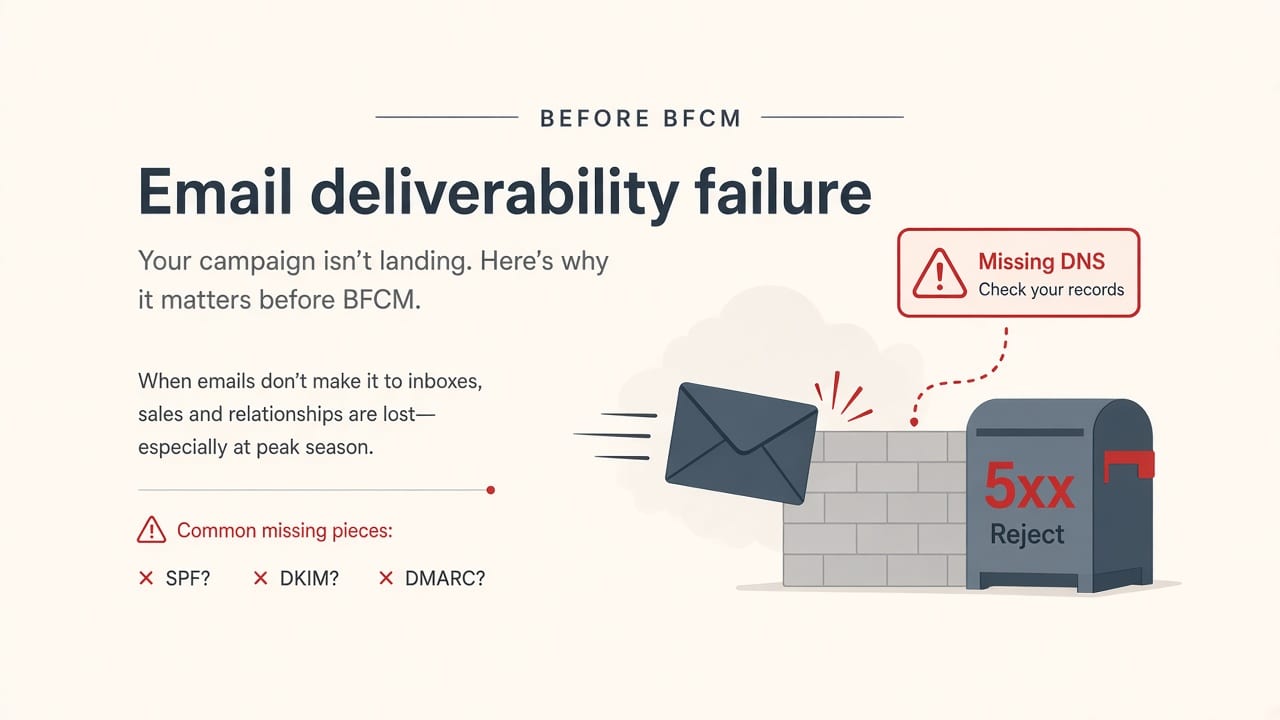
Shopify Email Deliverability Before BFCM 2026: SPF, DKIM, DMARC and One-Click Unsubscribe
Gmail, Yahoo and Outlook now reject non-compliant bulk email instead of filtering it. Here is the technical checklist every Shopify store should finish before Black Friday 2026.
8 min read
Workflow AutomationSep 29, 2026
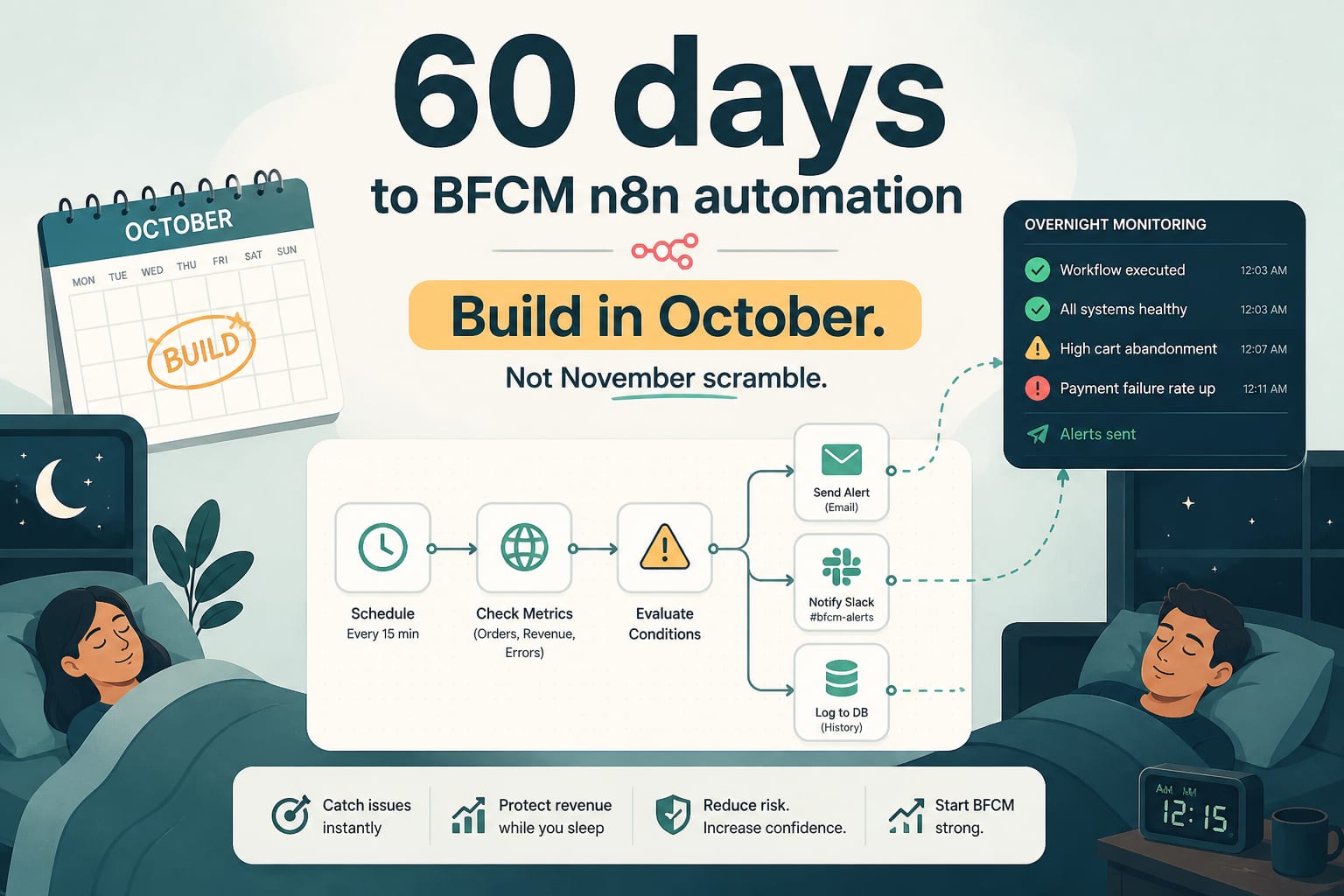
60 Days to BFCM: The n8n Workflows to Build in October, Not November
Peak season monitoring is not a dashboard, it is a set of workflows that notice things while you sleep. Five automations to build before the freeze, with the logic and the thresholds.
7 min read