Shopify Metaobjects and Metafields: A Developer's Guide to Structured Content in 2026
Metafields attach data to existing resources. Metaobjects are standalone records you can reference anywhere. Here is when to use which, how to model them, and the API patterns that scale across thousands of products.
12 min read
Most Shopify stores have metafields and have no idea where they came from. An app installed three years ago created some. The previous developer added more. The current theme reads two of them. Nobody can tell you what is in the namespace accentuate.product_specs or whether deleting custom.legacy_size will break the storefront.
If that sounds familiar, this post is for you. We are going to clean up the conceptual model first, then walk through the patterns we use on Shopify projects in 2026 to make metafields and metaobjects do real work instead of accumulating as silent debt.
This is also the data layer behind the schema markup post we published last week. Schema is only as good as the structured data you feed it from, and that data lives in metafields and metaobjects. Get this layer right and your schema, your AI discoverability, your headless storefront, and your internal apps all benefit from the same source of truth.
Metafields vs metaobjects, finally clarified
The two-line version that fits in your head:
Metafields attach data to existing Shopify resources. A metafield lives on a specific product, customer, order, collection, or page. Think of it as a custom column you added to that resource.
Metaobjects are standalone records you define and reuse. A metaobject lives on its own. You can reference it from a metafield, from another metaobject, or pull it directly through the API. Think of it as a custom table you added to your store.
The mistake most teams make is treating these as interchangeable. They are not. They overlap on simple cases but diverge sharply once your data has any structure to it.
When to use a metafield
Use a metafield when the data:
- Belongs to one resource type (always on products, or always on customers)
- Is a single value or a short list of values
- Does not need to be referenced from multiple other resources independently
Examples that should be metafields: care_instructions on a product, wholesale_tier on a customer, seo_keywords on a collection, vat_exempt on an order.
Product: "Wool Overcoat"
  metafield: custom.material = "100% Merino Wool"
  metafield: custom.weight_grams = 1200
  metafield: custom.country_of_origin = "Portugal"
When to use a metaobject
Use a metaobject when the data:
- Is its own thing, not an attribute of something else
- Has multiple fields that belong together
- Will be referenced by multiple products, collections, or pages
- Will be edited as a unit rather than as scattered fields
Examples that should be metaobjects: a Designer profile referenced by several products, a Size Guide reused across a collection, an FAQ entry shown on multiple product pages, a Store Location referenced by inventory and shipping logic, a Care Symbol library, a recurring promotional banner.
Metaobject: Designer
  field: name = "Maison Lemaire"
  field: bio_rich_text = "..."
  field: photo = file_reference
  field: country = "France"
  field: founded_year = 1991
Then on each product:
Product: "Wool Overcoat"
  metafield: custom.designer = reference -> Designer "Maison Lemaire"
If a designer detail changes, you update one metaobject entry and every product referencing it updates immediately. With metafields alone, you would have to update every product individually.
The rule of thumb we use
Ask one question: "If I duplicate this value across 50 products, will I regret it the first time it changes?"
If yes, use a metaobject and reference it.
If no, use a metafield directly on the product.
That single test catches roughly 80% of the modeling decisions we see. The remaining 20% are edge cases we will cover below.
Choosing namespaces and keys
This is the part everyone gets wrong and the part that hurts the most when wrong. Namespaces and keys are how your data is addressable across themes, apps, the API, and your future self.
Shopify supports several ownership models. We will keep it practical.
custom.* is the default merchant-owned namespace. Use it for data you control and want your theme to read directly. Most stores should have most of their merchant data in custom.
$app:your-app.* is reserved for apps you own. If you build a custom app for the merchant, put its private data here, not in custom. Mixing them later is painful.
Shopify-reserved namespaces (shopify-discount, shopify-tax, anything prefixed shopify--) are managed by Shopify. Do not write into them directly.
For keys, three rules that save you suffering later:
Snake_case, never camelCase. Shopify's API conventions, theme conventions, and tooling all assume snake_case. Be consistent.
Plural for lists, singular for single values. material is one value. materials is a list. The convention helps the next developer (often you, six months later) know what to expect.
Domain-prefixed when meaningful. tech_gsm is clearer than gsm if your store sells both apparel (where GSM means grams per square meter) and other categories.
Avoid putting business logic in keys. custom.is_eligible_for_b2b_discount_tier_2 is a sign that you should be using a metaobject reference to a Discount Tier definition instead.
Defining metafield types
Shopify's metafield types are richer than most developers realize. Use the right one.
Text types. single_line_text_field, multi_line_text_field, rich_text_field. The rich text type stores a JSON AST, which is more robust than HTML for headless rendering. Use it whenever the content might need formatting.
Number types. number_integer, number_decimal. Always use these for numeric data rather than text. They unlock filtering, validation, and clean JSON serialization in the API.
Boolean. boolean. Obvious but underused. We see stores storing "true"/"false" as strings, which breaks every theme condition.
Date and time. date, date_time. Use for launch dates, expiration dates, last-updated tracking.
Dimension, weight, volume, rating. dimension, weight, volume, rating. These store value plus unit (centimeters, grams, milliliters) in a single field. Strongly recommended over storing the unit separately or hardcoding it.
File reference. file_reference. Stores a Shopify-hosted file. Better than a URL string because Shopify handles CDN delivery, image resizing, and integrity.
Product, variant, page, collection references. product_reference, variant_reference, page_reference, collection_reference. Use these for cross-resource links instead of storing handles or IDs as strings.
Metaobject reference. metaobject_reference and mixed_reference. This is how you connect metafields to metaobjects. Critical for the modeling patterns below.
List variants. Most types have a list.* variant (list.single_line_text_field, list.product_reference). Use these for ordered collections instead of comma-separated strings.
Add validation rules whenever they apply: character limits, min/max values, regex patterns, allowed values from a preset list. Validation catches data quality problems at write time, which is the cheapest possible moment to catch them.
Five modeling patterns we use on Shopify projects
These are the patterns we reach for again and again. None of them are exotic. The value is in the discipline of picking the right one early.
Pattern 1: Single-value attribute
The simplest case. One value, one product.
Definition: Product metafield "Care Instructions"
  namespace: custom
  key: care_instructions
  type: multi_line_text_field
Used directly in your theme or pulled via the API. Use when no reuse is needed.
Pattern 2: Controlled vocabulary
A category-specific list of allowed values. Material is a classic example: you want every textile product tagged with one of "cotton", "wool", "linen", "silk", "synthetic", "blend", not whatever free text the merchandiser typed today.
Metaobject definition: Material
  field: name (single_line_text_field, required)
  field: hex_color_swatch (color)
  field: care_default (multi_line_text_field)

Entries (created once):
  - "100% Organic Cotton"
  - "Merino Wool"
  - "Linen"
  ...

Product metafield: custom.material
  type: metaobject_reference -> Material
Now every product references one Material entry. Filtering by material is reliable. If you ever need to update the default care instructions for cotton, you update one metaobject entry.
Pattern 3: Shared content block
Content that appears on many products and changes from one place. Designer profiles, brand stories, size guides, sustainability statements.
Metaobject definition: Designer
  field: name
  field: bio_rich_text
  field: photo
  field: country
  field: founded_year
  field: instagram_handle

Product metafield: custom.designer
  type: metaobject_reference -> Designer
Used in the theme to render a designer panel on every product page without duplicating content per product.
Pattern 4: Composite specification
Category-specific specifications that go beyond simple key/value. A "Wine Profile" with tannins, acidity, flavor notes, region, aging.
Metaobject definition: Wine Profile
  field: tannins (number_integer, 1-10)
  field: acidity (number_integer, 1-10)
  field: flavor_notes (list.single_line_text_field)
  field: region (metaobject_reference -> Region)
  field: aging_duration (single_line_text_field)
  field: serving_temperature (single_line_text_field)

Product metafield: custom.wine_profile
  type: metaobject_reference -> Wine Profile
Two wins: you get a dedicated admin UI for editing the profile (cleaner than 6 separate metafields on the product), and the same Region metaobject can be referenced by multiple wines, blog posts, and content pages.
Pattern 5: Relationship table
Many-to-many relationships that the Shopify data model does not give you natively. Cross-sells, related products, bundles, recipes.
Metaobject definition: Bundle
  field: primary_product (product_reference)
  field: bundled_products (list.product_reference)
  field: bundle_discount_percent (number_decimal)
  field: bundle_name (single_line_text_field)
  field: active (boolean)
Each Bundle entry is one row in what would be a join table in a relational database. The merchant manages bundles from a dedicated section of the admin, and the theme or storefront API reads them to render bundle UI.
Reading from the API
How you query this data matters. The GraphQL Admin API and Storefront API behave differently and both have rate limits that bite at scale.
Storefront API (themes and headless)
For reading metafields on a product from a Hydrogen or other headless storefront:
const PRODUCT_QUERY = `#graphql
  query Product($handle: String!) {
    product(handle: $handle) {
      id
      title
      material: metafield(namespace: "custom", key: "material") {
        value
        type
      }
      designer: metafield(namespace: "custom", key: "designer") {
        reference {
          ... on Metaobject {
            id
            type
            fields {
              key
              value
              reference {
                ... on MediaImage { image { url altText } }
              }
            }
          }
        }
      }
    }
  }
`;
Two notes that trip people up.
First, metafields are only exposed to the Storefront API if you mark them as "Storefront API accessible" in the metafield definition. Forget that toggle and the field returns null in your storefront query while showing correctly in the admin.
Second, metaobject fields are returned as a flat list. You walk the fields array and pick the keys you want. Some teams prefer to wrap this in a small helper that returns a typed object:
function metaobjectToRecord(metaobject) {
  if (!metaobject) return null;
  const record = { id: metaobject.id, type: metaobject.type };
  for (const f of metaobject.fields ?? []) {
    record[f.key] = f.reference ?? f.value;
  }
  return record;
}
Admin API (apps and integrations)
For bulk reads or writes from a custom app, use the Admin GraphQL API and batch your queries. Reading metafields one product at a time will hit rate limits on any catalog over a few hundred SKUs.
const BULK_QUERY = `#graphql
  query Products($cursor: String) {
    products(first: 100, after: $cursor) {
      edges {
        node {
          id
          handle
          metafields(first: 20, namespace: "custom") {
            nodes { key value type }
          }
        }
      }
      pageInfo { hasNextPage endCursor }
    }
  }
`;
For very large catalogs (50k+ SKUs), use Shopify's Bulk Operations API. You submit one query, Shopify writes the result to a JSONL file, you download and parse it. This is the only sane way to do full-catalog metafield audits or migrations.
Migrating from legacy app metafields
If you inherited a store with metafields scattered across multiple namespaces, the cleanup pattern that works is:
- Inventory. Run a Bulk Operations query to dump every metafield in your catalog. Group by namespace and key.
- Categorize. For each namespace, decide: keep as-is, migrate to
custom, or delete. Apps you still use stay in their namespace. Apps you have removed should have their data either deleted or migrated. - Migrate in pairs. Write each value to the new metafield key first, then verify, then delete the old key. Never do both in a single transaction; you will eventually lose data when the verification step turns up a mismatch.
- Update consumers. Update your theme, app, and storefront code to read from the new keys. Search for the old namespace.key across every codebase before flipping the switch.
- Lock down with definitions. Once migrated, define every metafield with strict validation. Apps that try to write loose data will fail at write time instead of silently corrupting later.
We typically run this as a 2-week engagement: 3 days of inventory and modeling, 4 days of migration scripts and verification, the rest for theme and storefront code updates and rollback safety. Catalogs over 100k SKUs take longer because the bulk operations take longer; the methodology is the same.
Why this matters more in 2026 than it did in 2024
Three things changed.
The Agentic Storefronts release in March 2026 made structured data the difference between being recommended and being invisible. Metafields are the source of truth that flows into the Shopify Catalog, the schema on your product pages, and the data agents see through Storefront MCP.
Schema markup expectations moved from 8-property baseline to 20+ properties. Generating that schema by hand per product is unrealistic. Generating it from well-modeled metafields and metaobjects is straightforward.
Shopify Functions and Checkout Extensibility now accept metaobject access, which means your business logic in discount and validation logic can read metaobject data directly. Custom B2B pricing tiers, location-specific shipping rules, complex eligibility logic, all become metaobject-driven rather than hardcoded.
The investment in modeling these correctly pays back in every layer of the stack, every channel you ship to, every storefront experiment you run.
FAQ
Should I use metaobjects instead of a headless CMS like Contentful or Sanity?
For content that lives within the Shopify domain (product specs, designer profiles, store locations, FAQs, lookbooks tied to products), metaobjects are simpler, cheaper, and avoid the sync problem entirely. For content that is meaningfully separate from commerce (corporate site, editorial blog with long lifecycle, multi-brand content), a dedicated CMS is still the right tool. Many merchants run both: metaobjects for commerce-adjacent content, a CMS for editorial.
How many metaobject entries can I have?
Effectively unlimited for normal use. The performance constraints kick in around the API query patterns, not the entry count. Stores with 100k+ metaobject entries are routine.
Can metaobjects have versions or revision history?
Not natively. If you need editorial workflow (drafts, reviews, scheduled publication), you either build it with a status field plus admin extensions, or use a dedicated CMS for that subset of content.
How do I expose metafields and metaobjects in the Storefront API?
Toggle "Storefront API accessible" in the metafield or metaobject definition. Without this toggle, the data is invisible to your storefront queries even if it shows correctly in the admin.
What is the difference between metafield definitions and metafields without definitions?
A definition gives the metafield a type, validation rules, an admin UI, and explicit Storefront API access. A metafield without a definition still works through the API but is harder to manage and easier to corrupt. Always create definitions for production data.
Where this fits in the series
Treat this guide as the implementation chapter after two shorter reads. The 10-minute discoverability audit shows what is missing on the surface today. The schema markup property list turns that into a concrete field list for agents and search. Metafields and metaobjects are the solution underneath: a governed, typed catalog layer so those fields stay consistent in admin, the Storefront API, and JSON-LD as the catalog grows.
If you want help designing the metafield and metaobject architecture for your catalog before you start populating thousands of values, get in touch. We typically deliver the data model in a half-day workshop with your team, and the implementation follows in two to four weeks depending on catalog size.
Related posts
View all articles
Shopify DevelopmentMay 12, 2026
Shopify Scripts Are Dead in 48 Days: The Functions Migration Playbook for Plus Stores
June 30, 2026 is a hard wall. Scripts editing is already locked. If your checkout discounts, shipping rules, or payment logic still run on Scripts, here is the migration playbook, the failure modes, and what it costs.
13 min read
Shopify DevelopmentJun 17, 2026
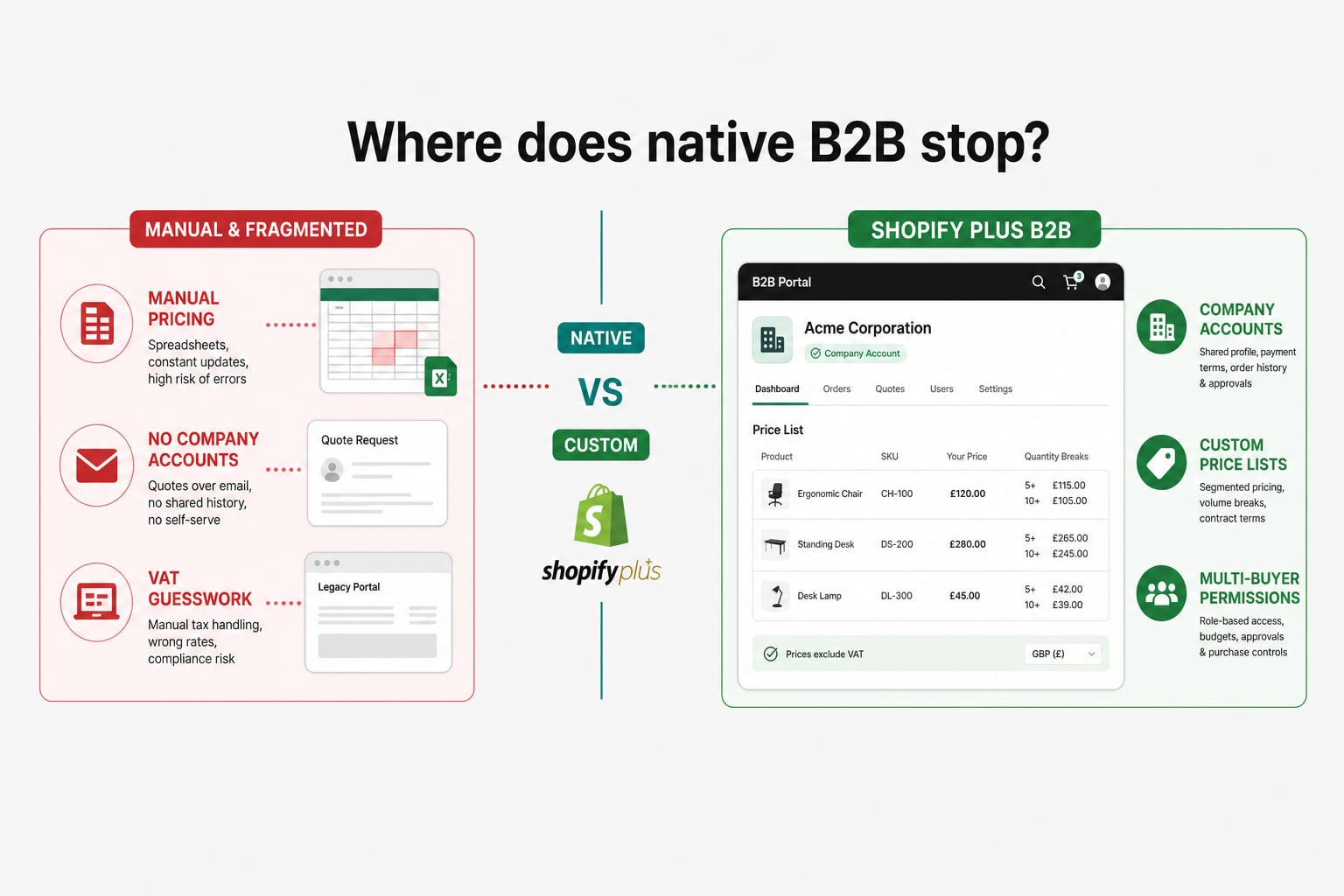
Building a B2B Wholesale Portal on Shopify Plus in 2026: Native Features, the Limits, and Where Custom Development Starts
Shopify B2B has grown up. For most wholesale operations, the native Plus features cover the basics. For VAT exemption logic, ERP-synced pricing, multi-buyer accounts, and credit terms, the line between native and custom is where most stores get stuck. Here is how to draw it.
12 min read
Shopify DevelopmentMar 27, 2026
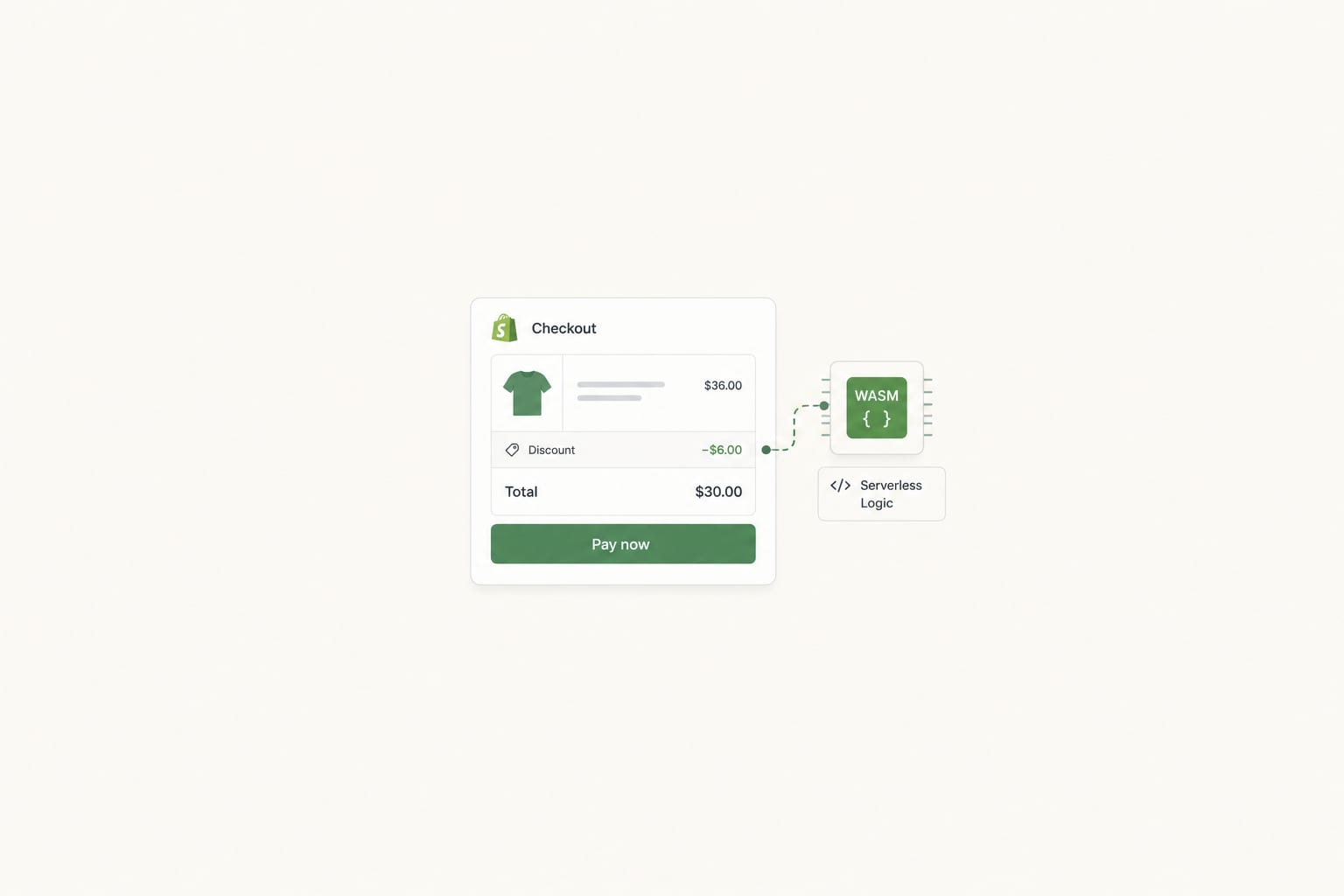
Shopify Functions: When to Reach for Them, When to Stay in Apps, When to Go Headless
A senior engineer's deep dive into Shopify Functions in 2026. The five extension points, what each one solves, when Functions beat apps, when apps beat Functions, and how Functions fit alongside headless storefronts.
14 min read