PrestaShop to Shopify Migration in 2026: The French Market Playbook
PrestaShop migrations are not WooCommerce migrations with a different label. The data model, the module ecosystem, the VAT and invoice logic, and the French legal expectations all differ. Here is the playbook we run for French and EU merchants moving from PrestaShop to Shopify.
17 min read
PrestaShop and WooCommerce get lumped together as "the open-source alternatives to Shopify." For a buyer comparing platforms in 2026, that grouping is roughly fair. For a developer running the migration, it is misleading in ways that cost time and money. PrestaShop has a different data model, a different module ecosystem, different VAT and invoicing expectations, and a user base concentrated in France and Southern Europe with specific compliance habits Shopify needs to match.
We wrote the WooCommerce to Shopify playbook last month. This is its PrestaShop sibling. It is written for the French or EU merchant who has decided to leave PrestaShop and now needs to do it without losing the catalog, the rankings, the existing customer relationships, or the legal posture that French ecommerce regulators expect.
The honest framing: PrestaShop migrations are workable, well-trodden, and on the same four-phase shape as any other replatforming. The traps are specific, the tooling is narrower than for WooCommerce, and the French-market expectations make the audit phase even more important than usual. Skip the audit, and you discover the surprises at launch, in front of customers who will not be charitable about it.
Why PrestaShop merchants are moving in 2026
We make a point of not pitching Shopify in our migration work, because the merchants who reach us have decided. But the patterns that push them to the decision are consistent enough to name.
The module maintenance burden. PrestaShop's ecosystem of modules is large, the quality variance is wide, and module updates do not always survive PrestaShop core upgrades. Stores accumulate modules that work, modules that mostly work, and modules whose original developers disappeared in 2021. Every major PrestaShop upgrade becomes a multi-week project, and many merchants stay on outdated versions because the upgrade path is daunting.
The hosting and performance ceiling. PrestaShop runs reasonably on managed PHP hosting, struggles on shared hosting under traffic, and demands real DevOps attention to perform at peak. A French merchant doing fifty thousand euros a month is usually somewhere between "the site is slow but it works" and "the site is down right now because Black Friday." The work to get PrestaShop to perform reliably costs as much as Shopify Plus and still leaves the merchant managing their own stack.
The international and B2B requirements. PrestaShop handles multi-shop and multi-language well in theory, but real implementations across French, Belgian, Spanish, and German markets accumulate scope. Different VAT rates, different invoicing formats, different shipping carriers, different payment methods. Shopify Markets has flattened a lot of this complexity natively; the migration is often as much about reducing operational sprawl as it is about platform features.
If your situation matches any of those, the move makes sense. The rest of this post is how to do it cleanly for the French and EU context.
The four-phase shape, with PrestaShop specifics
Migration projects follow the same four phases regardless of source platform: audit and plan, build the new store, migrate the data and redirects, launch and validate. PrestaShop changes what each phase has to handle.
Phase 1: audit and plan. What is in your PrestaShop store, what is keepable, what is finally retired, and what the Shopify version has to do differently because of French-market expectations.
Phase 2: theme and integrations build. Shopify theme on a development store, with the integrations and VAT/invoicing configuration verified before real data flows.
Phase 3: data migration and redirect mapping. The catalog, customers, orders, and content move across, with French-language SEO redirects ready at DNS cutover.
Phase 4: launch and post-launch validation. Cutover, monitoring, and a two-week validation pass to catch the items that always slip through.
The rest of this post walks the PrestaShop-specific decisions inside each phase.
Phase 1: the audit that PrestaShop migrations need
PrestaShop's data model is richer than WooCommerce's in some places and quirkier in others. The audit catches both.
Inventory the catalog with PrestaShop's specifics in mind
Export the full catalog, all variations, all images, all categories, all CMS pages, all blog posts, and the URL list from a Screaming Frog crawl. The Screaming Frog crawl matters more than usual for PrestaShop because the platform's friendly URLs are heavily customizable and the actual URLs Google has indexed are often not the ones you expect from the admin.
Pay specific attention to:
Combinations versus products. PrestaShop separates a "product" from its "combinations" (variants). A product with sizes and colors is one product entry with many combination entries, similar to Shopify variants. The mapping is mostly clean, but PrestaShop allows more options per product than Shopify's 3-option ceiling, and stores with deeply configured products may need restructuring.
Manufacturers and suppliers as first-class entities. PrestaShop tracks manufacturers and suppliers as their own tables, with their own pages and URL structure. Shopify does not have an equivalent native concept. The data either moves to product metafields, or it moves to metaobjects (we covered this in metaobjects and metafields), or it gets retired.
Features and feature values. PrestaShop products carry a set of "features" (material, length, country of origin, certifications) that are similar to but distinct from variant options. Most merchants want these to migrate into Shopify metafields rather than be confused with variants. This is a manual mapping decision in the audit, not an automatic one in the tool.
Categories as a tree, not collections as a list. PrestaShop categories are hierarchical, with subcategories of subcategories. Shopify collections are flat. Stores with deep category trees need a decision: collapse to a flat structure and lose hierarchy, or use collection metafields and theme work to preserve a visual hierarchy on the storefront.
Audit the variant and option count
The Shopify ceiling applies here exactly as it does in WooCommerce migrations: 3 options per product, 100 variants on standard plans, 2,048 variants on Shopify Plus. PrestaShop stores with multi-attribute configurable products (apparel with size, color, finish, and fabric weight; industrial parts with multiple specifications) routinely exceed both limits. Identify the offending products in the audit, decide whether to restructure, move to Plus, or use a variant-extension app, and budget the work.
The French-market non-negotiables
This is where PrestaShop migrations diverge from generic WooCommerce migrations.
Invoicing and the legal invoice format. French ecommerce regulation expects invoices that meet specific content requirements: legal company name and SIRET, customer details, sequential invoice numbering, itemized line items with VAT breakdown per rate, payment method, total HT and TTC. PrestaShop generates these natively. Shopify does not, out of the box, in a way that satisfies a French accountant. Plan for an invoice-generation app or a custom solution that produces compliant PDFs and archives them per French retention rules.
VAT calculation across multiple rates. PrestaShop has straightforward multi-rate VAT through its tax rules engine. Shopify handles multi-rate VAT but the migration of your existing tax configuration is manual, and reduced-rate items (food, books, cultural goods in France) need explicit mapping. Validate in the dev store before the real catalog imports.
Multi-currency and the euro question. Most French stores price in euros and serve euro-using markets. Shopify Markets handles this cleanly. PrestaShop stores using deeper multi-currency setups (USD pricing for tourist buyers, GBP for UK customers post-Brexit) need explicit Markets configuration on the Shopify side.
Carrier integration. PrestaShop has deep integrations with French carriers (Colissimo, Mondial Relay, Chronopost, DPD, Relais Colis). Shopify supports these through apps, but the integration depth varies. If your shipping logic includes pickup-point selection inside checkout, that is an app-and-configuration question that needs to be settled in phase 2, not at launch.
Customer accounts and B2B/B2C separation. PrestaShop has native customer groups with B2C and B2B distinction including VAT-exempt purchasing for verified businesses. Shopify Plus handles this through its B2B features; standard Shopify needs an app or a custom solution. If you have a B2B customer base, the audit needs to scope how that segmentation moves.
🇫🇷
French-market compliance is the single area where a generic Shopify migration falls short of a PrestaShop store. The legal invoice format, the VAT rate mapping, the carrier integrations, the B2B VAT exemption logic. These are not optional features. Plan the implementation in phase 2 with the same rigor as the data migration itself.
Catalog the modules and decide what survives
PrestaShop modules cover the same functional ground as Shopify apps but with no one-to-one mapping. The audit lists every active module, what it does, and whether Shopify has a native feature, a comparable app, or requires custom work to replicate.
Three module categories that come up almost every PrestaShop migration we run:
Reviews modules. Module-stored review content does not move automatically. The fix is the same as for WooCommerce: export the review data, import to a Shopify reviews app (Judge.me, Yotpo, Loox), and validate the schema markup is attached to the right product pages.
Loyalty and points modules. PrestaShop stores frequently use loyalty modules with custom rules. Loyalty data, point balances, and reward thresholds need a deliberate migration path to a Shopify equivalent. Most stores end up choosing a new loyalty app on Shopify and importing balances; the migration is rarely automatic.
Marketplace and dropshipping modules. PrestaShop has strong marketplace and dropshipping modules with no clean Shopify equivalent. Stores running multi-vendor PrestaShop setups face a real architecture decision, possibly toward Shopify Plus with custom development, possibly toward a different platform.
Phase 2: building the Shopify store with French-market expectations
The theme decision is the same as in any Shopify migration: stock Dawn customized, paid Theme Store theme, custom theme, or headless on Hydrogen or Next.js. We covered the tradeoff in Hydrogen vs Next.js. For most PrestaShop stores in the mid-market, a paid theme with thoughtful French-language customization is the fastest path and the right choice.
The French-language specifics that go beyond standard theme work:
Translations need to be French-first, not English-translated-to-French. Shopify Markets handles multi-language, but the primary language and the canonical content need to be in French if your primary market is France. Get the French copy right before launch; clumsy machine-translated product descriptions will read worse than the PrestaShop equivalent and will hurt conversion.
The invoice generation needs to be installed and tested with real order data in the development store. Most French Shopify stores use an app like Sufio, Order Printer Pro, or a custom solution. Validate that the generated PDFs meet your accountant's expectations before launch, not after.
The carrier and pickup-point integration needs to be configured against your actual shipping operations. If your customers expect Mondial Relay or Colissimo pickup points in checkout, the app and the carrier account setup happen in phase 2.
The metafield architecture for the data that does not fit Shopify's native model (features, manufacturer, supplier, certifications) gets defined here. We covered this in the metaobjects guide; PrestaShop migrations are the textbook case where doing this work upfront saves expensive retrofitting later.
Phase 3: data migration and SEO mapping
The tooling for PrestaShop migrations is narrower than for WooCommerce. Two real options.
Cart2Cart and LitExtension both support PrestaShop as a source. They are the most common path for standard migrations: managed, automated, suitable for catalogs without unusual structure, and convenient for teams without deep technical capacity. The tradeoff is opacity. When something goes wrong, the diagnostic visibility is limited.
Matrixify does not directly import from PrestaShop. The path is to export PrestaShop data to CSV or Excel, transform it to Matrixify's Shopify import format, and import through Matrixify with all its dry-run and validation benefits. This requires more upfront engineering but gives total control and is the right choice for complex catalogs, custom metafields, B2B data, or stores where the migration tool's silent omissions would be expensive to discover after launch.
The third option, manual CSV export and import, works for the smallest catalogs. For anything beyond a few hundred products, the time cost is not worth it.
The URL mapping problem for PrestaShop
PrestaShop URLs are configurable and most stores have customized them. A typical PrestaShop product URL is something like /12-chemise-coton-bleue.html where 12 is the product ID and the rest is the rewritten slug. Categories often follow /3-chemises-homme or similar. The legacy .html extension is common because PrestaShop defaulted to it for years.
Shopify URLs are /products/chemise-coton-bleue and /collections/chemises-homme. No .html, no numeric ID prefix, and Shopify decides the URL pattern by handle rather than allowing your old structure to be preserved.
The redirect map needs to be built before the catalog imports, mapping each old PrestaShop URL to its new Shopify equivalent. For most stores the mapping is programmatic: a regex pulls the slug out of the PrestaShop URL pattern and constructs the Shopify URL. A clean redirect map covers thousands of URLs with a few rules plus a manual list for the awkward cases.
Build the map by crawling the PrestaShop site with Screaming Frog, exporting the URL list, and writing the mapping logic. Validate manually on a sample of 50 to 100 URLs across products, categories, manufacturers, suppliers, CMS pages, and blog posts. Upload through Matrixify or Shopify's native URL Redirects.
Preserve the French-language SEO surface
The standard checklist applies: page titles, meta descriptions, image alt text, schema markup, canonical tags, sitemap submission. The French-specific items that need explicit attention:
Language-specific URLs and hreflang. If your PrestaShop store served fr.example.com and en.example.com or used path-based language switching, the equivalent Shopify Markets configuration needs to be set up before launch and the hreflang tags need to point correctly. We covered this in hreflang on Shopify.
Product descriptions in French. Validate every product description came across cleanly. PrestaShop's HTML description format includes character-encoding edge cases that occasionally produce mangled accented characters on import. Spot-check products with French-language characters (é, è, ê, à, ç) explicitly.
Page titles in French. Same validation: every product page title and meta description should be in clean French, not transliterated or partially translated.
Customer passwords and the French invitation message
The customer password rule is universal: passwords cannot be migrated and customers will reset on first login. Use Shopify's Customer Invitation email feature to send a relaunch communication in French, framed as "Notre nouvelle boutique est en ligne" rather than "You need to reset your password." French customers are particularly attuned to communication tone and a poorly-translated invitation message reads worse than no message at all.
Order history and the French invoice continuity
Order history migrates through Cart2Cart, LitExtension, or Matrixify. The validation matters more for French stores because of the legal invoice obligation. Confirm that historical invoices remain accessible, either through the migrated order history with new invoice PDF generation, or through a parallel archive that stays online and searchable.
The validation step that catches issues: pick five orders from the last six months, find each one in the migrated Shopify store, and confirm you can produce a legally-compliant invoice with the same content as the original. If you cannot, the integration is incomplete and needs fixing before launch.
Phase 4: launch and the two-week validation pass
Cutover with redirects live, sitemap submitted, analytics validated, old store noindex'd but online. The validation pass is the same as for any migration but with the French-market items added.
- Crawl the new site with Screaming Frog. Compare against the old PrestaShop crawl. Identify any URL not redirecting properly, every 404, every 5xx.
- Spot-check 5 percent of products at random. Title in French, description complete, accented characters rendering correctly, images present, variants right, price right with the right VAT.
- Validate the invoice generation end to end. Place a test order, generate the invoice PDF, confirm it meets the French legal format. Have your accountant review the first batch.
- Test pickup-point selection in checkout if you use Mondial Relay, Colissimo, or similar. The carrier integration is the most common silent failure post-launch.
- Validate the customer invitation email in French. Send to a test address, click the reset link, confirm the password reset flow works end to end.
- Check VAT calculation on a mix of standard-rate, reduced-rate, and exempt items. Reduced-rate mapping errors are the most common tax issue post-migration.
- Confirm Google Search Console is receiving the new sitemap and the French-language URLs are being crawled. Monitor for crawl-error spikes daily for the first two weeks.
- Validate the multi-language and multi-market configuration if you serve beyond France. Hreflang tags, market-specific pricing, and currency display.
The 30-60-90 day curve is the same as for any migration: traffic dips briefly while Google re-crawls, then recovers to baseline or better by day 60 if the redirects and metadata are correctly preserved.
Realistic cost and timeline for French stores
A French mid-market PrestaShop store, 1,000 to 10,000 SKUs, multi-rate VAT, B2C plus light B2B, standard carrier integrations, runs four to eight weeks end-to-end at a five-figure project cost. The French-market specifics (invoice generation, VAT mapping, carrier integration, French-language QA) add work compared to a generic Shopify migration but the overall scale is in the same range.
Stores with deeper PrestaShop customizations, large B2B operations, marketplace or dropshipping setups, or multi-shop architectures spanning several countries run longer. The audit phase is where this is determined; quotes given before the audit are estimates, not commitments.
The thing not worth doing on a PrestaShop migration: rushing the audit because the migration tool makes the data move look easy. The data move is the cheap part. The French-market compliance, the VAT mapping, the invoice continuity, the redirect mapping, and the post-launch validation are the work, and skipping any of them produces a launch that looks fine in week one and starts losing money in week three.
FAQ
Is migrating from PrestaShop to Shopify harder than from WooCommerce?
In some ways yes, in some ways no. PrestaShop's data model is richer in places (manufacturers, suppliers, features) and has fewer one-shot migration tools than WooCommerce. On the other hand, PrestaShop's friendly URL system is more predictable than WordPress's permalink chaos, and the catalog structure is cleaner. The total work is comparable; the specific points of attention differ.
Can I keep my legal invoice numbering continuity?
Yes, with an invoice-generation app or a custom solution on the Shopify side. Sequential numbering, archived PDFs meeting French legal requirements, and continuity from your PrestaShop invoice number sequence are all configurable. Confirm the legal requirements with your accountant and confirm the implementation with your developer before launch.
How do I handle VAT for B2B customers buying from other EU countries?
Shopify supports VAT exemption for verified B2B buyers, primarily through Shopify Plus B2B features or through apps on standard plans. The validation logic (VIES check, intra-community VAT handling) is configurable. This is one of the items to scope deliberately in phase 1.
What about my Mondial Relay and Colissimo integration?
Both have Shopify app integrations that handle pickup-point selection in checkout. The integration depth is good but not identical to PrestaShop native modules. Test the full customer journey in your development store before launch.
Do I need Shopify Plus or is standard Shopify enough?
Most French PrestaShop migrations land on Shopify standard or Advanced, not Plus. Plus is the right answer when you genuinely have B2B complexity, very high transaction volume, or variant counts that exceed 100 per product. For a typical French mid-market merchant, standard Shopify covers the ground.
Will I lose SEO rankings during the migration?
Not if the redirect mapping and metadata preservation are done properly. The standard pattern is a brief 2-to-4 week dip while Google re-crawls and re-evaluates, then recovery to baseline or better by day 60. Migrations that skip the redirect work or use tools that drop metadata silently can lose 30 to 60 percent of organic traffic and rarely fully recover.
What happens to my French-language content like blog posts and CMS pages?
It migrates. PrestaShop's CMS pages map to Shopify pages, blog posts to Shopify blog posts, and the URL structure differs so every URL needs a 301 redirect. The content itself transfers cleanly through the migration tools; the redirects are the part that needs explicit work.
Where to go from here
If you are at the start of a PrestaShop to Shopify decision, the audit is the right next step. A half-day audit tells you whether your catalog hits the variant limit, what your French-market compliance work looks like, which modules need replacement paths, and what the realistic cost and timeline are.
If you want us to run the audit and the migration, get in touch. We run every PrestaShop migration with the four-phase plan above, with explicit attention to French-market compliance, and we stay engaged through the post-launch monitoring window. You can read more about our Shopify migration service and our technical SEO engineering work.
For related reading: WooCommerce to Shopify migration for the comparison playbook, metaobjects and metafields for the data architecture decisions during the build, and hreflang on Shopify if your store serves multiple EU markets.
Related posts
View all articles
Shopify DevelopmentMay 4, 2026
WooCommerce to Shopify Migration Guide: The Engineering Playbook That Keeps Your Traffic, Data, and Sanity Intact
Most WooCommerce to Shopify migration guides stop at 'use Matrixify.' This one covers the SEO mapping, the variant-limit trap, the customer password problem, the EU data-residency angle, and the failure modes that destroy traffic in week two.
20 min read
Shopify DevelopmentJan 27, 2026
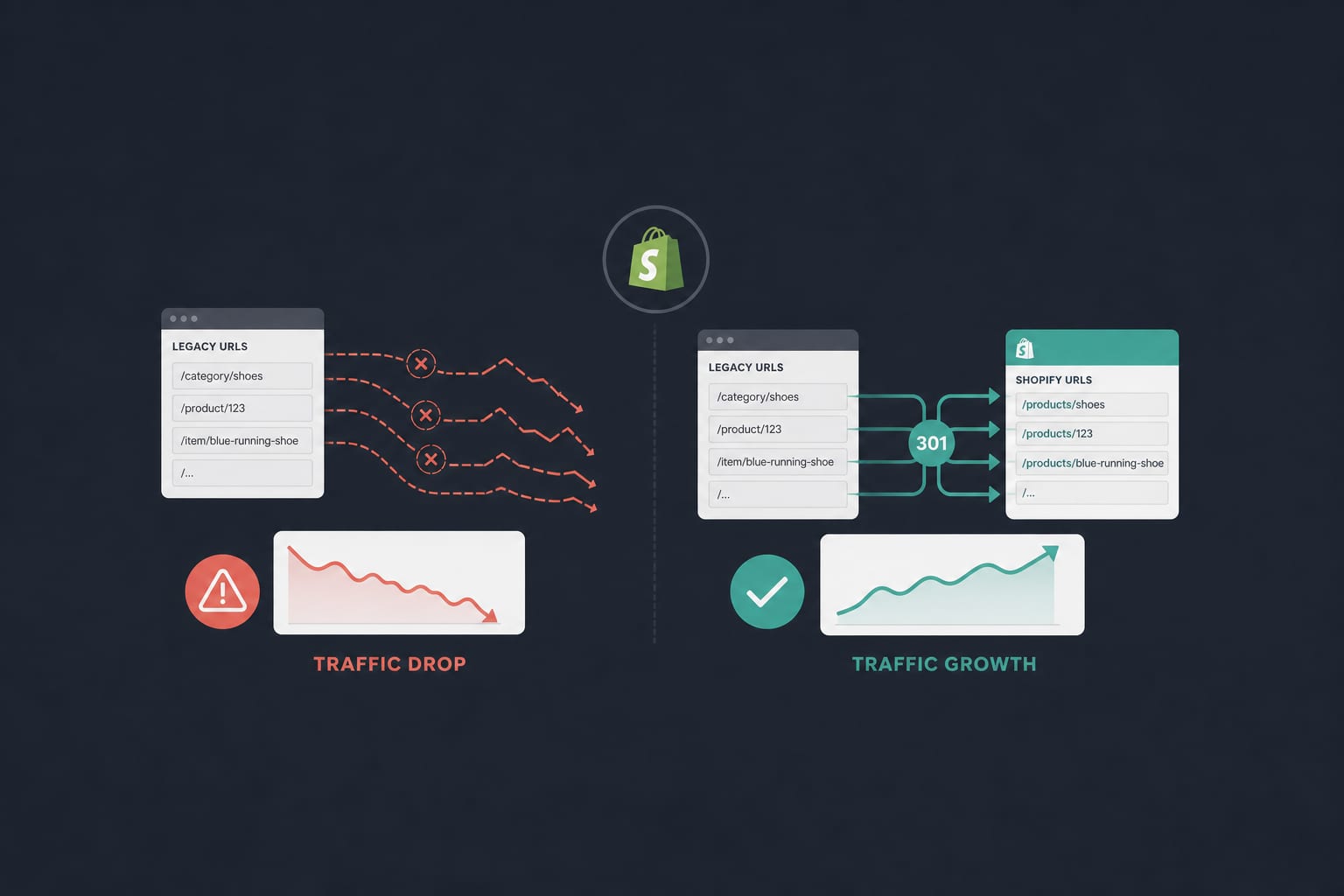
The Shopify Migration SEO Checklist That Doesn't Lose You Traffic
A senior engineer's playbook for migrating to Shopify without losing rankings. Redirect mapping logic, metadata preservation, hreflang continuity, and the 30-day post-launch monitoring that catches the issues nobody warns you about.
12 min read
Technical SEOApr 14, 2026
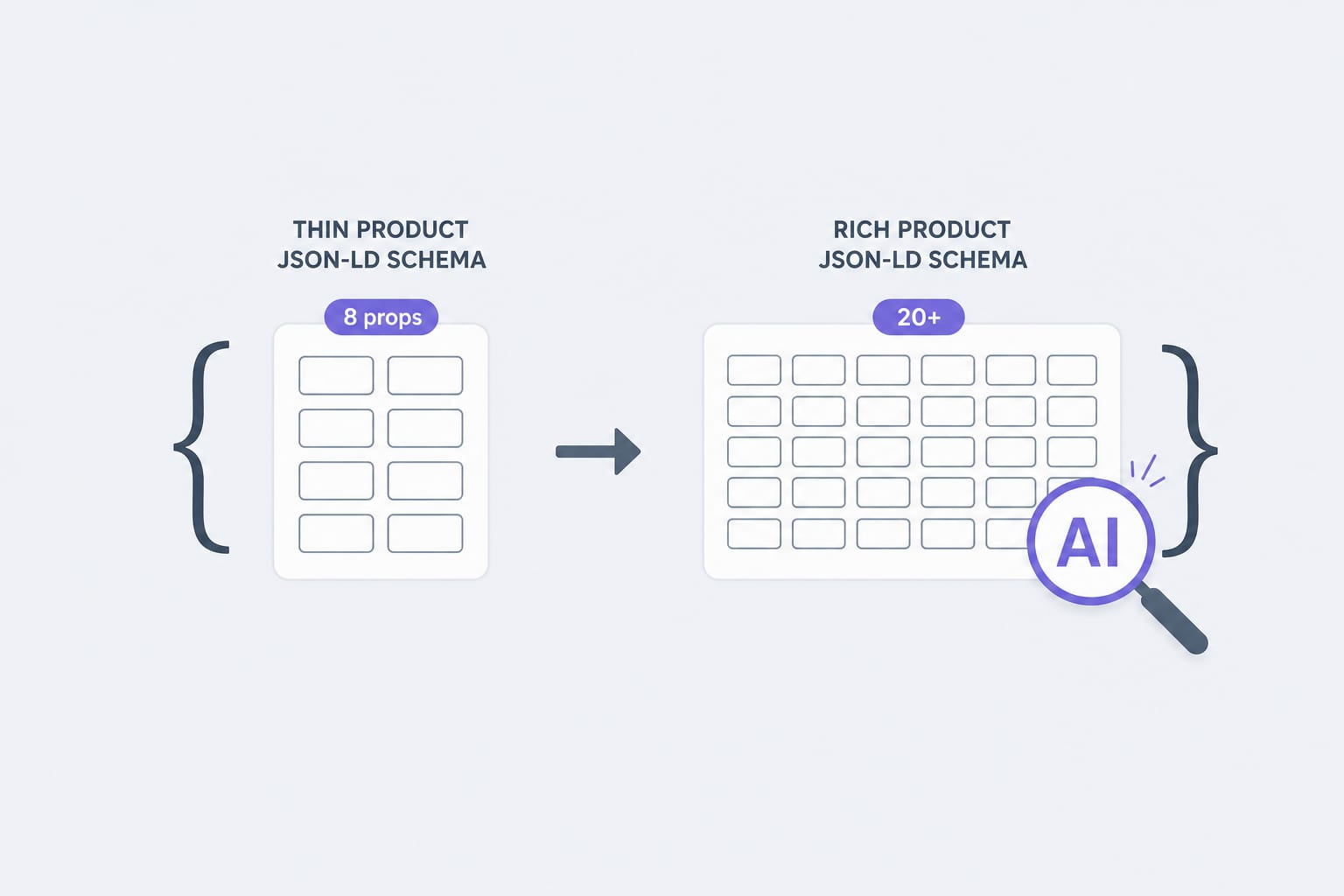
Schema Markup for Shopify in 2026: The JSON-LD Properties AI Agents Actually Read
Traditional Product schema uses 8 to 12 properties. AI agents lean on 20 or more. Here is the property list, the validation rules, and the implementation pattern we use for Shopify stores in 2026.
12 min read