The Shopify Migration SEO Checklist That Doesn't Lose You Traffic
A senior engineer's playbook for migrating to Shopify without losing rankings. Redirect mapping logic, metadata preservation, hreflang continuity, and the 30-day post-launch monitoring that catches the issues nobody warns you about.
12 min read
There are two kinds of Shopify migrations: the ones that preserve organic traffic, and the ones that quietly lose 30 to 50 percent of it in the first quarter. The difference is not the platform you came from (WooCommerce, Magento, PrestaShop, BigCommerce, custom). The difference is whether someone treated the SEO migration as an engineering problem from week one, or as a checklist nobody owned until launch day.
This is the playbook we work through on every Sentinu Shopify migration engagement. It is built around one principle: you cannot recover rankings you lose during a migration as fast as you can avoid losing them in the first place. Plan it before you write a line of Liquid.
What goes wrong on most Shopify migrations
We have audited dozens of post-migration Shopify stores that lost traffic. The failure modes cluster:
- Many-to-one redirects ("redirect all old product URLs to the new collection page") instead of one-to-one
- Metadata not migrated: titles, descriptions, alt text, structured data all reset to Shopify defaults
- Hreflang relationships broken because the new locale routing was not planned
- Internal links still pointing at old URLs, creating 30-hop redirect chains
- Robots.txt or noindex tags left enabled from the staging environment
- The old site decommissioned before Google has finished re-crawling, killing any remaining link equity
Each of these is preventable. None of them is preventable on launch day.
Phase 1: pre-migration audit (weeks minus-8 to minus-4)
Before any data exports, before any Shopify theme work, document what you have.
Crawl the existing site fully. Screaming Frog or Sitebulb against your production site. Export every URL with status code, indexability, title, meta description, H1, canonical, hreflang, and word count. This is your source of truth and you will reference it every week of the project.
Pull baseline performance data. Google Search Console: 12 months of query data, top 1,000 pages by clicks, top 1,000 queries by impressions, current Core Web Vitals. Google Analytics 4 or your analytics platform: top organic landing pages by sessions and revenue for the same 12 months. Ahrefs or Semrush: top 500 ranking keywords with current positions, backlink profile of the top 100 linked pages.
Identify your "must-not-break" pages. Sort by revenue impact, not by traffic. A page that ranks for "buy [product]" with 200 monthly visits and a $400 AOV is more important than a blog post with 5,000 monthly visits and no conversion path. Tag these in your spreadsheet. They get priority treatment in every step that follows.
Map the URL pattern transformation. Shopify has fixed URL structures: /products/handle, /collections/handle, /blogs/blog-name/article-handle, /pages/handle. Your existing site almost certainly does not match. Document the transformation rule per page type:
| Source pattern | Shopify pattern |
|---|---|
/shop/category/product-name.html (Magento) | /products/product-name |
/product-category/category/ (WooCommerce) | /collections/category |
/index.php?id_product=42 (PrestaShop) | /products/product-name |
/2024/03/article-name/ (WordPress blog) | /blogs/news/article-name |
This transformation rule becomes the input to your redirect map.
⚠️
The temptation on migrations is to "clean up" URL structure at the same time. Resist this until after the migration is stable. Every URL change you bundle into the migration is an additional redirect to monitor and an additional point of failure. Migrate first, restructure URLs in a separate project six months later if you still want to.
Phase 2: build the redirect map (weeks minus-4 to minus-2)
This is the single most important deliverable of the migration. Build it as a spreadsheet with these columns:
| Column | Purpose |
|---|---|
| Old URL | The source URL on the legacy platform |
| New URL | The exact Shopify URL after migration |
| HTTP status | Always 301 (permanent), never 302 |
| Page type | product, collection, blog, page, other |
| Priority | revenue-critical, traffic-critical, standard |
| Backlinks | Number of referring domains (from Ahrefs/Semrush) |
| Verified | Did a human check this mapping? |
Two principles drive the mapping:
One-to-one wherever the destination exists. If old /shop/red-running-shoes.html has a direct equivalent at /products/red-running-shoes, that is the redirect. Many-to-one redirects (sending all running shoe URLs to /collections/running-shoes) are SEO traffic loss; Google treats them as a soft 404 signal.
Closest semantic match for discontinued pages. When a product is permanently retired and has no direct replacement, redirect to the most specific category page. If even the category is gone, redirect to the parent category. Never redirect a content URL to the homepage; that signals to Google that the old page had no value.
For backlink-heavy pages (50+ referring domains), the mapping is worth manual review by a human. We have seen sites lose 6-figure-revenue keywords because an automated mapping sent a top-backlinked product to the wrong collection.
Implementing the redirects in Shopify
Shopify exposes redirects in Admin, Online Store, Navigation, URL Redirects. For small migrations (under 200 redirects), the manual UI is fine. For larger ones, use the CSV bulk import; Shopify accepts a two-column file (Redirect from, Redirect to). For very large migrations (5,000+ redirects), the Admin API:
// POST /admin/api/2025-01/redirects.json
{
  "redirect": {
    "path": "/shop/red-running-shoes.html",
    "target": "/products/red-running-shoes"
  }
}
Shopify caps redirects at 100,000 per store. For migrations beyond that, you need wildcard rules at the CDN or edge layer, which sits outside Shopify's redirect UI.
Phase 3: preserve everything that ranked you (weeks minus-3 to minus-1)
Beyond redirects, every piece of on-page SEO from the old site needs to land on the new one.
Titles and meta descriptions. Export them from the old site, map them to the corresponding Shopify product/collection/page, and load them via the Admin API or a metafield-based bulk import. Do not let Shopify's auto-generation fill these in. The auto-titles are formulaic and rank worse than the curated versions you spent years writing.
H1 tags and on-page copy. The product description on Shopify lives in a different template than on Magento or Woo. Make sure the actual ranked content (the body copy that earned the keyword) makes it across. Theme templates that render the description in collapsed accordions or "read more" toggles can hurt rankings if they hide content from initial render.
Image alt text. Often the easiest piece to lose because it lives in the image metadata of the source platform. Export with the products, import via the Shopify Admin API.
Structured data (JSON-LD). Product schema, breadcrumb schema, organization schema, review schema. Shopify themes (especially Dawn-based) ship with basic Product and Breadcrumb schema out of the box. Anything custom (FAQ schema, HowTo, Review aggregation from a third-party app) needs to be reimplemented on the new theme. Validate with Google's Rich Results Test before launch, not after.
Internal linking. This is the silent killer. The old site had internal links from /shop/category/x.html to /shop/category/y.html. After migration, these point at the redirect URL, creating a chain. Every internal link in product descriptions, blog posts, and theme navigation needs to be updated to the new URL during the migration, not after.
Hreflang preservation for multi-region stores
If you ran hreflang on the old site (UK, France, Canada, etc.), the new Shopify setup must preserve the exact hreflang relationships. Shopify Markets handles this for stores using subfolder routing (/en-gb/, /fr/). For stores moving from a multi-domain setup (yoursite.co.uk, yoursite.fr) to Shopify subfolders, the hreflang transformation is its own redirect map.
Validate with Screaming Frog's hreflang report or the dedicated hreflang validators. Broken hreflang is one of the slowest issues to recover from because Google can take months to re-discover the relationships.
Phase 4: staging environment hygiene (week minus-1)
The most preventable disaster on a Shopify migration is the staging site being indexed or the production site being noindexed at launch.
The pre-launch checklist:
- Staging site has
robots.txtblocking all crawlers - Staging site has password protection on top of robots.txt
- Production theme has
noindexremoved everywhere it was added during development - Production sitemap.xml is accessible and lists canonical URLs only
- Production robots.txt allows Googlebot and references the sitemap
- All canonical tags on production point at production URLs, not staging
- Google Search Console verified for the production domain
- The old site's robots.txt is NOT being prematurely blocked
We have seen migrations where the staging environment got indexed, ranked for the brand name, and split Google's understanding of which site was canonical. Recovering from that takes weeks of careful canonical and noindex work.
Phase 5: launch day execution
Launch order matters. The wrong order loses traffic for hours; the right order makes the transition near-invisible to crawlers.
- T-2 hours: final pre-launch crawl of the old site, snapshot every URL's HTTP status, title, and canonical. This is your "what we had" reference.
- T-1 hour: DNS TTL lowered to 60 seconds (do this 24 hours before so the change actually propagates).
- T-0: DNS cutover to Shopify. The new site is live.
- T+15 minutes: verify redirects work. Hit 50 random old URLs from your map; they should 301 to the new site, not 404. Hit your top 10 revenue pages specifically.
- T+1 hour: submit the new sitemap to Google Search Console. Submit a URL inspection request for the homepage and your top 5 pages.
- T+24 hours: full crawl of the new site with Screaming Frog. Compare against the pre-launch crawl. Every "must-not-break" page should resolve to its new URL with status 200.
- T+7 days: pull GSC coverage report. The old URLs should be appearing as "Page with redirect" (good). The new URLs should be appearing as "Submitted and indexed" (good). Anything in "Not indexed" needs investigation.
Do not decommission the old site for at least 90 days. Google needs that time to fully process the redirects and transfer link equity. If you point the old domain at a 404, link equity dies with it.
Phase 6: the 30-day monitoring playbook
The migration is not done when the new site is live. The migration is done when 30 days of post-launch metrics show no traffic loss versus the pre-launch baseline.
What we monitor daily for the first 30 days:
Search Console coverage. Specifically the "Crawled, not indexed" and "Page with redirect" reports. A spike in either is your early warning.
Index counts. site:yourdomain.com checks should show the new URLs being indexed and the old URLs slowly disappearing. Sudden drops in total indexed pages are a problem.
Top 50 ranking keywords. Track them daily for the first two weeks, then weekly. A migration-related drop usually shows up in days 3 to 10. If you catch it early, the fix (usually a missed redirect or a metadata gap) is cheap. If you catch it in week 6, you have lost months of ranking signal.
404 logs. Shopify exposes 404 reports in Admin, Online Store, Navigation, URL Redirects. Anything getting traffic and 404ing is a missed redirect; add it to the map immediately.
Core Web Vitals. A Shopify migration often comes with a Core Web Vitals change (positive or negative). If you traded a fast Liquid theme for a slow one, Google will notice within 60 days. We covered the audit playbook in our Shopify Core Web Vitals checklist.
Backlink behavior. The link equity transfer through 301 redirects is not instant. Watch the referring domain count on your new top pages over 90 days; it should converge toward the old site's counts as Google re-attributes.
What success looks like at 90 days
A healthy Shopify migration shows this pattern:
- Week 1 to 2: small dip in total organic sessions (typically 5 to 15 percent) as Google re-crawls
- Week 3 to 4: recovery starts. Top revenue pages return to within 5 percent of pre-launch traffic
- Week 6 to 8: full traffic recovery. Some keyword positions may have moved a position or two; some may have improved (new platform performance and structured data)
- Week 12: stable state. Performance improvements from Shopify (faster CDN, modern Core Web Vitals scores) typically deliver a small net gain over the old platform
We measure success not as "no dip" but as "full recovery within 8 weeks with no permanent ranking loss on must-not-break pages."
FAQ
How long does a Shopify migration take end to end?
For a store under 5,000 products, plan 8 to 12 weeks from kickoff to launch, plus a 30-day stabilization period. Larger stores (50,000+ SKUs, complex B2B logic, multi-region with hreflang) routinely take 4 to 6 months. The variable is not the data volume; it is the number of custom integrations and the complexity of the redirect mapping.
Can I do a Shopify migration without losing any traffic?
In our experience, a well-executed migration sees a 5 to 15 percent temporary dip during week 1 to 2, with full recovery by week 6 to 8. "Zero dip" is rare and usually depends on the old platform being faster to crawl than expected. Plan for a temporary dip; aim for a permanent recovery.
What is the biggest mistake on Shopify migrations?
Treating redirects as an afterthought, generated automatically by a migration tool, and never reviewed by a human. The migration tools produce mostly-correct mappings, but the 5 percent they get wrong is often your top revenue pages. Manual review of the top 200 redirected URLs is non-negotiable for any serious migration.
Should I migrate the blog content or leave it on the old domain?
Migrate it. Leaving content on a separate domain or subdomain after a platform migration creates duplicate-content risk and dilutes the new domain's authority. Shopify blogs are not as flexible as a dedicated CMS, but for SEO purposes, consolidating beats fragmenting.
What happens to my customer accounts during the migration?
Customer email addresses, order history, and basic profile data can transfer. Customer passwords cannot transfer because they are one-way hashed on the source platform. Shopify will email a password reset to every customer on first login; communicate this in advance to reduce support volume.
How do I handle products that are no longer available?
The wrong answer is to delete them and return 404. The right answer depends on the business case: redirect to a relevant alternative product, redirect to the parent collection, or keep the page live with an out-of-stock indicator and SEO content intact. Deleting pages with backlinks throws away earned ranking signal.
Do I need a separate SEO consultant for the migration?
If your in-house team has migrated a site of comparable complexity before, no. If they have not, the cost of an experienced consultant for the duration of the migration is typically 5 to 10 percent of the project budget and prevents the 30-percent-traffic-loss outcome that pays for the consultant 20 times over.
Where to take this next
If you are scoping a Shopify migration and the SEO risk is the part keeping you up at night, that is exactly the risk our Shopify migration practice is built around. We handle the redirect mapping, the metadata migration, the hreflang continuity, and the 30-day monitoring so you do not discover a traffic-loss pattern three months after launch when it is too late to fix cheaply. If your migration also touches platform architecture decisions (headless vs themed, Hydrogen vs Next.js), our Hydrogen vs Next.js post is the companion read.
Related posts
View all articles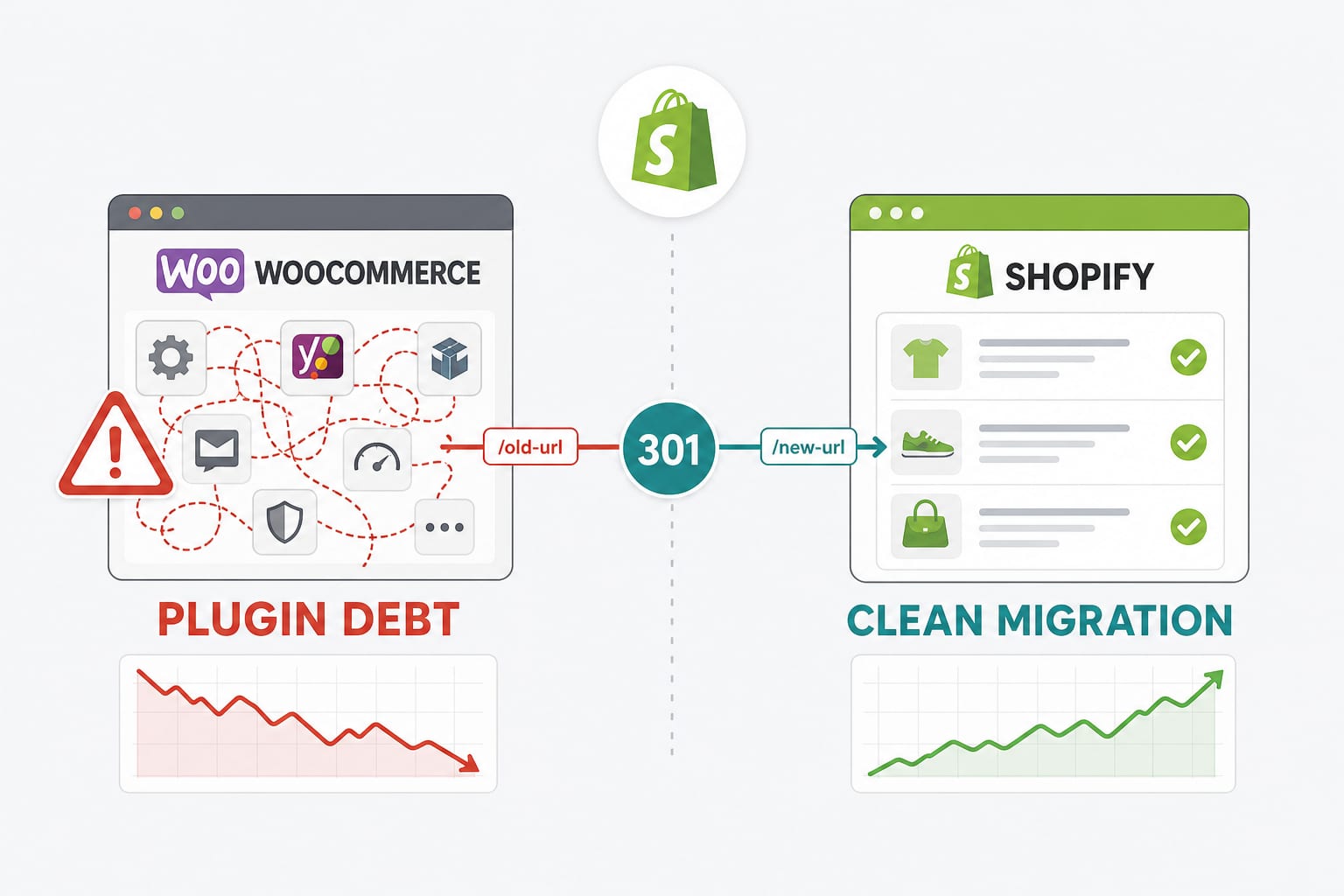
Shopify DevelopmentMay 4, 2026
WooCommerce to Shopify Migration Guide: The Engineering Playbook That Keeps Your Traffic, Data, and Sanity Intact
Most WooCommerce to Shopify migration guides stop at 'use Matrixify.' This one covers the SEO mapping, the variant-limit trap, the customer password problem, the EU data-residency angle, and the failure modes that destroy traffic in week two.
20 min read
Shopify DevelopmentJun 10, 2026
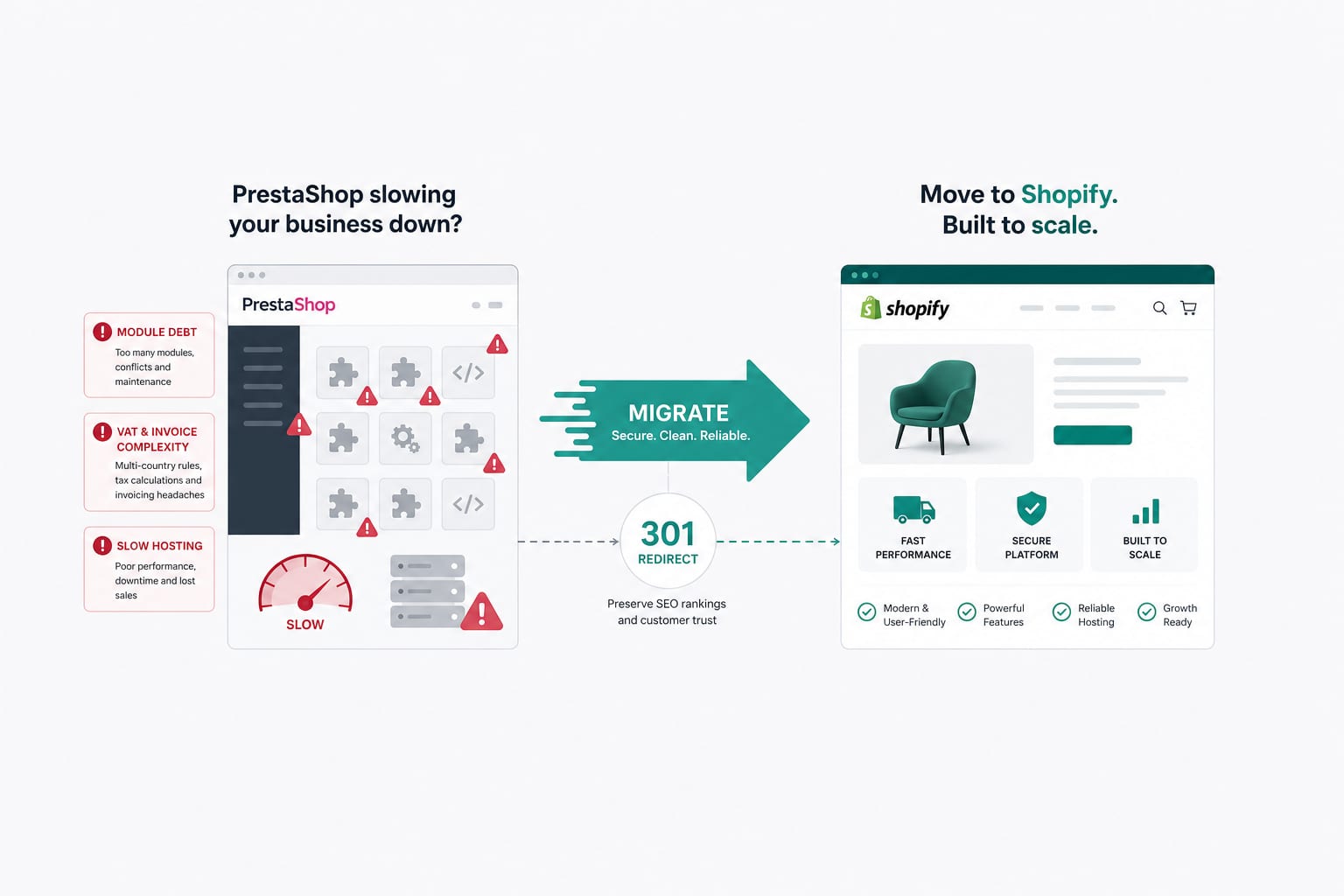
PrestaShop to Shopify Migration in 2026: The French Market Playbook
PrestaShop migrations are not WooCommerce migrations with a different label. The data model, the module ecosystem, the VAT and invoice logic, and the French legal expectations all differ. Here is the playbook we run for French and EU merchants moving from PrestaShop to Shopify.
17 min read
Technical SEOApr 14, 2026
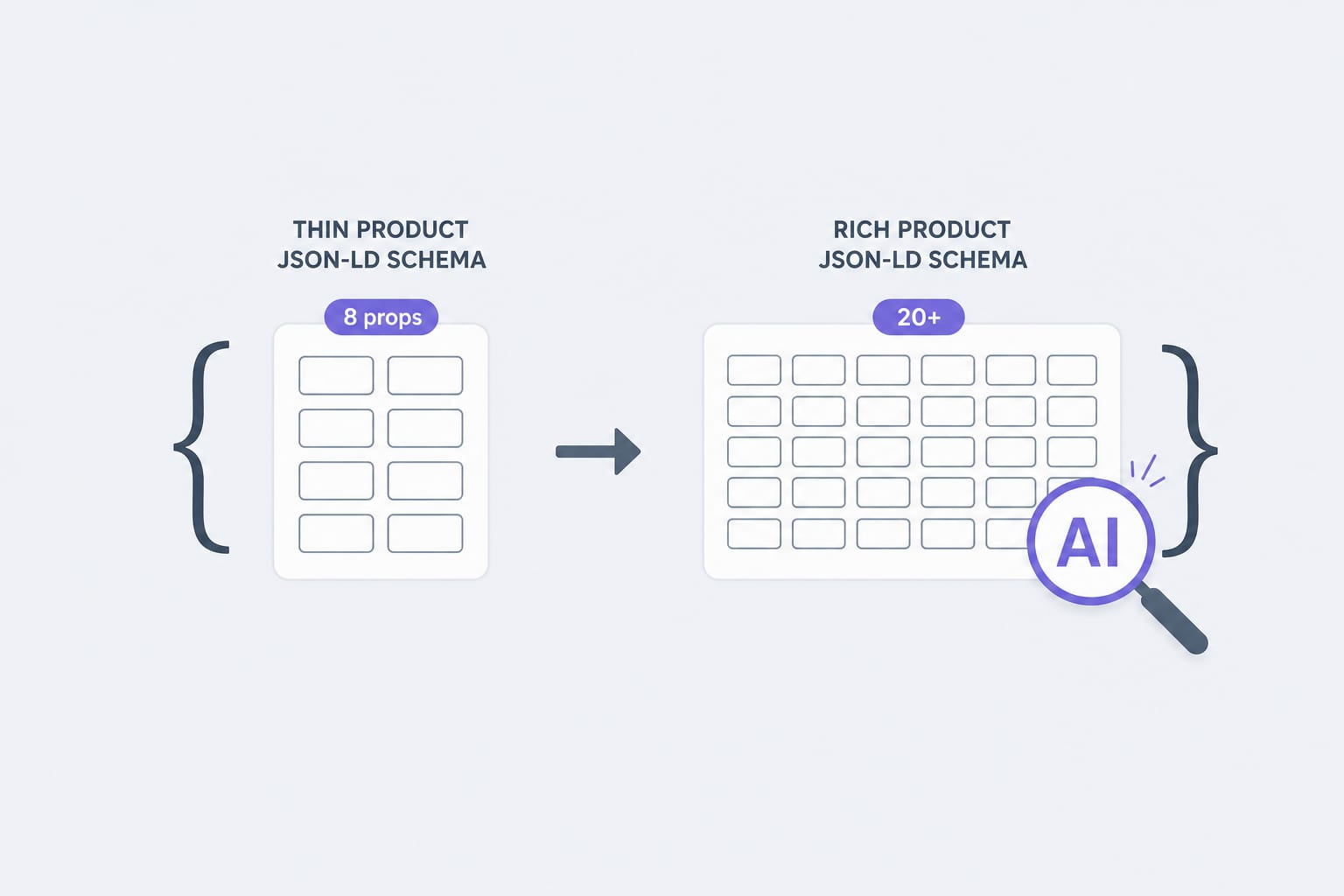
Schema Markup for Shopify in 2026: The JSON-LD Properties AI Agents Actually Read
Traditional Product schema uses 8 to 12 properties. AI agents lean on 20 or more. Here is the property list, the validation rules, and the implementation pattern we use for Shopify stores in 2026.
12 min read