A GDPR-Compliant n8n Workflow for B2B Lead Routing: From Web Form to CRM in 60 Seconds
Most B2B lead routing is a leaky relay of manual steps. Here is a self-hosted n8n workflow that takes a form submission to the right salesperson's CRM in under a minute, with GDPR built in rather than bolted on.
12 min read
Most B2B lead routing is a relay of manual steps held together by good intentions. A form gets submitted. It lands in an inbox, or a spreadsheet, or a notification nobody reads on a busy day. Someone eventually copies it into the CRM. Someone else decides who owns it. By the time a salesperson actually sees the lead, it is hours or days old, and a meaningful share of B2B conversion depends on speed of first contact.
The other problem is that this manual relay is quietly a GDPR liability. Personal data is sitting in inboxes and spreadsheets with no defined retention, no record of consent, no clean trail of where it went. Most teams do not think of their lead process as a data-processing activity, but that is exactly what it is.
This post is a self-hosted n8n workflow that fixes both problems at once. It takes a B2B lead from web form submission to the right salesperson's CRM in under 60 seconds, and it has GDPR considerations built into the design rather than bolted on after. It is written for B2B and SaaS teams whose lead routing is currently a leaky manual process, and it pairs with our earlier n8n case study on replacing app bloat, this time the lens is lead operations rather than ecommerce.
Why n8n for this
We have written before about when n8n is the right tool and when it is not. Lead routing sits squarely in the "right tool" category, for three reasons.
It is event-driven and tolerant of second-level latency. A lead does not need to be routed in 50 milliseconds; it needs to be routed in under a minute, reliably. That is exactly n8n's comfort zone.
It involves personal data, and self-hosted n8n lets you control where that data lives. For an EU business, being able to host the workflow in an EU region, control the execution-data retention, and keep the personal data out of a third-party automation vendor's infrastructure is not a nice-to-have. It is the difference between a compliant process and a documented risk.
And the economics favor it. A Zapier or Make equivalent of this workflow, running at real B2B lead volume, accrues task or operation costs every month. Self-hosted n8n runs on a small VPS for a low flat cost. For a workflow that fires on every lead, that gap compounds. This is the core of the Zapier-to-n8n migration case for teams past a certain volume.
The workflow at a glance
The whole thing is one n8n workflow with a clear linear spine and two branches. Here is the shape before we walk each node.
Trigger to CRM record runs in well under a minute. The salesperson gets a notification with the lead and the context they need to act, not a raw form dump.
Node by node
1. Webhook: form submission
The workflow starts with an n8n Webhook node that your web form posts to directly. Not an email parser, not a polling step that checks a spreadsheet every five minutes. A direct POST from the form to the webhook is what makes the sub-60-second timing possible.
The form sends a clean JSON payload:
{
  "name": "...",
  "work_email": "...",
  "company": "...",
  "message": "...",
  "consent_marketing": true,
  "consent_timestamp": "2026-05-30T09:14:22Z",
  "source_page": "/services/workflow-automation-services",
  "utm": { "source": "...", "campaign": "..." }
}
Two fields there matter for GDPR and most forms omit them: an explicit consent_marketing boolean and a consent_timestamp. If your form does not capture consent state at submission, that is the first fix, before any automation. You cannot document consent you never recorded.
2. Validate and normalize
A Function or Set node that does unglamorous but essential work: trim whitespace, lowercase the email, validate the email is well-formed, reject obvious spam (empty company, disposable email domains, honeypot field filled), and normalize the company name. A malformed lead that flows through to the CRM is a data-quality problem you will pay for later. Catch it here.
// n8n Function node: validate and normalize
const item = $input.item.json;

const email = (item.work_email || "").trim().toLowerCase();
const emailValid = /^[^@\s]+@[^@\s]+\.[^@\s]+$/.test(email);
const isSpam =
  !item.company ||
  item.honeypot ||
  DISPOSABLE_DOMAINS.includes(email.split("@")[1]);

if (!emailValid || isSpam) {
  return { json: { ...item, status: "rejected", reason: "validation" } };
}

return {
  json: {
    ...item,
    work_email: email,
    company: (item.company || "").trim(),
    status: "valid"
  }
};
3. Consent check
This is the node that makes the workflow GDPR-aware by design. Before any personal data is written to the CRM or sent anywhere, the workflow checks the consent state that came in with the submission.
The branching logic is deliberate. If marketing consent is present, the lead proceeds through the full routing path. If it is not, the lead does not simply get discarded silently, and it does not get written into the marketing CRM as if consent existed. Depending on your legal basis and process, a no-consent B2B inquiry may still be handled as a legitimate-interest business contact, but it should be handled on a different path, with different retention and no marketing treatment. The point is that the workflow makes the consent state an explicit fork, not an afterthought.
This is exactly the kind of design decision that is cheap to make upfront in the workflow and expensive to retrofit after a regulator, a customer's procurement team, or your own DPO asks how consent flows through your lead process.
🔒
We are a technical agency, not a law firm. The right consent logic and legal basis for your specific situation is a question for your DPO or a lawyer. What we can say with confidence is the engineering point: the workflow should make consent state an explicit, logged branch, so that whatever your legal position is, it is enforced consistently and provably on every single lead.
4. Enrich
For leads that clear the consent check, an enrichment step adds the context a salesperson needs to prioritize. Company size band, region, industry segment, and which of your service areas the source page maps to. This can come from an enrichment API, from a lookup against your own data, or from simple rules on the email domain and form fields.
The point of enrichment is that it turns a bare form submission into a routable, prioritizable lead. "Someone from a 500-person company in France who landed on the workflow automation page" is something you can route well. "Someone submitted a form" is not.
Keep the enrichment proportionate. Pulling in only what you need to route and prioritize is both better practice and better data hygiene than hoovering up every available data point about a person because an API offers it.
5. Score and assign owner
A Function node applies your routing rules. This is where the business logic lives, and it is intentionally just code, because routing rules are exactly the kind of thing that changes and benefits from being readable and version-controlled.
// n8n Function node: score and assign
const lead = $input.item.json;
let score = 0;

if (lead.company_size_band === "enterprise") score += 30;
if (lead.company_size_band === "mid_market") score += 20;
if (lead.region === "FR") score += 10;
if (lead.segment === "saas") score += 15;
if (lead.message && lead.message.length > 120) score += 10; // wrote real detail

// owner assignment by segment and region
let owner = null;
if (lead.segment === "saas" && lead.region === "FR") owner = "alice";
else if (lead.company_size_band === "enterprise") owner = "ben";
else if (score >= 40) owner = "round_robin"; // resolved downstream

return { json: { ...lead, score, owner, routable: owner !== null } };
The scoring does not need to be sophisticated to be useful. It needs to be consistent, readable, and easy to change when the sales team's territories or priorities shift. A Function node in a version-controlled workflow is a far better home for this than rules buried in a SaaS tool's UI.
6. Branch and write to CRM
A routable lead, one that scored and resolved to an owner, gets created as a CRM record assigned to that owner, the owner gets a notification with the lead and its enrichment context, and the event is written to an audit log.
A non-routable lead, one that did not resolve to an owner, still gets created as a CRM record, but unassigned, and the operations or sales-lead person gets notified to triage it manually. The important design choice: a lead that does not fit the rules is never dropped. It goes to a human. Silent loss of leads is the failure mode that erodes trust in any routing automation.
7. Log to audit
Every lead, routable or not, consented or not, ends with a write to an audit log: what came in, what consent state it had, what the workflow decided, where it went, and when. This log is what lets you answer, months later, "what happened to this person's data" without reconstructing it from memory. It is also what turns "we have a lead process" into "we have a documented, demonstrable lead process," which is the difference that matters when anyone asks.
The GDPR design principles, gathered
The GDPR thinking is spread through the workflow above rather than sitting in one section, deliberately, because that is how it should be built. Pulled together, the principles are:
- Capture consent state at the source. The form records an explicit consent boolean and timestamp. You cannot document or enforce consent you never captured.
- Make consent an explicit branch. The workflow forks on consent state before any personal data is written or sent, so your legal position is enforced consistently on every lead, not applied ad hoc.
- Self-host in your region. Running n8n on your own EU-region infrastructure keeps the personal data out of a third-party automation vendor's systems and under your control.
- Set retention on execution data. n8n stores execution data by default; configure retention so personal data in workflow runs does not accumulate indefinitely.
- Enrich proportionately. Pull only the data you need to route and prioritize, not everything an enrichment API will sell you.
- Log the trail. The audit log lets you answer where a person's data went and why, which is the practical core of accountability.
- Never silently drop a lead. Non-routable and no-consent leads go to a defined path with a human, not into a void.
None of this is a separate compliance project bolted onto the workflow. It is design decisions made while building it, each of which is cheap upfront and expensive to retrofit.
What this replaces, and what it costs
For a typical B2B or SaaS team, this one workflow replaces a scatter of manual steps and partial tools: the inbox-watching, the manual CRM data entry, the ad hoc "who should take this" decisions in a chat channel, and often a paid lead-routing feature or a stack of Zapier tasks doing fragments of the job.
The cost shape: a small VPS to host n8n at a low flat monthly cost, plus whatever enrichment API you choose (or zero if you enrich from your own data and rules). Against a Zapier or Make build doing the same work at real lead volume, where task or operation pricing accrues every month, the self-hosted n8n version wins on cost as soon as volume is non-trivial, and the gap widens as you grow. That is the same economics we walked through in the app-bloat case study, applied to lead operations.
The implementation is not a large project. A workflow of this shape is typically a few days to build, test, and wire to your form and CRM, plus a short pass to get the consent capture right on the form itself if it is not already there.
⚙
The one prerequisite that is not optional: your web form must capture consent state and timestamp at submission. If it does not, fixing the form is step one, before the workflow. Everything downstream depends on that data existing.
FAQ
Is self-hosted n8n actually GDPR-compliant?
n8n is a tool; compliance is a property of how you deploy and use it. Self-hosting gives you the control you need, choosing the hosting region, setting execution-data retention, keeping personal data out of a third-party vendor's infrastructure, but you still have to configure those things and document your process. The workflow design in this post is built to make that straightforward. The legal sign-off is a question for your DPO or lawyer.
What happens to a lead if the n8n server is briefly down?
For a webhook-triggered workflow, the resilience depends on your form's posting behavior. A robust setup has the form retry the webhook, or queues submissions, so a short outage does not lose leads. We add failure alerting on the workflow and server health so the team knows immediately rather than discovering gaps later. For a process handling leads, this monitoring is not optional.
Can I use this with my existing CRM?
Yes. n8n has nodes for the major CRMs and can talk to any CRM with an API through its HTTP node. The workflow spine, validate, consent check, enrich, score, route, log, is CRM-agnostic; only the "create CRM record" node changes per CRM.
How is this different from my CRM's built-in lead routing?
Built-in CRM routing usually starts after the lead is already in the CRM, and it rarely handles the consent fork, the enrichment, or the pre-CRM validation. This workflow does the work between the form and the CRM, which is exactly where the leaks and the GDPR exposure are. It can complement your CRM's internal routing rather than replace them.
Could I do this in Zapier or Make instead?
You could build a similar flow in either. The reasons to prefer self-hosted n8n here are data control (keeping personal data off a third-party vendor and in your own region) and cost at volume (flat hosting cost versus per-task or per-operation pricing that accrues on every lead). For a low-volume team, a managed tool may be simpler; past a certain volume, n8n wins on both counts.
Do I need a developer to build and maintain this?
To build it well and wire it to your form and CRM, yes, someone comfortable with n8n, webhooks, and a bit of JavaScript in Function nodes. Once built, routing-rule changes are readable edits to a Function node. We recommend keeping the workflow exported to version control so changes are reviewable, the same practice we described in the app-bloat case study.
Where to go from here
If your B2B lead routing is currently a manual relay, and especially if you have never mapped how consent and personal data flow through it, this workflow is a contained, high-leverage fix. It is a few days of work and it closes both the speed problem and a quiet compliance gap at the same time.
If you want us to build it, get in touch. We scope the workflow against your actual form, CRM, and routing rules, get the consent capture right on the form, and deliver the workflow exported to version control with failure alerting in place. You can read more about our workflow automation service, and if the build needs to connect to systems without clean APIs, our API and system integration service covers that.
For related reading: n8n vs Zapier vs Make for the platform decision, self-hosting n8n on AWS for the EU-region hosting setup, and our 14-app n8n case study for the same economics applied to ecommerce app bloat.
Related posts
View all articles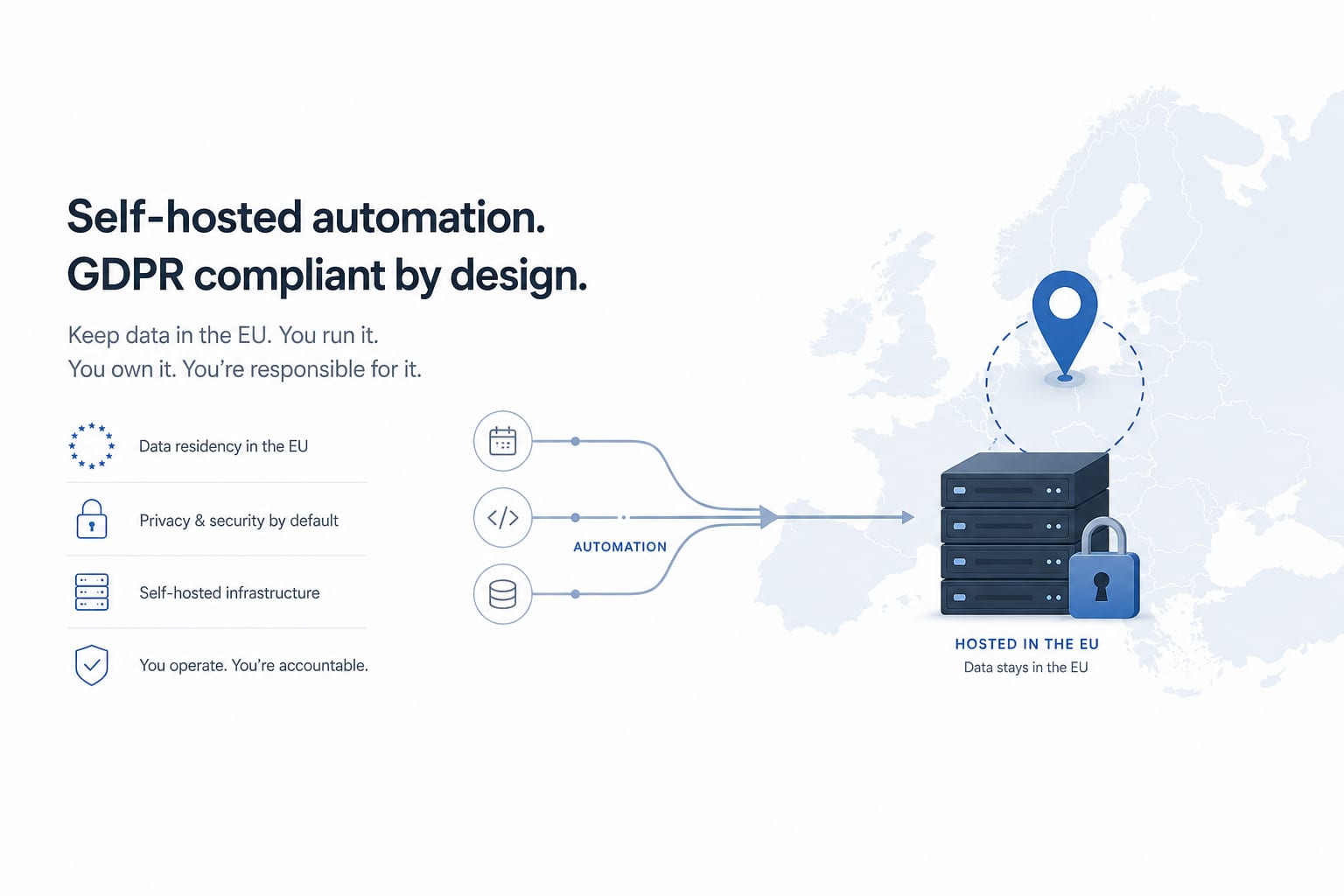
Workflow AutomationJan 23, 2026
How to Self-Host n8n on AWS for GDPR-Compliant Workflow Automation
A production-grade guide to deploying n8n on AWS EC2 with PostgreSQL, SSL, automated backups and GDPR data residency. The actual setup we use for European clients, not a hello-world tutorial.
11 min read
Workflow AutomationJan 20, 2026
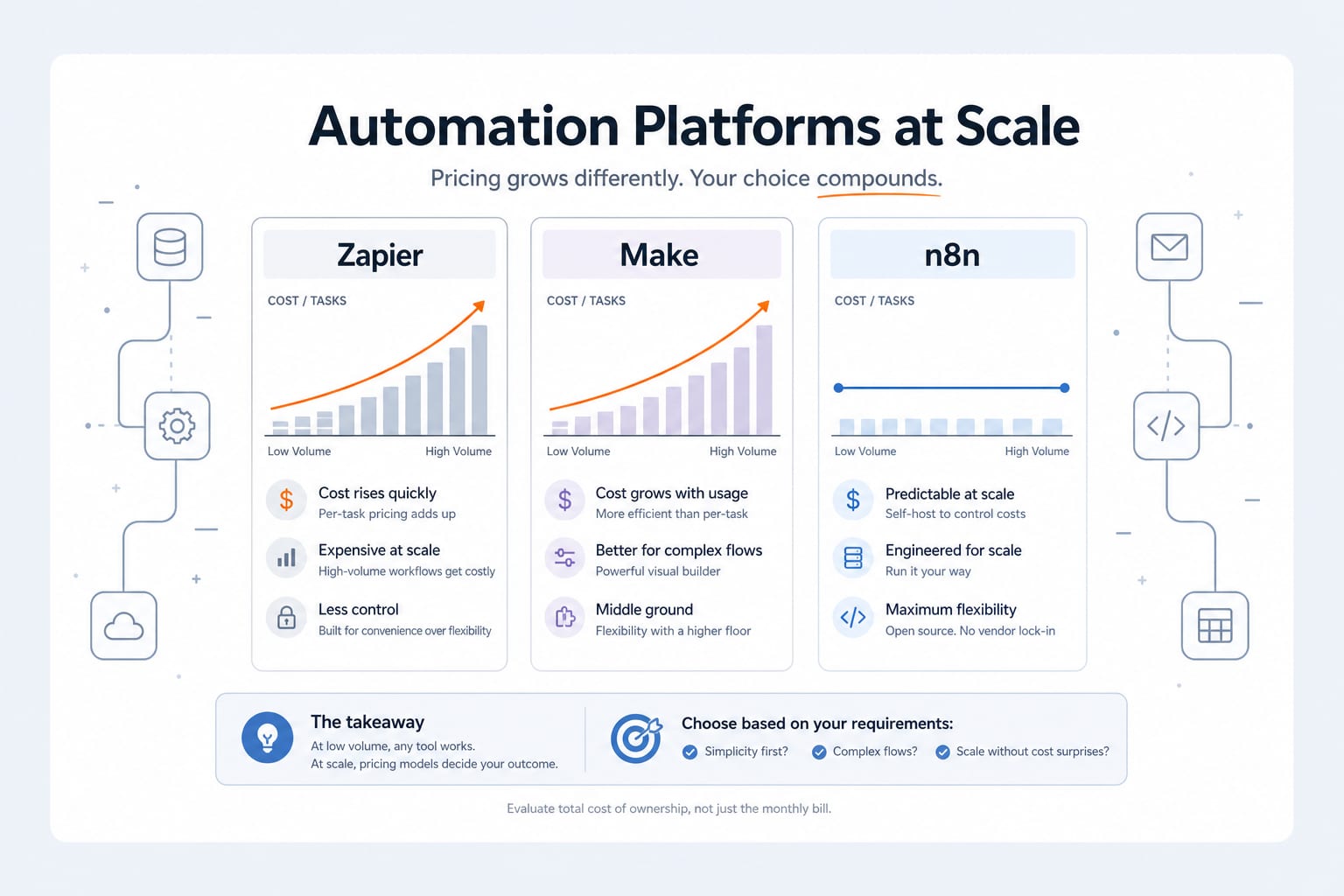
n8n vs Zapier vs Make: An Engineer's 2026 Comparison (And Why We Self-Host n8n)
An honest 2026 comparison of n8n, Zapier and Make. Pricing math at scale, integration depth, AI agent capabilities, data sovereignty, and the decision framework we use when scoping an automation project.
11 min read
Workflow AutomationSep 29, 2026
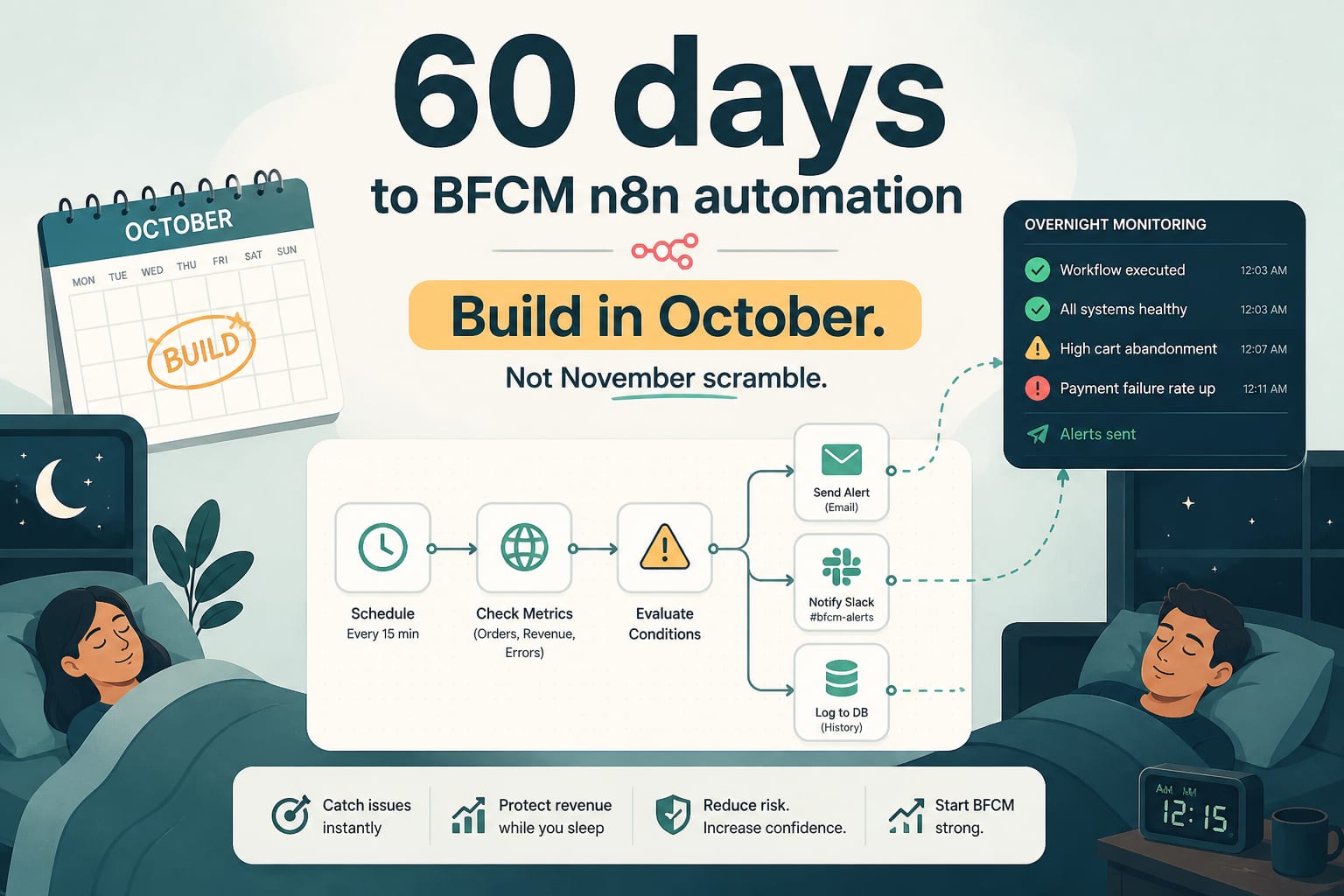
60 Days to BFCM: The n8n Workflows to Build in October, Not November
Peak season monitoring is not a dashboard, it is a set of workflows that notice things while you sleep. Five automations to build before the freeze, with the logic and the thresholds.
7 min read