The Other Checkout Deadline Just Passed: What Broke on Non-Plus Stores on 26 August
The checkout.liquid thank you and order status migration deadline landed on 26 August for non-Plus stores. If your conversion pixels, post-purchase upsells or affiliate tracking still lived there, they stopped working. Here is how to find out.
7 min read
Two months ago we wrote about the Shopify Scripts sunset and the particular kind of outage it produced: nothing crashes, no alert fires, and the damage only surfaces when someone reconciles a number weeks later. On 26 August the same shape of failure arrived for a different group of merchants.
That was the deadline for non-Plus stores to complete the migration off checkout.liquid for the thank you and order status pages. Plus stores hit their equivalent deadline back in August 2025. The main checkout steps moved in 2024. This was the last piece, and it affects the merchants least likely to have a developer watching the changelog.
What actually lived on those pages
The thank you page was, for years, the convenient place to put anything that needed to fire on a completed order. That convenience is exactly why so much accumulated there.
| What was there | Symptom now | How you notice |
|---|---|---|
| Conversion pixels for ad platforms | Purchases stop reporting | Ad platform conversion counts drop while orders hold steady |
| Affiliate and referral tracking scripts | Partner commissions stop attributing | Affiliate partners complain, or worse, do not |
| Post-purchase upsell widgets | Upsell revenue goes to zero | A revenue line quietly disappears |
| Custom order status messaging | Customers see the default page | Support tickets asking where their tracking is |
| Survey and attribution widgets | Post-purchase survey responses stop | Nobody notices for a quarter |
| Loyalty enrolment prompts | New signups fall | Programme growth flatlines |
⚠️
The ad platform pixels are the expensive one. If your purchase conversions stopped reporting on 26 August, your campaign optimisation has been running on incomplete data ever since, and the bidding algorithms have been learning from it. That compounds daily.
The five minute check
Before any migration work, establish whether you are actually affected. Three checks, in order.
- Compare platform-reported conversions against real orders. Pull purchase conversions from each ad platform for 12 to 25 August, then for 27 August to now. Compare both against orders in your Shopify admin for the same windows. If platform conversions dropped while orders did not, your pixel was on the thank you page.
- Place a test order. The fastest diagnostic available. Complete a real order on your own store and watch the network requests on the thank you page. Whatever used to fire and does not is your list.
- Check your theme files for orphaned code. Search the theme for anything referencing order status, checkout, or the order object outside of normal templates. Old snippets often survive after the page that called them is gone.
A quick reconciliation query against orders, so you have the denominator that the platform numbers should be compared to:
// Orders per day across the 26 August boundary.
// Compare this against ad platform purchase conversions for the same days.
const query = `
  query DailyOrders($cursor: String, $search: String!) {
    orders(first: 250, after: $cursor, query: $search) {
      pageInfo { hasNextPage endCursor }
      edges {
        node {
          createdAt
          totalPriceSet { shopMoney { amount } }
        }
      }
    }
  }
`;

function bucketByDay(orders) {
  const days = new Map();

  for (const order of orders) {
    const day = order.createdAt.slice(0, 10);
    const current = days.get(day) || { count: 0, revenue: 0 };
    current.count += 1;
    current.revenue += Number(order.totalPriceSet.shopMoney.amount);
    days.set(day, current);
  }

  return Object.fromEntries([...days].sort());
}
If your own order count is flat across 26 August and the platform's conversion count is not, you have your answer and you do not need to keep looking.
Where each thing goes now
The replacement model is not a single mechanism. Different responsibilities moved to different places, and putting something in the wrong one is how migrations get done twice.
- Tracking and analytics go to Web Pixels. Shopify's pixel framework runs your tracking code in a sandboxed environment with a defined event schema. This covers conversion pixels, analytics events and most attribution scripts.
- Interface elements go to checkout UI extensions. Anything the customer needs to see or interact with on the thank you or order status page, such as surveys, loyalty prompts, delivery information or custom messaging.
- Post-purchase offers go to post-purchase extensions, which are a distinct extension type with their own placement in the flow.
- Server-side logic goes to webhooks. If code on the thank you page was calling your own systems to record something, that belongs on an order creation webhook, not in the browser. It was always more reliable there.
🧱
The sandbox is the part that catches teams out. Web Pixels do not have arbitrary access to the page, and a script that expected to read the DOM or a global variable will not work as written. Most vendor pixels have a supported pixel version now. Custom scripts usually need rewriting against the event schema rather than porting.
Rebuild the tracking properly, not identically
There is a temptation to reproduce exactly what existed. Resist it, for one reason: browser-based purchase tracking was already lossy before this deadline, and rebuilding it in the browser preserves the loss.
Consent tooling, extensions and browser restrictions remove a meaningful and non-random share of client-side purchase events. Since you are rebuilding anyway, this is the cheapest moment you will ever have to move purchase reporting server side, where the event is constructed from the order your backend actually created rather than from a page the customer may never have fully loaded. We set out the implementation in our server-side tracking guide.
Do this and the migration produces better data than you had in July, rather than merely restoring parity.
Then write down what you did
Two silent deprecations in two months should settle an argument that comes up in most engineering reviews. The stores that handled the Scripts sunset and this deadline without incident were not the ones with better developers. They were the ones that could answer the question of what code runs where.
There is one more deadline visible from here. Checkout and customer account extensions have a migration requirement landing on 1 October, which we will cover next week. If you are doing extension work this month anyway, doing both at once is considerably cheaper than doing them four weeks apart.
🔧
We run checkout migration audits covering pixel coverage, extension rebuild and server-side purchase reporting, scoped to finish well before peak season. See our Shopify app development service or get in touch.
Frequently asked questions
Does this affect Shopify Plus stores?
No. Plus stores had their thank you and order status deadline in August 2025. This one applied to non-Plus merchants, which is why it received far less attention.
My orders still complete normally. Am I affected?
Possibly. Order completion was never at risk. What broke is everything that was attached to the completion page, so check ad platform conversion reporting and any post-purchase revenue line rather than the order flow itself.
Can I get the lost tracking data back?
No. Events that never fired cannot be recovered. You can, however, reconcile actual orders against platform-reported conversions for the gap period so your reporting is honest about the hole.
Do I need an app to replace this?
Not usually. Most tracking moves to Web Pixels, which are configured rather than built. Custom interface elements need an extension, which is development work but small.
How long does the migration take?
For a store with standard vendor pixels, a day or two. For a store with custom scripts, post-purchase upsells and affiliate integrations, budget one to two weeks including testing.
Related Topics
Related posts
View all articles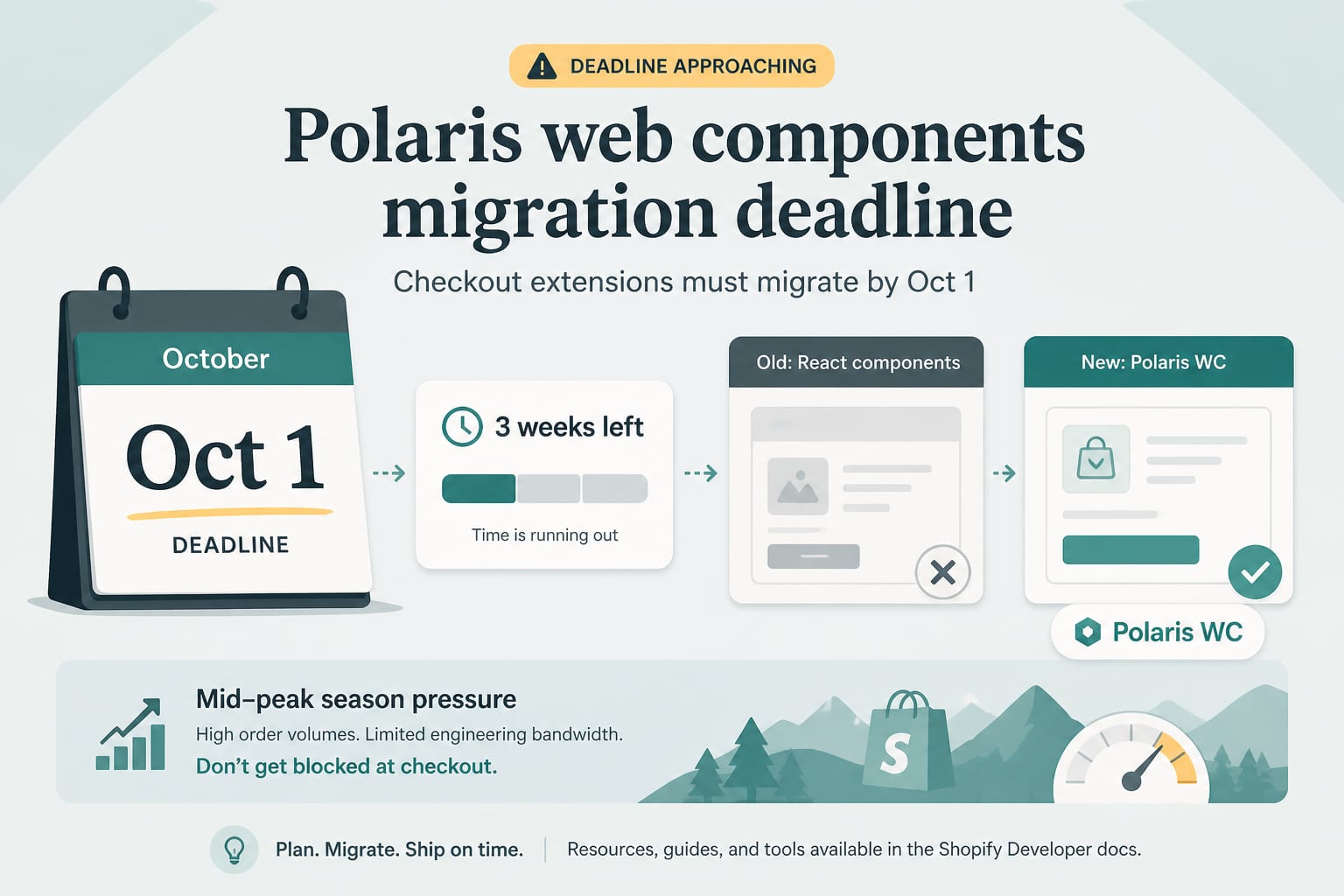
Shopify DevelopmentSep 8, 2026
1 October Is Real: The Polaris Web Components Deadline for Checkout Extensions
From 1 October, Shopify blocks updates to any app that still has a checkout or customer account extension on API version 2025-07 or earlier. Three weeks of runway, a mid-peak-season deadline, and a migration most teams have not started.
8 min read
Shopify DevelopmentJul 7, 2026
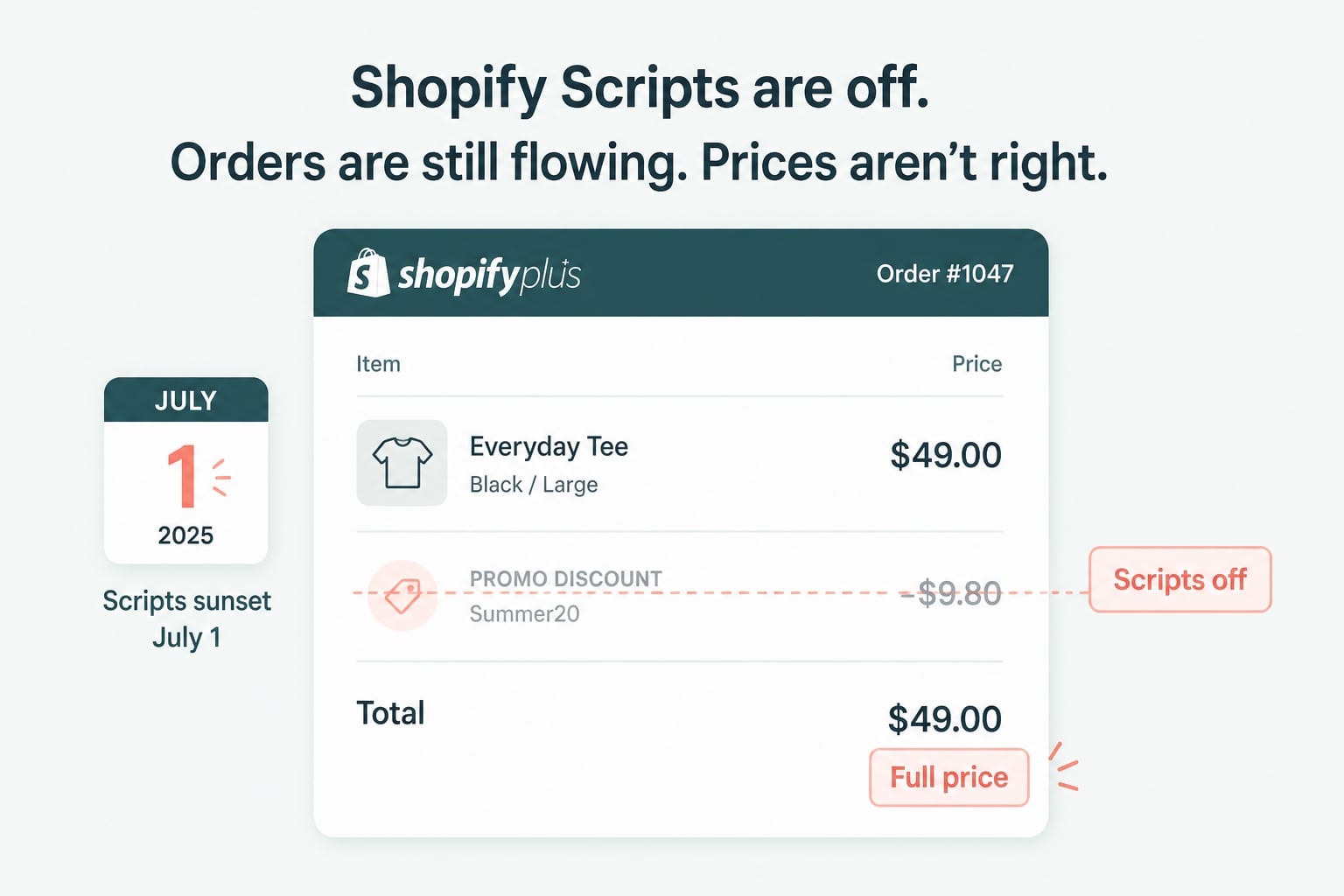
Shopify Scripts Went Dark on July 1: The Post-Sunset Audit
Legacy Scripts stopped executing on June 30. Here is how to find the discount, shipping and payment logic that quietly disappeared from your store, and what to rebuild first.
7 min read
Shopify DevelopmentJul 14, 2026
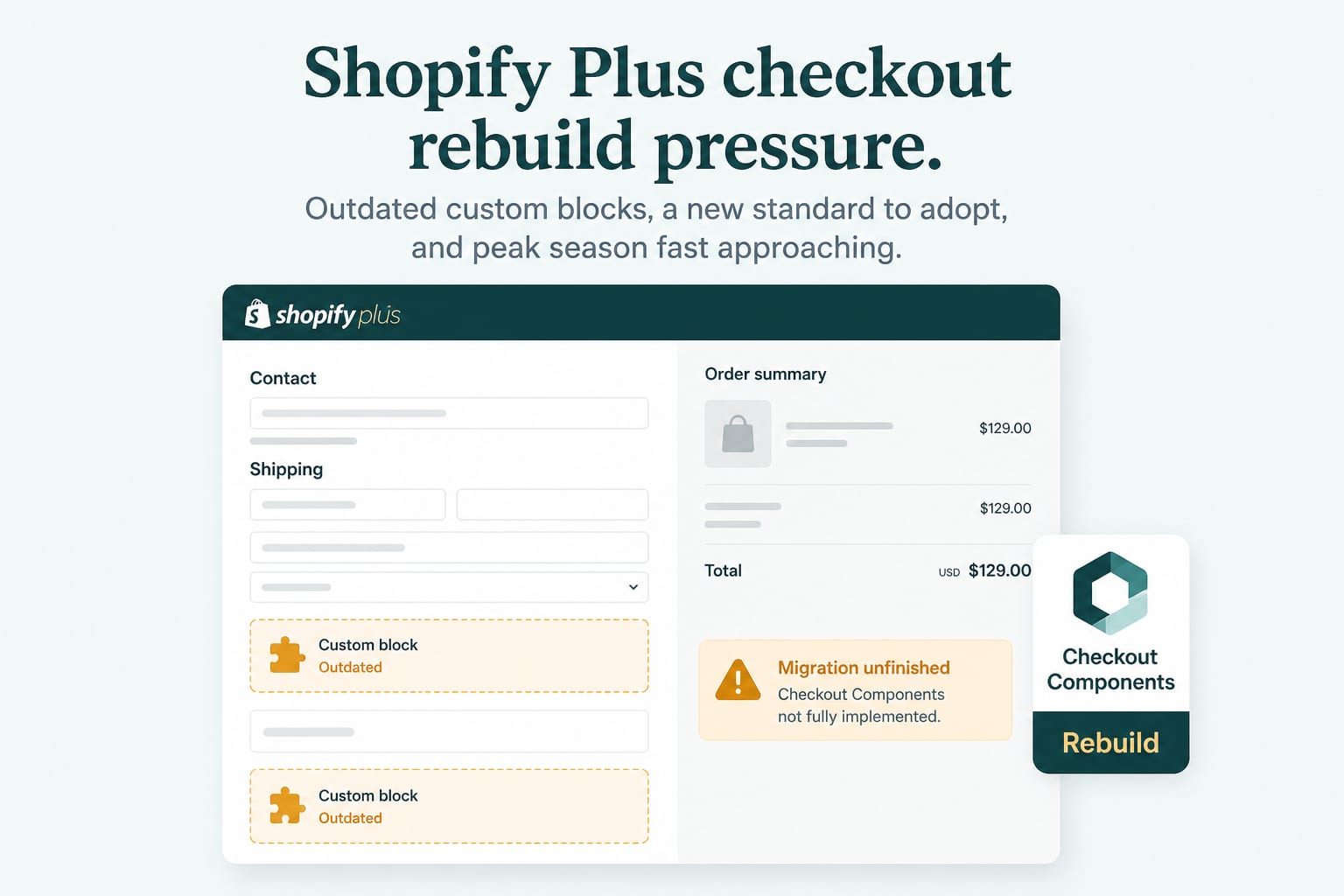
Checkout Components Reached GA on Plus: How to Plan the Rebuild
Summer '26 Editions made Checkout Components generally available for Shopify Plus. Here is what changes architecturally, what it costs to adopt, and how to sequence a migration that does not put peak season at risk.
7 min read